
Appointments Booking Templates
Get a hold of flexible and user-friendly DocHub editing tools at any time. Adjust, complete, and safely preserve Appointments Booking Templates all in one place.

Create a new Appointments Booking Template
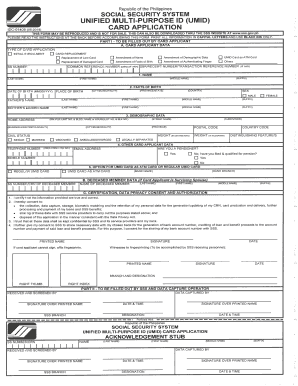
Umid id online registration 2022
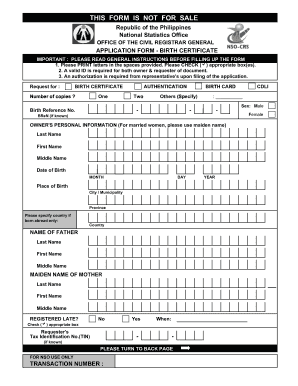
Psa appointment form
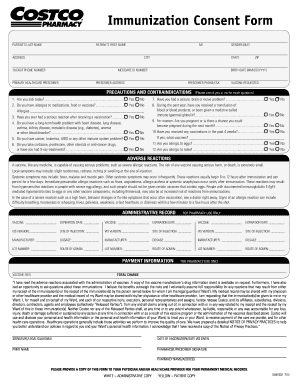
Costco flu shot

Appointment slip fillable form
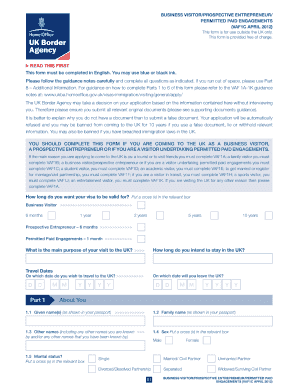
Uk visa application form online
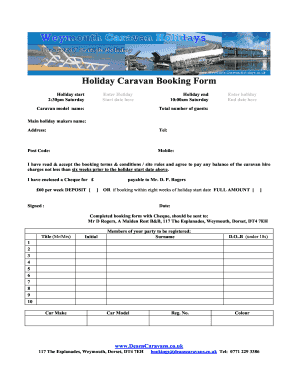
Caravan booking form template
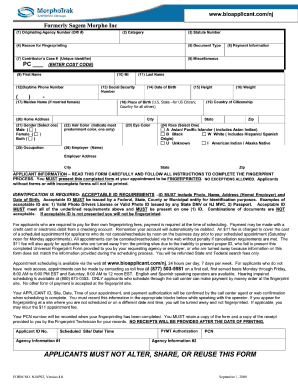
How to form sagem morpho

Fiji application passport
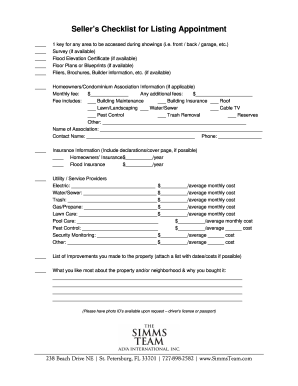
Listing appointment checklist pdf
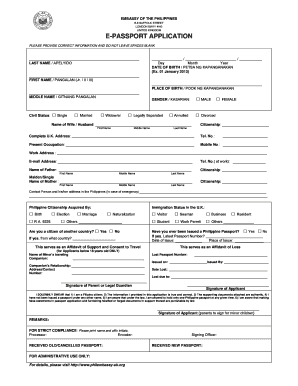
Philippine passport renewal in uk

Infosheet appointment login
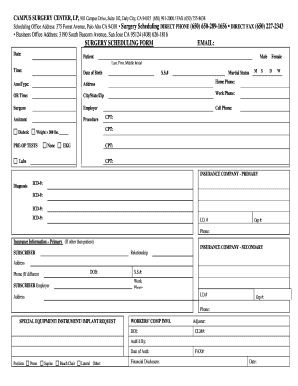
Surgery scheduling form
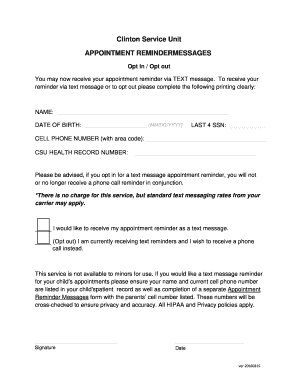
Appointment reminder unit

Hillingdon maternity self referral
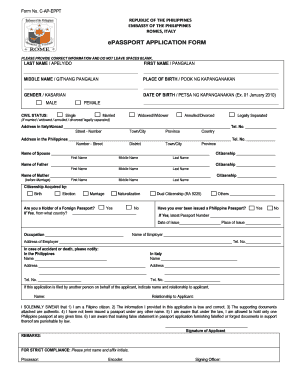
Philippine embassy rome
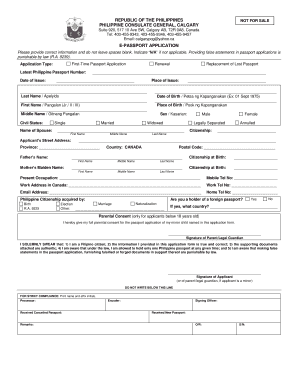
Philippine consulate calgary
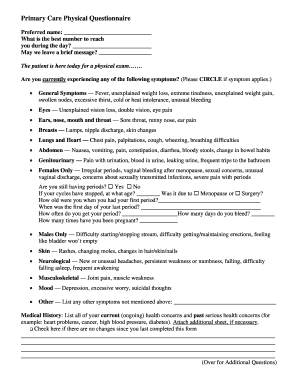
Appointment questionnaire
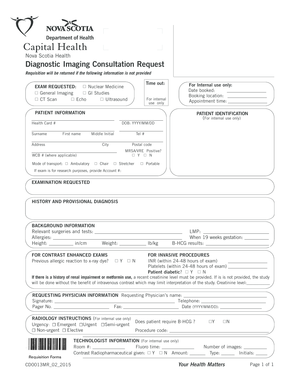
Nova scotiax ray requisition

Medical appointment form pdf
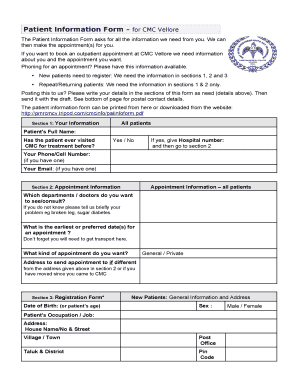
सीएमसी वेल्लोर में नए रोगी नियुक्ति
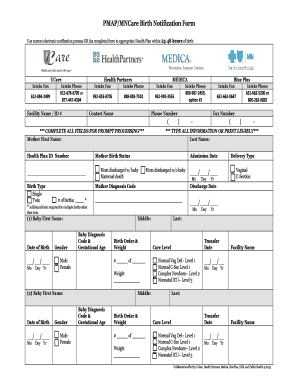
Birth notification form pdf
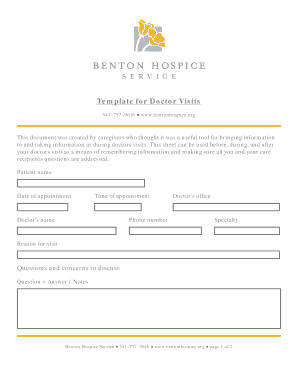
Template doctor visits
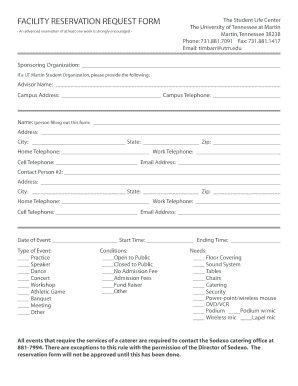
Reservation application form
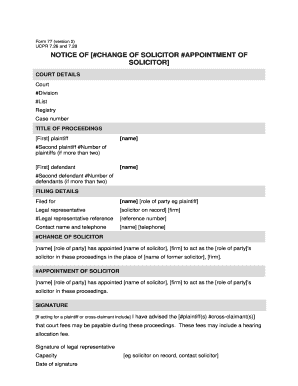
77 solicitor form

Italy national los angeles consulate
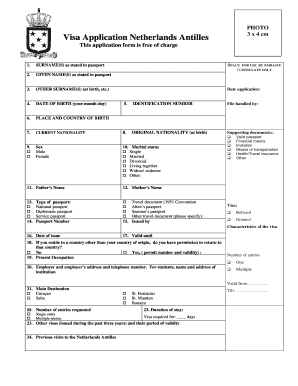
Netherlands visa
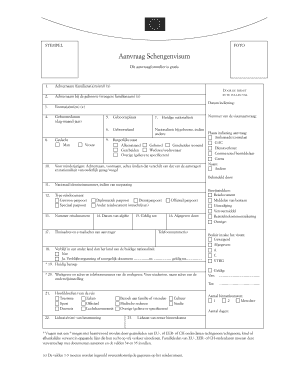
Aanvraag Schengenvisum - VFS Global
Medical appointment forms pdf
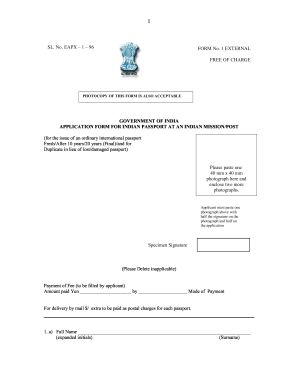
Indian passport form eapx 1 04
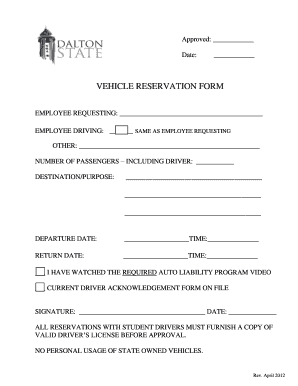
Vehicle reservation form

Holiday express conference booking form template
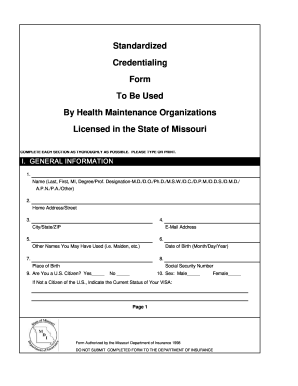
Appointment Application Form

Weddong booking forns form

Jamaican Passport Application Form - Jamaican High Commission
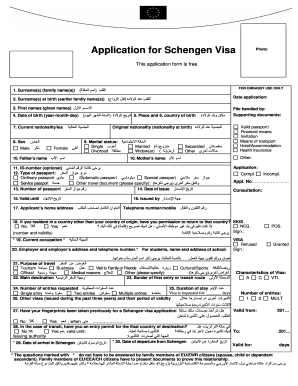
Germany Visa Information - Saudi Arabia - Home - VFS Global
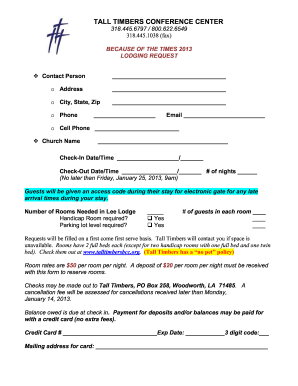
Lodging form
-
1
- 2
Get and handle Appointments Booking Templates online
Improve your form administration using our Appointments Booking Templates library with ready-made templates that suit your requirements. Access your document template, modify it, complete it, and share it with your contributors without breaking a sweat. Start working more efficiently with the forms.
The best way to use our Appointments Booking Templates:
- Open our Appointments Booking Templates and find the form you require.
- Preview your form to ensure it’s what you want, and click Get Form to start working on it.
- Edit, include new text, or highlight important information with DocHub features.
- Complete your form and save the modifications.
- Download or share your document with other people.
Explore all the opportunities for your online file administration with our Appointments Booking Templates. Get a free free DocHub account today!
Video Guide on Appointments Booking Templates management

Commonly Asked Questions about Appointments Booking Templates
How to create an appointment scheduler?
Create a new appointment schedule. On a computer, open Google Calendar. At the top left, click create. Enter appointment details. Enter a title. Set your appointment duration. Share your booking page. Once created, click the appointment schedule on the calendar grid to get a link to the booking page to share with others.
Does Canva have a booking system?
Your visitors can make bookings directly via your Canva website. You turned your Canva website into an easy to use booking channel!
What do you say when scheduling an appointment?
When making an appointment you should give the person your name and the reason for wanting an appointment. You should also ask the amount of time the appointment will take and if you should expect a wait time prior to the appointment.
How do you write an appointment date and time?
I am writing to confirm our scheduled appointment on [Date] at [Time]. Our meeting will take place at [Location]. If you need any additional information or wish to make adjustments, please feel free to docHub out to me at [Your Phone Number] or [Your Email Address]. Looking forward to our engagement.
How to make a Google form for scheduling?
To use Google Forms for scheduling, you need to follow specific steps. Step1: Create a Google Form. Step2: Set up your online appointment scheduling form. Step3: Add your forms fields. Step4: Use conditional logic. Step5: Set up your scheduling form settings. Step6: Send out your booking request form.
How to make an appointment example?
2. Appointment email body My name is (your name), and Im contacting you from (company name). I would like to request an appointment with you to discuss (whatever you want to discuss) Its (name) here. We have an appointment scheduled for (details), but I wanted to ask if we could reschedule.
How do you write an appointment schedule?
You can use these steps to effectively schedule a meeting by email: Write a clear and concise subject line. Use a salutation. Introduce yourself to colleagues you havent met. Explain the purpose of the meeting. Offer multiple times and dates for the meeting. Request a reply or confirmation. Send a reminder.
Related Templates
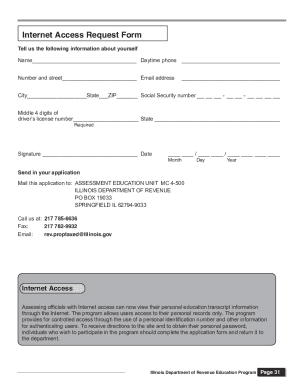
Illinois dor access request form create
The document is an Internet Access Request Form for assessing officials to gain online access to their personal educatio ...
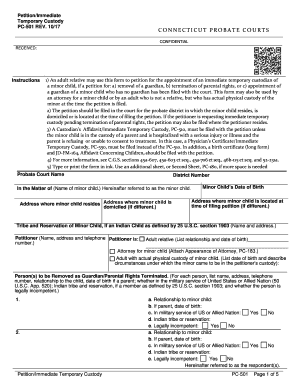
Pc 501 custody
The document outlines the procedure for filing a petition for immediate temporary custody of a minor child in Connecticu ...
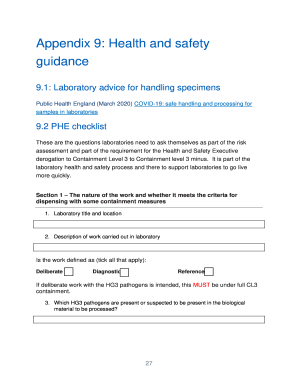
The Purpose and Practicality of Body Fluid Testing and
The document provides guidance and standard operating procedures for COVID-19 testing in NHS laboratories, detailing the ...
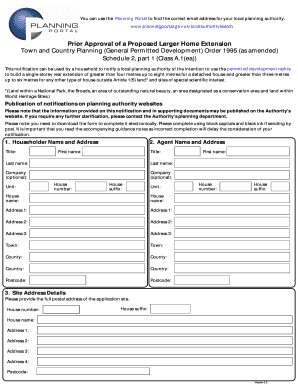
United kingdom planning portal
The document provides guidance for homeowners on how to notify their local planning authority about the intention to bui ...
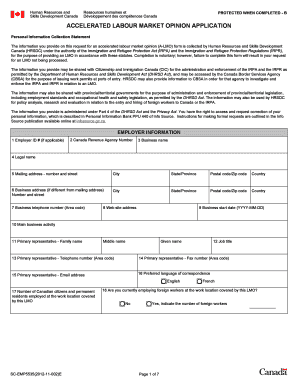
Accelerated labour imm5257e
The document is an application form for an Accelerated Labour Market Opinion (A-LMO) issued by Human Resources and Skill ...

California schools chief recommends that schools prepare for
The document is a declaration form for parents/guardians to inform the school about students who will not be returning f ...

Mississauga site plan
The document is a Site Plan Undertaking form for the City of Mississauga, outlining the conditions and responsibilities ...
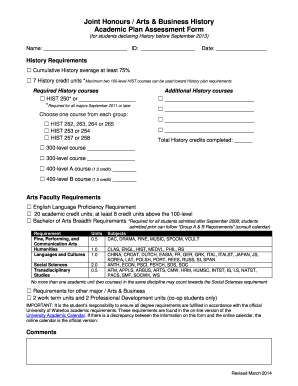
Joint Honours Arts & Business History
The document is an Academic Plan Assessment Form for students declaring a Joint Honours in Arts & Business History at th ...