
Airline seat Booking Templates
Simplify your business-specific templates with Airline seat Booking Templates. Effortlessly edit, complete, and distribute forms without losing any information or wasting time.

Create a new Airline seat Booking Template
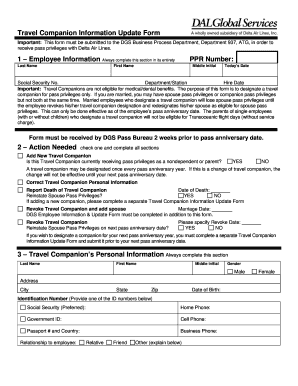
Delta travelnet
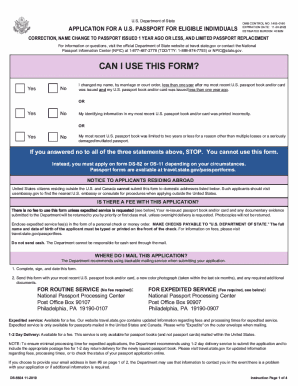
Change or Correct a Passport - travel.gov

Unaccompanied child form
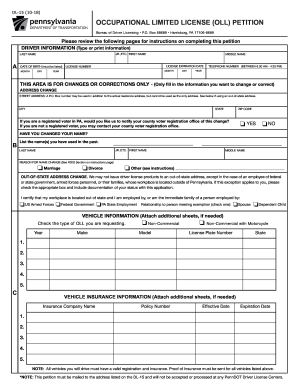
Dl 15
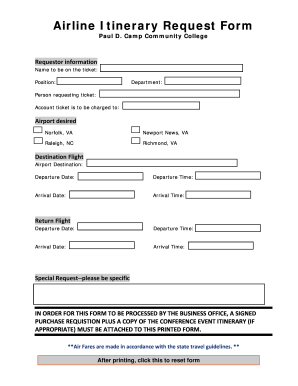
Flight e ticket pdf download
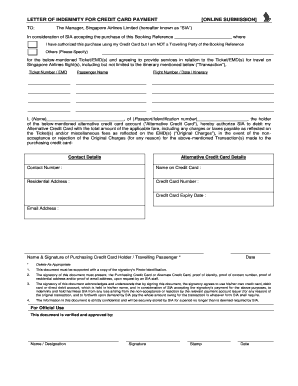
Singapore airlines letter of indemnity for credit card payment

Printable travel profile template
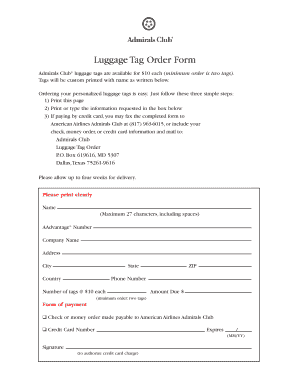
American airlines print baggage tags
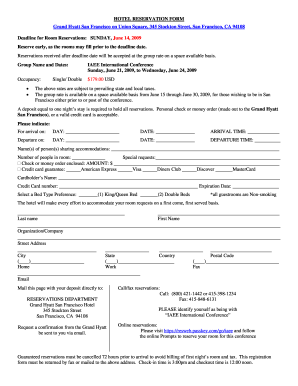
Example of reservation form in hotel with answer
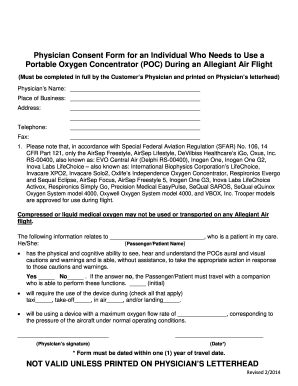
Allegiant air portable oxygen concentrator
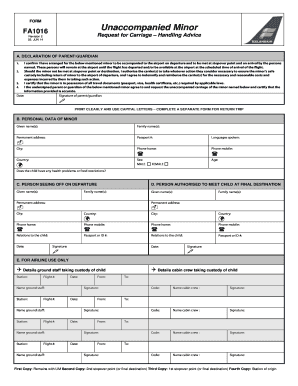
Icelandair minor form
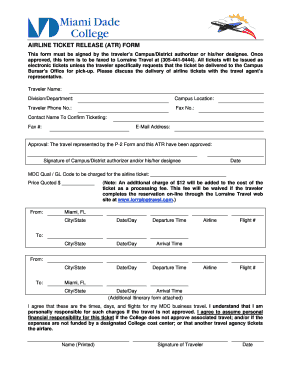
Mock airline tickets editable pdf download
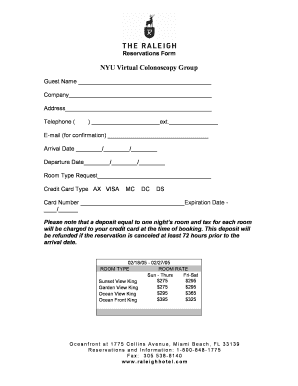
Reservation form

Jetblue veterinary health form pdf

Indigo flight ticket pdf download

Usa north ticket

Reservation slip
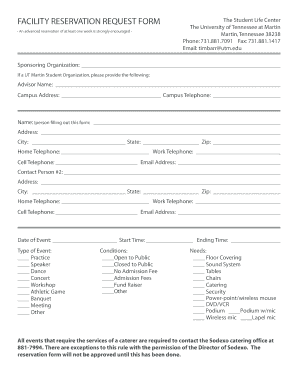
Reservation application form
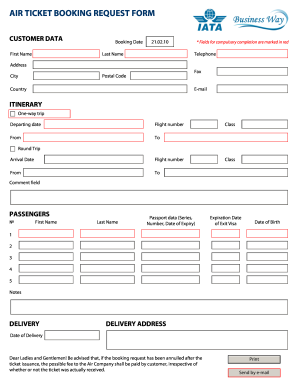
Air ticket booking request
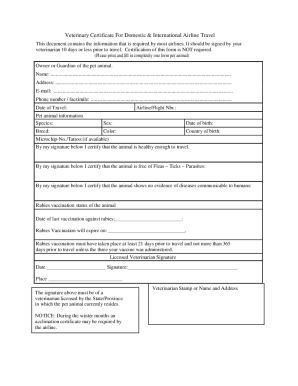
Veterinary Certificate For Domestic & International Airline Travel

Fill in blank editable airline ticket template

Animal Sanitation Form
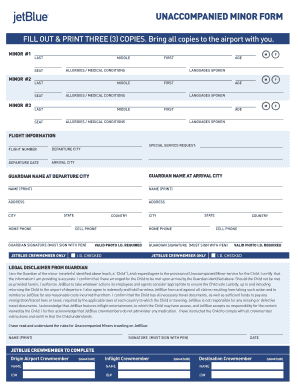
Jetblue unaccompanied minor form pdf
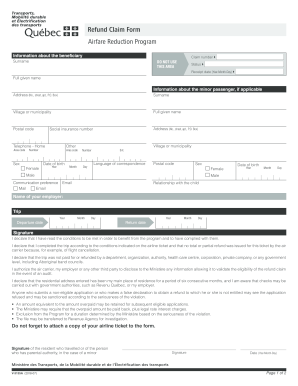
Airfare reduction program

Gds form
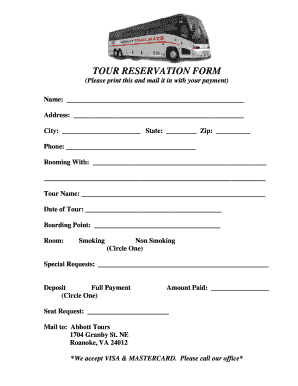
Documents/TOUR RESERVATION FORM.pdf

Form for Reservation of a Registration Mark - National Transport ...
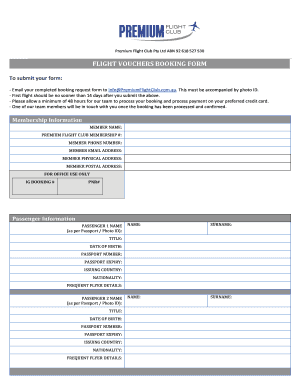
Flight vouchers booking form sample
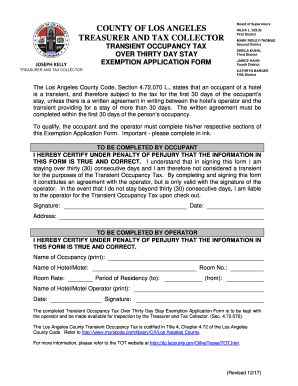
Transient occupancy tax los angeles

British airways third party nominee

Baggage-ppq-04132021

Special needs assistance request form
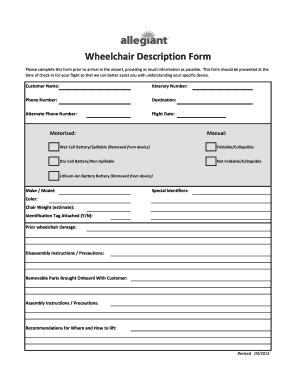
Wheelchair Description Form - Allegiant Air
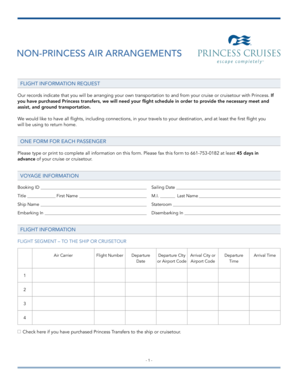
Itinerary airline
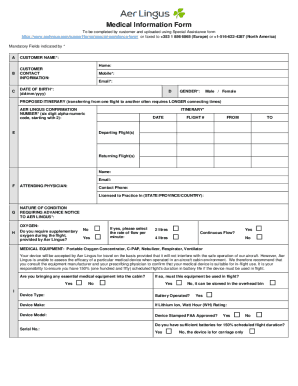
Aer Lingus - incadincapacitated passengers handling
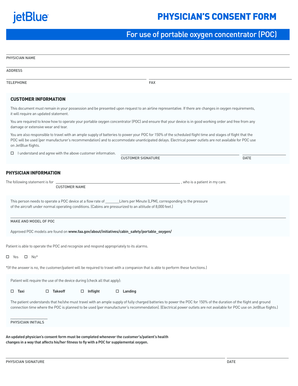
Jetblue portable oxygen concentrator
Handle Airline seat Booking Templates easily online
Document managing can overpower you when you can’t discover all the documents you require. Fortunately, with DocHub's substantial form categories, you can get everything you need and promptly take care of it without switching among applications. Get our Airline seat Booking Templates and begin working with them.
The best way to manage our Airline seat Booking Templates using these simple steps:
- Browse Airline seat Booking Templates and select the form you require.
- Preview the template and click Get Form.
- Wait for it to open in our online editor.
- Modify your template: include new information and pictures, and fillable fields or blackout certain parts if necessary.
- Prepare your template, preserve adjustments, and prepare it for sending.
- When you are ready, download your form or share it with your contributors.
Try out DocHub and browse our Airline seat Booking Templates category easily. Get your free account today!
Video Guide on Airline seat Booking Templates management

Commonly Asked Questions about Airline seat Booking Templates
How can I choose my seat in a flight?
Many airlines provide a seat map that allows one to see the available seats and choose a seat online. One can use the map to select a window seat if one is available. Some airlines may also require a passenger to pay an extra fee for a window seat, so be sure to check the price before selecting a preferred seat.
How do I book a seat on my flight?
You can also pre-book them afterwards when you visit Manage My Booking - please note that seat prices vary depending on the location and route. If you dont pre-book your seats, they will be allocated when you check in online or at the airport on a first come, first served basis.
Can a dummy ticket be verified?
A dummy ticket looks typically like a regular airline ticket and has a valid PNR/ booking code or booking reference number. They can be verified on the airlines websites if checked using the Manage my booking tool or My trips section found on many airline websites.
How do I book seats on make my trip?
Visit MakeMyTrip and login with your credential. Enter the PNR number or booking reference number along with a valid email address or your last name. Select from the list of seats available. You can even check-in with the seat that is automatically assigned to you.
Related Templates
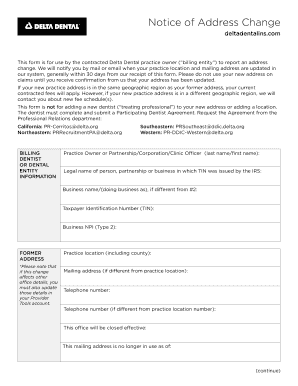
Delta address change form
The document is a Notice of Address Change form for contracted Delta Dental practice owners to report changes in their p ...
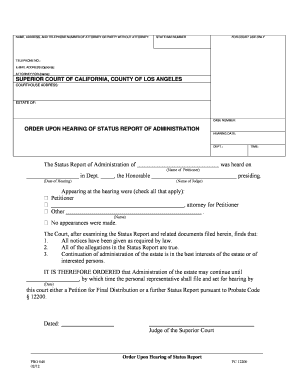
Status report administration
The document is a court order from the Superior Court of California, County of Los Angeles, regarding the administration ...
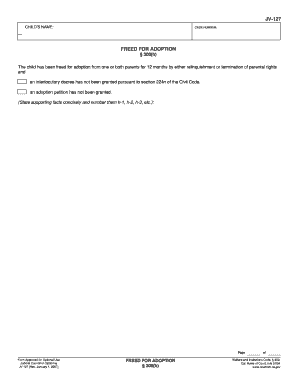
127 d form
The document is a form (JV-127) related to the legal process of adoption, specifically indicating that a child has been ...
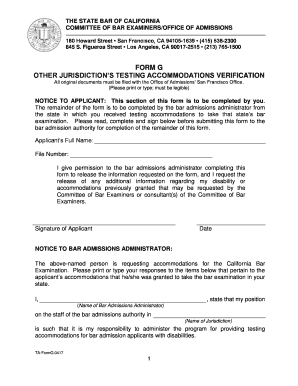
Ca form g
The document is a form from the State Bar of California for verifying testing accommodations granted to applicants with ...
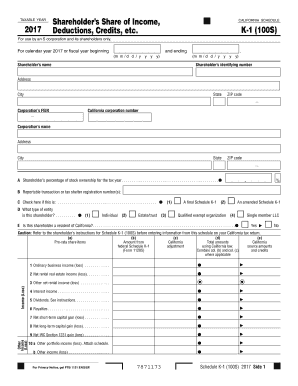
Online ftb state of ca schedule k 1 for s corp 2017 form
The document is a California Schedule K-1 (100S) for the tax year 2017, intended for S corporations and their shareholde ...
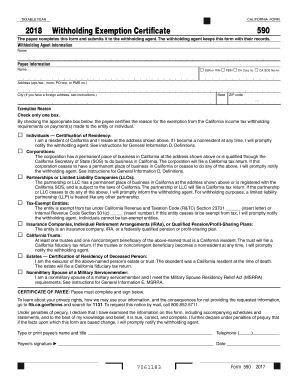
Form 2018
The document is the California Form 590, a Withholding Exemption Certificate for the taxable year 2018. It is used by pa ...
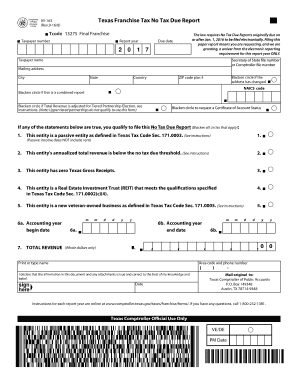
05 163 texas 2017 form
The document is a Texas Franchise Tax No Tax Due Report form, which outlines the filing requirements for entities that q ...
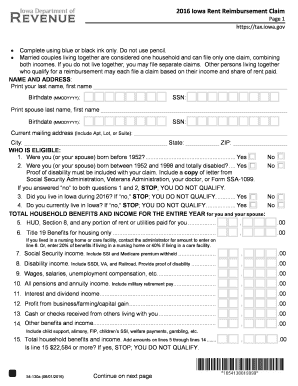
Iowa rent rebate 2016 form
The document is a 2016 Iowa Rent Reimbursement Claim form that outlines eligibility criteria, required information, and ...