
Total Balance Sheet Templates
Discover Total Balance Sheet Templates and easily manage them online without switching from your DocHub profile. Adjust and personalize your balance sheets, send them with your collaborators, and safely save complete documents in your account.

Create a new Total Balance Sheet Template
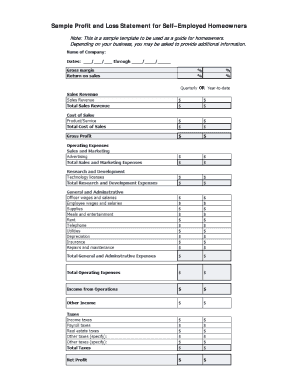
Fillable profit and loss statement for self employed

Personal financial statement template
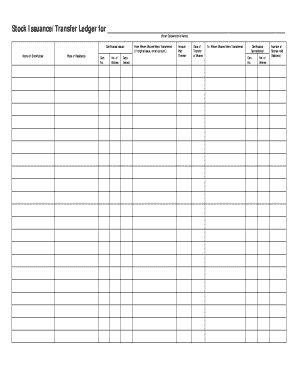
Stock ledger template
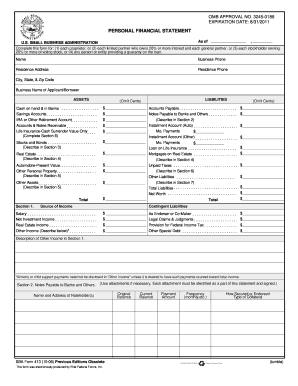
Personal financial statement template 2008 form
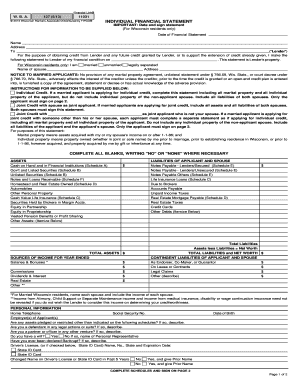
Individual financial statement
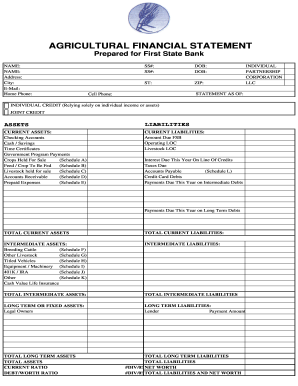
Agriculture financial statement excel

Business debt schedule template
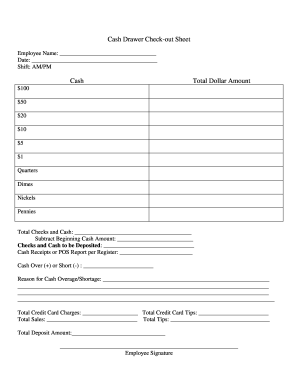
Cash drawer reconciliation template
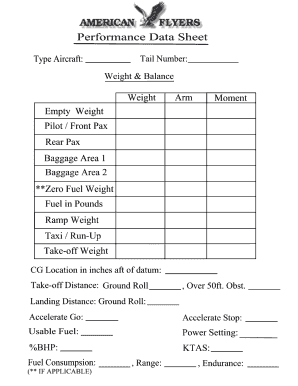
Weight and balance sheet
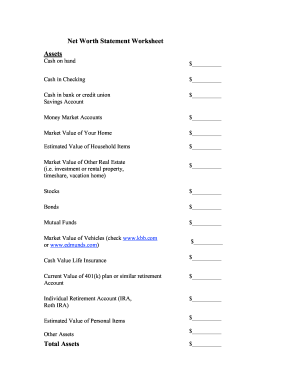
Net worth statement
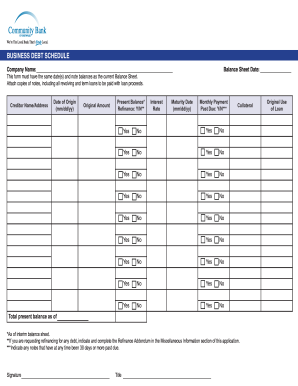
Debt schedule template excel
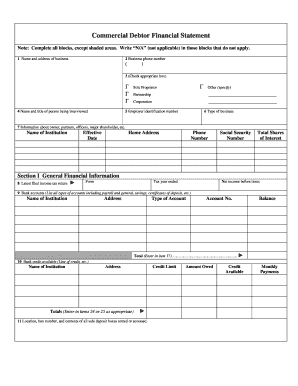
Commercial debtor financial statement
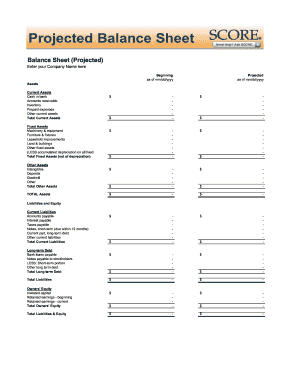
Balance sheet fill in the blank
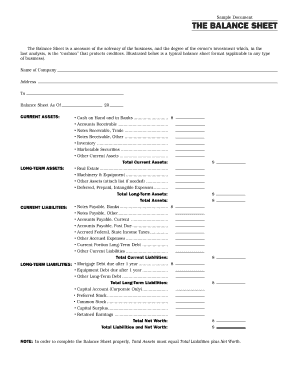
Interim ytd balance sheet pdf

Personal balance sheet pdf

Personal net worth statement template form
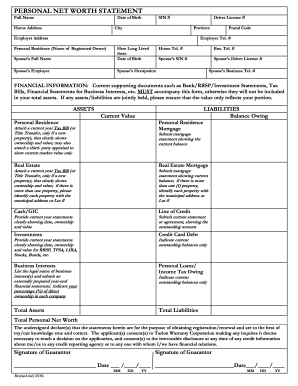
Net worth statement
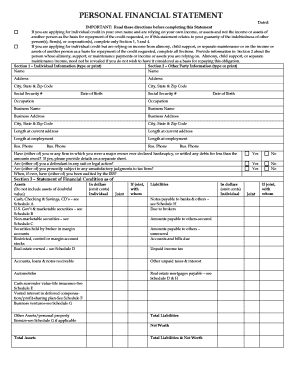
Personal financial statement form
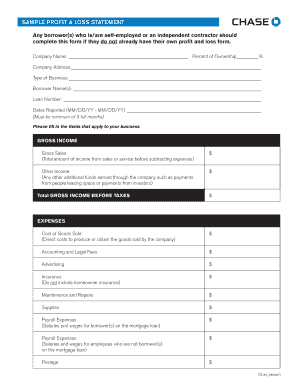
Sample Profit and Loss Statement PDF - Chase
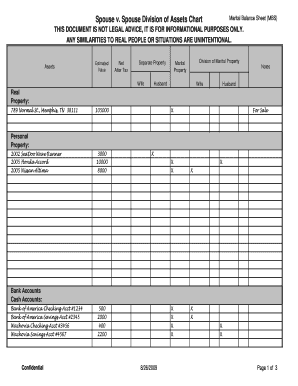
Marital balance sheet
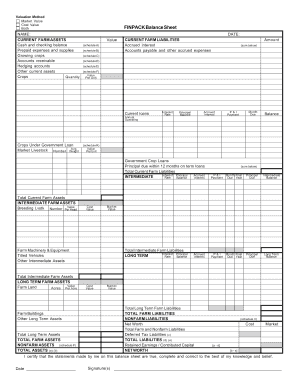
Finpack balance sheet
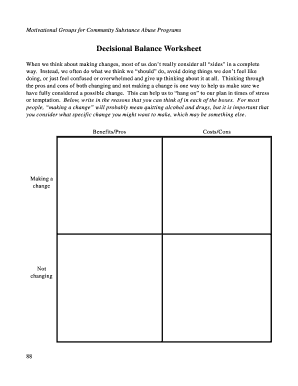
Decisional balance worksheet
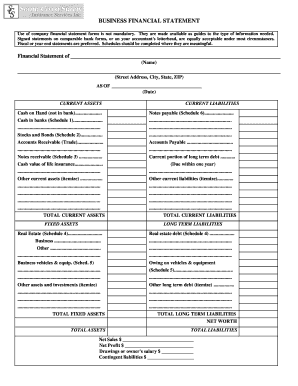
Business financial statement form
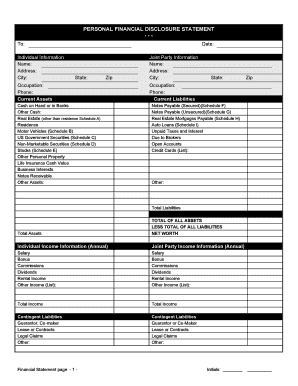
Financial statement form personal
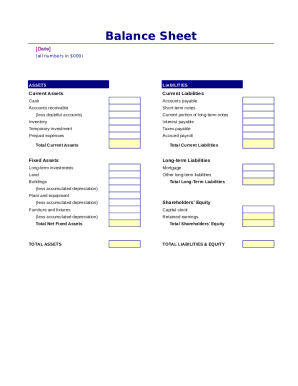
Simple balance sheet

Fillable personal financial statement form
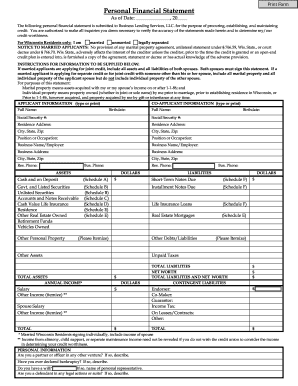
Personal Financial Statement - fortcommunitycom
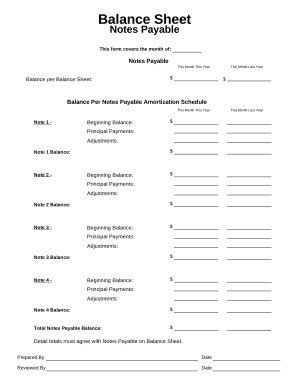
Balance sheet form

Balance Sheet
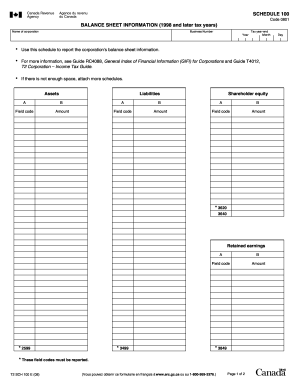
Balance sheet information schedule 100 2020

Sba form 413
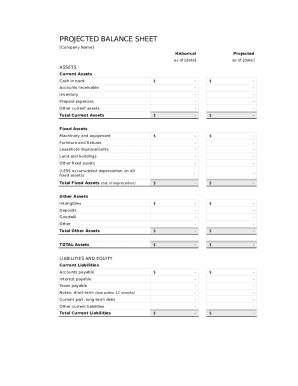
Balance sheet template fillable
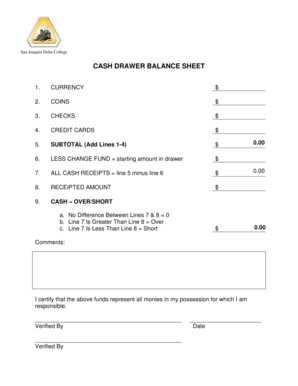
Cash drawer balance sheet
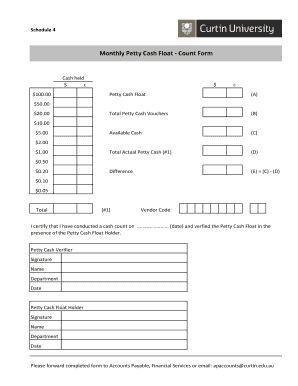
Cash float template
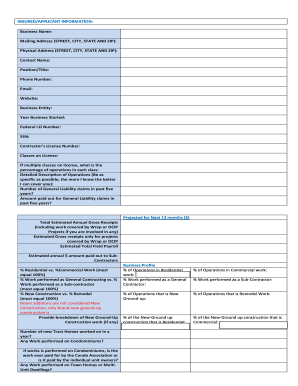
GL LEAD SHEET
Get and handle Total Balance Sheet Templates online
Speed up your form administration using our Total Balance Sheet Templates category with ready-made templates that suit your needs. Access your form, alter it, complete it, and share it with your contributors without breaking a sweat. Begin working more efficiently together with your documents.
How to use our Total Balance Sheet Templates:
- Open our Total Balance Sheet Templates and find the form you require.
- Preview your document to ensure it’s what you want, and click on Get Form to start working on it.
- Modify, include new text, or highlight important information with DocHub tools.
- Fill out your form and save the changes.
- Download or share your document with other people.
Discover all of the opportunities for your online file management with our Total Balance Sheet Templates. Get your free free DocHub account today!
Video Guide on Total Balance Sheet Templates management

Commonly Asked Questions about Total Balance Sheet Templates
How do you create a fully labeled balance sheet?
How to Prepare a Basic Balance Sheet Determine the Reporting Date and Period. Identify Your Assets. Identify Your Liabilities. Calculate Shareholders Equity. Add Total Liabilities to Total Shareholders Equity and Compare to Assets.
Does Excel have a financial statement template?
A: Yes. Excel has a range of financial templates, including income statements, cash flow statements, and balance sheets.
Is there a balance sheet template in Excel?
The Balance Sheet Template for Excel is a pre-designed spreadsheet that allows users to enter their companys financial information, including assets, liabilities, and equity. This template is useful for businesses of all sizes, as it can be customized to fit each companys specific needs.
Does Excel have a bookkeeping template?
Those who havent used Excel before or arent familiar with its features can download Excel bookkeeping templates online. Once you create or download templates, you can use them as a basis for more advanced account-related tasks like basic financial statements, forms, receipts, reports, etc.
Does Excel have financial templates?
Creating a budgeting plan for your household can feel overwhelming and hard, but Excel can help you get organized and on track with a variety of free and premium budgeting templates.
How do you total a balance sheet?
The balance sheet is based on the fundamental equation: Assets = Liabilities + Equity.
How to make a balance sheet in Excel template?
Preparing a balance sheet involves several steps: Gather Financial Information: Gather all your financial data, including assets, liabilities, and equity. Organize Assets: Here is the list of all assets, including current assets (cash, inventory) and non-current assets (property, equipment).
Does QuickBooks have a balance sheet template?
The QuickBooks Online balance sheet template makes it easy The difference between assets and liabilities is displayed at the bottom as the equity or net worth of the business. Simply choose Reports Balance Sheet in QuickBooks Online and the pre-installed template is populated with your data in seconds.
Related Templates
Ak dr200
The document is a petition for the dissolution of marriage filed in the Superior Court of Alaska by one spouse, citing i ...
Pg 835 request modify financial sample
The document is a legal request to modify an existing order of protection from financial abuse in the Superior Court of ...

Alaska civ561
The document provides instructions for a process server on how to serve a Writ of Execution for Garnishment of Earnings. ...
Alaska stipulation
The document is a legal stipulation agreement between a plaintiff and defendant in an Alaska district court, allowing th ...

Case 4:18-cv-00068-JHM Document 9 Filed 11 09 18 Page 1 of 16 PageID #:
The document is a Memorandum Opinion and Order from the United States District Court for the Western District of Kentuck ...
New Case Participant Information
The document is a Lock & Save Form from the New Hampshire Judicial Branch, designed for new case participants to provide ...
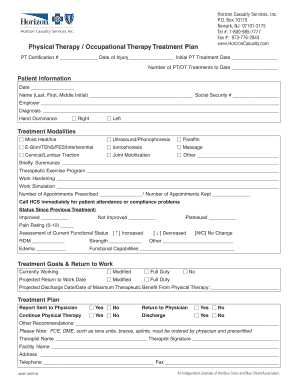
State Occupational Therapy Regulatory Authority Contact
The document is a treatment plan for physical and occupational therapy provided by Horizon Casualty Services, Inc. It in ...
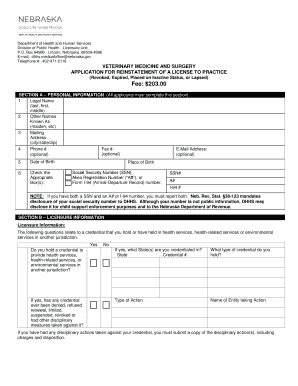
Nebraska reinstatement license
The document is an application form from the Nebraska Department of Health and Human Services for the reinstatement of a ...