
Printing Balance Sheet Templates
Get access to Printing Balance Sheet Templates and ensure that your financial statements are transparent, compliant, and accurate. Edit, complete, or collaborate with your team on the form before sharing it.

Create a new Printing Balance Sheet Template
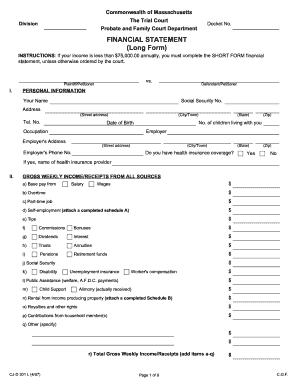
Financial statement long form
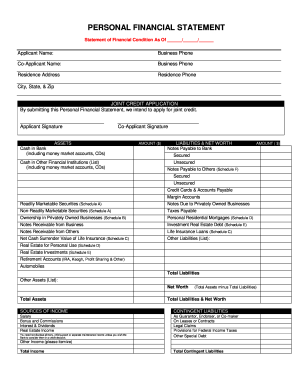
Personal financial statement
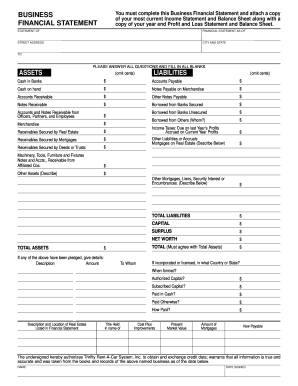
Business financial statement template

Debtor credit e
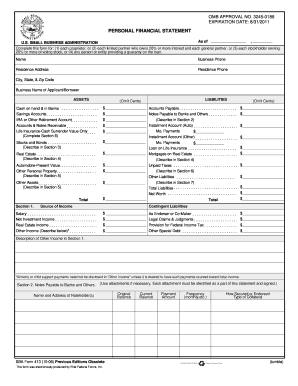
Personal financial statement template 2008 form

Ma statement short
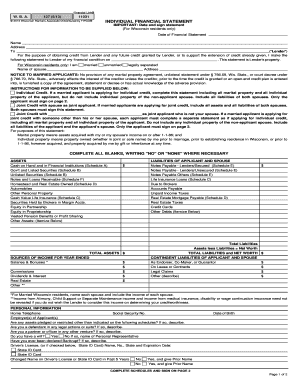
Individual financial statement
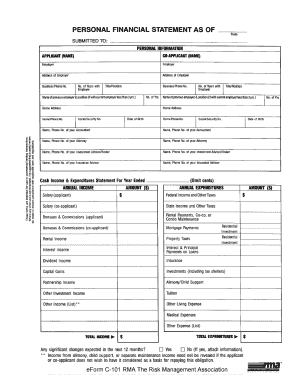
Rma personal financial statement pdf

Form 13 financial statement

Financial statement farmers and ranchers
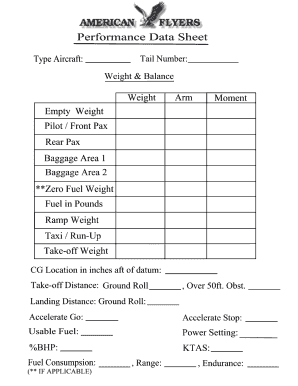
Weight and balance sheet
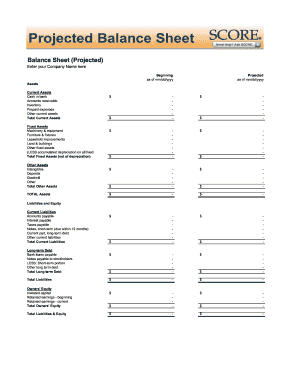
Balance sheet fill in the blank
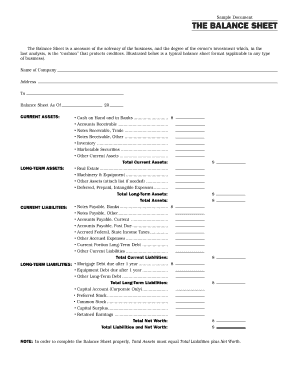
Interim ytd balance sheet pdf

Personal balance sheet pdf
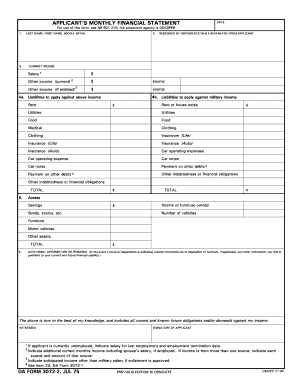
Monthly financial statements
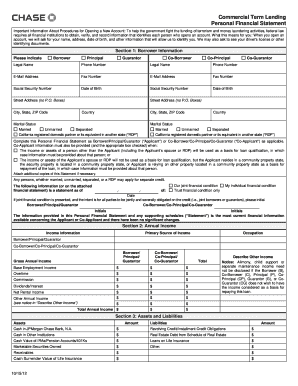
How to complete a chase personal financial statement form
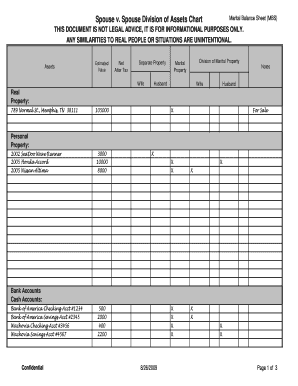
Marital balance sheet
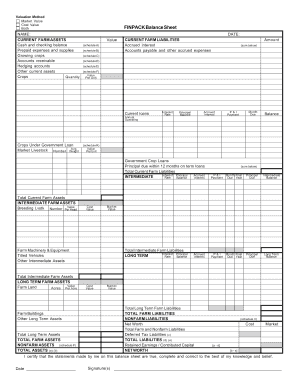
Finpack balance sheet
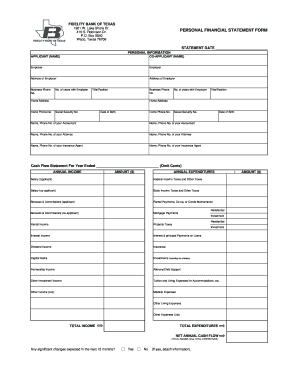
Personal financial statement form

Printable financial forms
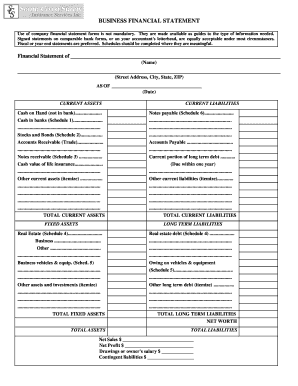
Business financial statement form
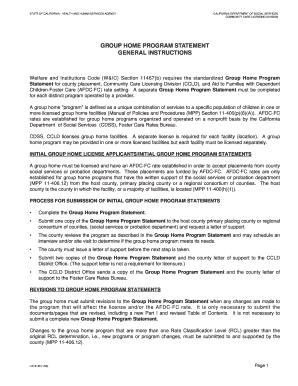
Group home financial statement samples
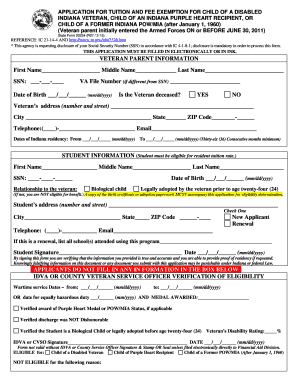
State form 20234 application iupui
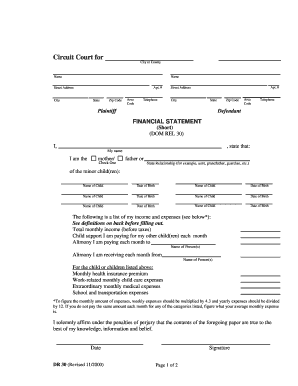
Financial statement short dr 30 form
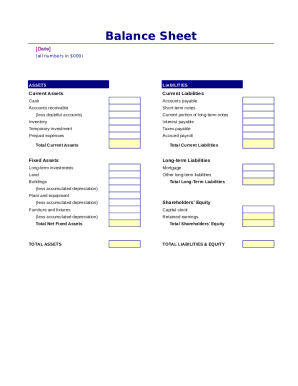
Simple balance sheet

Fillable personal financial statement form
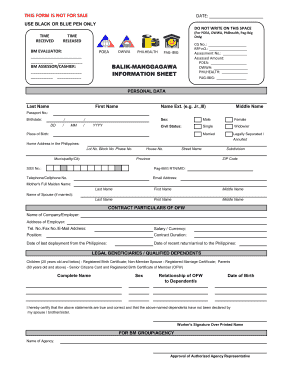
Poea info sheet

Financial report template
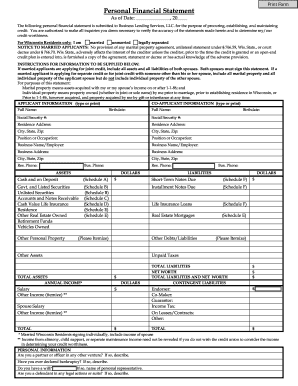
Personal Financial Statement - fortcommunitycom

Sworn financial statement colorado
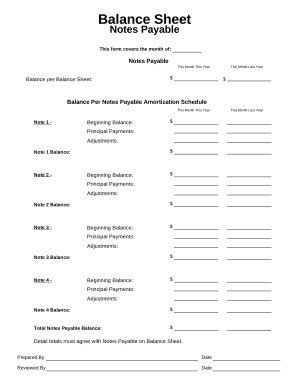
Balance sheet form
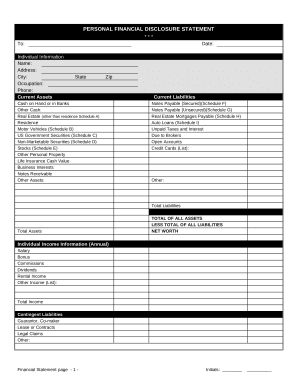
Financial form
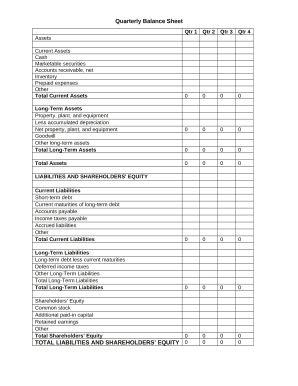
Quarterly Balance Sheet

Family Financial Statement
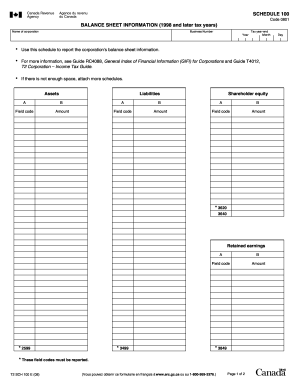
Balance sheet information schedule 100 2020

Sba form 413
-
1
- 2
Enhance your output with Printing Balance Sheet Templates
Record management occupies to half of your office hours. With DocHub, you can easily reclaim your office time and increase your team's productivity. Get Printing Balance Sheet Templates collection and investigate all templates relevant to your daily workflows.
Effortlessly use Printing Balance Sheet Templates:
- Open Printing Balance Sheet Templates and utilize Preview to get the appropriate form.
- Click on Get Form to start working on it.
- Wait for your form to open in our online editor and begin editing it.
- Add new fillable fields, icons, and images, modify pages, and many more.
- Fill out your form or prepare it for other contributors.
- Download or deliver the form by link, email attachment, or invite.
Boost your daily file management using our Printing Balance Sheet Templates. Get your free DocHub profile right now to discover all forms.
Video Guide on Printing Balance Sheet Templates management

Commonly Asked Questions about Printing Balance Sheet Templates
Does Excel have financial templates?
Creating a budgeting plan for your household can feel overwhelming and hard, but Excel can help you get organized and on track with a variety of free and premium budgeting templates.
Does Excel have a bookkeeping template?
Those who havent used Excel before or arent familiar with its features can download Excel bookkeeping templates online. Once you create or download templates, you can use them as a basis for more advanced account-related tasks like basic financial statements, forms, receipts, reports, etc.
Is there a balance sheet template in Excel?
The Balance Sheet Template for Excel is a pre-designed spreadsheet that allows users to enter their companys financial information, including assets, liabilities, and equity. This template is useful for businesses of all sizes, as it can be customized to fit each companys specific needs.
How to make a balance sheet in Excel PDF?
To prepare a balance sheet: Gather financial information on assets, liabilities, and equity. Organize assets into current and non-current categories. List liabilities, including current and non-current obligations. Calculate equity by subtracting liabilities from assets.
How do I print a company balance sheet?
To print a balance sheet report Choose the. On the G/L Account FastTab, select the appropriate filters. On the Options FastTab, select the Show all Accounts check box to include accounts without balances. Choose the Print action to print the report or choose the Preview action to view it on the screen.
How to make a balance sheet in Excel template?
Preparing a balance sheet involves several steps: Gather Financial Information: Gather all your financial data, including assets, liabilities, and equity. Organize Assets: Here is the list of all assets, including current assets (cash, inventory) and non-current assets (property, equipment).
Does Excel have a financial statement template?
A: Yes. Excel has a range of financial templates, including income statements, cash flow statements, and balance sheets.
How do I make my own balance sheet?
How To Create A Personal Finance Balance Sheet Gather Financial Documents. Getting all your financial documents ensures you have accurate information. Make Or Use A Free Personal Financial Statement Template. List Your Assets. List Your Liabilities. Categorize The Information And Add Up The Values. Determine Your Net Worth.
Related Templates
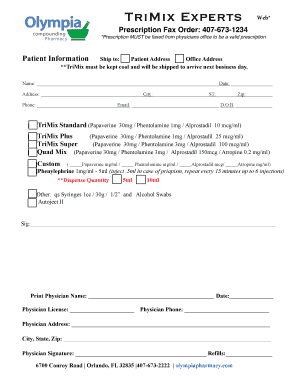
TriMix EXPERTS RX - olympiapharmacy
The document is a prescription order form for TriMix and related medications, requiring a faxed prescription from a phys ...
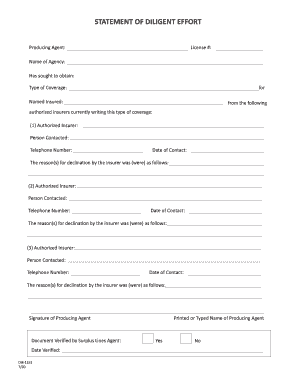
Diligent effort form
The document is a 'Statement of Diligent Effort' used by a producing agent to outline attempts to obtain insurance cover ...
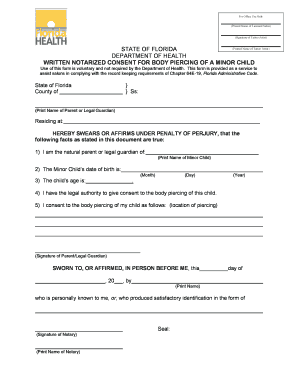
MINOR PIERCING FORM - Ink Link Tattoos And
The document is a written notarized consent form for body piercing of a minor child in Florida. It requires the signatur ...

Sports injury report form template
The document is an Emergency Treatment Student Accident Report Form for Bonneville Joint School District No. 93, designe ...

Mountain States Health Alliance d b a Johnson City
The document is an application form for financial assistance from Ballad Health, requiring personal and financial inform ...
Prescription drug record form
The document is a Prescription Drug Record form used for submitting claims related to prescription medications. It colle ...

Cedars sinai doctors note
The document is a medical history form for adult and pediatric patients with hydrocephalus, collecting essential patient ...

Address stored proof
The document WV-800 is a legal form used in California to provide proof that firearms have been turned in, sold, or stor ...