
Income statement cash flow fillable Balance Sheet Templates
Boost your efficiency and financial record precision with DocHub's Income statement cash flow fillable Balance Sheet Templates. Remain compliant and fill out your balance sheets online.

Create a new Income statement cash flow fillable Balance Sheet Template
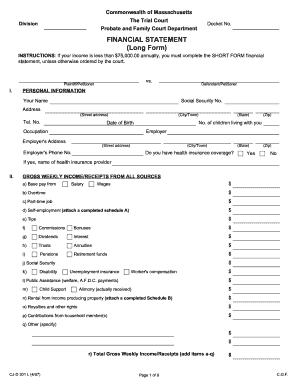
Financial statement long form
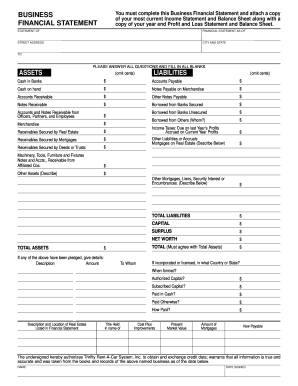
Business financial statement template

Ma statement short
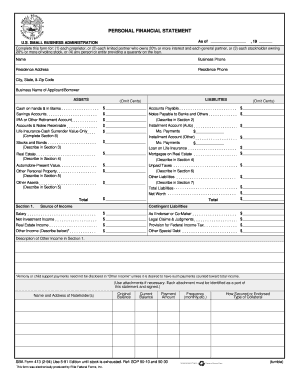
Sba forms personal financial statement 1994
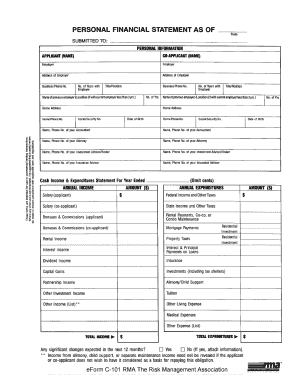
Rma personal financial statement pdf

Financial statement farmers and ranchers
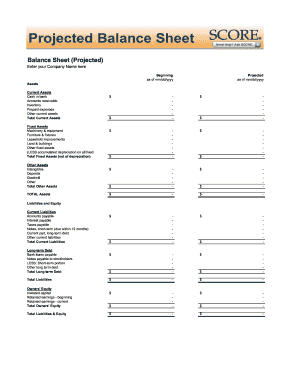
Balance sheet fill in the blank
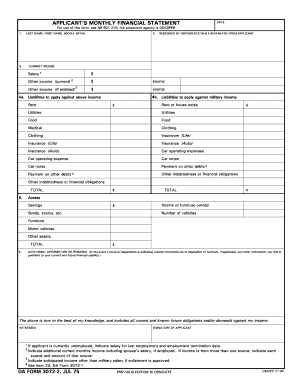
Monthly financial statements
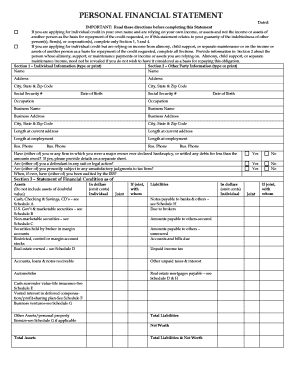
Personal financial statement form

F financial statement
Forms financial analysis
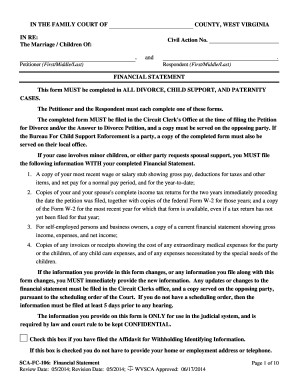
Wv financial statement
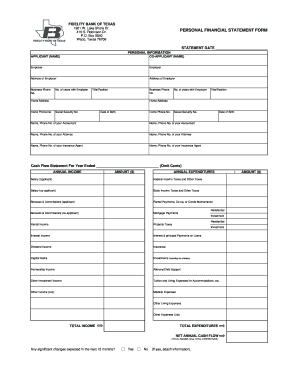
Personal financial statement form
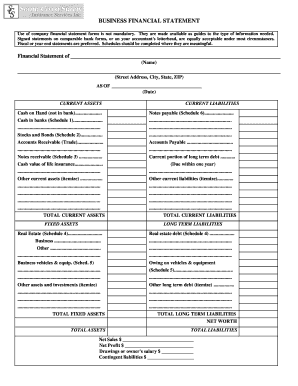
Business financial statement form

Financial statement of judgment debtor massachusetts form
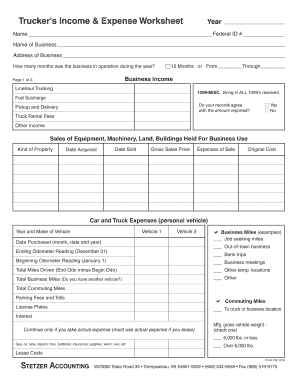
Profit and loss statement for trucking company pdf
BLANK T Account Form
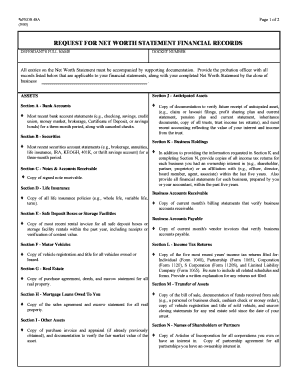
Prob 48a - Request for Net Worth Statement Financial Records
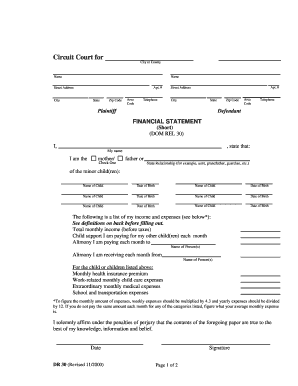
Financial statement short dr 30 form
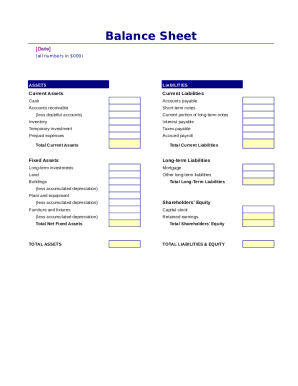
Simple balance sheet
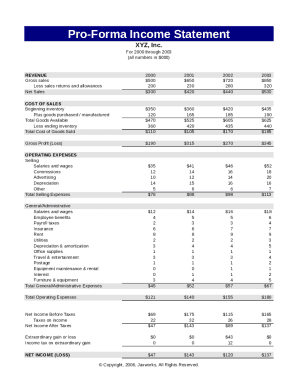
Pro forma income statement
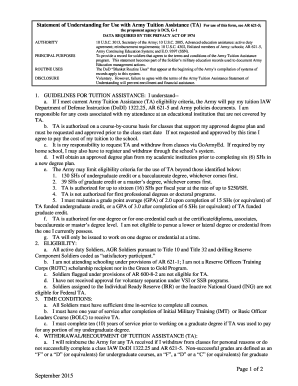
Understanding cash flow statement
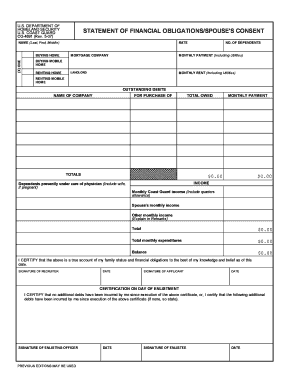
Statement of financial form
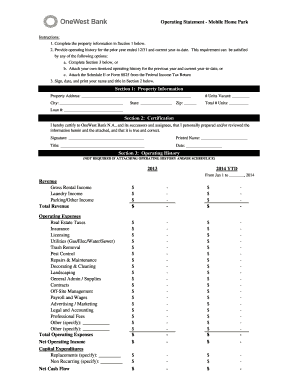
Project operating statement
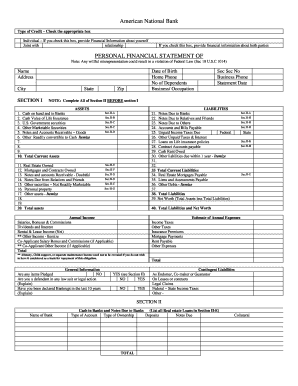
Personal Financial Statement - American National Bank
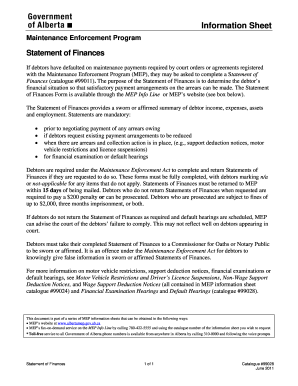
Statement of Finances. Statement of Finances #99028

Sworn financial statement colorado
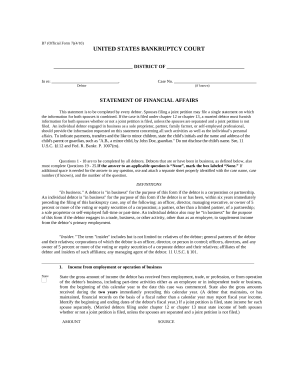
Statement financial form
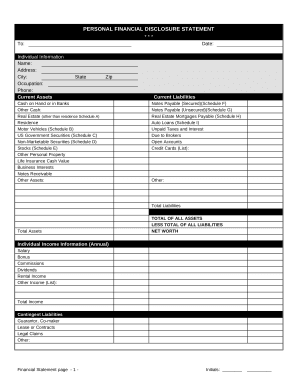
Financial statement form
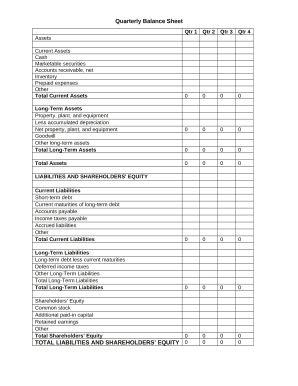
Quarterly Balance Sheet

Family Financial Statement

Sba form 413
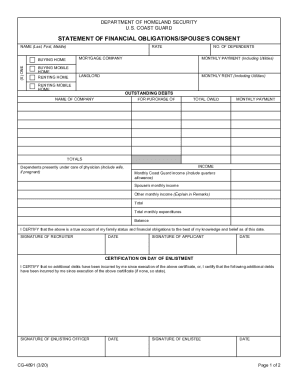
Statement of financial form

Personal Financial Statement - Emprise Bank
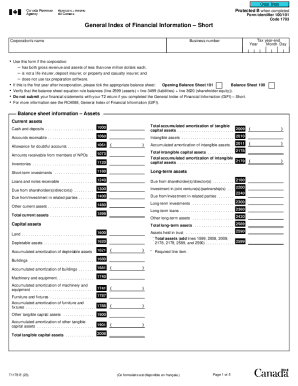
Guide to Form T1178, General Index of Financial Information
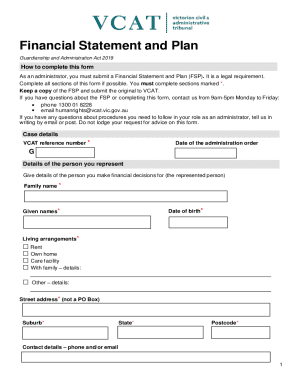
Vcat vic financial-statement-and-planFinancial Statement and PlanVCAT
-
1
- 2
Improve your file administration with Income statement cash flow fillable Balance Sheet Templates
Your workflows always benefit when you are able to find all the forms and files you need at your fingertips. DocHub delivers a vast array of templates to relieve your daily pains. Get hold of Income statement cash flow fillable Balance Sheet Templates category and easily discover your form.
Begin working with Income statement cash flow fillable Balance Sheet Templates in a few clicks:
- Open Income statement cash flow fillable Balance Sheet Templates and locate the form you need.
- Click on Get Form to open it in our online editor.
- Begin changing your file: add more fillable fields, highlight sentences, or blackout sensitive facts.
- The application saves your changes automatically, and once you are ready, you can download or distribute your form with other contributors.
Enjoy fast and easy form managing with DocHub. Explore our Income statement cash flow fillable Balance Sheet Templates collection and look for your form right now!
Video Guide on Income statement cash flow fillable Balance Sheet Templates management

Commonly Asked Questions about Income statement cash flow fillable Balance Sheet Templates
Does Excel have a cash flow template?
Free Excel Cash Flow Template Our cash flow template helps measure your companys financial performance. It displays the cash that your company has on hand after deducting elements such as salaries, rent, purchase of assets (e.g. equipment), and costs from the company income.
How do you make a PL account and balance sheet?
How To Create a Profit and Loss Statement Choose a reporting period. Gather financial statements and information. Add up revenue. List your COGS. Record your expenses. Figure your EBITDA. Calculate interest, taxes, depreciation, and amortization. Determine net income.
Can you make a cash flow statement from a balance sheet and income statement?
You use information from your income statement and your balance sheet to create your cash flow statement. The income statement lets you know how money entered and left your business, while the balance sheet shows how those transactions affect different accountslike accounts receivable, inventory, and accounts payable.
Does Excel have a profit and loss template?
Yes, there is a profit and loss template in Excel that you can use to create your own statement. The template includes formulas to calculate revenue, expenses, and net income. You can enter your own data to get started.
How to do a profit and loss formula in Excel?
Sum up all the revenues using the SUM function. Similarly, add all expenses like advertisements and employee expenses and compute their total using the SUM formula. Calculate the profit or loss under the summary section using the formula: Net Profit/Loss = Net Revenue - Total Expenditures.
How to make a balance sheet in Excel step by step?
How to create a balance sheet in Excel Format your worksheet. You can create a balance sheet in Excel by first creating a title section and labels for your worksheet. Enter dollar amounts. Leave a column of space between your asset labels and the location in which you want to enter the dollar amounts. Add totals.
How to prepare PL and balance sheet in Excel?
How to Create a Profit and Loss Statement in Excel Download, Open, and Save the Excel Template. Input Your Company and Statement Dates. Calculate Gross Profit. Input Sales Revenue to Calculate Gross Revenue. Input the Cost of Goods Sold (COGS) Calculate the Net Income. Input Your Business Expenses.
Related Templates

15 Rules On How to Answer an Office Phone Professionally
The document is a claim form for Hartville Pet Insurance, requiring pet owners to provide detailed information about the ...

Countyoffice wethersfield-volunteer-fireWethersfield Volunteer Fire Department Company 1
The document is a beneficiary designation form for the Wethersfield Volunteer Fire Department, detailing the process for ...

Jfk medical center release
The document is an authorization form from JFK Medical Center for the release of Protected Health Information (PHI). It ...
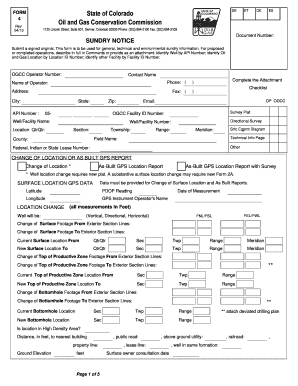
Colorado form 4 gas conservation sample
The document is a Sundry Notice Form (Form 4) issued by the Colorado Oil and Gas Conservation Commission, used for submi ...
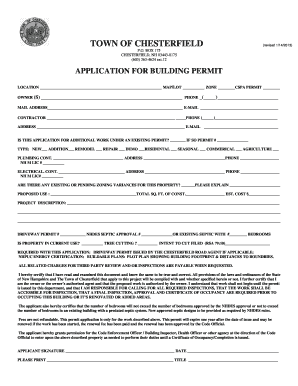
Nh application permit chesterfield
The document is an application form for a building permit in the Town of Chesterfield, NH. It outlines the necessary inf ...
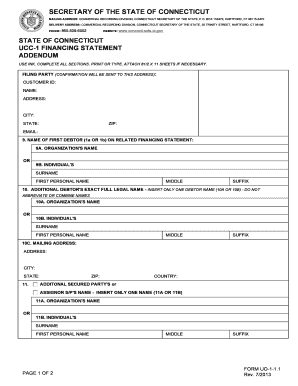
Ct ucc uo1 1 form
The document provides instructions and a form for filing a UCC-1 Financing Statement Addendum with the Secretary of the ...

Wyoming Revocable Living Trust Form
The document is a Wyoming Revocable Living Trust agreement outlining the terms under which the Grantor transfers propert ...

Fire Self Inspection Report
The document is a self-inspection report for the Pleasant Grove Fire Department, designed for businesses to assess their ...