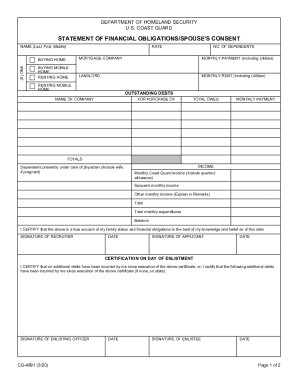
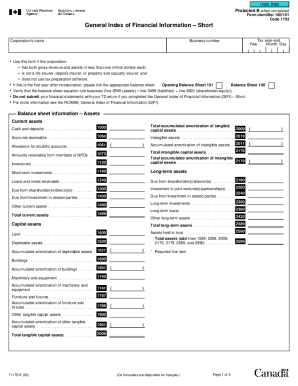
Improve your file administration with Income statement cash flow fillable Balance Sheet Templates

Your workflows always benefit when you are able to find all the forms and files you need at your fingertips. DocHub delivers a vast array of templates to relieve your daily pains. Get hold of Income statement cash flow fillable Balance Sheet Templates category and easily discover your form.

Begin working with Income statement cash flow fillable Balance Sheet Templates in a few clicks:

  1. Open Income statement cash flow fillable Balance Sheet Templates and locate the form you need.
  2. Click on Get Form to open it in our online editor.
  3. Begin changing your file: add more fillable fields, highlight sentences, or blackout sensitive facts.
  4. The application saves your changes automatically, and once you are ready, you can download or distribute your form with other contributors.

Enjoy fast and easy form managing with DocHub. Explore our Income statement cash flow fillable Balance Sheet Templates collection and look for your form right now!


Video Guide on Income statement cash flow fillable Balance Sheet Templates management

video background

Commonly Asked Questions about Income statement cash flow fillable Balance Sheet Templates

Free Excel Cash Flow Template Our cash flow template helps measure your companys financial performance. It displays the cash that your company has on hand after deducting elements such as salaries, rent, purchase of assets (e.g. equipment), and costs from the company income.
How To Create a Profit and Loss Statement Choose a reporting period. Gather financial statements and information. Add up revenue. List your COGS. Record your expenses. Figure your EBITDA. Calculate interest, taxes, depreciation, and amortization. Determine net income.
You use information from your income statement and your balance sheet to create your cash flow statement. The income statement lets you know how money entered and left your business, while the balance sheet shows how those transactions affect different accountslike accounts receivable, inventory, and accounts payable.
Yes, there is a profit and loss template in Excel that you can use to create your own statement. The template includes formulas to calculate revenue, expenses, and net income. You can enter your own data to get started.
Sum up all the revenues using the SUM function. Similarly, add all expenses like advertisements and employee expenses and compute their total using the SUM formula. Calculate the profit or loss under the summary section using the formula: Net Profit/Loss = Net Revenue - Total Expenditures.
How to create a balance sheet in Excel Format your worksheet. You can create a balance sheet in Excel by first creating a title section and labels for your worksheet. Enter dollar amounts. Leave a column of space between your asset labels and the location in which you want to enter the dollar amounts. Add totals.
How to Create a Profit and Loss Statement in Excel Download, Open, and Save the Excel Template. Input Your Company and Statement Dates. Calculate Gross Profit. Input Sales Revenue to Calculate Gross Revenue. Input the Cost of Goods Sold (COGS) Calculate the Net Income. Input Your Business Expenses.