




01. Edit your form online
Type text, add images, blackout confidential details, add comments, highlights and more.

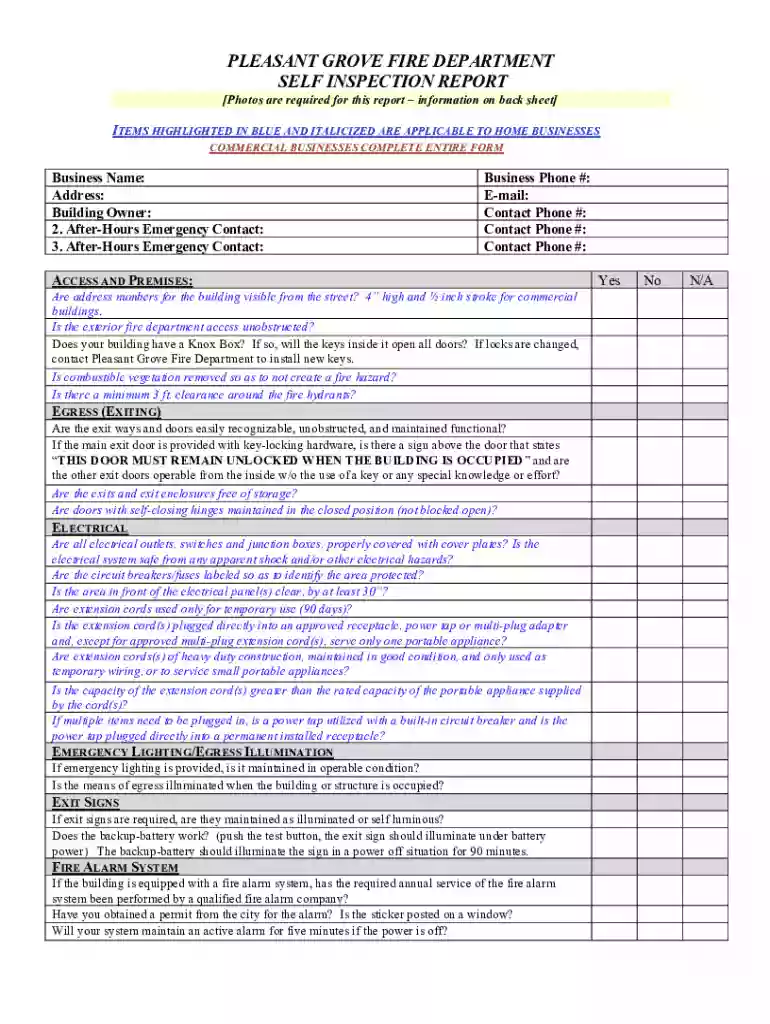
Type text, add images, blackout confidential details, add comments, highlights and more.

Draw your signature, type it, upload its image, or use your mobile device as a signature pad.

Send it via email, link, or fax. You can also download it, export it or print it out.

Start using our platform today to complete your Fire Self Inspection Report easily and efficiently!
We've got more versions of the Fire Self Inspection Report form. Select the right Fire Self Inspection Report version from the list and start editing it straight away!
Of course, electronically drawing your signature is appropriate, but only if you utilize a tool that complies with industry regulations and policies. Consider DocHub, which guarantees eSignature validity under ESIGN and UETA requirements. All you need to approve your Fire Self Inspection Report electronically is an account with DocHub and an internet connection. Once you open your document in our editor, click Sign and choose the Draw option.
If you edit your Fire Self Inspection Report with DocHub, you merely need a steady web connection and virtually any web browser installed on your device. No need to set up any third-party applications or research guides. Simply open a tab with DocHub, drag and drop your file, and modify it immediately.
At DocHub, your data security is our priority. We follow HIPAA, SOC2, GDPR, and other standards, so you can work on your documents with confidence.
A Fire and Life Safety inspection was conducted. Findings of Inspection: YES. Are fire lanes obstructed? Are self-closures on doors working Phone (409) 880.
Here is our self-inspection form regarding our work. img. Here, we also present the self-check form regarding the iGEM Safety Policy and its derived rules:.Read more


