
Blank income statement and Balance Sheet Templates
Navigate Blank income statement and Balance Sheet Templates and develop a personalized financial statement. Adjust, fill out, sign, and share your financial statements without holdups.

Create a new Blank income statement and Balance Sheet Template
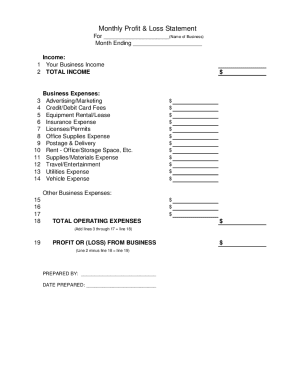
Profit and loss statement template

Personal financial statement template
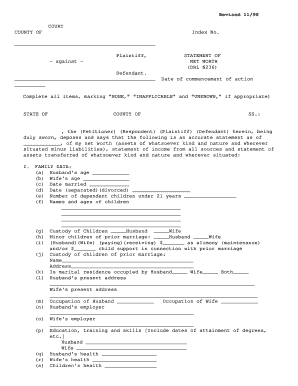
Net worth statement
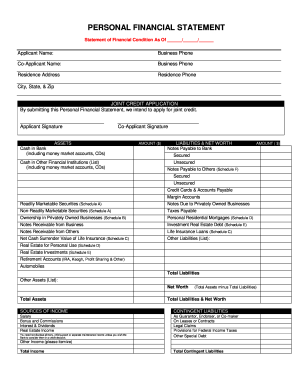
Personal financial statement
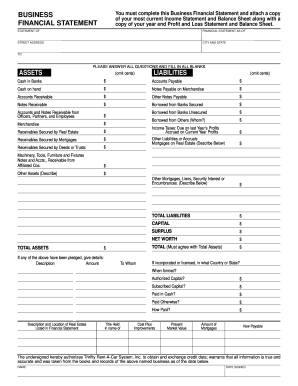
Business financial statement template
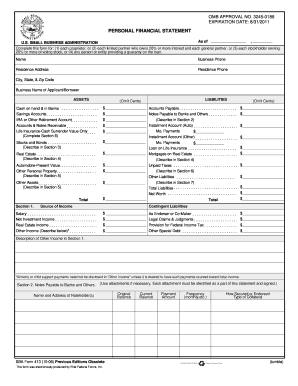
Personal financial statement template 2008 form
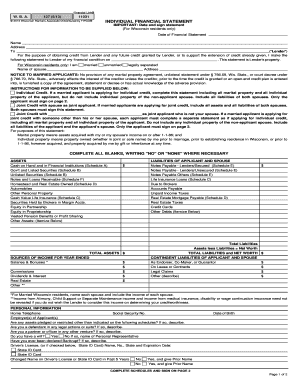
Individual financial statement
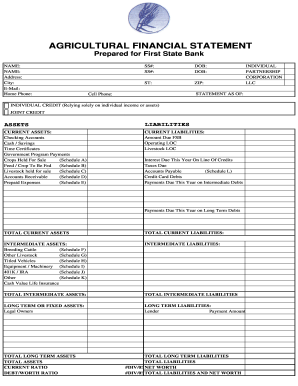
Agriculture financial statement excel
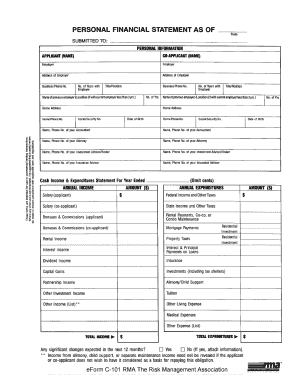
Rma personal financial statement pdf
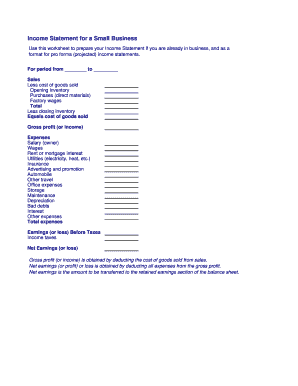
Business income statement
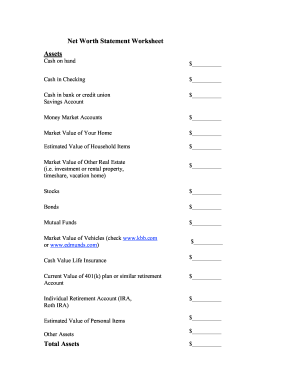
Net worth statement
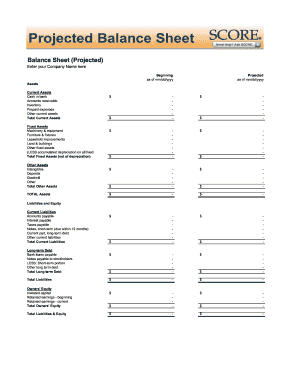
Balance sheet fill in the blank
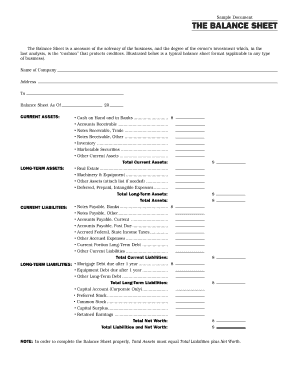
Interim ytd balance sheet pdf

Personal balance sheet pdf

Personal net worth statement template form
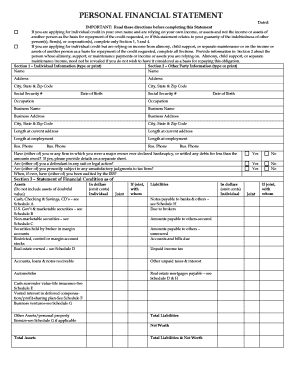
Personal financial statement form
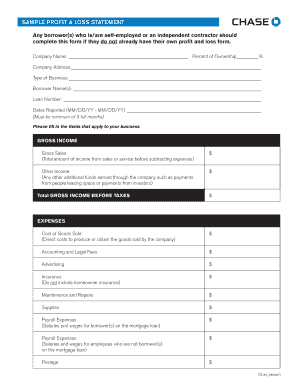
Sample Profit and Loss Statement PDF - Chase
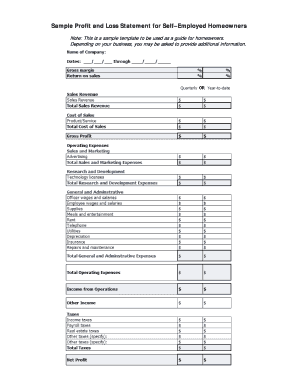
Sample Profit and Loss Statement for SelfEmployed Borrowers

Printable financial forms
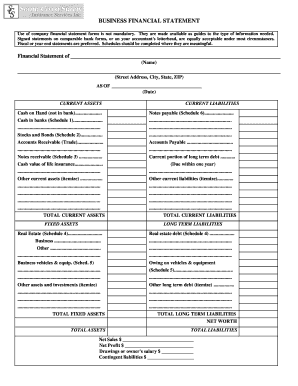
Business financial statement form
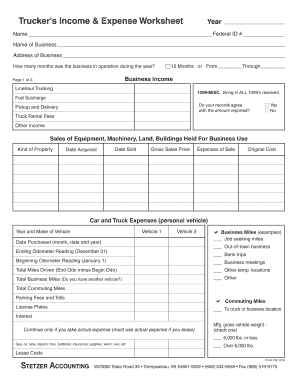
Profit and loss statement for trucking company pdf
Blank statement form
BLANK T Account Form
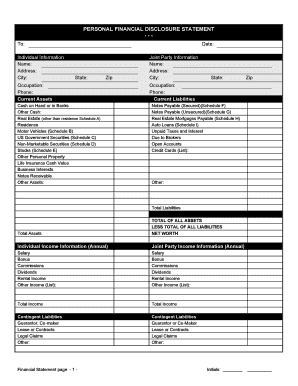
Financial statement form personal
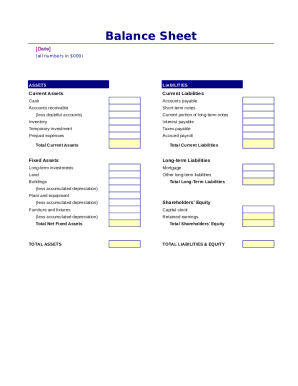
Simple balance sheet
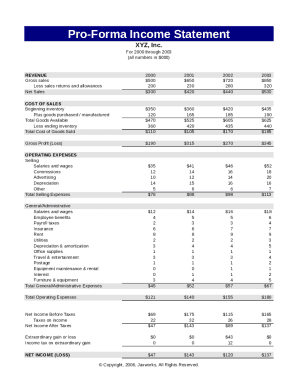
Pro forma income statement

Fillable personal financial statement form
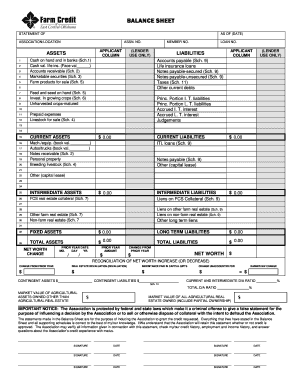
Download Financial Statement Form - Farm Credit
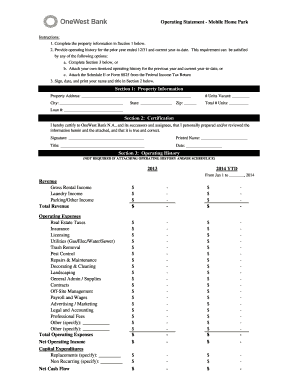
Project operating statement

Financial report template
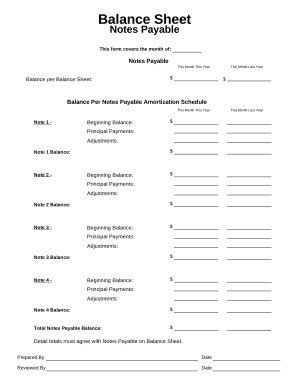
Balance sheet form
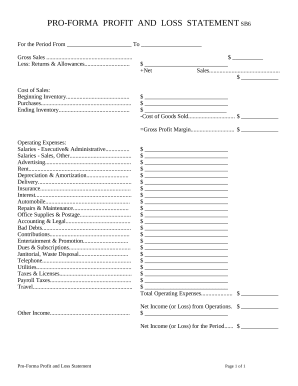
Profit and Loss Statement

Family Financial Statement

Sba form 413
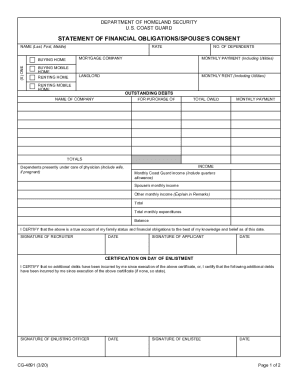
Statement of financial form
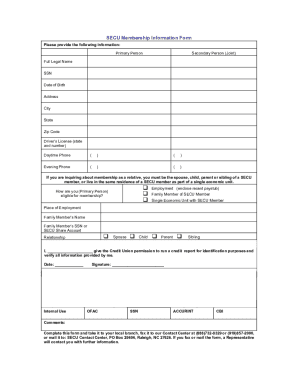
Secu bank statement template
-
1
- 2
Increase your productivity with Blank income statement and Balance Sheet Templates
Form administration takes up to half of your office hours. With DocHub, you can reclaim your office time and boost your team's productivity. Access Blank income statement and Balance Sheet Templates collection and explore all form templates related to your day-to-day workflows.
Effortlessly use Blank income statement and Balance Sheet Templates:
- Open Blank income statement and Balance Sheet Templates and employ Preview to find the suitable form.
- Click on Get Form to start working on it.
- Wait for your form to open in the online editor and begin editing it.
- Add new fillable fields, icons, and pictures, change pages order, and many more.
- Fill out your form or prepare it for other contributors.
- Download or deliver the form by link, email attachment, or invite.
Speed up your day-to-day file administration with the Blank income statement and Balance Sheet Templates. Get your free DocHub account right now to discover all forms.
Video Guide on Blank income statement and Balance Sheet Templates management

Commonly Asked Questions about Blank income statement and Balance Sheet Templates
What is the formula for profit and loss account format in Excel?
Calculating profit in Excel can be done using a simple formula. Subtract the total expenses from the total revenue to obtain the profit. You can use the formula = Total Revenue - Total Expenses in an Excel cell to calculate the profit.
How do I create a pl in Excel?
How to Create a Profit and Loss Statement in Excel Download, Open, and Save the Excel Template. Input Your Company and Statement Dates. Calculate Gross Profit. Input Sales Revenue to Calculate Gross Revenue. Input the Cost of Goods Sold (COGS) Calculate the Net Income. Input Your Business Expenses.
How to create an income statement and balance sheet?
Steps to Prepare an Income Statement Choose Your Reporting Period. Your reporting period is the specific timeframe the income statement covers. Calculate Total Revenue. Calculate Cost of Goods Sold (COGS) Calculate Gross Profit. Calculate Operating Expenses. Calculate Income. Calculate Interest and Taxes. Calculate Net Income.
Does Excel have a template for profit and loss statement?
Yes, there is a profit and loss template in Excel that you can use to create your own statement. The template includes formulas to calculate revenue, expenses, and net income. You can enter your own data to get started.
Is there a balance sheet template in Excel?
The Balance Sheet Template for Excel is a pre-designed spreadsheet that allows users to enter their companys financial information, including assets, liabilities, and equity. This template is useful for businesses of all sizes, as it can be customized to fit each companys specific needs.
Can you create financial statements in Excel?
Log into Microsoft Excel Online and open a blank spreadsheet. Identify the assumptions for the financial statement and create a Transactions page. Create a Profit and Loss statement that summarizes monthly transactions. Use the SUMIFS formula to populate the categories for the Profits and Loss with the transactions.
Does Excel have a financial statement template?
A: Yes. Excel has a range of financial templates, including income statements, cash flow statements, and balance sheets.
Does Excel have an accounting template?
If you open up Excel and then use the relevant keyword in the Search All Templates box, you should be able to find a basic template that will fit your needs. For example, Excel has an inbuilt profit and loss statement template, business expenses budget template, budget planner template, and more.
How do I create a simple income and expense sheet in Excel?
Step 1: Download the Excel budget template. The first thing you need to do is to download the budget template. Step 2: Enter your income in your budget template. To enter your income, go to the Income sheet. Step 3: Enter your expenses in your budget template. Step 4: Add extra columns to your budget template.
Does Excel have a profit and loss template free download?
#2 Annual Profit and Loss Template (PL Template) This template is ideal for any size business and can easily be changed by adding or removing line items (rows) as necessary. It is also useful for performing year-over-year (YoY) analysis. Fill out the form above to download the free annual PL template Excel file.
Related Templates
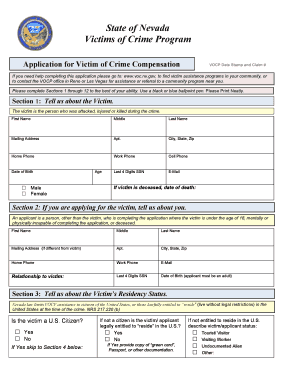
Nevada vocp
The document is an application form for the Victims of Crime Compensation Program (VOCP) in Nevada. It provides detailed ...
Chapter 2 Service-connected Disabilities - Veterans Affairs
The document outlines the procedures and qualifications for discharging Direct Loans for borrowers who either did not co ...
United States International Trade Commission - GPO
The document outlines procedures and regulations for the United States International Trade Commission regarding the hand ...

Nevada vocp
The document is an application form for the Victims of Crime Compensation Program (VOCP) in Nevada. It requires detailed ...
Cm 010
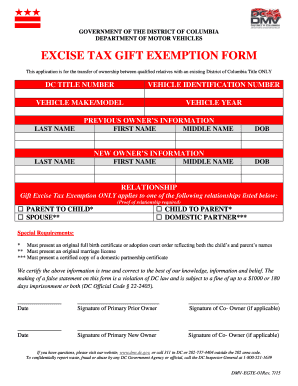
District of columbia excise tax
The document is an Excise Tax Gift Exemption Form from the District of Columbia Department of Motor Vehicles, intended f ...
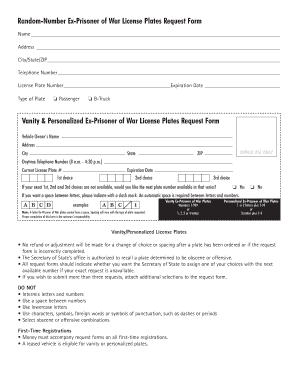
Il ex war
The document outlines the process for requesting Ex-Prisoner of War (Ex-POW) license plates in Illinois, detailing eligi ...
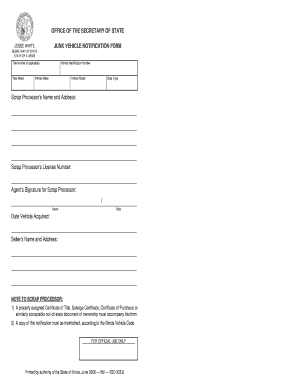
Scrap illinois title
The document is a Junk Vehicle Notification Form issued by the Office of the Secretary of State in Illinois, specificall ...