
Get any PDF form from the DocHub library of ready-made templates - Page 914

New paltz card

Matthew and Florence have left Fair Bluff businesses with

Arc customer credit
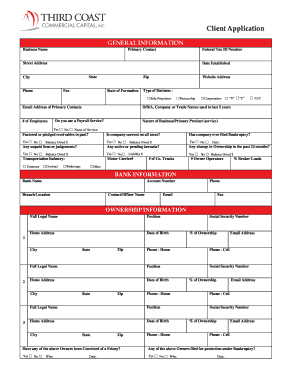
Client Application - Third Coast Commercial Capital, Inc

Download the STR Donation Form - Society of Thoracic
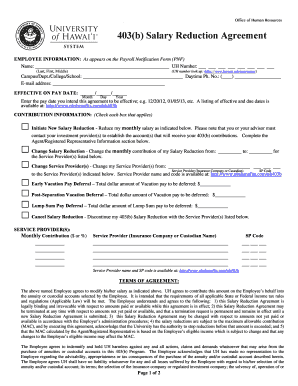
Uh form 82 rev Oct 2012 docx
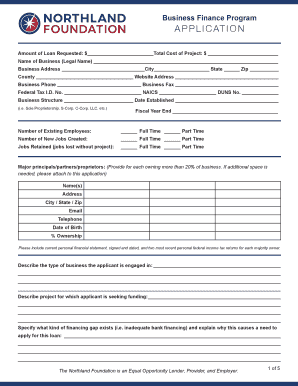
Northland Foundation Business Finance Program Application

Webster bank statements

INDEPENDENT ACCOUNTANT INTERNAL

Guardian Bank Online Application - South Coast Bank & Trust

University financial declaration form

Directions to the CenterInternational Student & Scholar
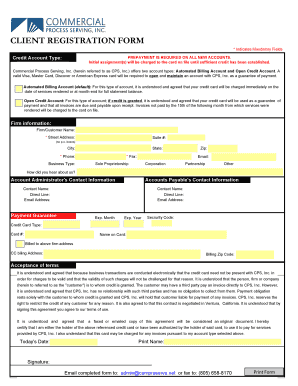
Client Application xls

Parent Agreement for Use of the Attendance Card - Workforce

Rider possession
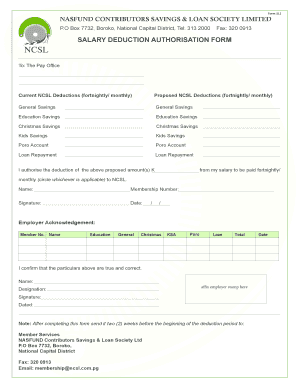
Ncsl online

Financial Assistance Application Form - AtlantiCare - atlanticare

Workforce financial aid
Invest Atlanta Business Assistance Intake Form

Adp client agreement
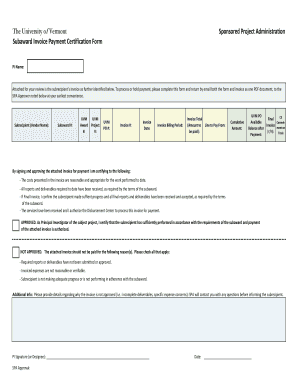
Forms Library - University of Vermont

Esl ach

Dea compliance form

Dear Patient:
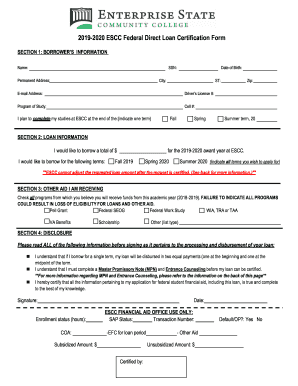
2019-2020 ESCC Federal Direct Loan Certification Form

National Press Foundation Awards DinnerC-SPAN
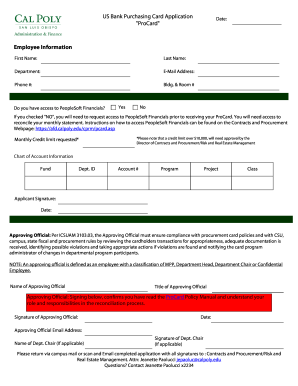
Budget Coding Manual - Houston Independent School District
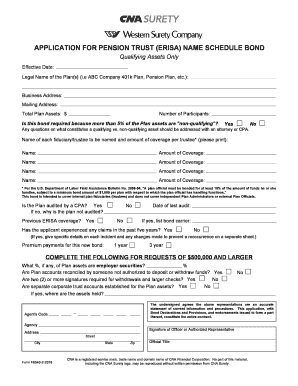
Pdf General - Linux ru
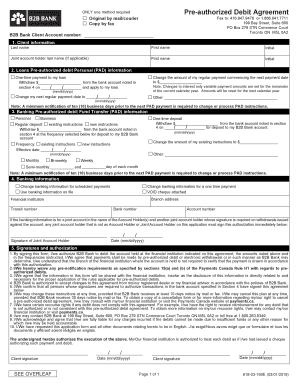
Pre authorized debit form online

Us bank application
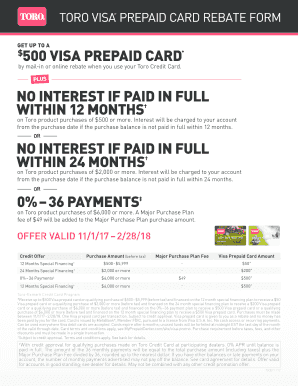
Toro rebate form
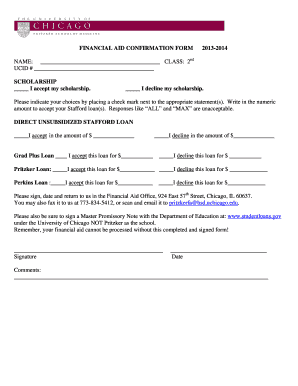
Fafsa form no omb no 1845 0005 2013
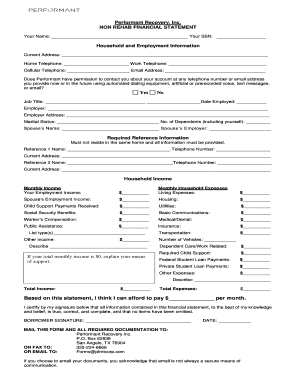
Performant form
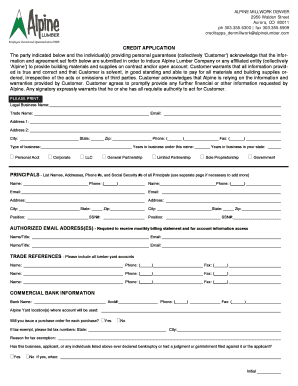
Lumber credit application
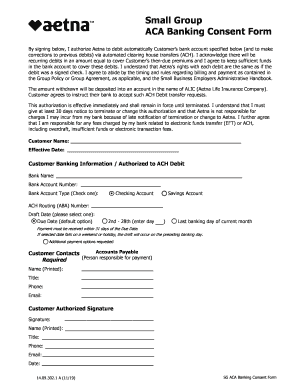
Aca consent form sample
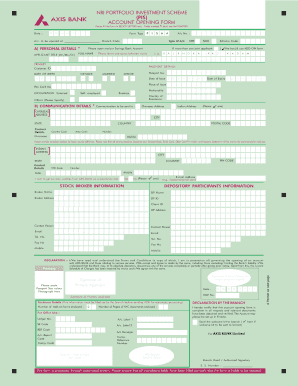
Axis bank pis account opening form
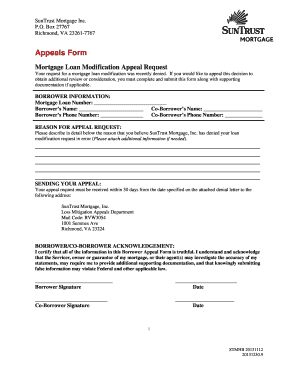
Appeals-form We know that signing a mortgage can be intimidating Here are some helpful documents tha
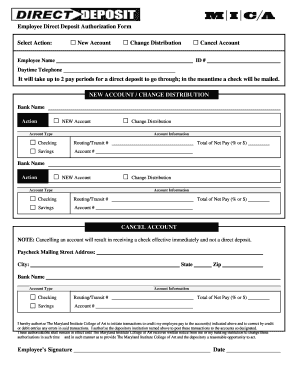
Department of defence fill form
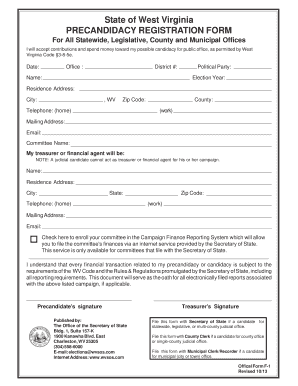
Wv form f 1

North carolina special license plate
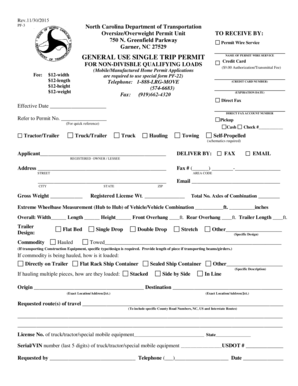
Nc single trip permit

North carolina cancellation form
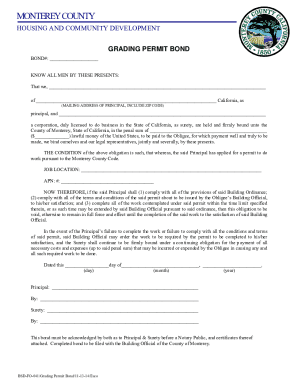
137+ Microsoft Access Databases And Templates With Free Examples

California condominium planning

Instructions for CA FEHB Sub Enrollment Change form

Encroachment permit city public

D3n9y02raazwpg cloudfront americancanyon 699SPECIAL JOINT CITY COUNCIL AMERICAN CANYON FIRE PROTECTI
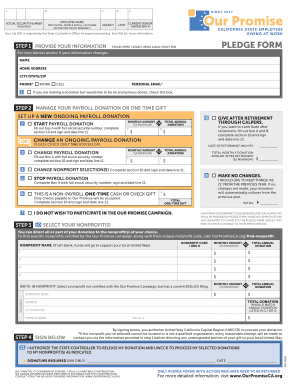
(AS PRINTED ON PAY WARRANT) Your full SSN is required by

English-Spanish GlossarySSA - Social Security Administration
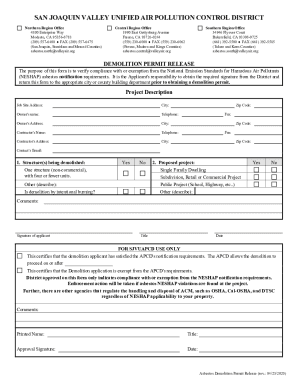
Demolition permit release form

Tabulation form - City of Berkeley

Cameronpark Cameron Park Community Services District

Dog License Information for

Special incident report san diego center
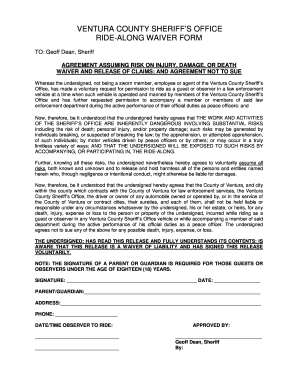
Ridealong forms for the fire deptartment

Ptsa roster
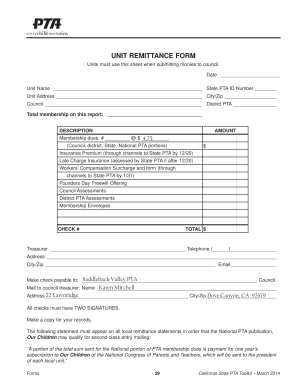
Pta remittance form

2013 garvey district laptop insurance form edit

Retest corona

Pusd authorization search
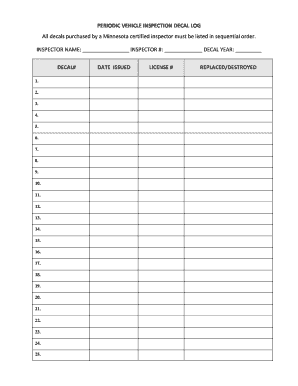
Vehicle inspection decal
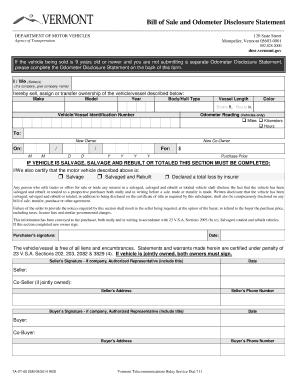
Vermont disclosure form
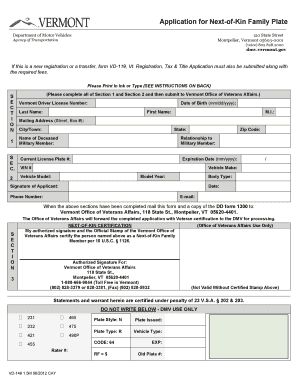
Vd 119
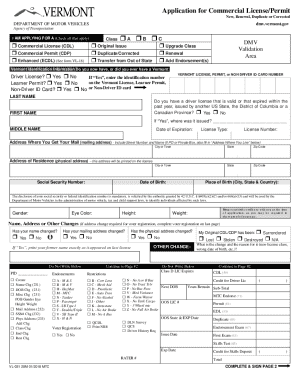
Vt 031 application permit renewal form
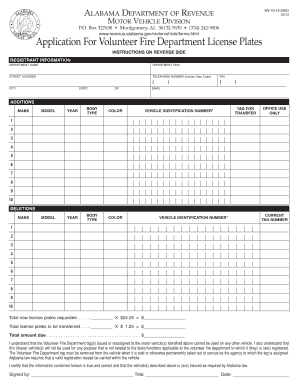
Mv 40 form
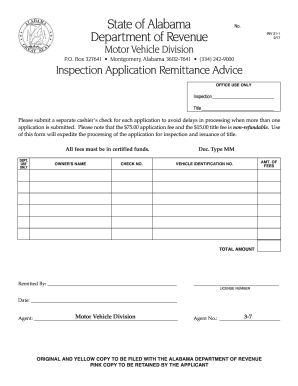
Alabama inv inspection
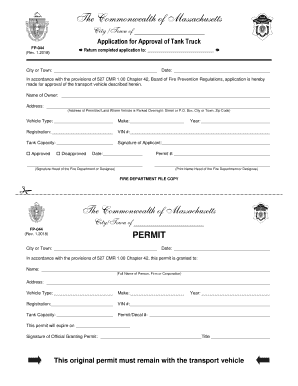
Massachusetts application approval form
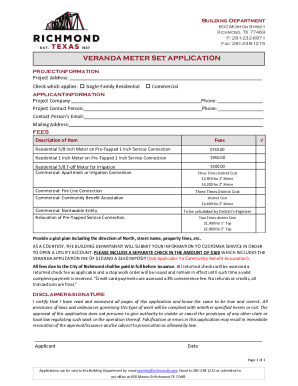
VERANDA METER SET APPLICATION
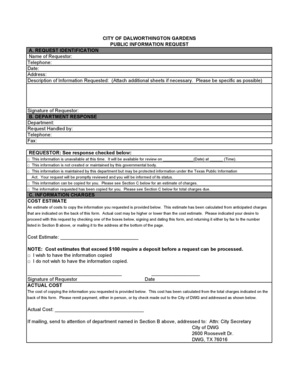
Public Information Request - City of Dalworthington Gardens

Dalhworthington Gardens Alarm Permit Application
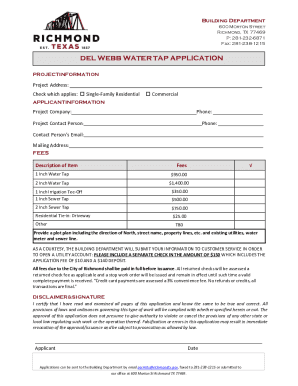
DEL WEBB WATER TAP APPLICATION
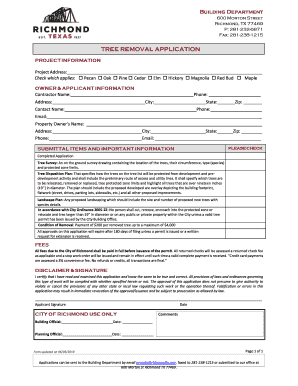
Building Near a Protected TreeCity of Austin Residential
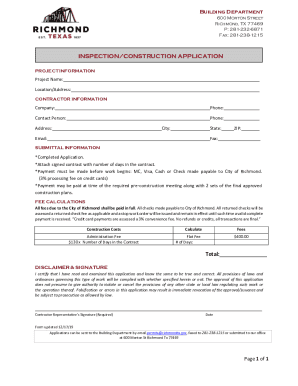
INSPECTION CONSTRUCTION APPLICATION - Richmond, TX
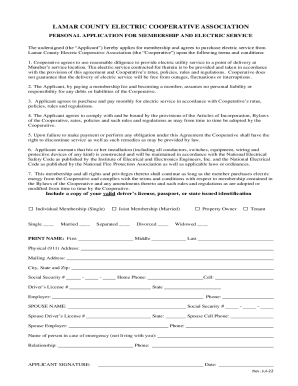
Lamar County Electric Cooperative Membership Application

Product Failure Form

Electric Service Planning Application (ESPA)Electric Service Planning Application (ESPA)Austin Energ
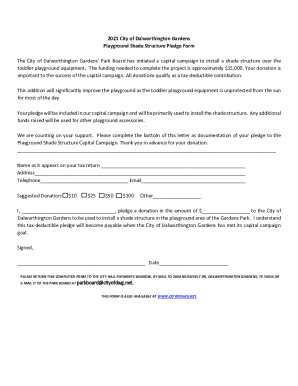
CITY OF DALWORTHINGTON GARDENS Request to Transfer Water
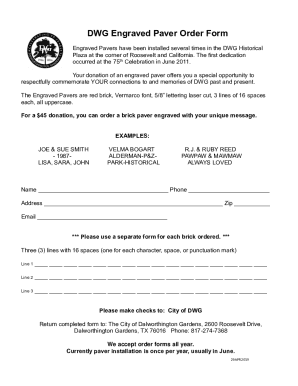
DWG Engraved Paver Order Form

Puc texas WaterSearchUtilityWater Utility Detail - Public Utility Commission of Texas
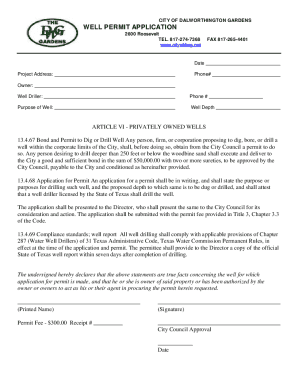
Cityofdwg permits-inspections-and-zoningPermits, Inspections, and ZoningCity of Dalworthington Garde

Tx zoning verification letter
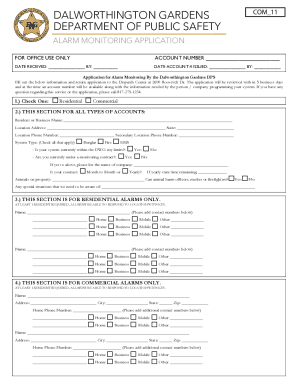
Alarm Application docx
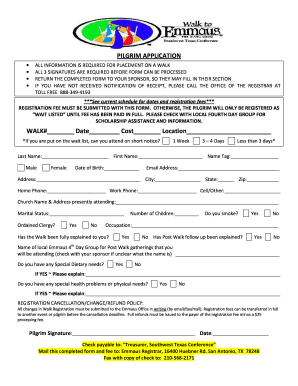
Letter recommendation
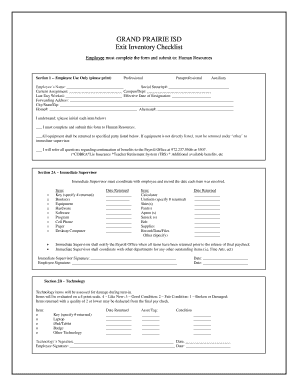
GRAND PRAIRIE ISD Exit Inventory Checklist - gpisd

Renewal license florida

Hsmv 73644 form

83045

Trip permit oregon
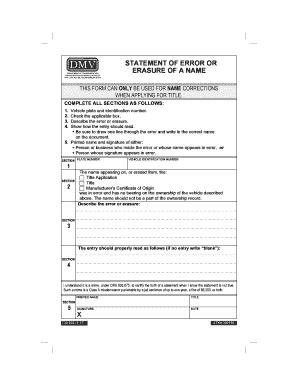
Oregon 502
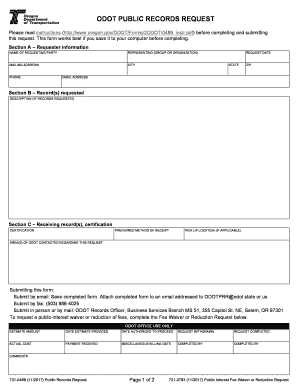
Odot public records request form
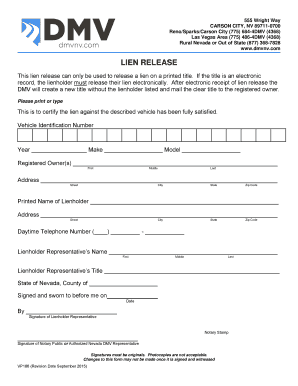
Nevada dmv lien form
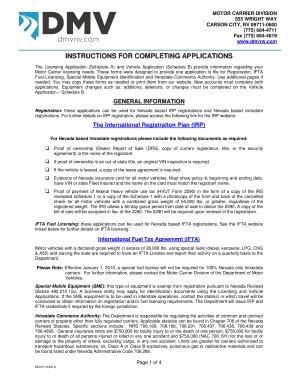
Nevada dmv instructions completing applications
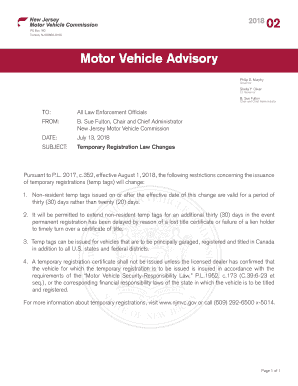
Motor vehicle advisory
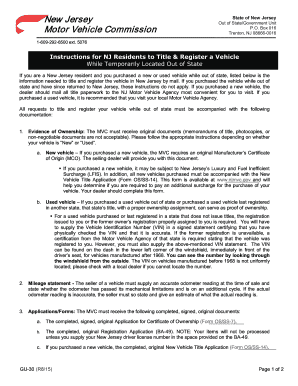
New jersey instructions register vehicle

Nj placard disability form
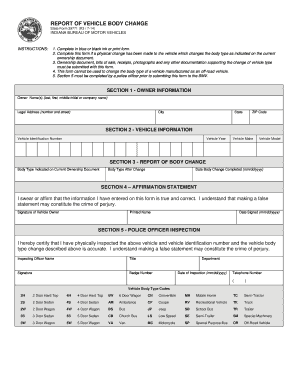
Indiana state form body
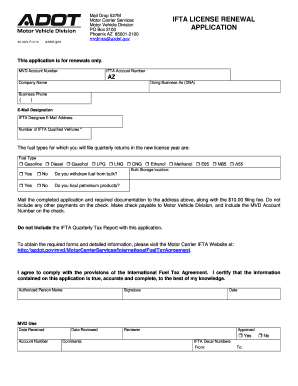
Az ifta renewal
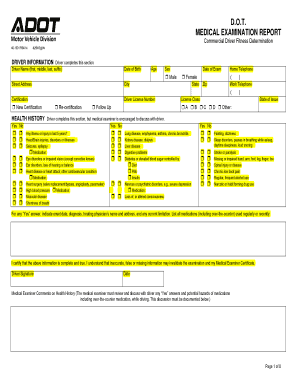
Arizona dot medical examination form

5105 form

Missouri personal insurance
Benefit from the DocHub online library of fillable PDF forms
Searching the PDF forms doesn't have to be a tedious and time-consuming process. With the DocHub online library, it has become easier to find the fillable PDF forms and modify them in your browser. The service allows you to adjust the document to your needs using powerful editing tools.
You can use online document editing features to modify almost any type of document with ease. You just need to find the template of your choice, open it in the editor, and use the toolbar to make the necessary corrections.
Follow this guide to get your document done with DocHub:
- Find the PDF template you need.
- Click the Get Form button to open the file in the editor.
- Use the toolbar to fill out and edit the document.
- Easily add and highlight text, insert images, checkmarks, and symbols.
- Drop new fillable fields, and rearrange or delete pages from your file.
- Save changes and download your record.
DocHub empowers everyone to streamline document editing, signing, and distribution, and form completion. Create an account and benefit from our well-organized PDF Forms library and comprehensive editor.