




01. Edit your ride along forms online online
Type text, add images, blackout confidential details, add comments, highlights and more.

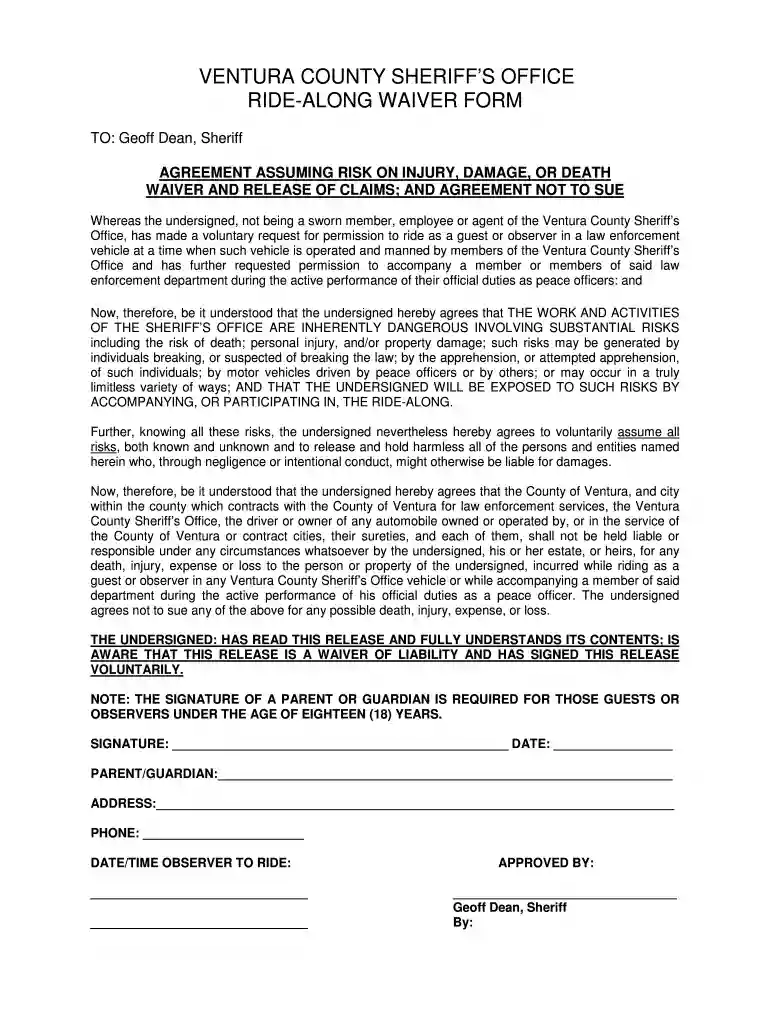
Type text, add images, blackout confidential details, add comments, highlights and more.

Draw your signature, type it, upload its image, or use your mobile device as a signature pad.

Send ride along forms via email, link, or fax. You can also download it, export it or print it out.

Start using our editor today to streamline your ridealong form completion!
At DocHub, your data security is our priority. We follow HIPAA, SOC2, GDPR, and other standards, so you can work on your documents with confidence.
All forms must be submitted to the Fire and Rescue Department Headquarters for approval before any ride-along will be permitted.
Dec 13, 2025 The purpose of the seminar was to spread important knowledge and to raise awareness and understanding among the wider Emergency. Response sectorRead more
If guests and students are under the age of 18, it is mandatory to complete the Minor Fire Department Ride-along form that is included in the Ride-along packet


