
Get any PDF form from the DocHub library of ready-made templates - Page 2288
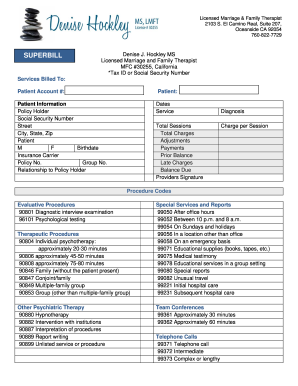
Create superbill template
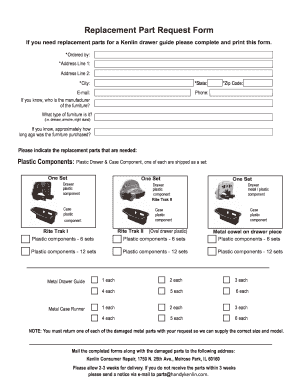
Stanley furniture replacement parts
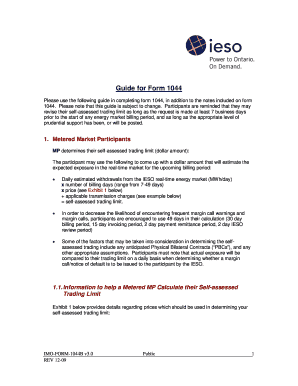
1044 form

Ada paratransit application
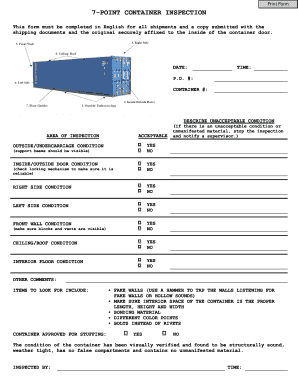
Container inspection form
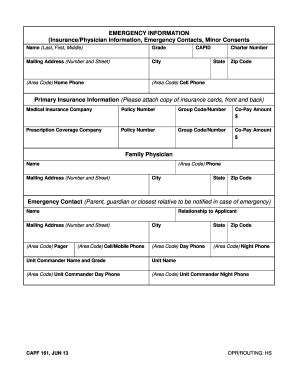
Capf 161
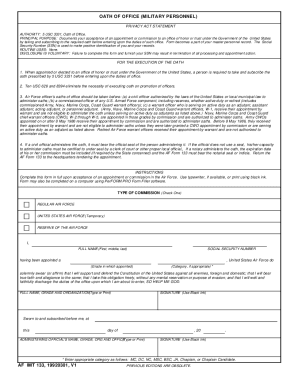
Afimt oath office military
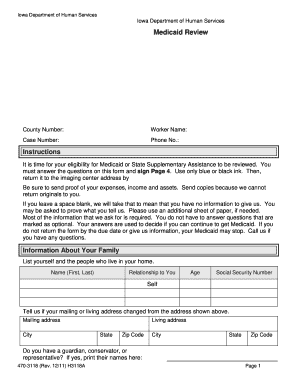
Iowa medicaid application pdf
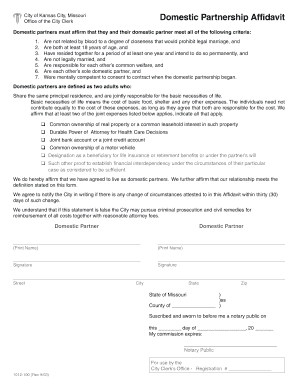
Domestic partnership kansas city missouri
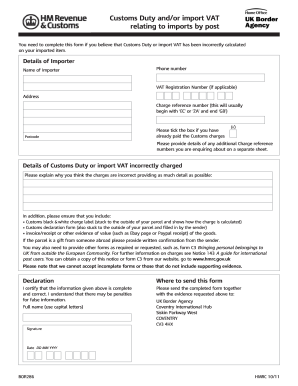
Bor286
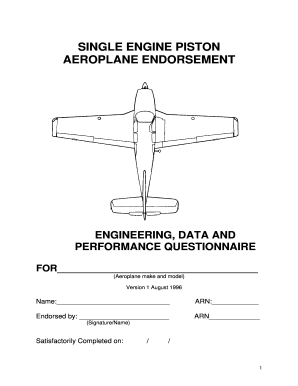
Casa single engine endorsement questionnaire
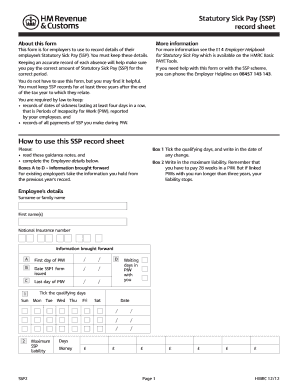
Hmrc ssp form
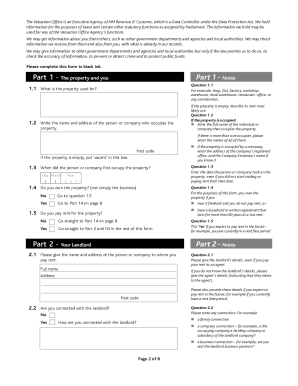
Gov uk send rent lease details
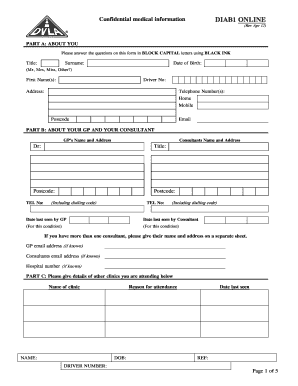
Diab1 form
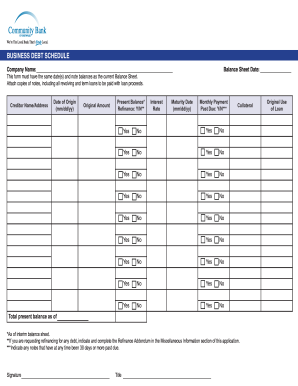
Debt schedule template excel
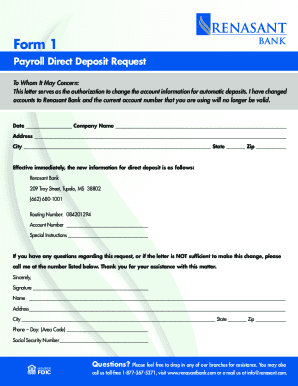
Renasant bank direct deposit form
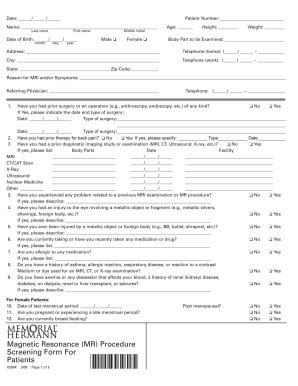
Memorial hermann screening form

Pay by plate ma
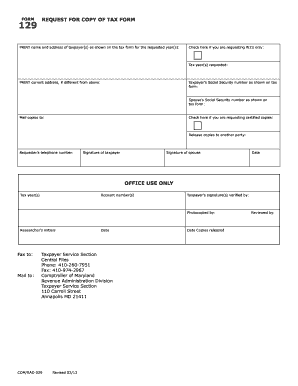
Md tax form 129com
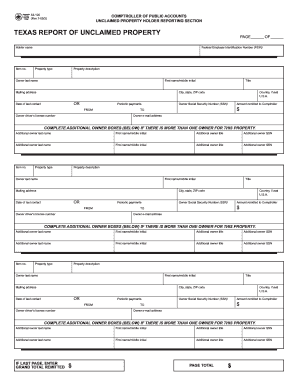
Texas comptroller public accounts
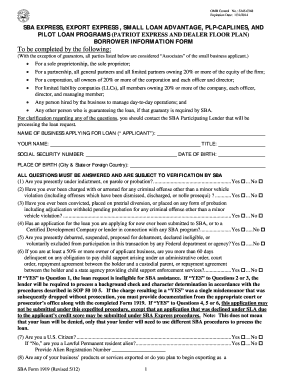
Sba form 1919 fillable 2012
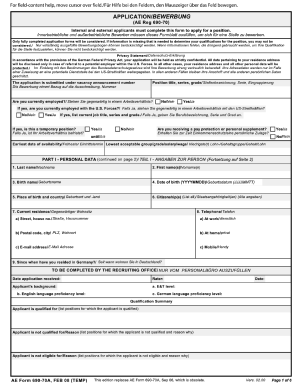
Ae form 690 70a
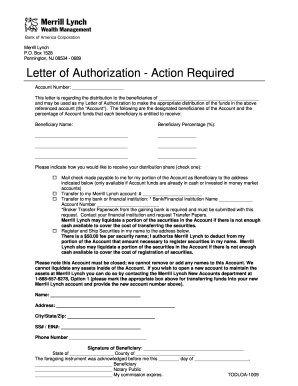
Beneficiary letter form
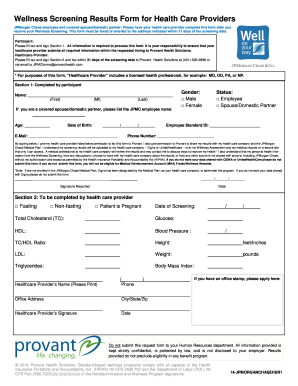
Screening results form health
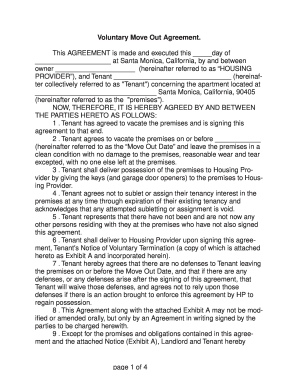
Voluntary move out agreement santa monica
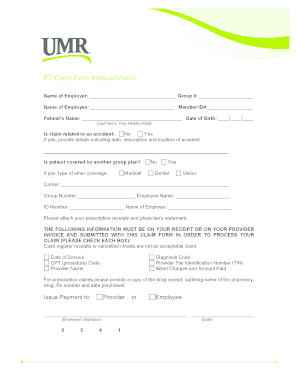
Umr claim form

University of texas pan american transcript request
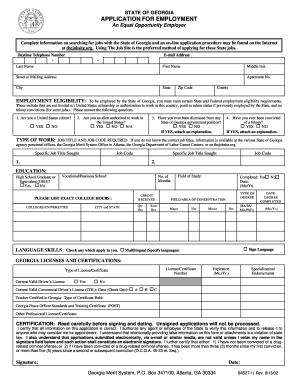
State of georgia application for employment 2002 form

Ownership certificate
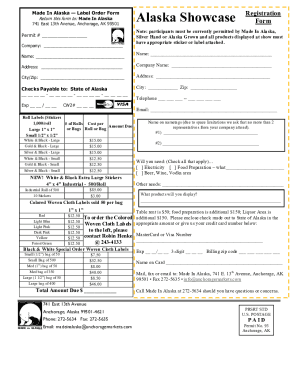
Business license template

Pa id renewal
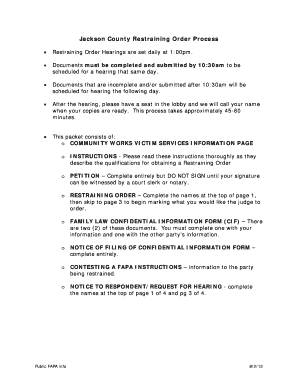
Jackson county restraining order
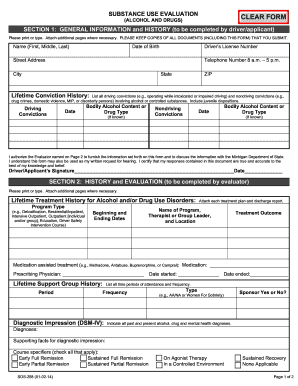
Sos 258

Ob gyn encounter form
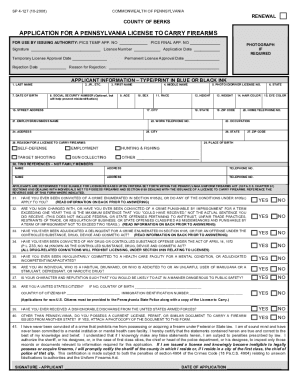
Pennsylvania License to Carry Firearms Application - Berks County - co berks pa
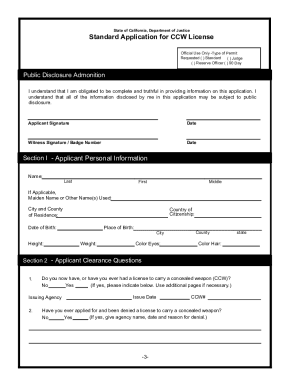
La county ccw application

Hawaii contractors form
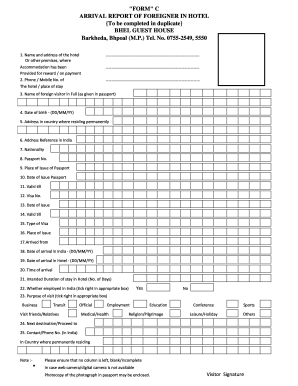
Form c pdf
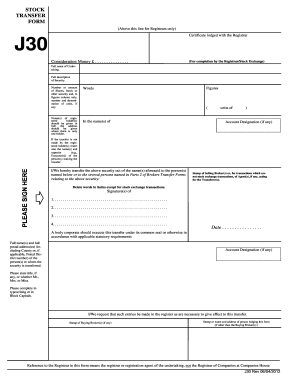
How to fill in a stock transfer form con40 2012-2019
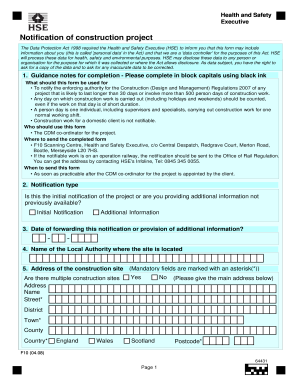
F10 form
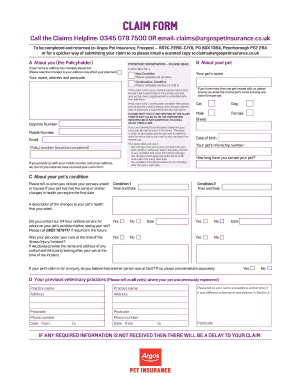
Argos pet insurance claim form
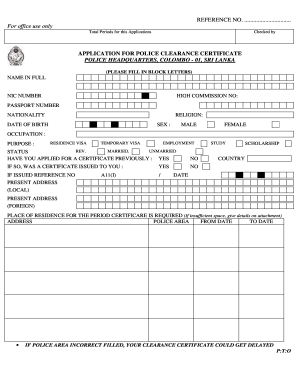
Police report online

Form 402
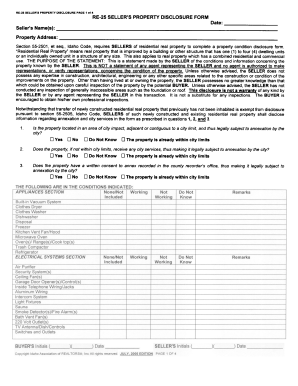
Idaho real estate disclosure form
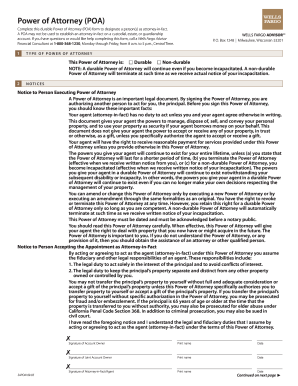
Wells fargo power of attorney policy 2005 form
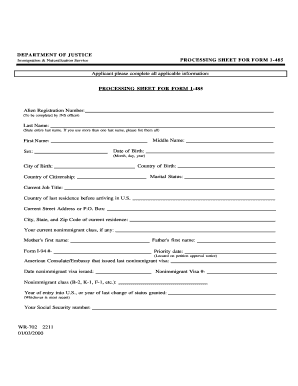
Wr i 485
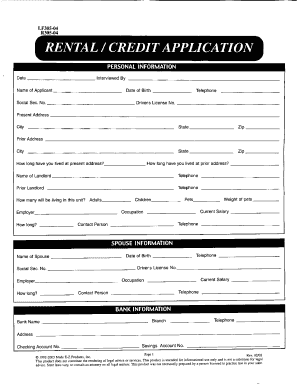
RENTAL / CREDIT APPLICATION
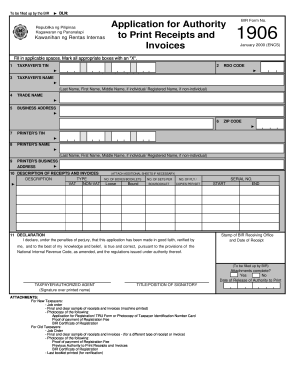
Bir form 1906
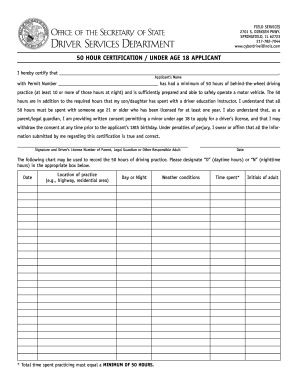
Illinois driving record sheet for illinois 2006 form
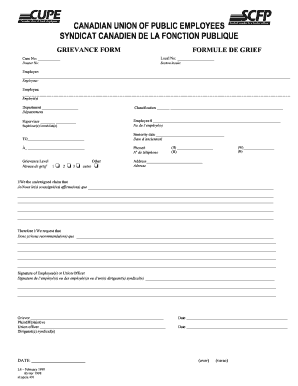
Cupe grievance form

Canadian disability tax credit form
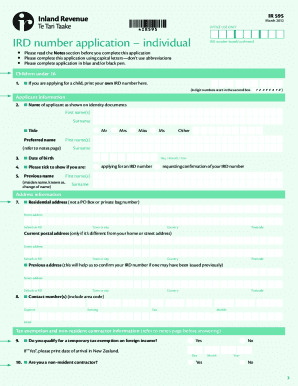
Ir595
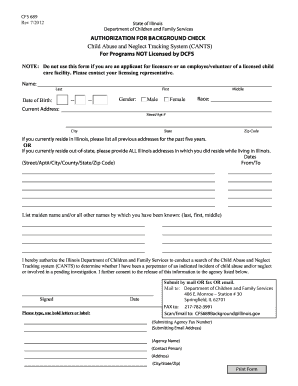
Cfs 689
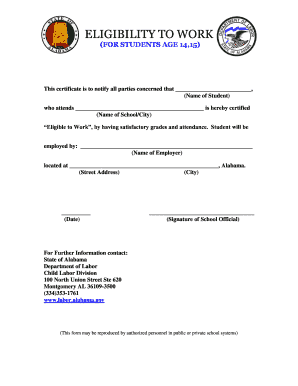
Eligibility to work form alabama

North carolina form mim

Caqh attestation form
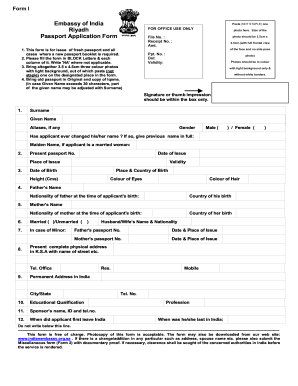
Indian passport renewal riyadh

Fafsa parent signature form
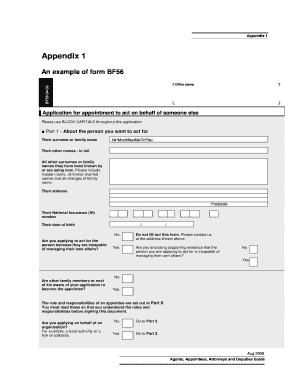
Bf56 form pdf download
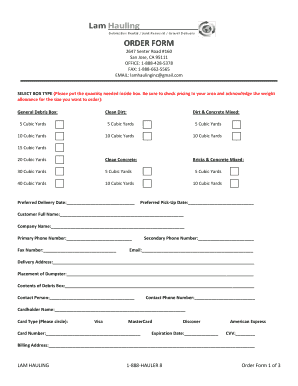
Dumpster rental contract
Melaleuca cancellation form
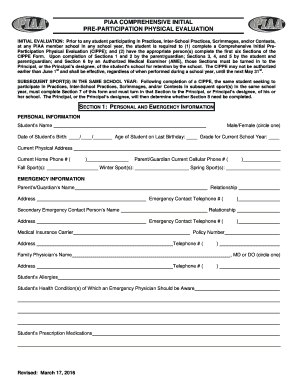
Piaa form pdf
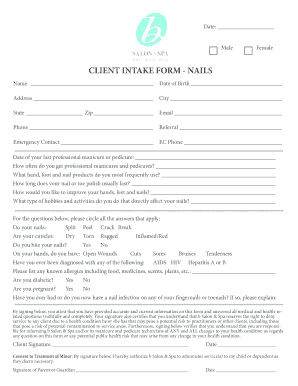
Client intake form for nails
Poc approval and battery approval request

Superannuation declaration form

Standard multi tenant office lease gross

Medicare claim form
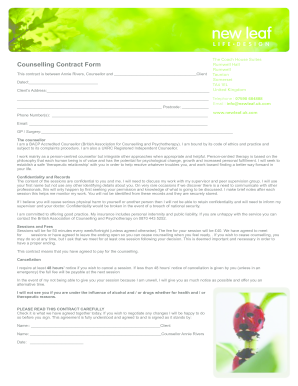
Printable counselling contract template
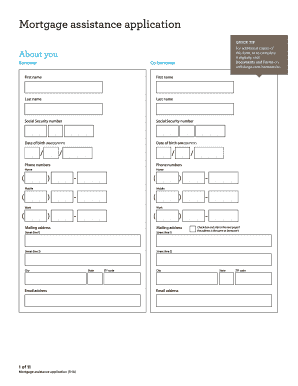
Mortgage assistance application
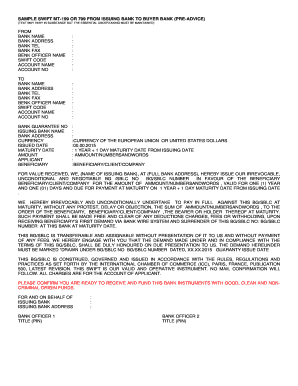
نمونه mt199

Johns hopkins evidence appraisal tool example
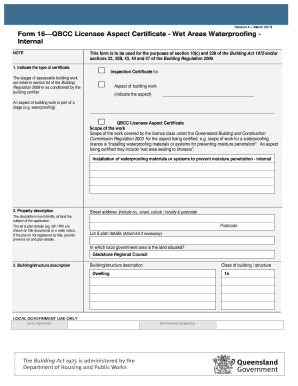
What does a waterproofing certificate look like
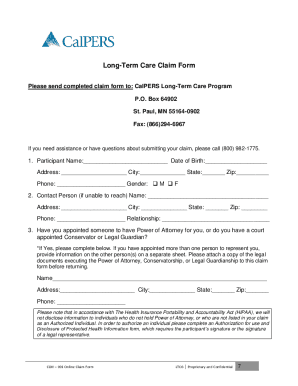
Claimant care needs assessment form
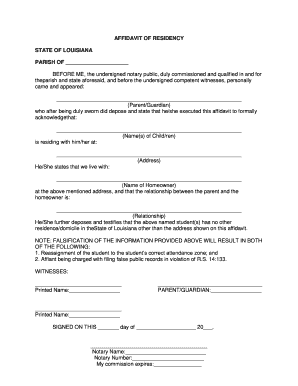
Affidavit of residency louisiana
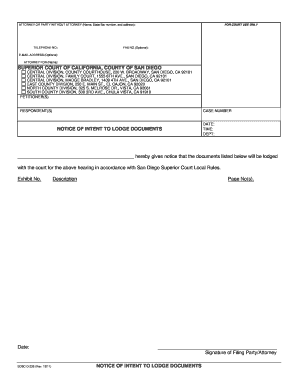
Intent documents ca

7 day food diary pdf
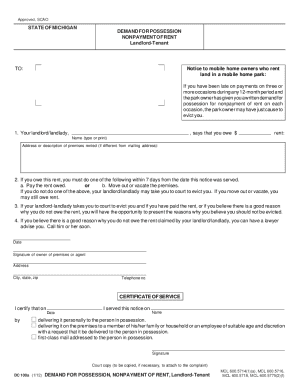
30 day notice to quit michigan pdf

Procura pentru copil minor pdf
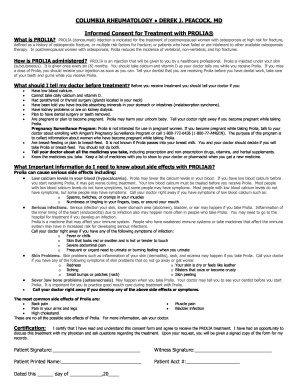
Prolia consent form
Rosetta stone certificate
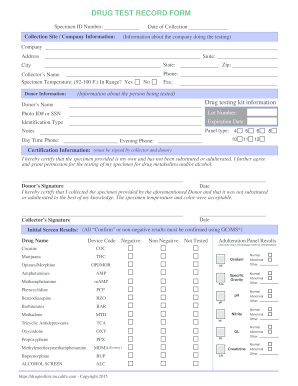
12 panel drug test result form

California car title template
Alberta works medical form pdf

Relapse prevention worksheets
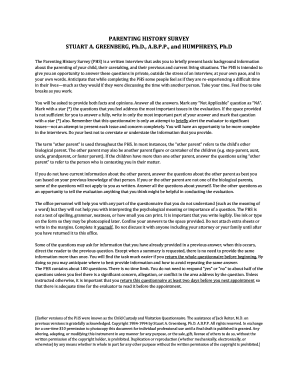
Parenting history survey
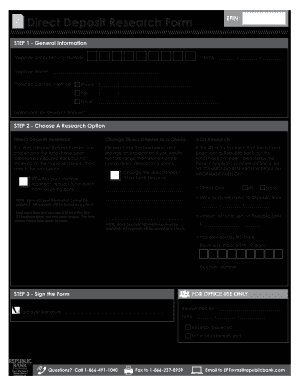
Republic bank form
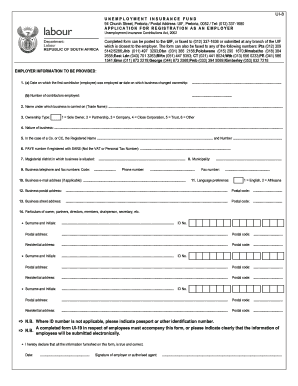
Ui8 form
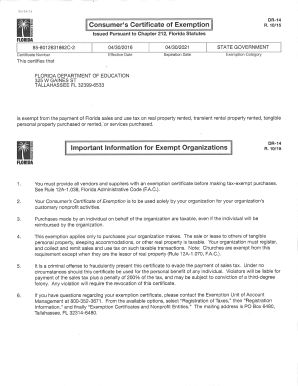
Dr 14
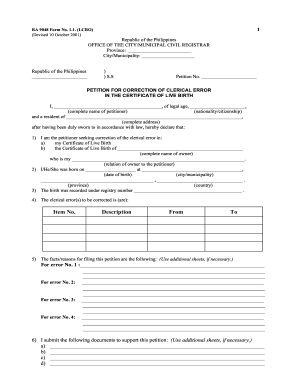
Ra 9048 form

Virginia death certificate pdf
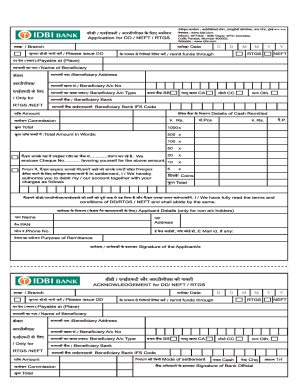
Idbi rtgs form
Ds 260 form
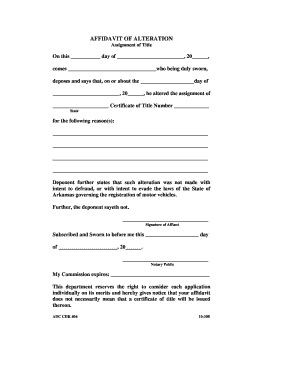
How to fill out an affidavit of alteration

New jersey universal fingerprint form blank
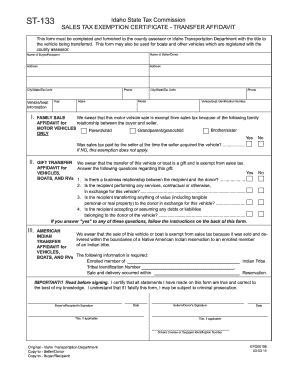
Idaho sales tax

Makeup artist waiver form

Owner agent form
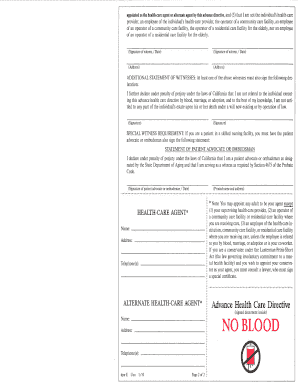
Jw no blood card pdf
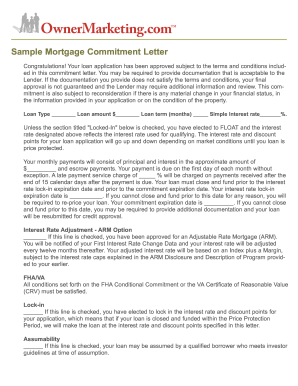
Sample mortgage commitment letter template

Name va get
Benefit from the DocHub online library of fillable PDF forms
Searching the PDF forms doesn't have to be a tedious and time-consuming process. With the DocHub online library, it has become easier to find the fillable PDF forms and modify them in your browser. The service allows you to adjust the document to your needs using powerful editing tools.
You can use online document editing features to modify almost any type of document with ease. You just need to find the template of your choice, open it in the editor, and use the toolbar to make the necessary corrections.
Follow this guide to get your document done with DocHub:
- Find the PDF template you need.
- Click the Get Form button to open the file in the editor.
- Use the toolbar to fill out and edit the document.
- Easily add and highlight text, insert images, checkmarks, and symbols.
- Drop new fillable fields, and rearrange or delete pages from your file.
- Save changes and download your record.
DocHub empowers everyone to streamline document editing, signing, and distribution, and form completion. Create an account and benefit from our well-organized PDF Forms library and comprehensive editor.