




01. Edit your dl 901 7 23 online
Type text, add images, blackout confidential details, add comments, highlights and more.

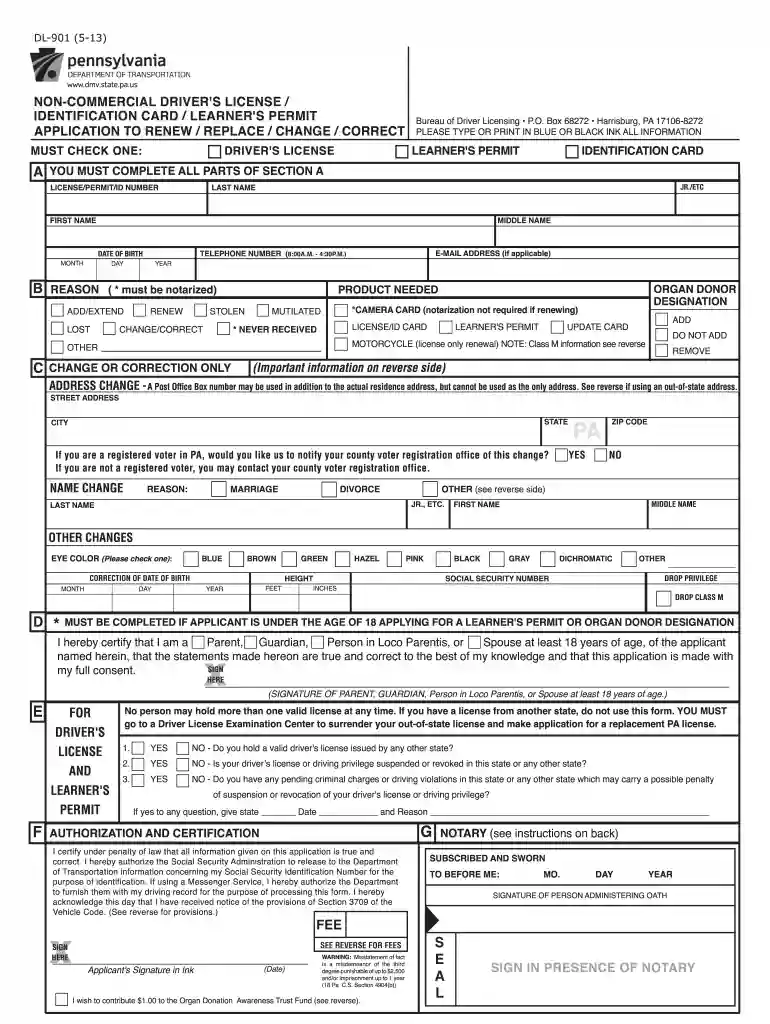
Type text, add images, blackout confidential details, add comments, highlights and more.

Draw your signature, type it, upload its image, or use your mobile device as a signature pad.

Send dl 901 penndot via email, link, or fax. You can also download it, export it or print it out.

Start using our platform today for a seamless pa id renewal experience!
We've got more versions of the dl 901 7 23 form. Select the right dl 901 7 23 version from the list and start editing it straight away!
At DocHub, your data security is our priority. We follow HIPAA, SOC2, GDPR, and other standards, so you can work on your documents with confidence.
First, make sure you know your IBM ID and Password and that you have Software Download and. Media Access privileges for your PAO Site. If you dont have theRead more
To be eligible for a PA drivers license or state ID, a non-immigrant must have at least one year remaining on their immigration document (I-20, DS-2019).Read more
You can renew a photo ID online, at a PennDOT driver license or photo center, or with a local online messenger service. Renew your photo ID onlineRead more


