



Here's how it works



How to use or fill out casa single engine endorsement questionnaire with our platform

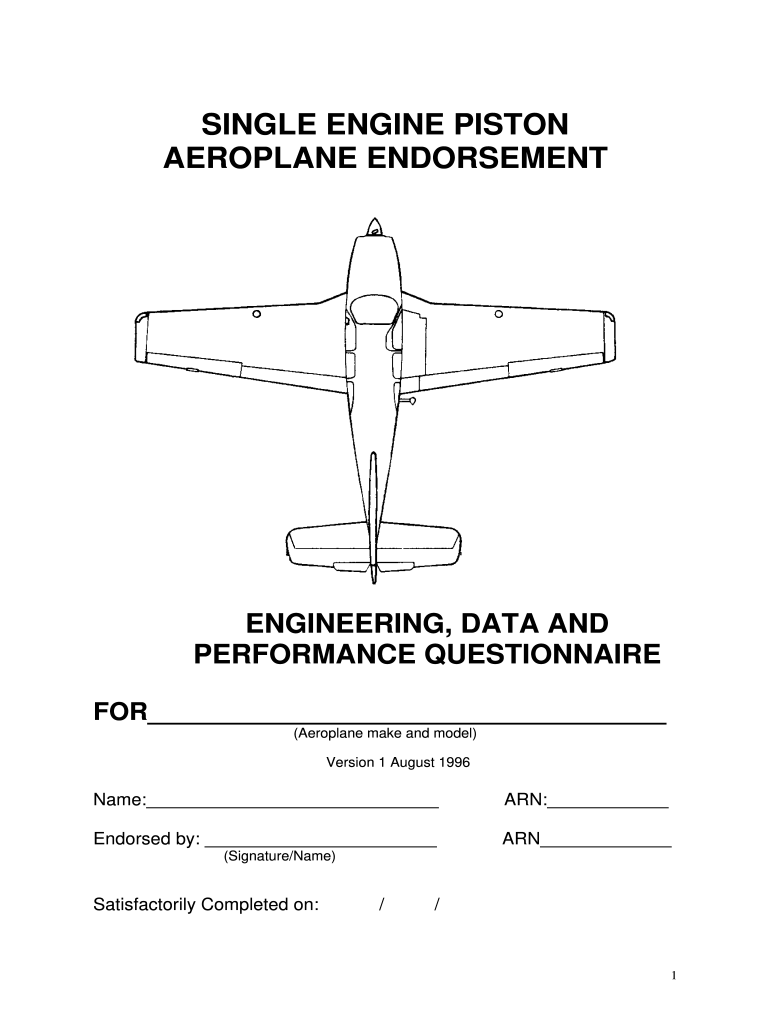
- Click ‘Get Form’ to open the casa single engine endorsement questionnaire in the editor.
- Begin by filling in your name and ARN at the top of the form. This personal information is essential for identification.
- In the 'General Aircraft Data' section, provide details about the aeroplane make, type, and model, as well as its permitted flying categories.
- Proceed to 'Airspeed Limitation' and list all applicable airspeeds for your aeroplane type. Ensure accuracy as this information is critical for safe operation.
- Move on to 'Emergency Procedures' where you will detail various emergency situations. Use references like Flight Manuals to ensure comprehensive answers.
- Continue through sections on Normal Procedures, Weight and Balance, Fuel System, Engine Details, Airframe, Ancillary Systems, and Flight Instruments. Each section requires specific technical knowledge; refer to manuals as needed.
Start using our platform today for free to complete your casa single engine endorsement questionnaire efficiently!
It's free
See more casa single engine endorsement questionnaire versions
| Versions | Form popularity | Fillable & printable |
|---|---|---|
| 1996 | 4.8 Satisfied (140 Votes) |
Got questions?
What is the best way to send my casa single engine endorsement questionnaire pdf for eSignature?
Upload your casa single engine endorsement questionnaire pdf to DocHub (once you’ve created an account for this). If you need to complete fields in it, use proper tools from the top pane. For instance, add Signature Fields, assign each to a particular person, and click on Sign → Request signatures from others. Customize your message for your recipients and click Send Request. You can also send your paperwork by fax or as a Signing link instead of using email (you’ll find these options by navigating to the Menu → Send)
How do you create an e-signature for the endorsement questionnaire on iOS?
Apart from a comprehensive toolset for editing PDFs on mobile phones, DocHub enables you to sign your endorsement questionnaire along the way. Open our editor in your web browser, make modifications using DocHub’s toolset, and finish your editing by eSigning the finished form.
Security and compliance
At DocHub, your data security is our priority. We follow HIPAA, SOC2, GDPR, and other standards, so you can work on your documents with confidence.
Learn more