




01. Edit your lasd ccw online application online
Type text, add images, blackout confidential details, add comments, highlights and more.

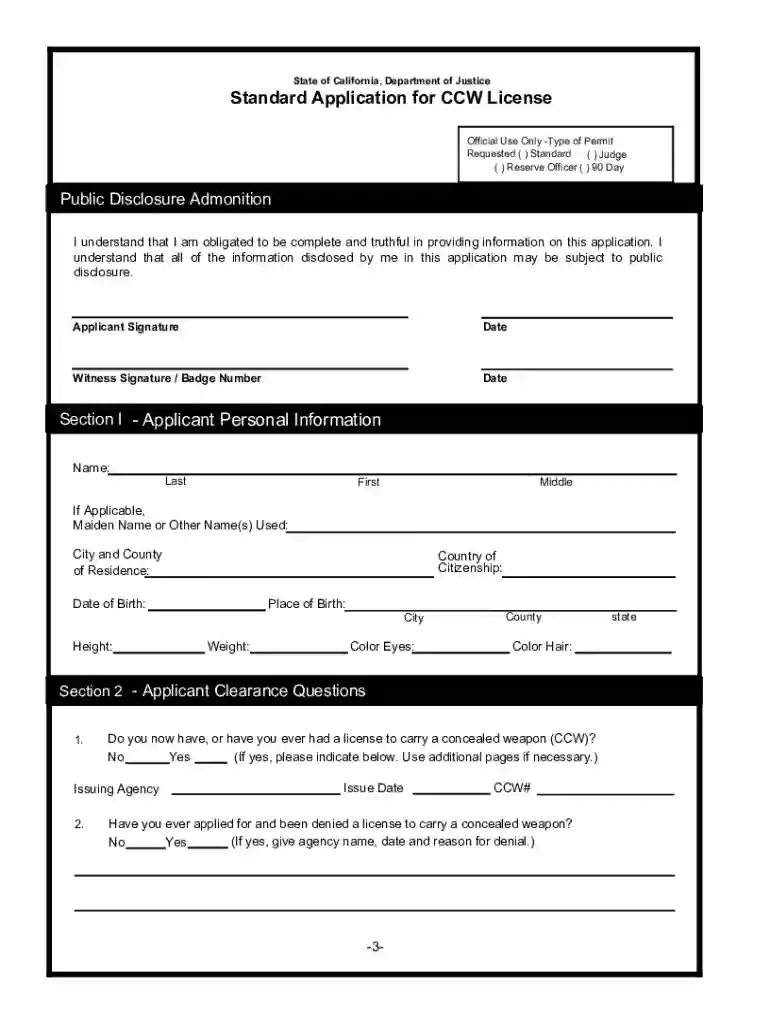
Type text, add images, blackout confidential details, add comments, highlights and more.

Draw your signature, type it, upload its image, or use your mobile device as a signature pad.

Send la county ccw application via email, link, or fax. You can also download it, export it or print it out.

Start using our platform today for free to streamline your CCW application process!
At DocHub, your data security is our priority. We follow HIPAA, SOC2, GDPR, and other standards, so you can work on your documents with confidence.
Each application shall be individually reviewed for cause, and the applicant will be notified by writing within 90 days of the application, or within 30 daysRead more
The Department of Motor Vehicles would be re- quired to revise its drivers license and identification card applications to include a statement indicating that.Read more
You must then prove to the court that youve complied with the orders. Bring form DV-800/JV-270, Receipt for. Firearms, Firearm Parts, and Ammunition, to a gun.Read more


