
Get any PDF form from the DocHub library of ready-made templates - Page 2209
Wedding worksheets pdf

Health risk screening tool pdf
Parenting plan template missouri
Creditor matrix chapter 7

Article of incorporation california pdf

Birth report form

Camping checklist editable
India health family welfare
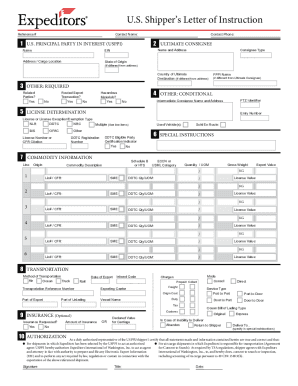
Expeditors sli

Estes bol

Nc financial affidavit

THE STATE OF TEXAS SUBPOENA FOR WITNESS ... - Forms
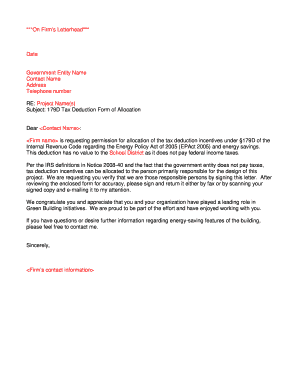
Request letter to occupy space
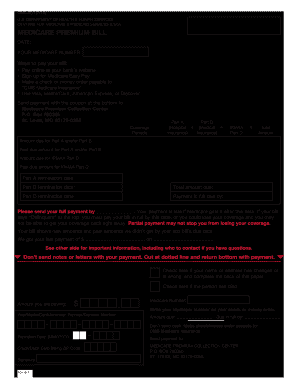
Cms 500 form

JUROR SUMMONS FOR CIRCUIT COURT - judicial state sc
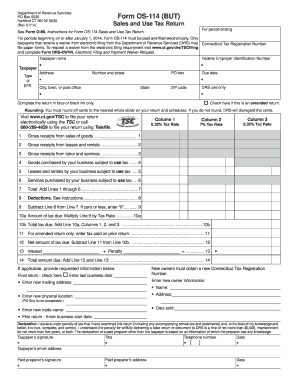
PAID PREPARER USE ONLY - Louisiana Department of Revenue
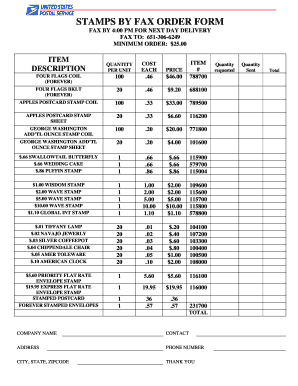
Stamps by fax order form 2022

California l 92 penal
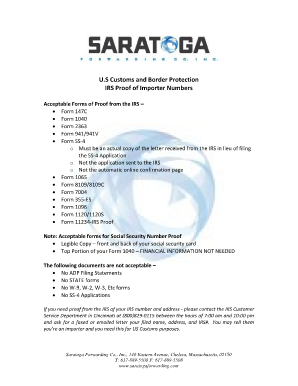
Internal revenue service numbers
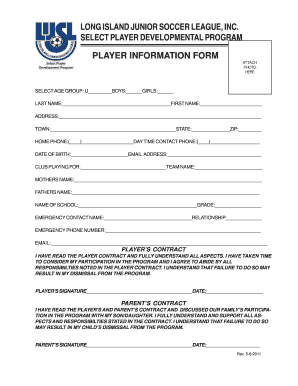
Player information sheet
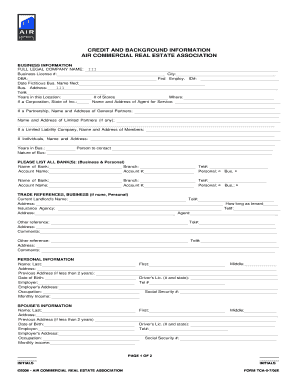
Air commercial credit information
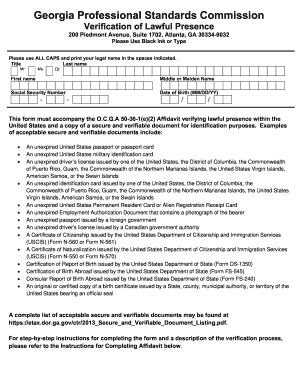
Georgia professional standards commission verification of lawful presence
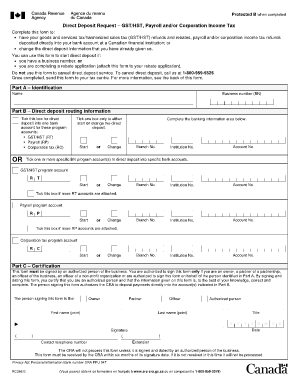
Rc366

119031
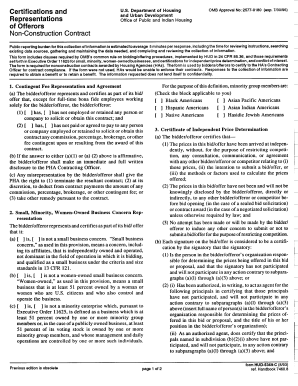
Hud c
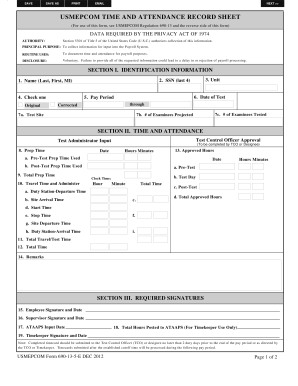
Usmepcom forms

Lab requisition
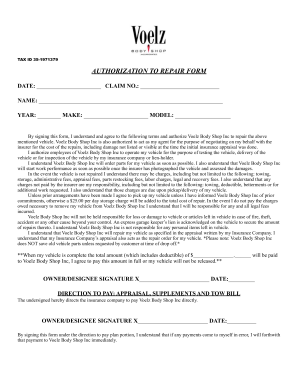
Body shop authorization repair form
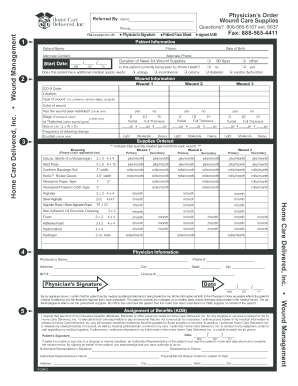
Printable wound
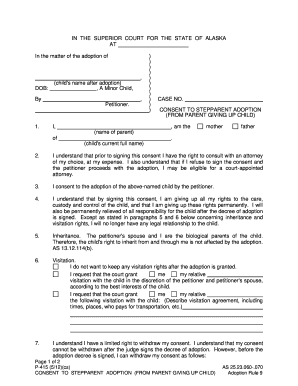
Child adoption form pdf
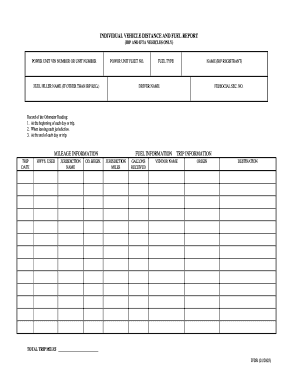
Deldot mv213
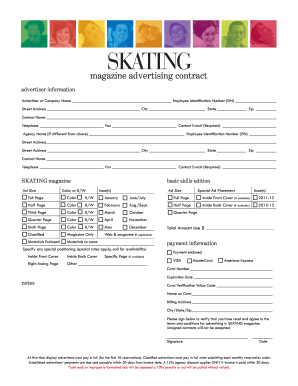
Advertising agreement template
Braden scale pdf
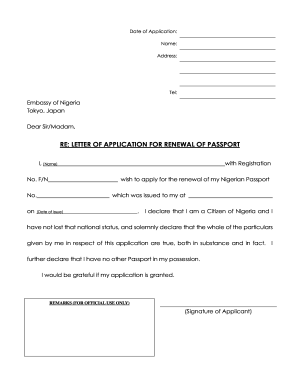
Letter of consent for child passport
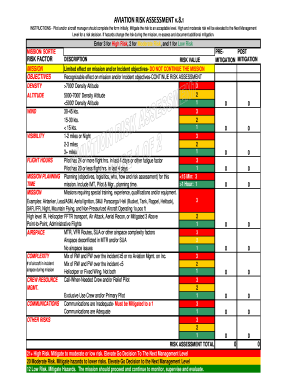
Aviation risk assessment worksheet
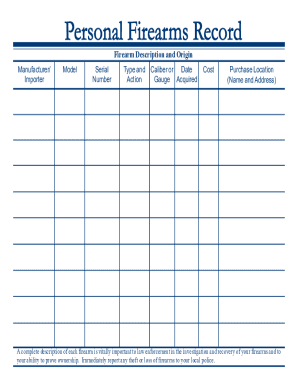
Printable gun inventory sheet
Rfq template word
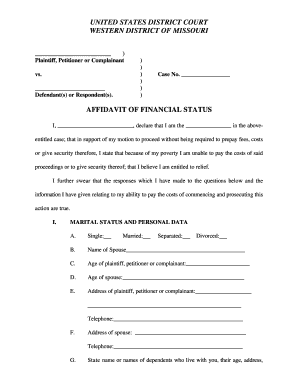
Affidavit of financial status iowa
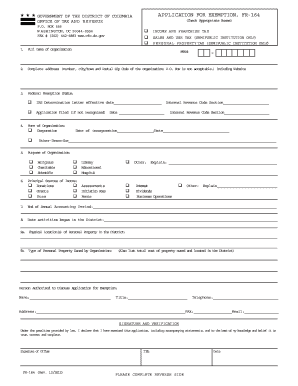
Dc application exemption

Alabama resale certificate pdf

Wb 41 notice relating to offer to purchase 2010 form

Wc 14
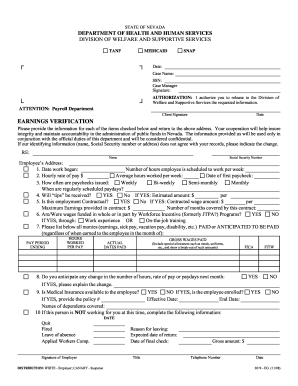
Earnings verification
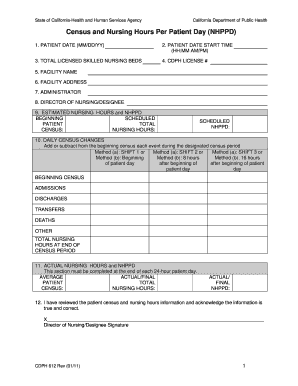
Cdph 612 2011 form
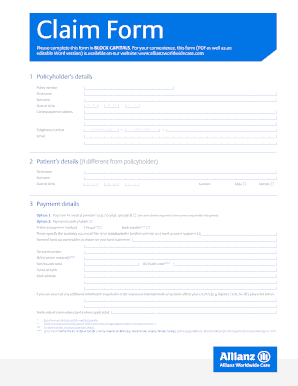
Allianz reimbursement form

Scout medical examination form
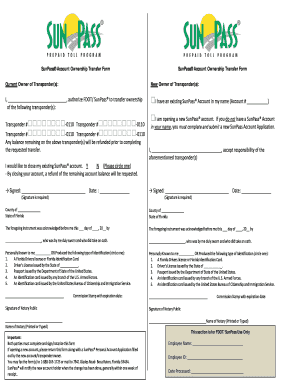
Sunpass create account
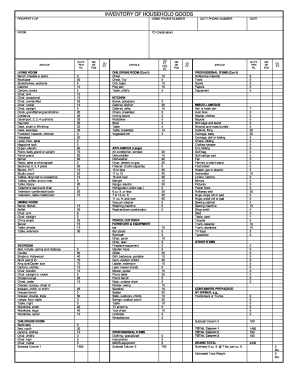
Dd form 1701

4549 irs form
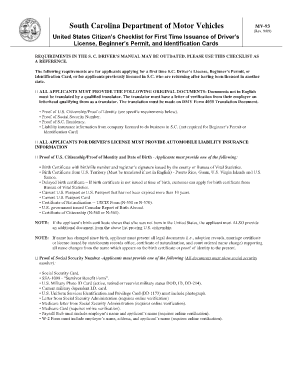
Scdmv form mv 93
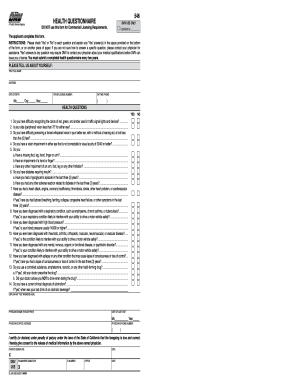
Dmv health questionnaire
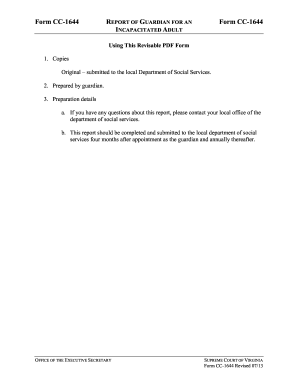
Cc 1644 form

Borang cp55d
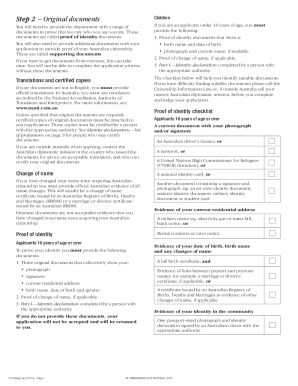
Form 119

Memoir template

Ds 4079 formDocHubcom 2011
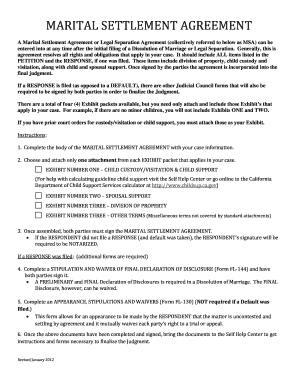
Marital settlement agreement

10 day payoff letter sample
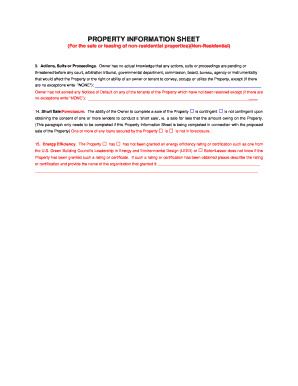
Property information sheet
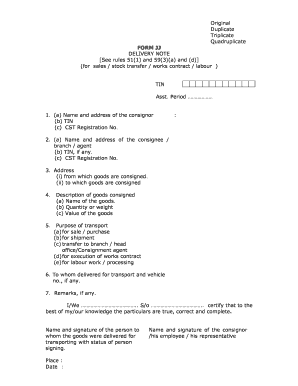
Jj form
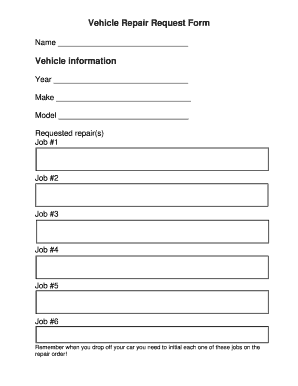
Vehicle repair request form
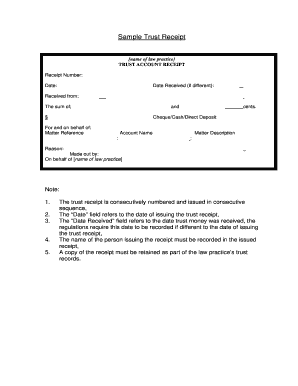
Sample trust receipt
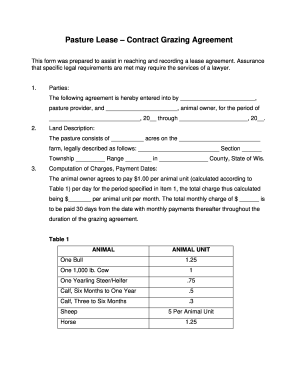
Pasture lease grazing agreement
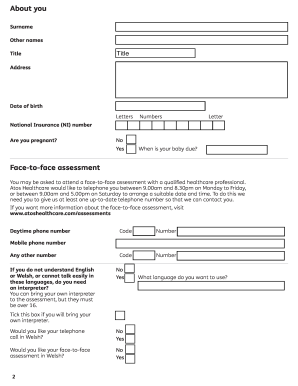
Esa50 1013 2013 form
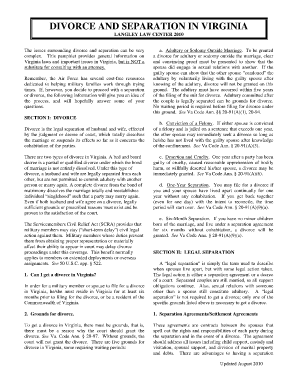
Virginia separation agreement pdf

Kids guide business
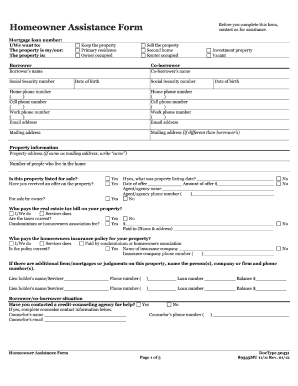
Non borrower credit authorization form
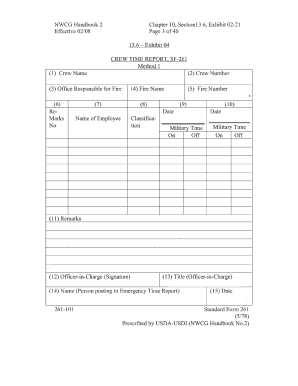
Fillable ctr

Notice for Hourly Rate Employees - New York State Department of ... - labor ny

Ca form veterans

Uams doctors excuse
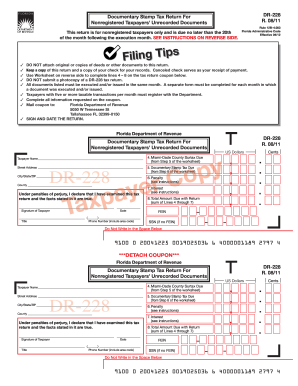
Form dr 228 2011

Ncaa worksheet
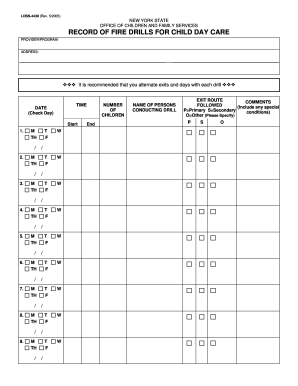
Ldss 4439 2005 form
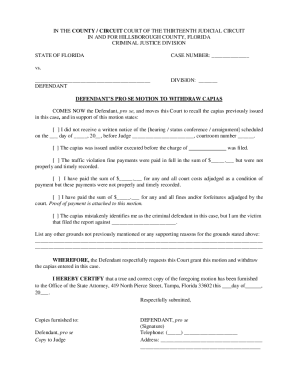
Motion to withdraw capias
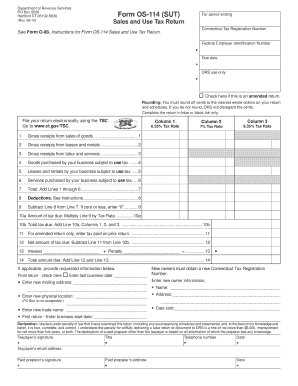
2013 os 114 form
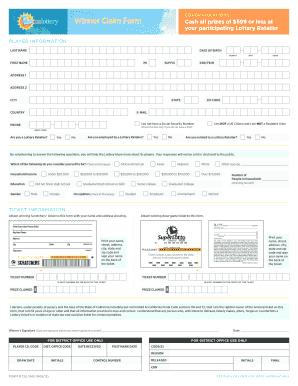
California lottery scratchers 2012 form
Kern county assessor 2006 form
Sss burial claim form 2021
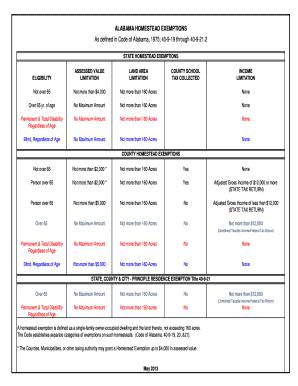
Alabama homestead exemption
Alaska marriage license online application
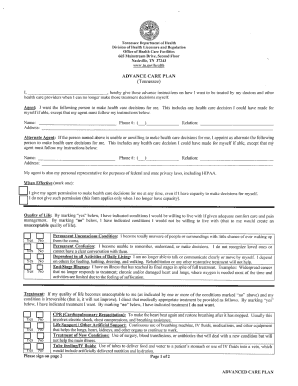
Sample will tn state
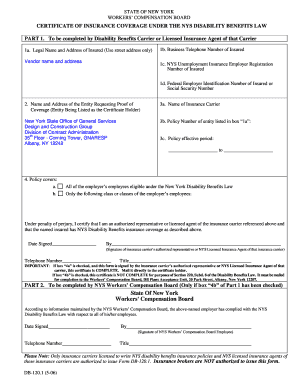
Db120 1
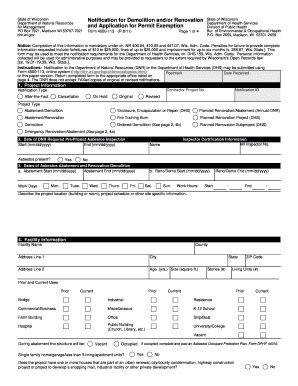
Form 4500-113 - Wisconsin Department of Natural Resources - dnr wi
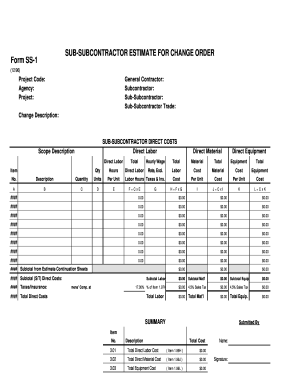
Change order template

Modification request

Nys 4s att
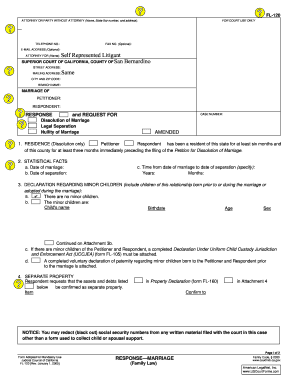
San bernardino county divorce forms
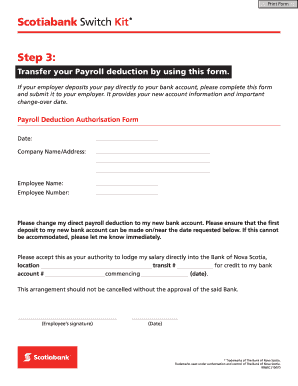
Bank form scotia

Mechanic application

Received rent receipts

Information irs authorization

Service record sheet
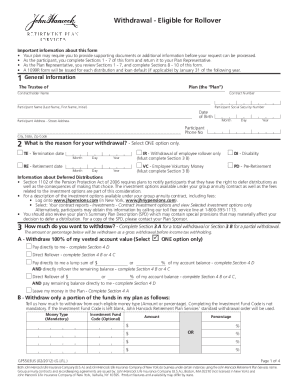
John hancock terms of withdrawal 401k pdf
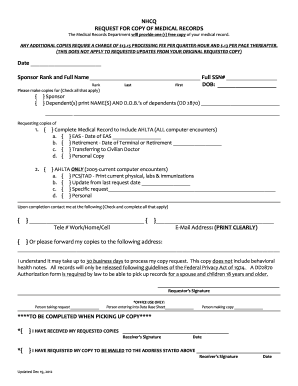
Nhcq form medical pdf
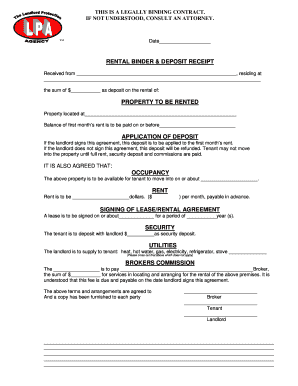
Deposit agreement rental
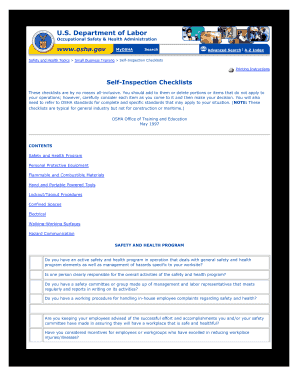
Osha inspection checklist 2021
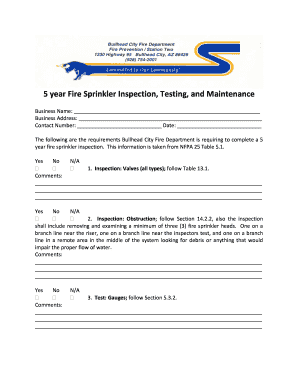
Nfpa 5 year sprinkler inspection form
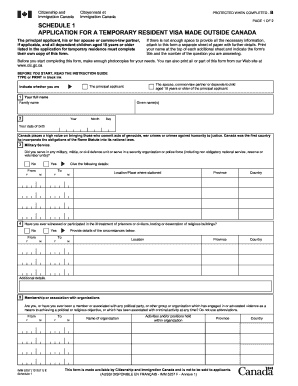
Imm5257 2011 form

Nevada affidavit
Benefit from the DocHub online library of fillable PDF forms
Searching the PDF forms doesn't have to be a tedious and time-consuming process. With the DocHub online library, it has become easier to find the fillable PDF forms and modify them in your browser. The service allows you to adjust the document to your needs using powerful editing tools.
You can use online document editing features to modify almost any type of document with ease. You just need to find the template of your choice, open it in the editor, and use the toolbar to make the necessary corrections.
Follow this guide to get your document done with DocHub:
- Find the PDF template you need.
- Click the Get Form button to open the file in the editor.
- Use the toolbar to fill out and edit the document.
- Easily add and highlight text, insert images, checkmarks, and symbols.
- Drop new fillable fields, and rearrange or delete pages from your file.
- Save changes and download your record.
DocHub empowers everyone to streamline document editing, signing, and distribution, and form completion. Create an account and benefit from our well-organized PDF Forms library and comprehensive editor.