




01. Edit your form online
Type text, add images, blackout confidential details, add comments, highlights and more.

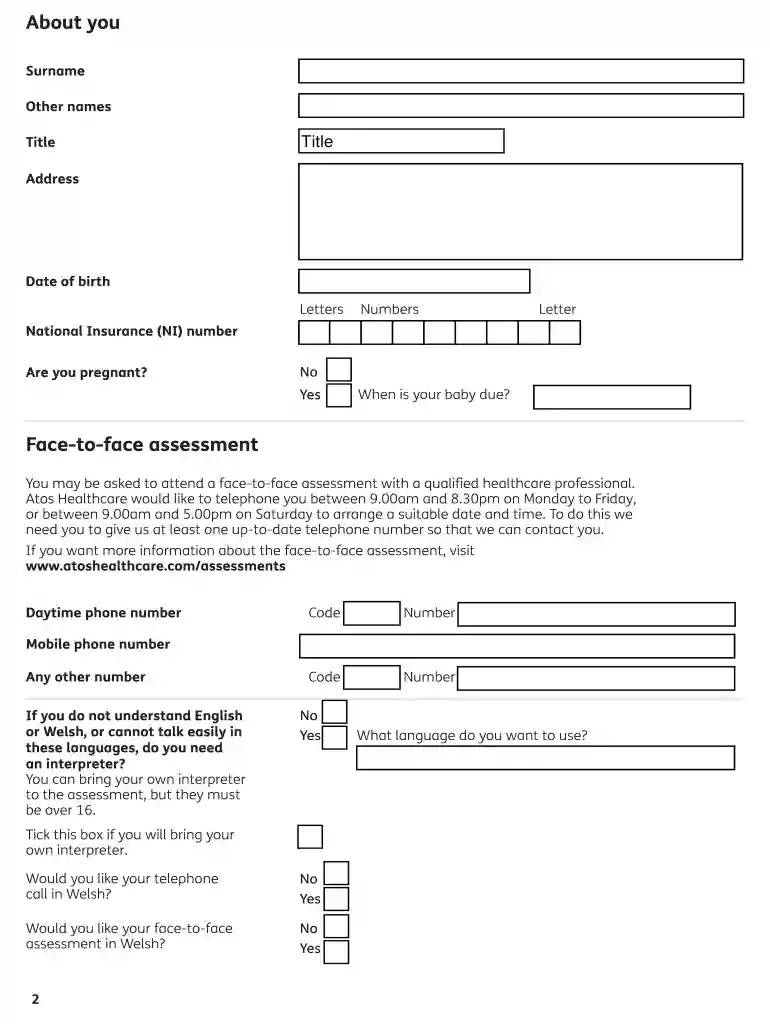
Type text, add images, blackout confidential details, add comments, highlights and more.

Draw your signature, type it, upload its image, or use your mobile device as a signature pad.

Send it via email, link, or fax. You can also download it, export it or print it out.

Start using our platform today to fill out your esa50 form easily and for free!
We've got more versions of the esa50 1013 2013 form form. Select the right esa50 1013 2013 form version from the list and start editing it straight away!
Most eSignature services require users to have a paid subscription. With DocHub, there are two options for you to create an electronic signature to your esa50 1013 2013 form free of charge:
The second option, however, has restrictions on the number of signatures, sign requests, emails, and forms for editing available per month. You can check for full details here.
You may complete and eSign your esa50 1013 2013 form on the internet, even on a tight deadline. All you need to access top-notch editing tools on any device is a DocHub profile, that you can sign up in just a few moments. When you register, add your document or find what you are searching for in our catalog, complete it utilizing the editing tools you want, and place your electronic signature on it at the end.
At DocHub, your data security is our priority. We follow HIPAA, SOC2, GDPR, and other standards, so you can work on your documents with confidence.
Jul 1, 2009 This document is a project-level Environmental Impact Report (EIR) for the proposed East Campus Infill. Housing Project (ECI Project).Read more
Aug 17, 2017 We (NMFS) are issuing this final rule to designate critical habitat for the threatened Gulf of Maine distinct population segment (DPS) of Atlantic sturgeon.Read more


