




01. Edit your creditor matrix chapter 7 online
Type text, add images, blackout confidential details, add comments, highlights and more.

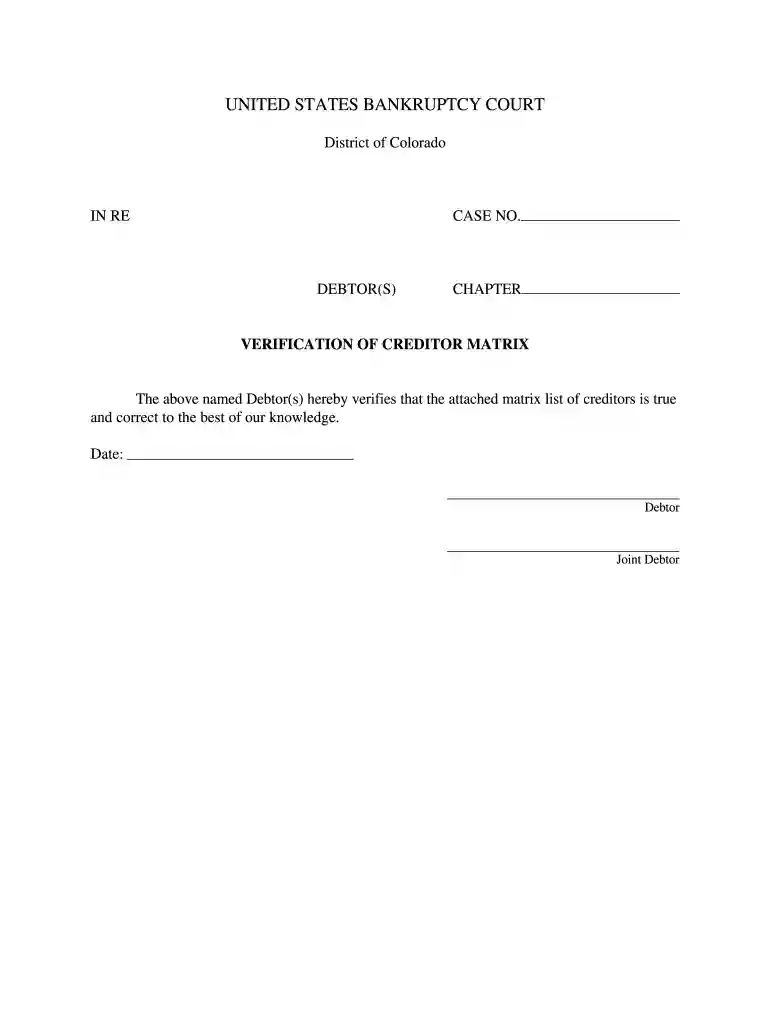
Type text, add images, blackout confidential details, add comments, highlights and more.

Draw your signature, type it, upload its image, or use your mobile device as a signature pad.

Send creditor matrix form via email, link, or fax. You can also download it, export it or print it out.

Start using our platform today to streamline your creditor matrix chapter 7 completion for free!
At DocHub, your data security is our priority. We follow HIPAA, SOC2, GDPR, and other standards, so you can work on your documents with confidence.
Feb 21, 2017 11825 N. Pennsylvania Street. Carmel, Indiana 46032. (317) 817-6100. Address of principal executive offices. Telephone.Read more
In a chapter 7 case, the United States trustee should be aware of the debtors intention with respect to collateral that secures a consumer debt so that theRead more
Creditor Matrix Example. Your final creditor matrix should be formatted in one column with at least one line separating each creditor.Read more


