
Get any PDF form from the DocHub library of ready-made templates - Page 2155
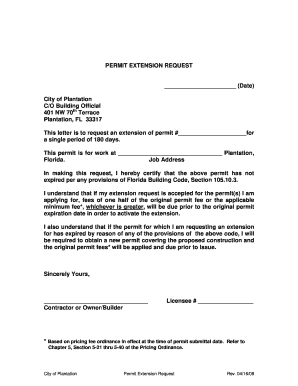
Sample letter of request for extension of stay

Flinn middle school safety contract

Partnership basis worksheet excel
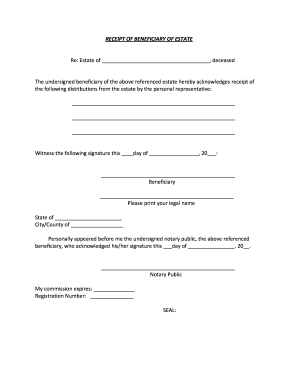
Estate release form
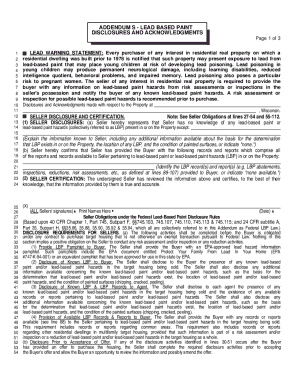
Lead based paint disclosure wisconsin
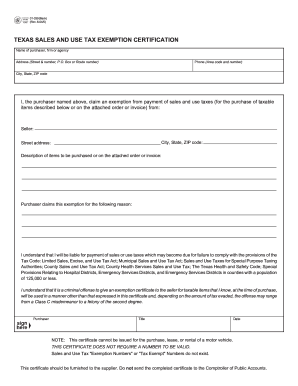
Texas fillable tax exemption form 2005
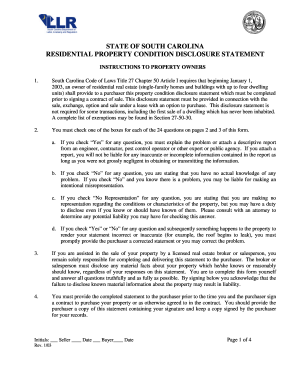
S.C. Residential Property Condition Disclosure Statement
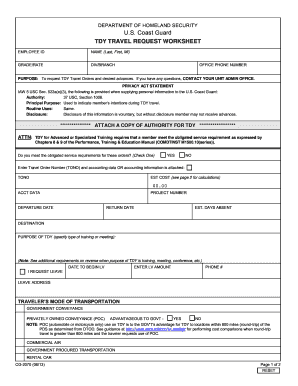
Uscg cg 2070
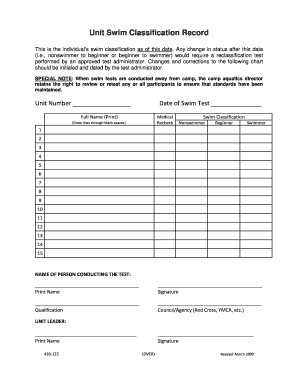
Bsa unit swim form
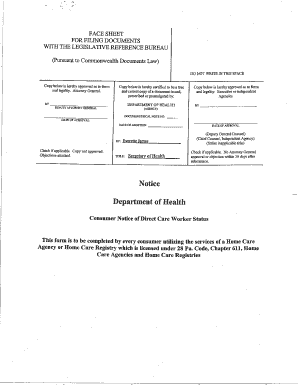
Direct care worker status
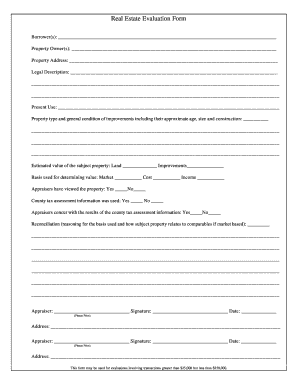
Property evaluation form
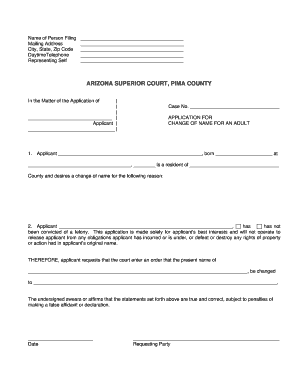
Arizona court change name

VAF 119 REPORT OF CONTACT.doc. Probate Forms
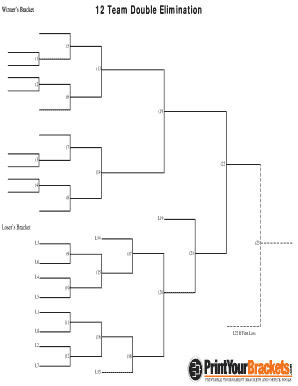
12 team double elimination bracket
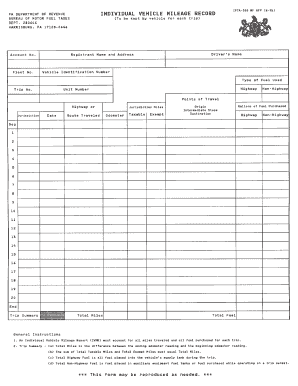
Ifta 300 fillable form

Ics 225
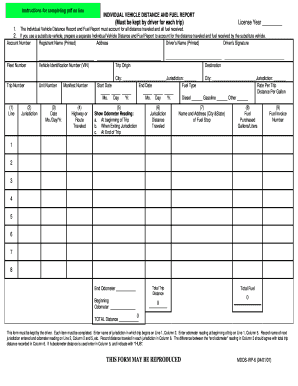
Individual vehicle distance record
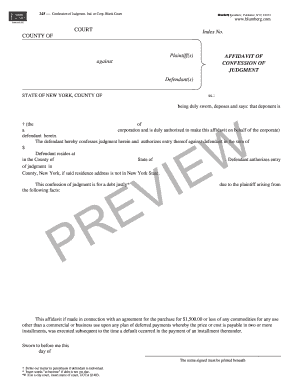
Confession of judgment
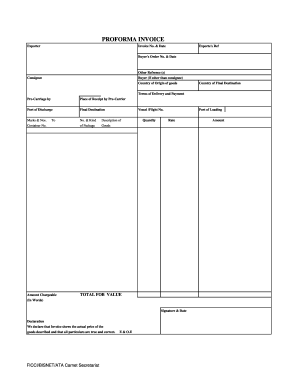
Ata proforma invoice form
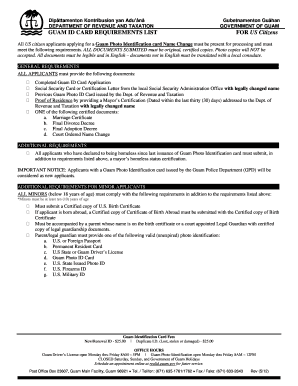
Guam id requirements
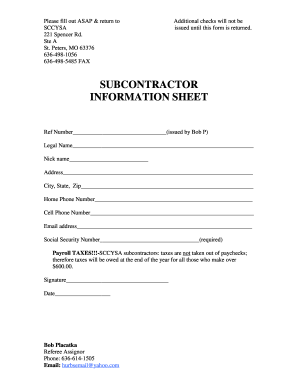
Subcontractor information sheet
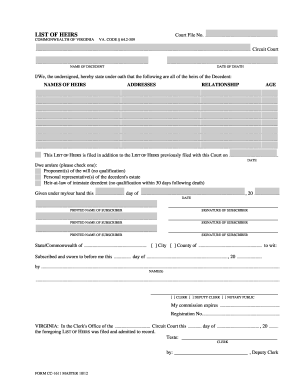
Va form list
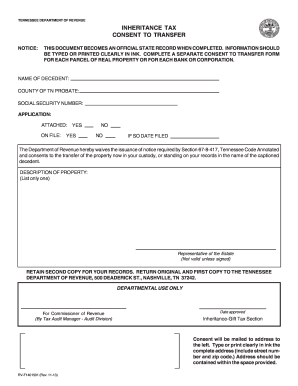
Inheritance document form

Ma 10 reforma certificación

14 team double elimination bracket
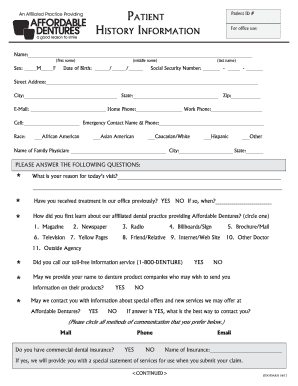
Affordable dentures new patient forms

Ny unemployment work search record 2013 form
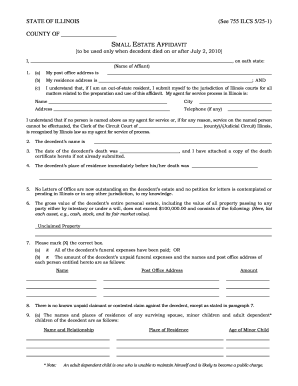
See 755 ILCS 5/25-1 - Illinois Unclaimed Property - State of Illinois - icash illinois
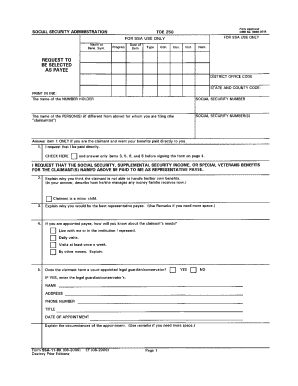
Toe 250
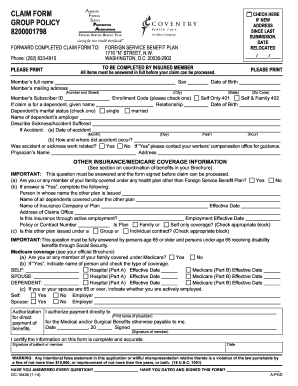
How to form group policy
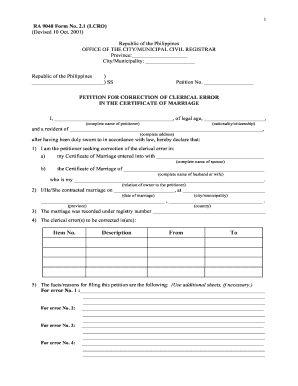
R.A. 9048 Petition Form No 2.1 - the City of Tagum! - tagumcity gov

Ccim affidavit

Genesis pure login
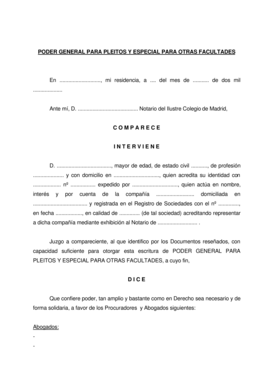
Poder general

Jcjc transcript
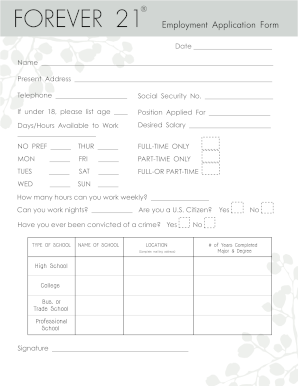
Forever 21 form
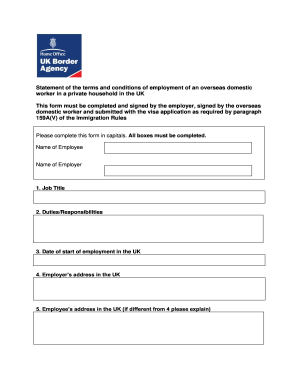
Conditions overseas domestic
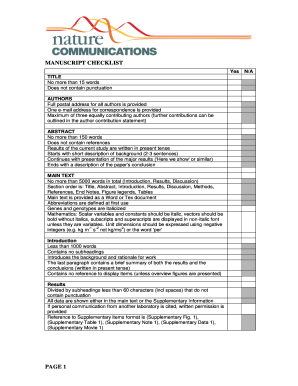
Nature communications reporting summary
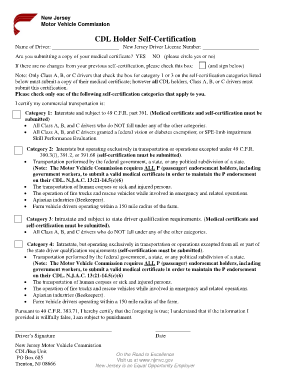
Cdl medical certificate renewal nj

Rd 109nr 2009 form
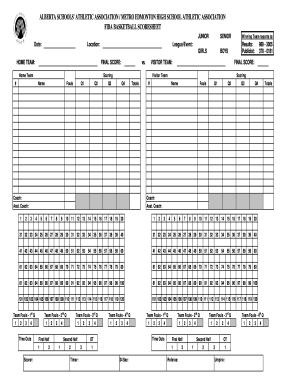
Basketball stat sheet
Ma 97 form
Air commercial lease form pdf
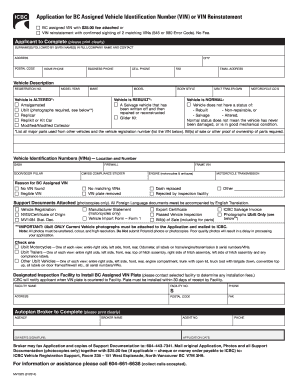
Mv1484 2014 form
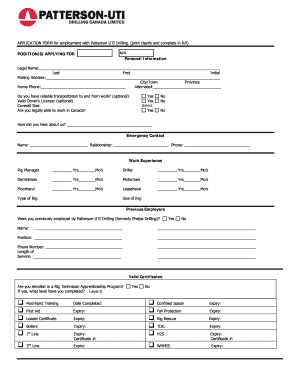
Patterson uti application

V62 form
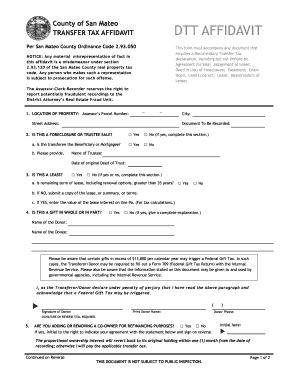
Affidavit transfer tax 2011 form

Silverscript prior authorization form
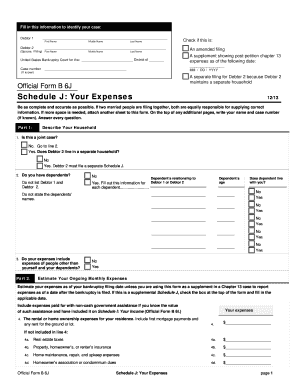
Human b6j form
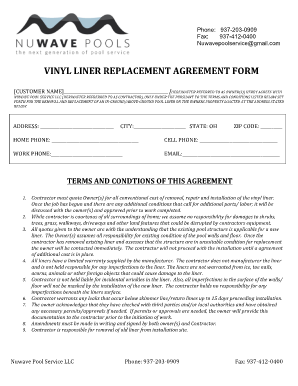
VINYL LINER REPLACEMENT AGREEMENT FORM - NuWave Pools
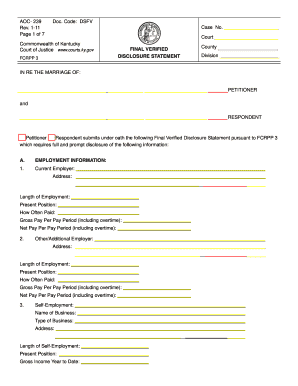
Final Verified Disclosure Statement - Kentucky Court of Justice - courts ky
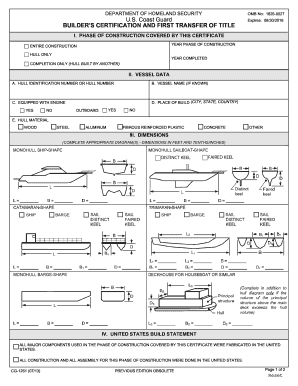
Builder certification 2013 form

Verify Post Health/Medical Information - US Department of State
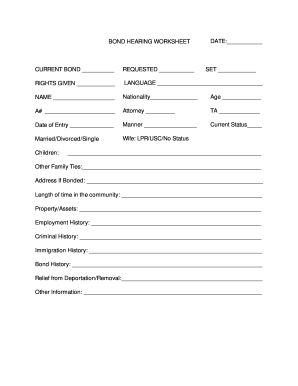
Bond worksheet
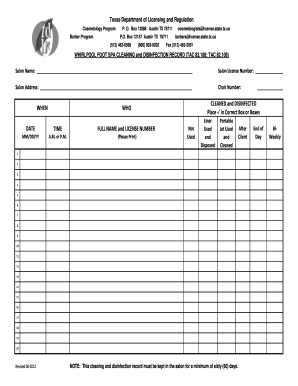
Whirlpool foot spa cleaning and disinfection record
De 2593 form

Rental move out checklist
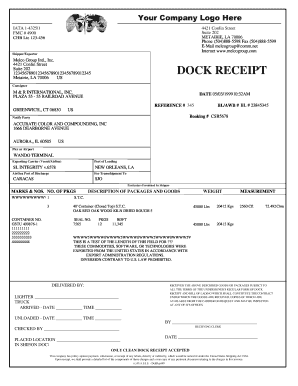
Melco group receipt 1
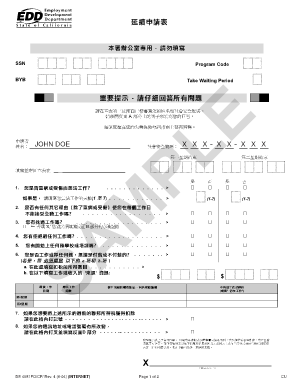
De 4581
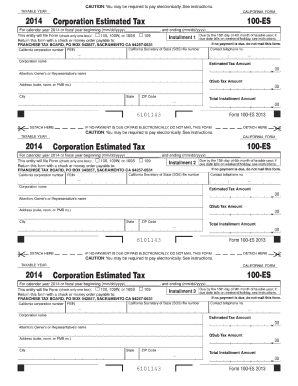
2014 100 es form

Dh 681 form pdf
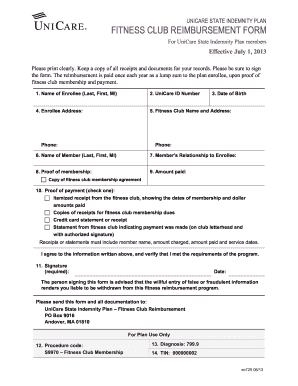
Unicare fitness form reimbursement
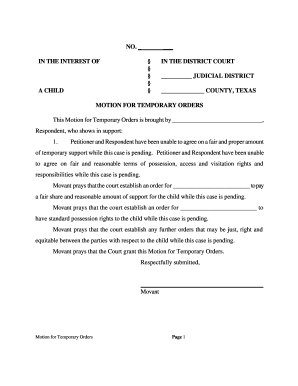
Motion for Temporary Orders - lanwt

Health insurance application form pdf 2011
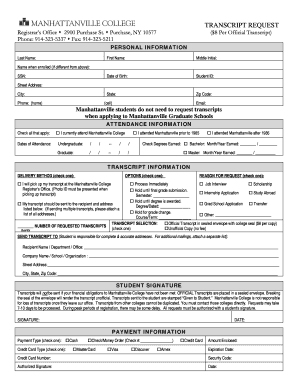
Manhattanville college transcript request
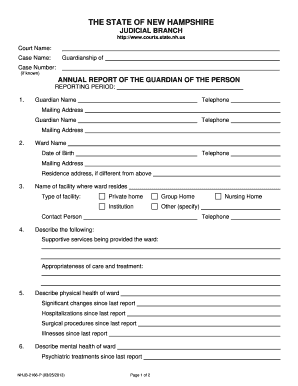
Nh annual report guardian
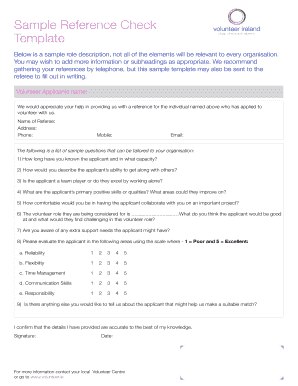
Reference check template form

NJEDA PW Form 4 Certified Weekly Payroll form (2013 MAR) 2 pages
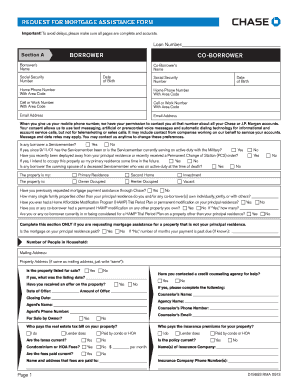
Chase loan modification number form
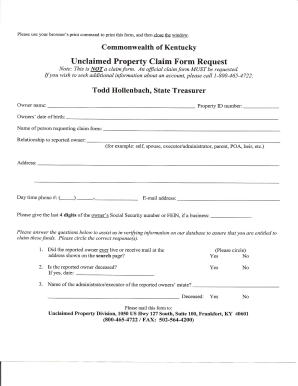
Unclaimed request kentucky
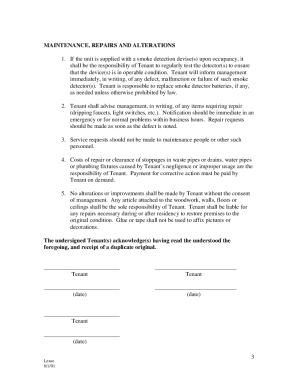
Tenant rules and regulations sample
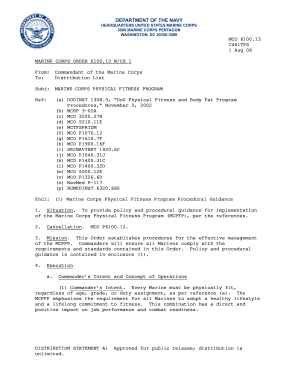
Navmc 11622
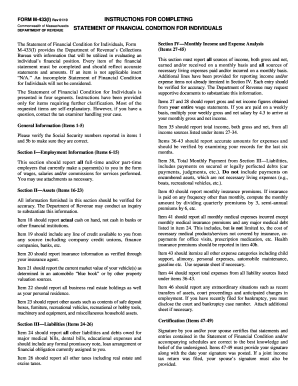
433i 2010 form
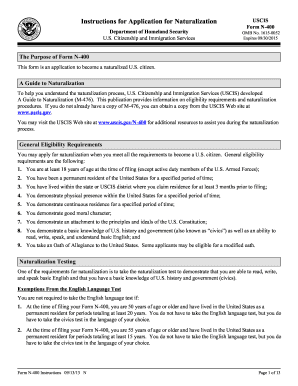
N application 2013 form
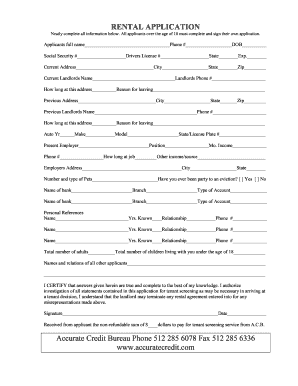
Credit bureau application
Aadhar card correction form pdf editable
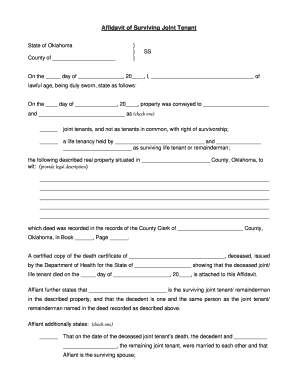
Oklahoma joint tenant
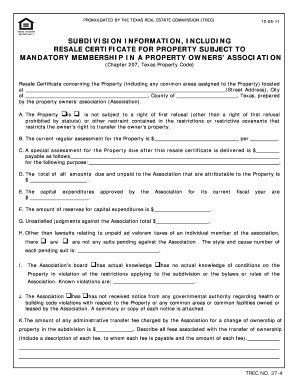
Trec 37 2011 form
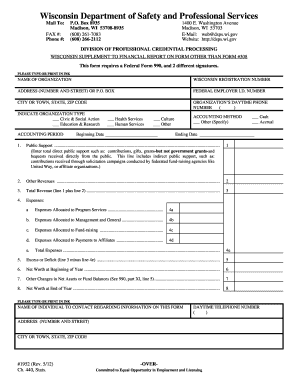
Wisconsin 1952 form

Irp 44 ifta 20
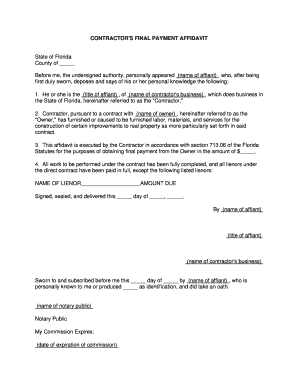
Contractor's final payment affidavit pdf

Mv24
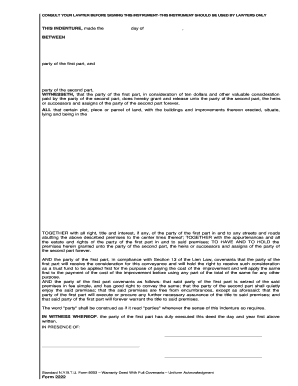
Ny acknowledgement form
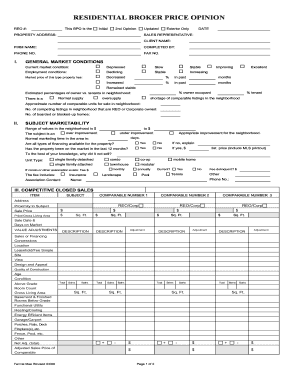
Residential opinion form
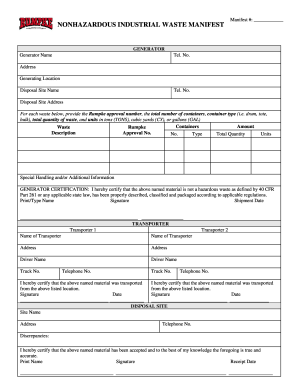
Non hazardous waste pick up form
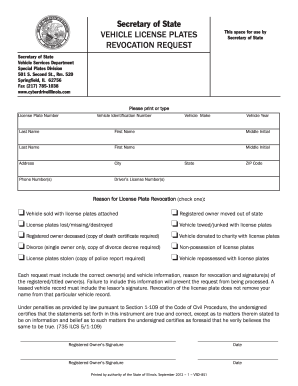
Revoke illinois license
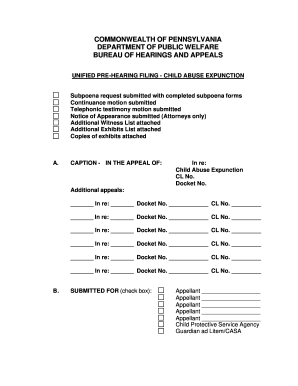
Pennsylvania department public unified online
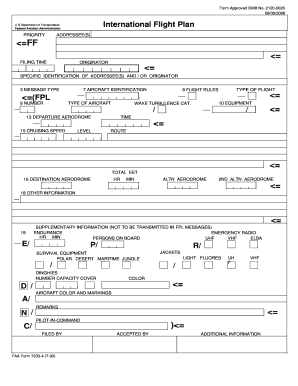
Form international flight
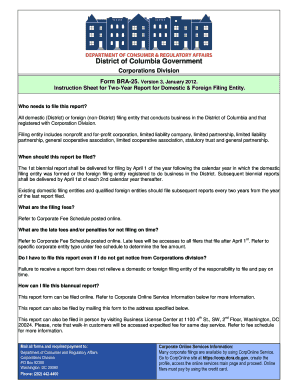
Bra 25 dcra 2012 form
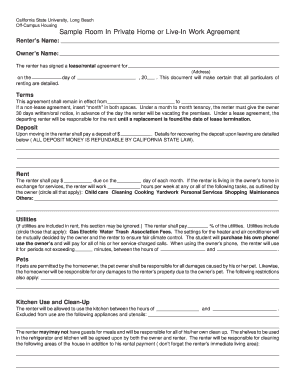
Room rental agreement form fillable word
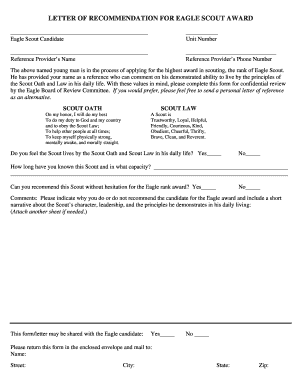
Eagle scout letter of recommendation word document
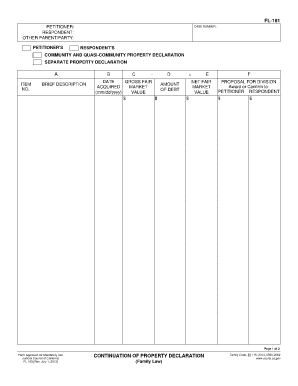
Fl 161

Affidavit new jersey template
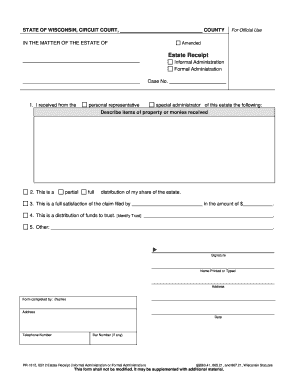
Pr 1815 estate receipt
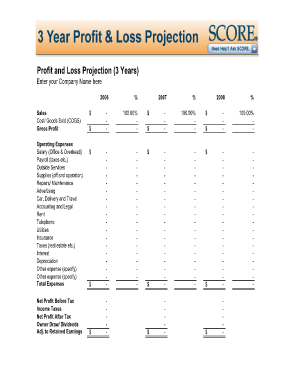
12 month profit and loss projection pdf
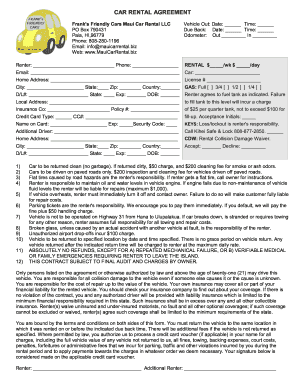
Franks rental agreement
Amazon
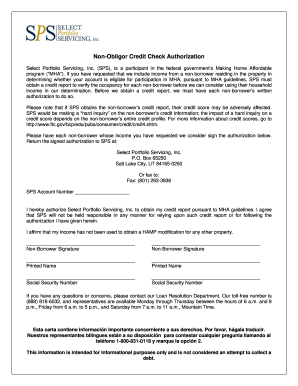
Servicing credit check
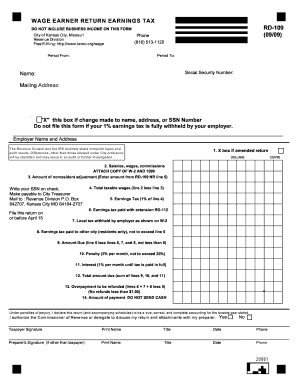
Kansas city earnings tax form rd 109 2009
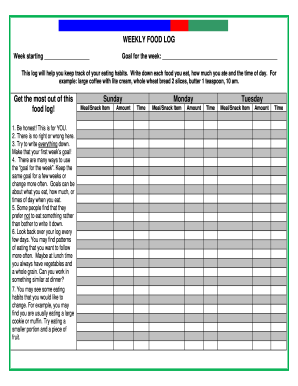
Weekly food form printable
Benefit from the DocHub online library of fillable PDF forms
Searching the PDF forms doesn't have to be a tedious and time-consuming process. With the DocHub online library, it has become easier to find the fillable PDF forms and modify them in your browser. The service allows you to adjust the document to your needs using powerful editing tools.
You can use online document editing features to modify almost any type of document with ease. You just need to find the template of your choice, open it in the editor, and use the toolbar to make the necessary corrections.
Follow this guide to get your document done with DocHub:
- Find the PDF template you need.
- Click the Get Form button to open the file in the editor.
- Use the toolbar to fill out and edit the document.
- Easily add and highlight text, insert images, checkmarks, and symbols.
- Drop new fillable fields, and rearrange or delete pages from your file.
- Save changes and download your record.
DocHub empowers everyone to streamline document editing, signing, and distribution, and form completion. Create an account and benefit from our well-organized PDF Forms library and comprehensive editor.