




01. Edit your ata carnet form online
Type text, add images, blackout confidential details, add comments, highlights and more.

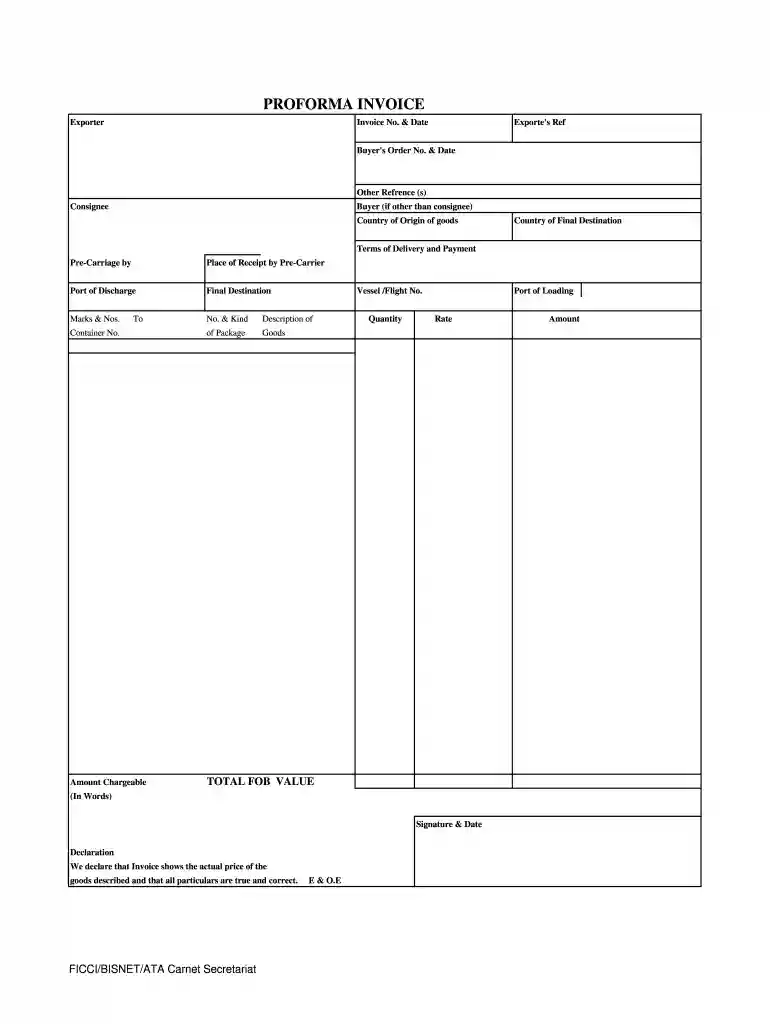
Type text, add images, blackout confidential details, add comments, highlights and more.

Draw your signature, type it, upload its image, or use your mobile device as a signature pad.

Send carnet form via email, link, or fax. You can also download it, export it or print it out.

Start using our platform today to easily complete your ata proforma invoice form online for free!
At DocHub, your data security is our priority. We follow HIPAA, SOC2, GDPR, and other standards, so you can work on your documents with confidence.
Nov 14, 2019 A pro forma invoice is a quotation prepared in the format of an invoice; it is the preferred method in the exporting business.Read more
A Commercial (aka Proforma) Invoice is a standard document that foreign customs will always require. It is this document that describes the import transactionRead more
Proforma invoice issued after bookings are reviewed. Payment currently only accepted via bank transfer. Banner Advertisement Funding Our Future: AdvertisingRead more


