N application 2013 form-2026

Get Form
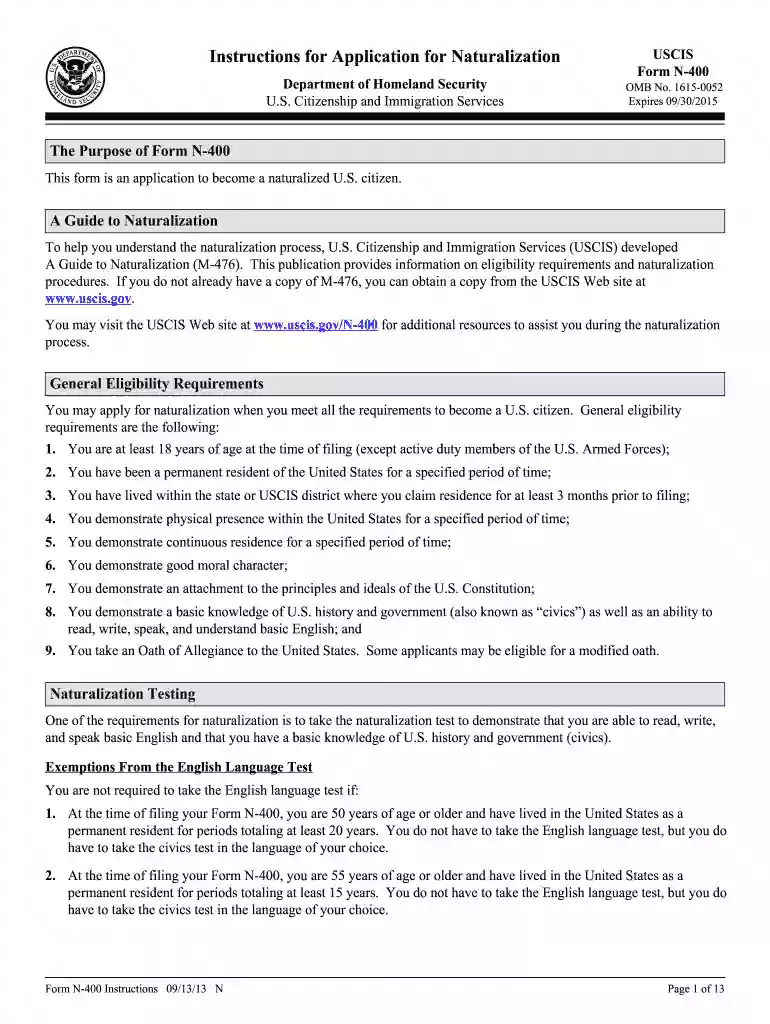
n application 2013 form Preview on Page 1

Here's how it works

01. Edit your form online
Type text, add images, blackout confidential details, add comments, highlights and more.

02. Sign it in a few clicks
Draw your signature, type it, upload its image, or use your mobile device as a signature pad.

03. Share your form with others
Send it via email, link, or fax. You can also download it, export it or print it out.

How to use or fill out n application 2013 form with our platform

Form edit decoration
9.5
Ease of Setup
DocHub User Ratings on G2
9.0
Ease of Use
DocHub User Ratings on G2
  1. Click ‘Get Form’ to open it in the editor.
  2. Begin by filling out Part 1, which asks for your eligibility. Check the box that applies to you and ensure only one box is checked.
  3. In Part 2, provide your current legal name as it appears on your birth certificate. If applicable, include any other names you have used.
  4. Complete Part 3 by entering your contact information, including phone numbers and email address. Ensure all details are accurate.
  5. For Part 4, list every address where you have lived in the last five years. Include dates and avoid using a PO Box unless necessary.
  6. Proceed to Parts 5 through 10, providing information about your parents, employment history, marital status, and children as required.
  7. Finally, review all sections for accuracy before signing in Part 12. Ensure that your application is complete and includes the necessary filing fee.

Start using our platform today to simplify your form completion process for free!

See more n application 2013 form versions

We've got more versions of the n application 2013 form form. Select the right n application 2013 form version from the list and start editing it straight away!
Versions Form popularity Fillable & printable
2024 4.5 Satisfied (38 Votes)
2019 4.8 Satisfied (61 Votes)
2016 4.4 Satisfied (340 Votes)
2013 4.3 Satisfied (61 Votes)
2011 4.2 Satisfied (71 Votes)
2009 4 Satisfied (41 Votes)
2006 4 Satisfied (36 Votes)
be ready to get more

Complete this form in 5 minutes or less

Get form

Got questions?

We have answers to the most popular questions from our customers. If you can't find an answer to your question, please contact us.
Contact us
Enter name exactly as it appears in your passport. If you have any other legal names (such as a maiden name), or nicknames that appear on academic or other official records, use these boxes to provide them. Any unused boxes should be filled in with N/A.
When filling out the Form I-864, its generally a good practice to follow the instructions provided by the US Citizenship and Immigration Services (USCIS). If the instructions specify that you should write ``N/A or ``NONE in every field that does not apply to you, then its advisable to do so.
There may be some questions that do not apply to you, which is fine. However, you might want to consider filling in the spaces with something like N/A or not applicable, which demonstrates that you still read through the application thoroughly. Always answer the questions on your application honestly.
You have two options for filing your Form N-600 with USCIS: Online, using an electronic application form; or. By mail, using a paper application form.
Technically, leaving them blank and writing down none or N/A are both fine. Personally, I put none and N/A in all questions that are not applicable.
be ready to get more

Complete this form in 5 minutes or less

Get form