
Get any PDF form from the DocHub library of ready-made templates - Page 867
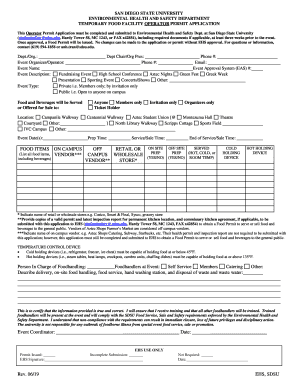
SPECIAL EVENTS FOOD SERVICE APPLICATION

Class Activity:

I wish to declare a:
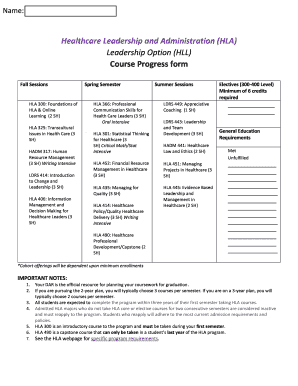
Current Students - Winona State University

Mtsac agreement travel
Horse identification record form

UNIVERSITY OF CALIFORNIA Agriculture & Natural Resources

Declaration physical form
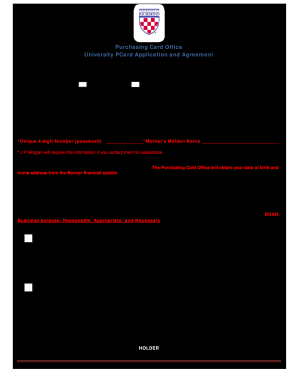
PCard Application and Agreement Revised February 2020

2020-2021 child support verification worksheet - West Chester

Lamar university ehs
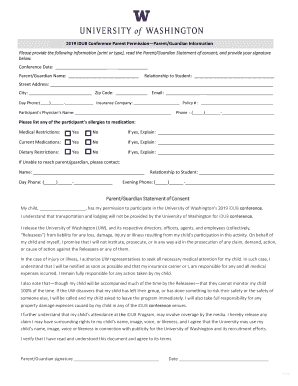
Authorization to Provide Informed Consent for a Minor - Kaiser
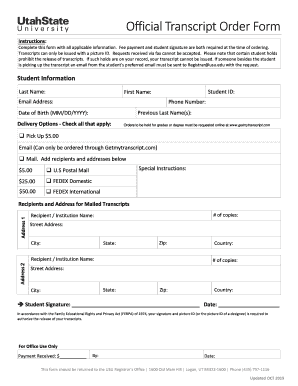
Utah state university transcript
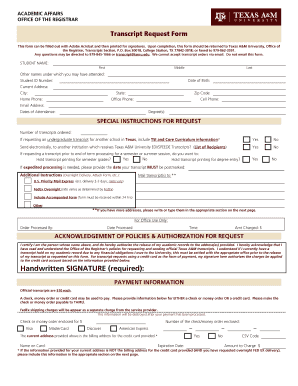
Texas transcript request form
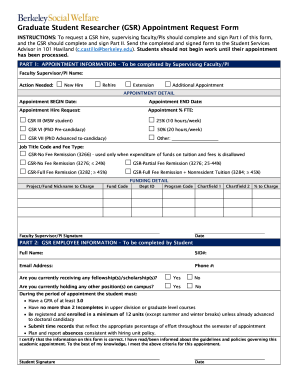
Graduate Student Employment Tools - UCI Graduate Division

Uky eep form
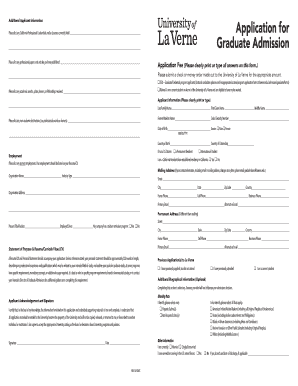
Education - Enrollment ServicesSDSU - San Diego State
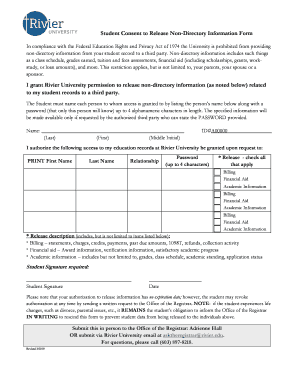
Non directory download
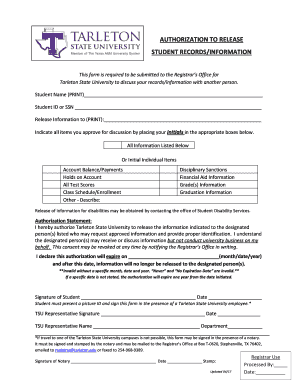
STUDENT RECORDS INFORMATION
Valerie Myers: Colleges aren't all about academics - Erie, PA
Telephone reference check form Request for Masters Degree
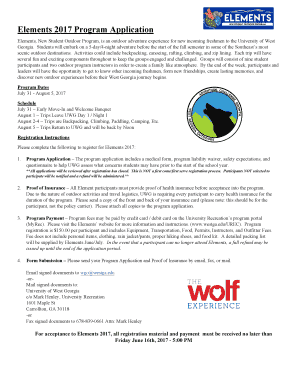
Elements, New Student Outdoor Program, is an outdoor adventure experience for new incoming freshmen
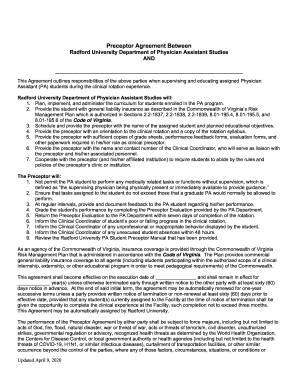
Preceptor agreement studies
High school verification
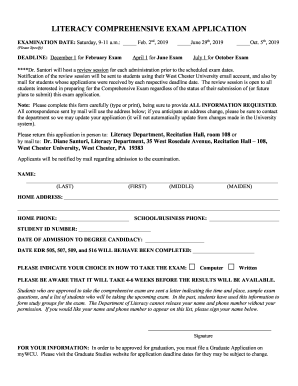
Literacy comprehensive exam application - West Chester

Disaster Preparedness PlanMake a PlanRed Cross
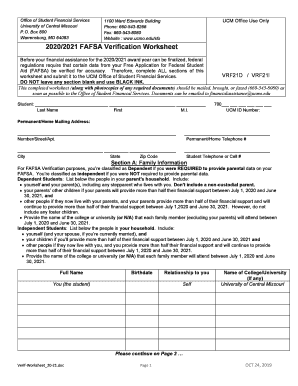
Financial Aid Forms - UCM

Forms and Documents - College of Education - Wayne State

Club Sports Participation Agreement

Steps to apply to the MANE Nursing Program at

New CSUF Report of Accident or Incident - Fresno State
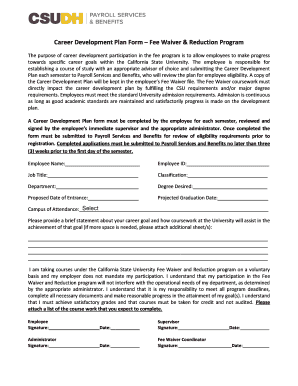
Fee Waiver - Cal State Long Beach

Michener application
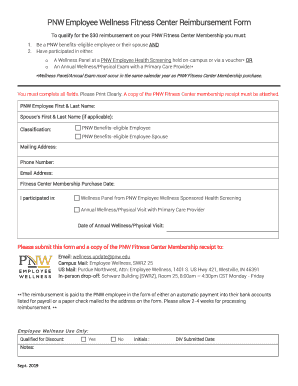
Employee fitness form

Department of Residence Life - University of Alaska Fairbanks
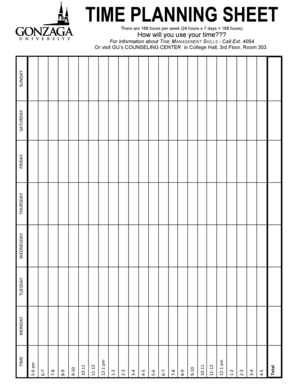
TIME PLANNING SHEET - Gonzaga University - gonzaga
Progress petition
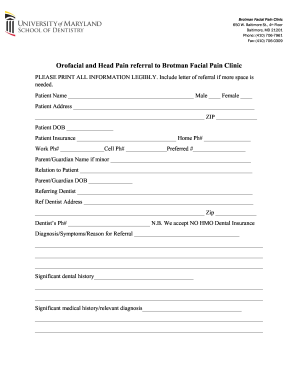
Services - University of Maryland, Baltimore
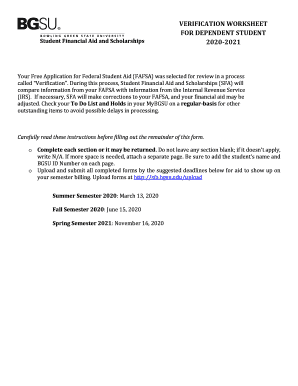
Bgsu verification

Tn vechs
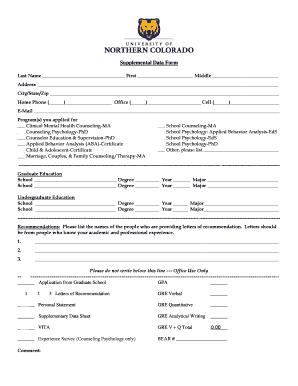
Supplemental data graduate
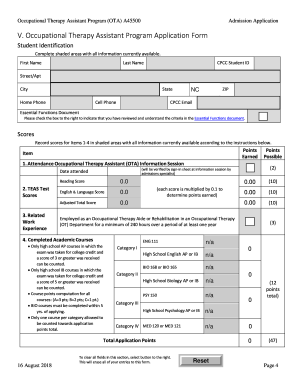
Cpcc ota
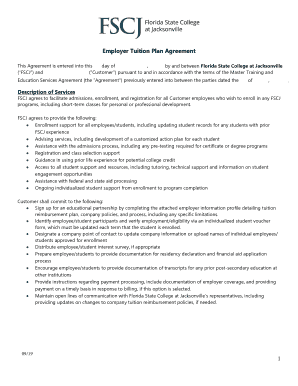
Employer tuition agreement
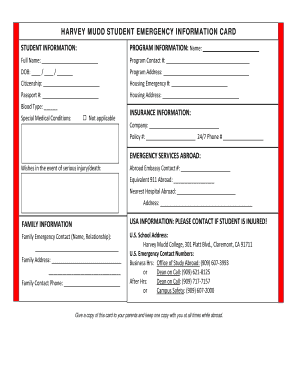
HARVEY MUDD STUDENT EMERGENCY INFORMATION CARD - hmc
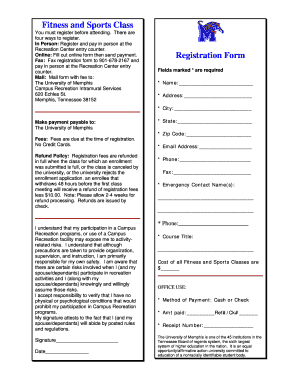
Fitness class schedule form
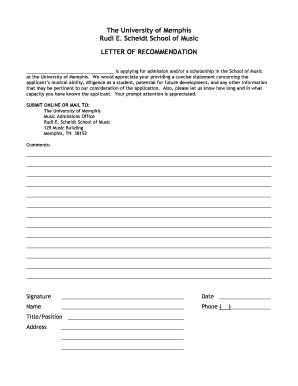
Reference letter fill in the blanks

RADIATION WORKER S TRAINING AND EXPERIENCE SHEET
Program Application for Master of Arts in Marriage and
Medprep tuition waiver
Dominguez HillsCSU - California State University
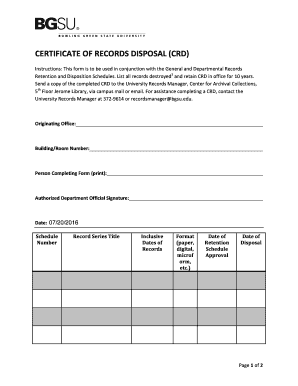
Certificate of Recrods Disposal (CRD) - bgsu
Prerequisite worksheet

INTENT TO ORGANIZE WORKSHEET - Southern University - subr
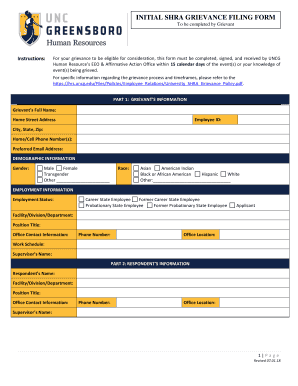
INITIAL SHRA GRIEVANCE FILING FORM - UNCG Human
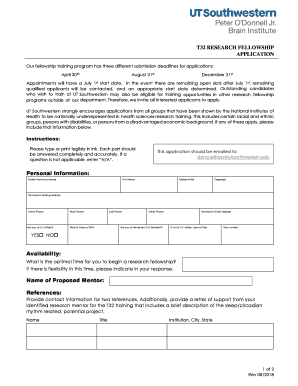
Training Grants (T)NIH: National Institute of Allergy and

Student extension form
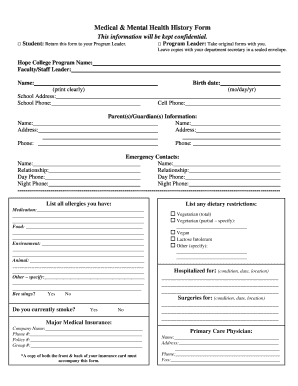
Mental health history form
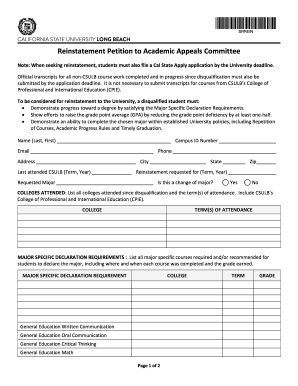
Csulb petition
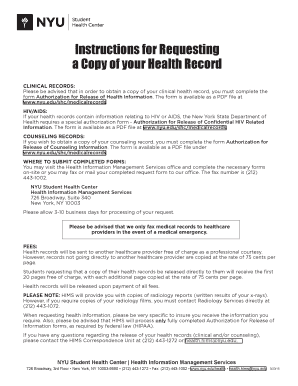
Release counseling information form

Application a45420 online

Dependent Verification Form Dependent Verification Form

Job OpeningsCity of Durham Career Pages
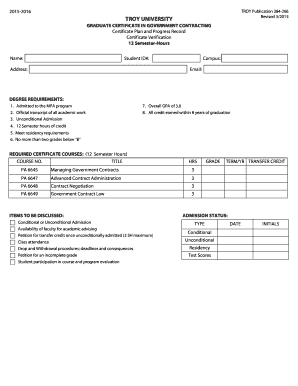
Graduate Certificate in Government Contracting - Troy University
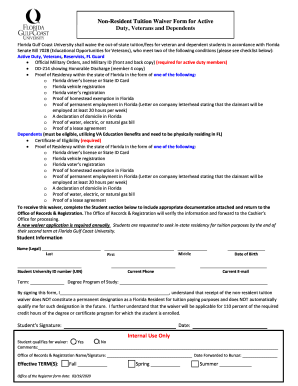
V A Tuition & Fee Waiver Form - Florida Gulf Coast University
Troy sap

Troy unusual
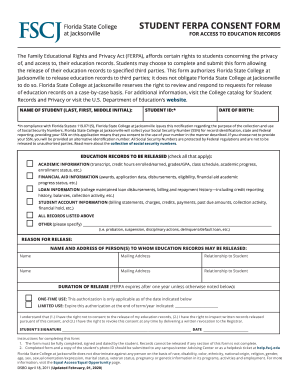
State college ferpa form
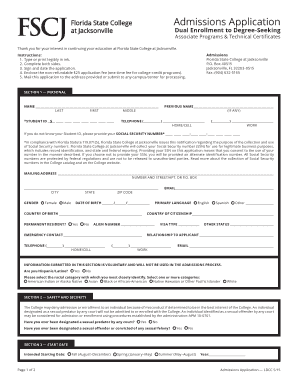
Fscj application enrollment
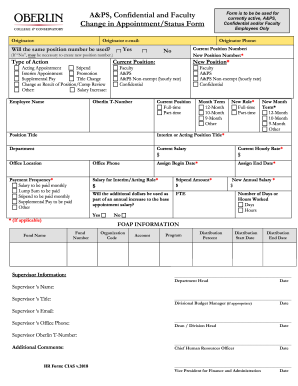
A&PS, Confidential and Faculty Form is to be be used for
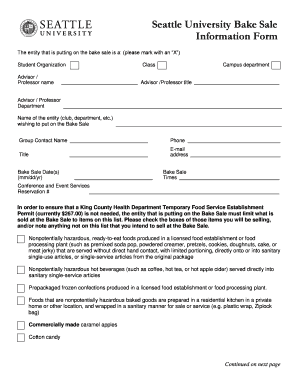
Seattle University Bake Sale Information Form
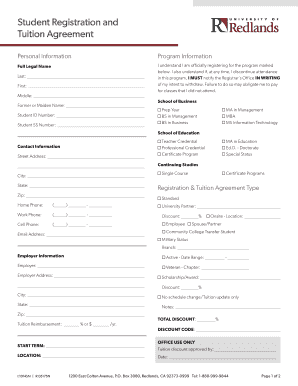
Student Registration and

Bemidji state university international tuition
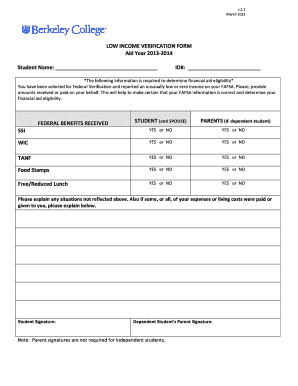
Low income verification form

Department of Psychology Psy D Program in Clinical Psychology

CLD 497: Practicum in Community & Leadership Development
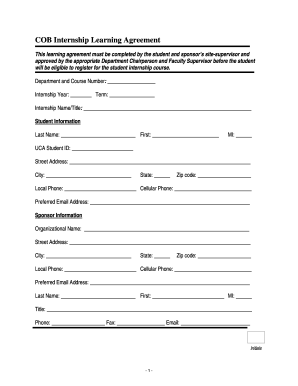
CBA Internship Learning Agreement
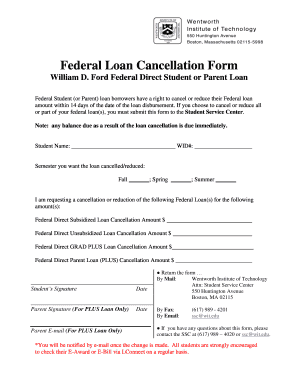
Loan cancellation form

La Verne Academy Outline & Application Cover Sheet Faculty

Format waiver
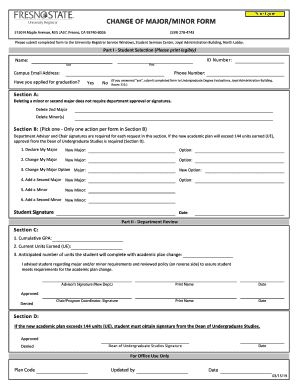
Change major form
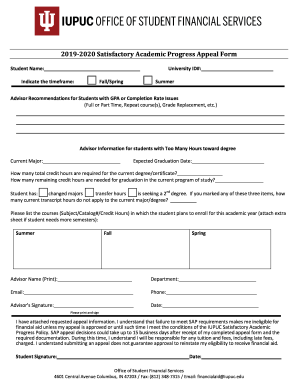
Satisfactory academic appeal form
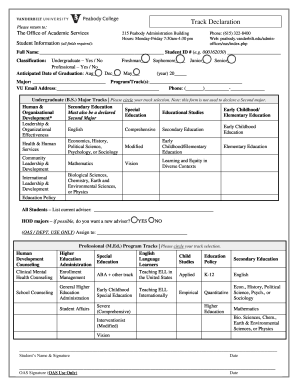
Peabody declaration get
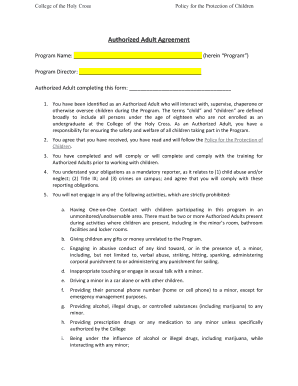
Active afterschool at the ymca - Albany Area YMCA
Suffolk university intern housing
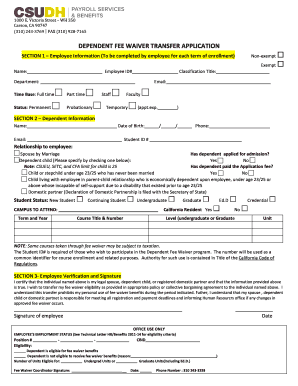
Dependent fee application
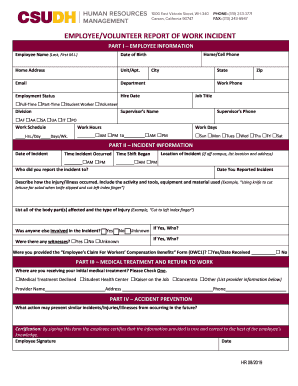
Volunteer report incident
Standard Affiliation Agreement template Updated April 8 2020
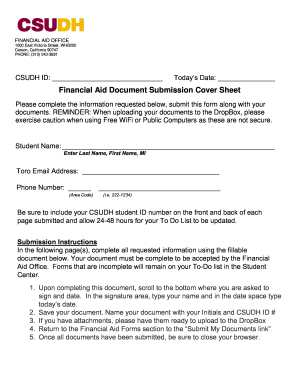
Csudh financial aid office

Department of Experiential Education

Application tpc form

Rock Climbing Wall - lssu
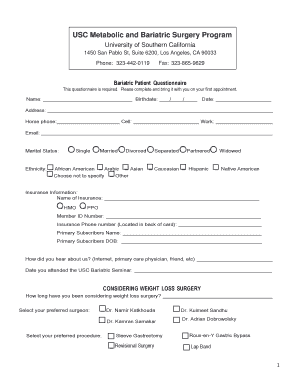
Contact UsAnesthesiology - Keck School of Medicine
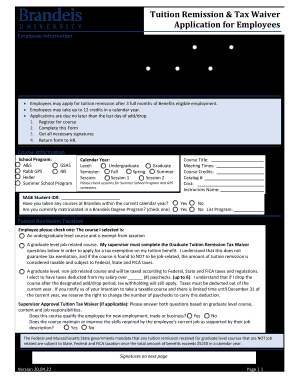
Remission tax application

In compliance with the Family Educational Rights and Privacy Act (FERPA) of 1974 as Amended, the Uni

For Undeclared students applying for first major only!
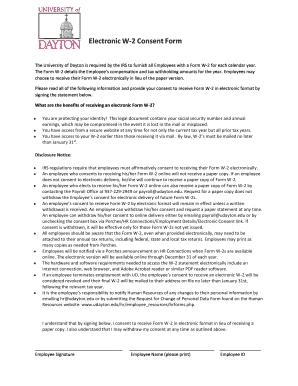
Electronic w 2 consent form
Host family form

Letter absentia

Current Faculty and StaffBelmont UniversityNashville, TN
Phone: 202-319-5085
Benefit from the DocHub online library of fillable PDF forms
Searching the PDF forms doesn't have to be a tedious and time-consuming process. With the DocHub online library, it has become easier to find the fillable PDF forms and modify them in your browser. The service allows you to adjust the document to your needs using powerful editing tools.
You can use online document editing features to modify almost any type of document with ease. You just need to find the template of your choice, open it in the editor, and use the toolbar to make the necessary corrections.
Follow this guide to get your document done with DocHub:
- Find the PDF template you need.
- Click the Get Form button to open the file in the editor.
- Use the toolbar to fill out and edit the document.
- Easily add and highlight text, insert images, checkmarks, and symbols.
- Drop new fillable fields, and rearrange or delete pages from your file.
- Save changes and download your record.
DocHub empowers everyone to streamline document editing, signing, and distribution, and form completion. Create an account and benefit from our well-organized PDF Forms library and comprehensive editor.