
Get any PDF form from the DocHub library of ready-made templates - Page 355

T l charger un fichier PDF gratuit : Formulaire de mise en demeure

Current Events (Short Form) - Carden Middle School Maui

Sample Room and Board Contract

COTTAGE FOOD - OPERATION PERMIT Application packet

Ba20a
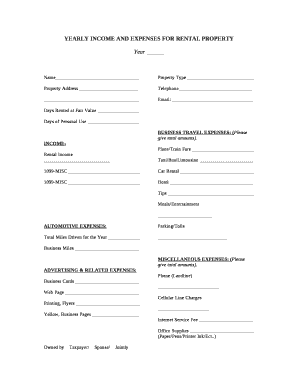
YEARLY INCOME AND EXPENSES FOR RENTAL PROPERTY

Teacher verification form

AS9102 First Article Inspection Form Rev C (Word)

Affordable Housing Application Form
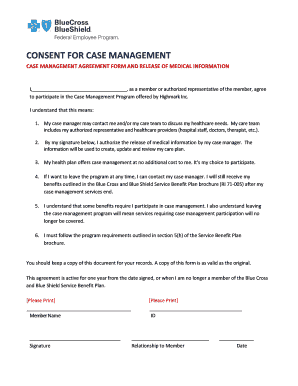
Consent for Case Management - FEP

Site cunamutualcom subequent action form

Written request

Application for monthly nutritional supplement

Ucc-1 financing statement and instructions

Aaahc employee file checklist

Dma 59 form
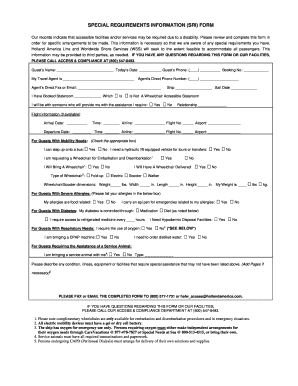
Holland america special needs form

Horizon nj health appeal form
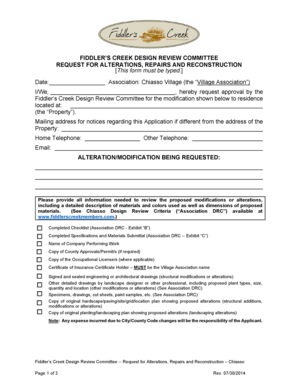
FIDDLERS CREEK DESIGN REVIEW COMMITTEE

Government letterhead examples

Bike Rental Liability Release Form

Temporary driver's license va

California Transfer Disclosure Statement (California Civil Code1102, et seq)

Solicitud de transferencia

How to file a motion to release funds

SELF ASSESSED CROSS CONNECTION SURVEY

Dd1150
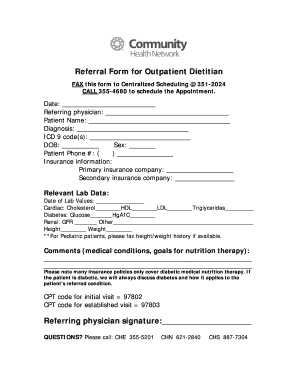
Outpatient dietitian charting template

Nutrition Coaching Client Intake Form

APARTMENT SIMPLIFIED APPLICATION PLAN Mississippi Residents

Writ of supersedeas california

Baptist Health Return to Work Medical Release Form

Registrar general nassau bahamas

K pekontrakt - Vid k p av personbil - Konsumentverket
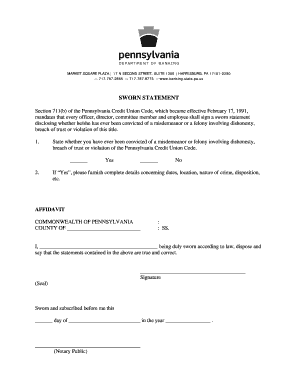
Sworn Statement Form

118 - Application for Australian citizenship by descent

Financial Statement Form - The University of Texas at Arlington - uta

DECLARATION FOR ADDRESS PROOF
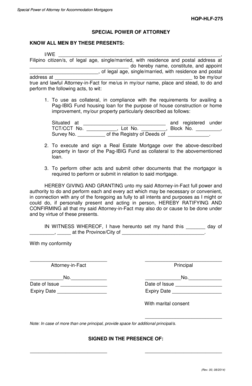
Hqp hlf 275

Application for boat certificate of number

Obra registry

Army srp checklist

Commercial listing agreement

Residential Tenancy Addendum Agreement

Oskar coaching model pdf

Fillable ol3a form

Tree removal waiver form
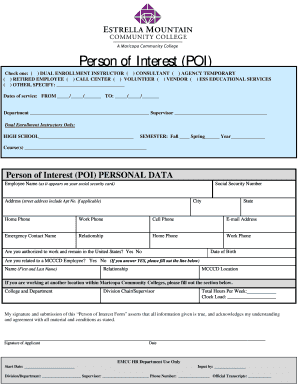
Person of Interest Form - Estrella Mountain Community College

FORMS REQUIRED FOR FIELD TRIPS - Lake County Schools - lake k12 fl

Planning for Special Needs Letter of Intent Workbook
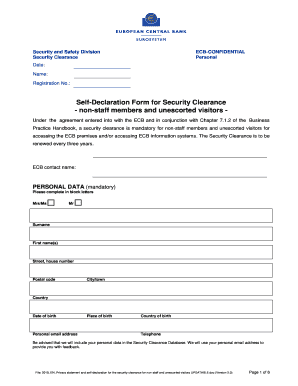
Security and Safety Division

Assistive Technology Assessment for Students who are BlindAssistive Technology Assessment for Studen

HOUSING PROVIDER OPERATING BUDGET

PEDIATRIC PATIENT MEDICAL HISTORY FORM

Marriage certificate form download

Ta-w99072: Canal Permit Application - City of Amsterdam - amsterdamny

NFL FLAG Player Registration Agreement Terms and

Diagnostic bInterviewb for ADHD in adults DIVA - DIVA Foundation

CMP Addendum Fillable Form

ISP HEALTH PLANNING WORKSHEET - dodd ohio

Form A Application for Oxford House Chapter Recognition

Where do you get a non comtrial class c app form

Outpatient Radiology Orders - ejmd ejgh
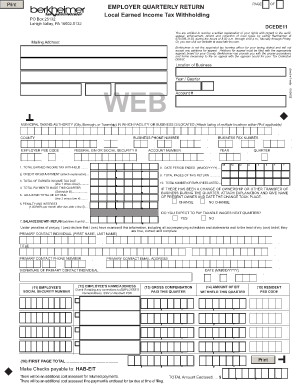
Berkheimer allentown pa

Marriott tax exempt form

California statutory will fillable form

Overnamedocument water

Kadlec Financial Assistance - Fill Online, Printable, Fillable

Hong kong immigration form
Aarp will forms

Government application

Tb positive report

Sea service form pdf Sea service form pdf Ched-marina sea service form pdf andnbsp;Receiving your Me

Pledge Sheets For Fundraising Template

Activity Plan - lds

Dog Adoption Contract agreement

Closing statement form

Mv 8

Nyc-9 7c

Police bank discharge authority
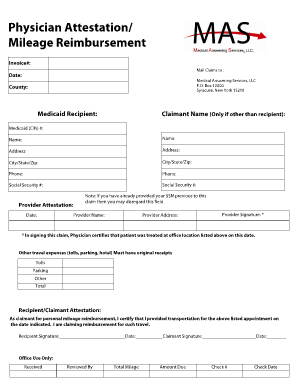
MEMBER SELF-PAY REIMBURSEMENT FORM

Pdp template

Cafas assessment form

I prefer when change is introduced slowly

PPTC 054 E : Adult Simplified Renewal Passport Application for Eligible Canadians Applying in Canada

PPTC 153 E : ADULT GENERAL PASSPORT APPLICATION FOR CANADIANS 16 YEARS OF AGE OR OVER APPLYING IN CA

RCMP GRC 5614e

Residential Tenancy Agreement

Bill of Sale

General tenancy agreement (form 18a)

DECLARATION OF GENDER CHANGE

Allonge template

Type 3 Wildland Fire Incident Complexity Analysis
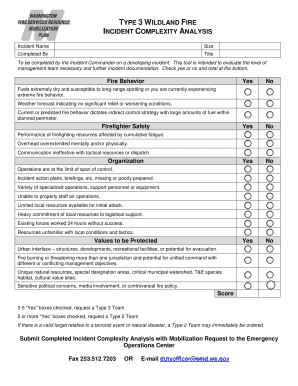
Incident complexity analysis
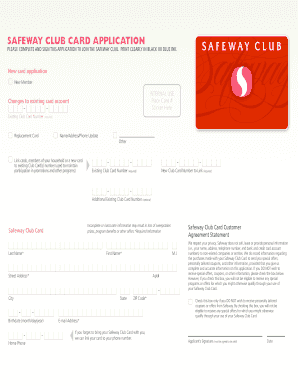
Safeway club card application

Site handover form pdf

Skydiving Sponsor Form Skydive Hibaldstow Sponsor Form

Application to date my son
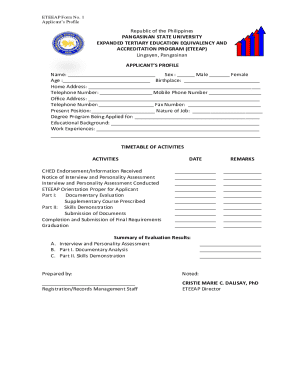
Eteeap Application Form Pangasinan State UPDF
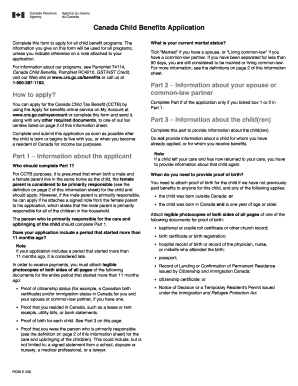
Canada Child Benefits Application Complete this form to apply for all child benefit programs
Benefit from the DocHub online library of fillable PDF forms
Searching the PDF forms doesn't have to be a tedious and time-consuming process. With the DocHub online library, it has become easier to find the fillable PDF forms and modify them in your browser. The service allows you to adjust the document to your needs using powerful editing tools.
You can use online document editing features to modify almost any type of document with ease. You just need to find the template of your choice, open it in the editor, and use the toolbar to make the necessary corrections.
Follow this guide to get your document done with DocHub:
- Find the PDF template you need.
- Click the Get Form button to open the file in the editor.
- Use the toolbar to fill out and edit the document.
- Easily add and highlight text, insert images, checkmarks, and symbols.
- Drop new fillable fields, and rearrange or delete pages from your file.
- Save changes and download your record.
DocHub empowers everyone to streamline document editing, signing, and distribution, and form completion. Create an account and benefit from our well-organized PDF Forms library and comprehensive editor.