
Get any PDF form from the DocHub library of ready-made templates - Page 2218

Job completion sign off form
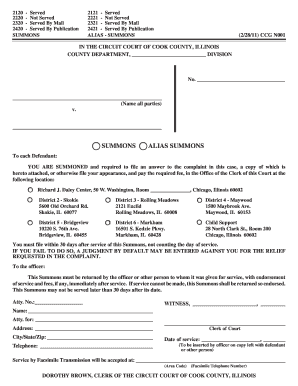
Ccg 0001 a
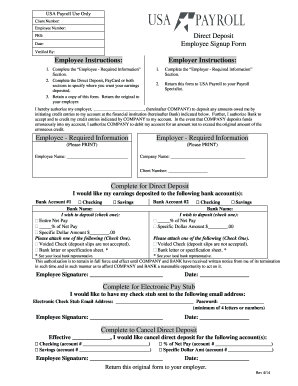
Direct deposit form
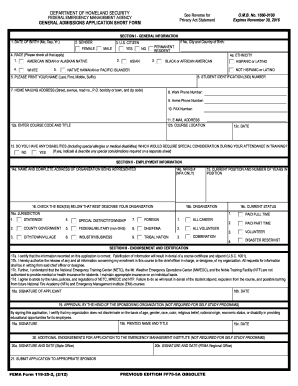
Fema form admission application

Schools school field trip form
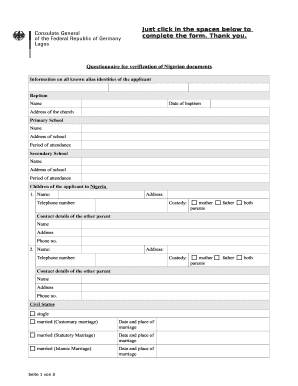
Section 54 6 form
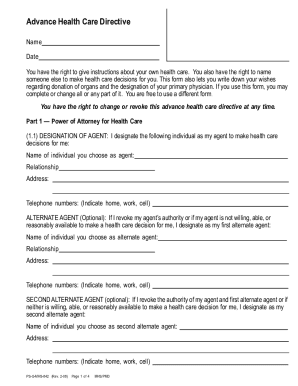
Advance health directive form

Identity theft affidavit
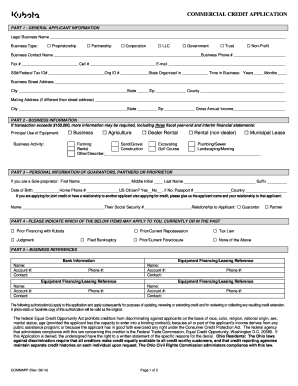
Kubota commercial credit application
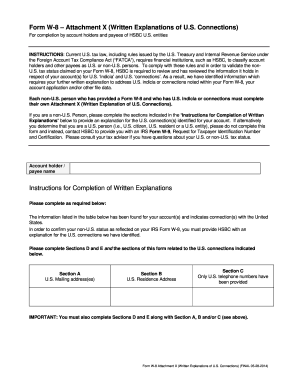
W 8 explanations of
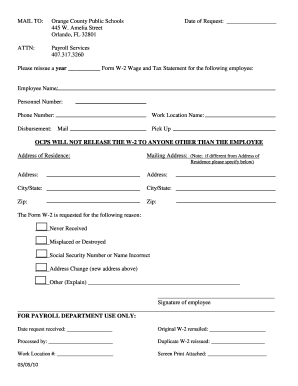
Ocps w2 request form

Blank court motion forms
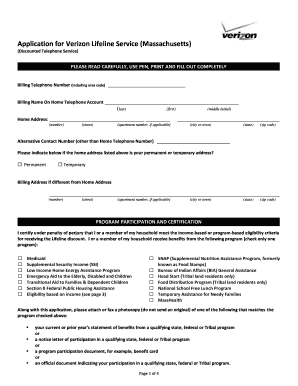
Verizon lifeline
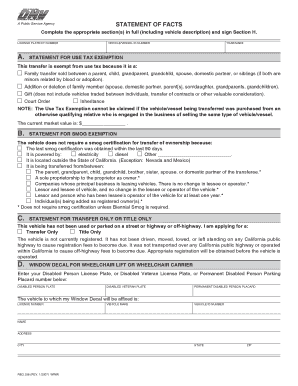
Reg 256
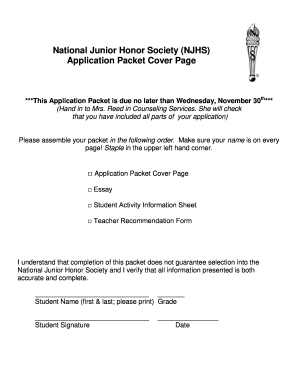
National honor society application
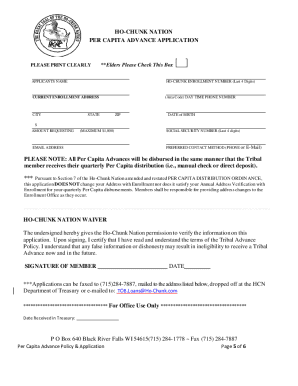
Ho chunk nation per capita payments 2022

Transmittal form 231
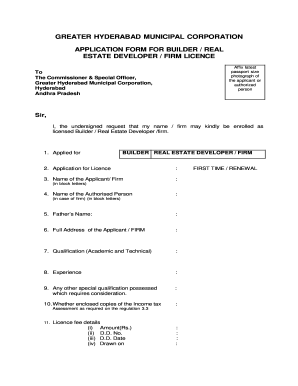
Builder licence in telangana
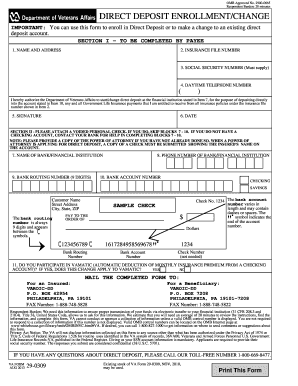
Form direct deposit change
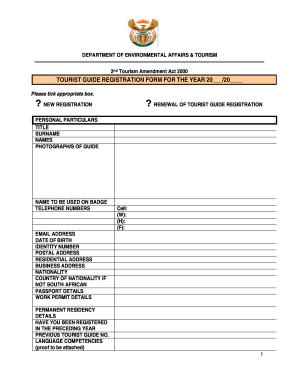
Deat registration
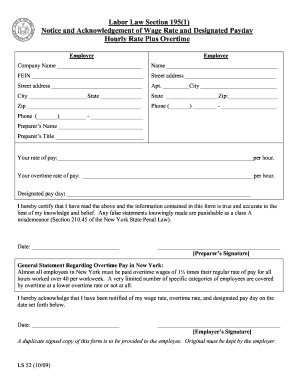
Nys acknowledgement wage
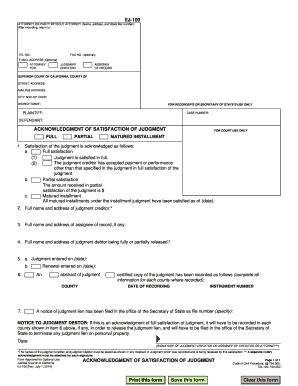
Acknowledgement of satisfaction of judgment california
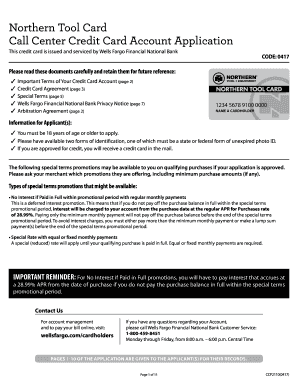
Northern tool credit card
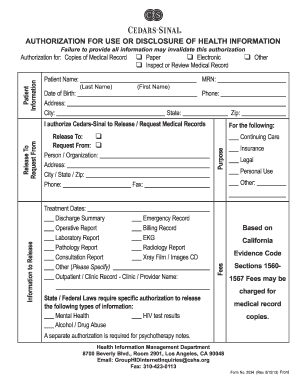
Cedars sinai authorization form

Fraud report form
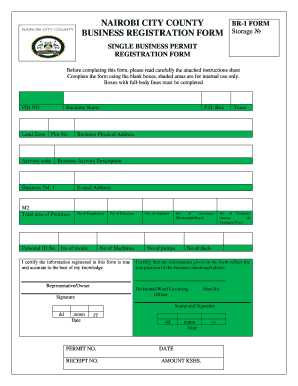
Nairobi county business permit
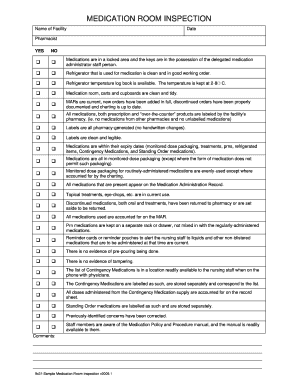
Medication room inspection
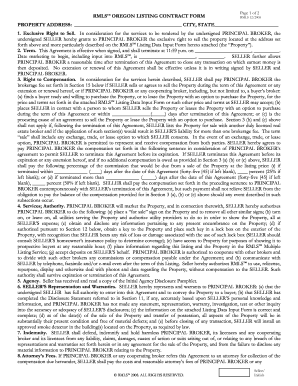
Rmls forms
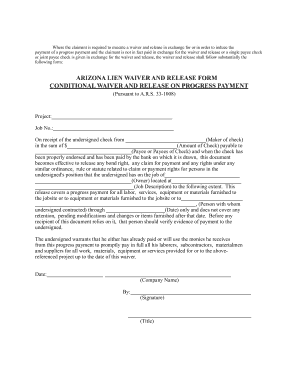
Arizona conditional release form
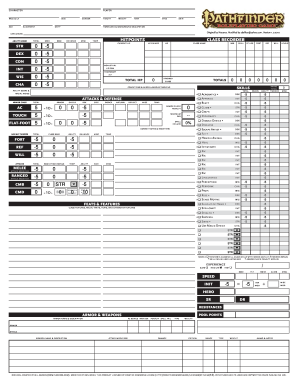
Pathfinder game character sheet

Filler consent form
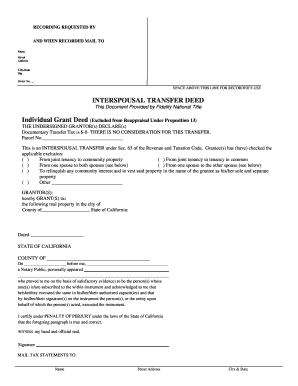
Ca interspousal transfer form

Cancer paperwork
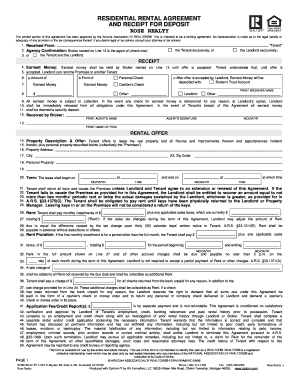
Residential rental agreement and receipt for deposit realtor az

Get soces field printable

Lic surrender form
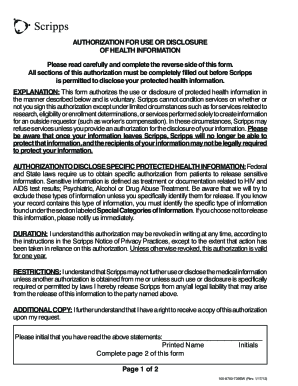
Medical Records Release Form - scripps
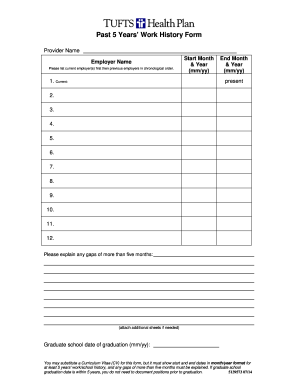
Past 5 Years Work History Form - Tufts Health Plan
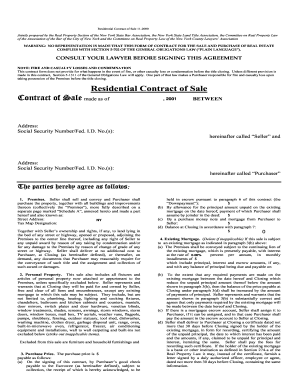
2000 ny residential
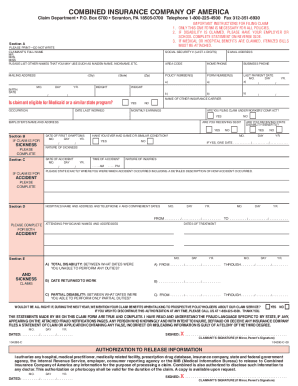
Combined insurance claim forms printable
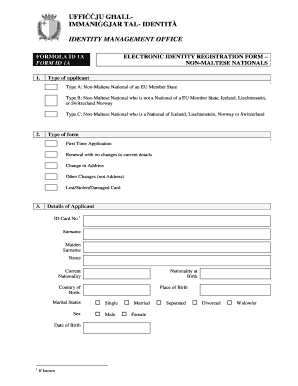
Form id 1a
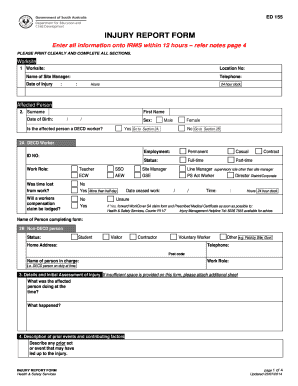
Ed155
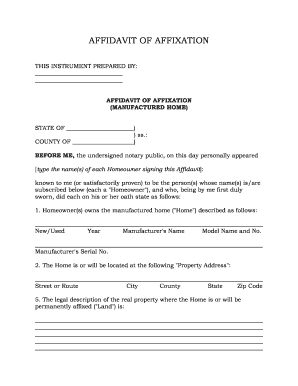
Affidavit of affixation
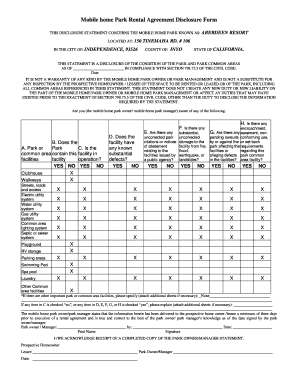
Home park form
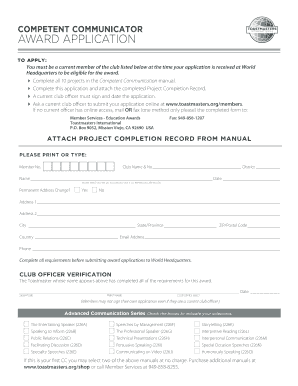
Competent communicator application
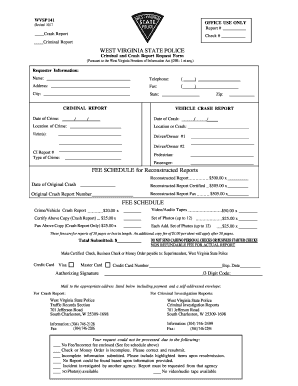
West virginia criminal form
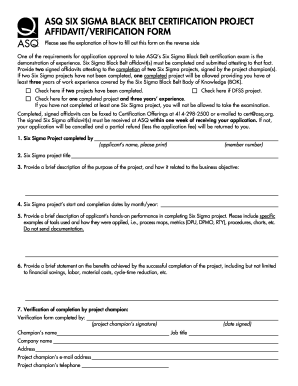
Belt verification form
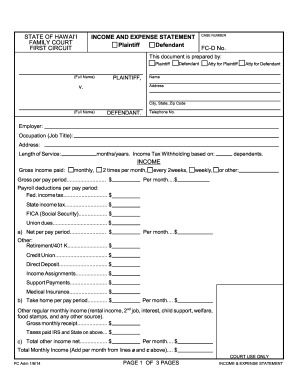
Income and expense statement hawaii

Church rental agreement

Drano money back guarantee
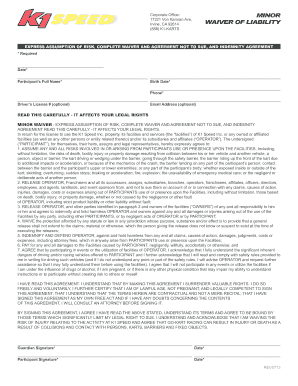
K1 speed waiver
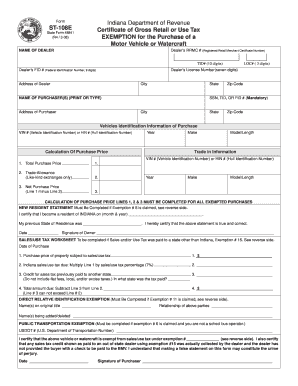
St108e
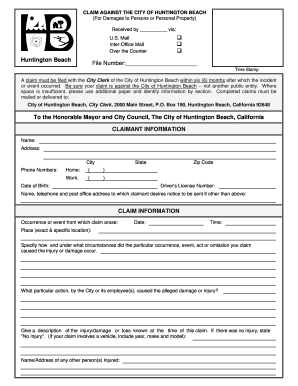
Hbapps

Certificate of liability insurance form

Hdb indemnity form
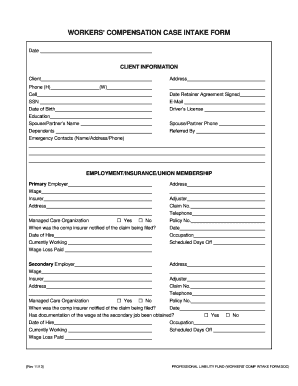
Claim form for workers compensation
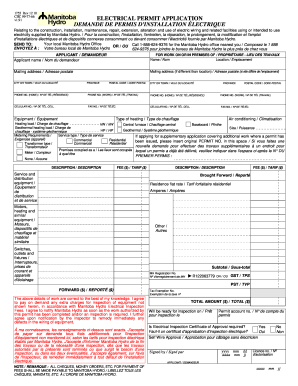
Manitoba hydro permit application
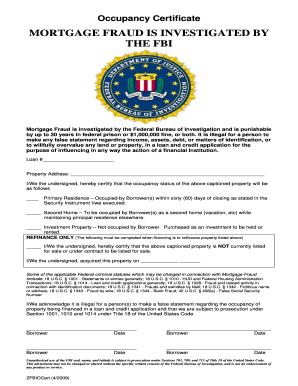
Occupancy certificate form
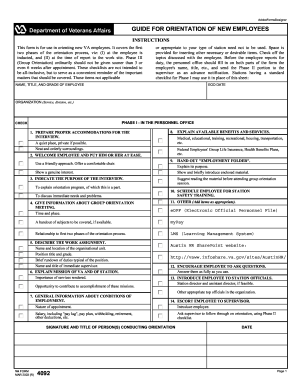
Va form 4092
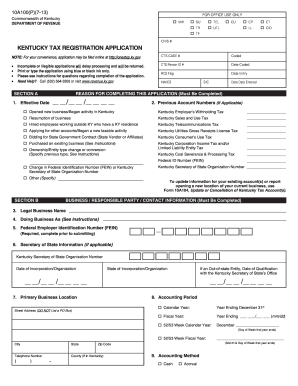
Kentucky form 10a100 2013
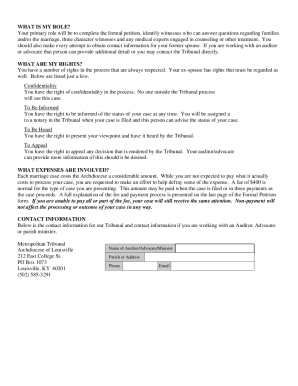
Example of catholic annulment letter
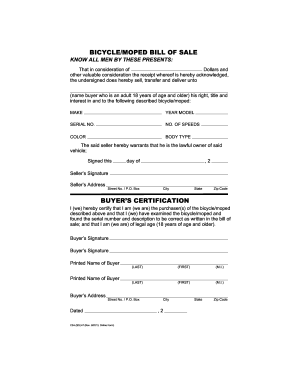
Bill of sale for scooter
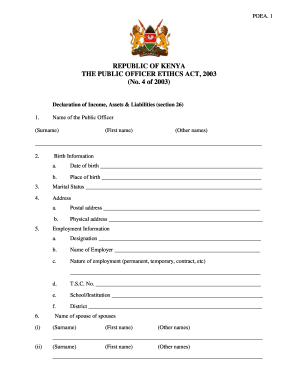
Online wealth declaration form for public servants
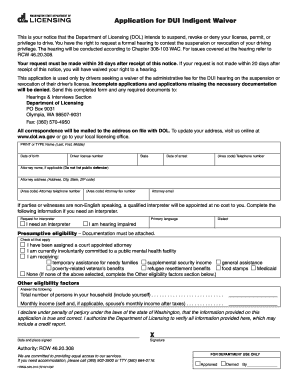
Interlock waiver form tennessee
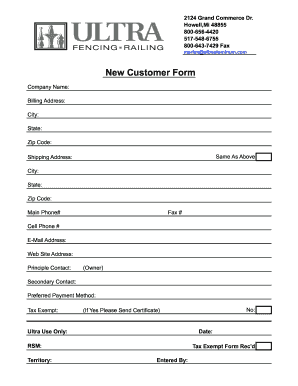
Customer contact form pdf
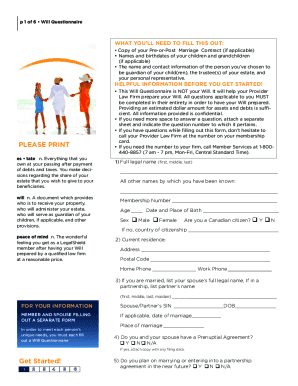
Fillable legalshield blank
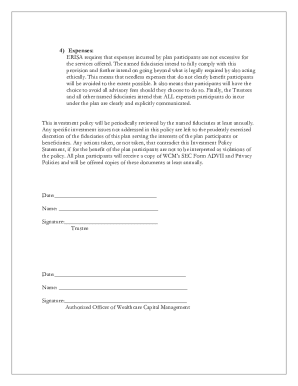
Solo 401k plan document template
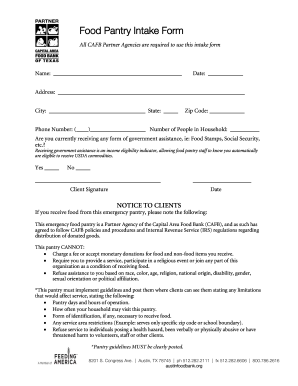
Food pantry application
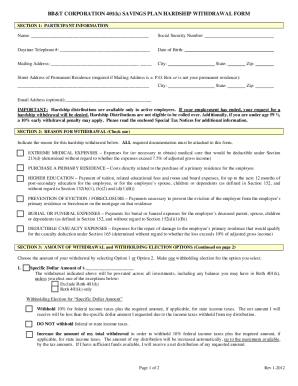
401k withdrawal forms
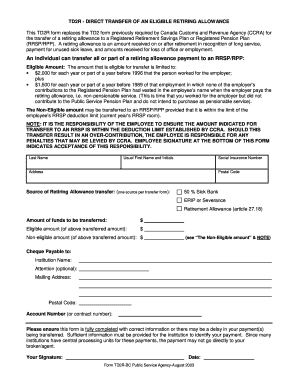
Td2 form
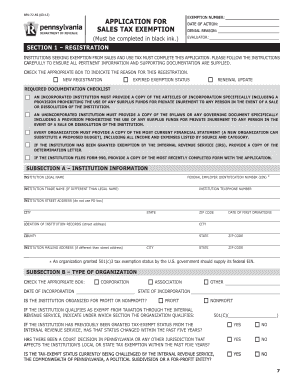
How to get a pa tax exempt number 2012 form
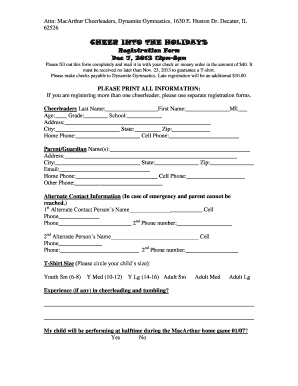
Cheerleading registration form
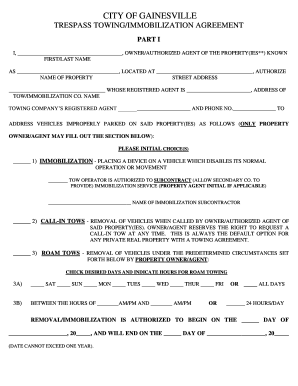
Form immobilization agreement
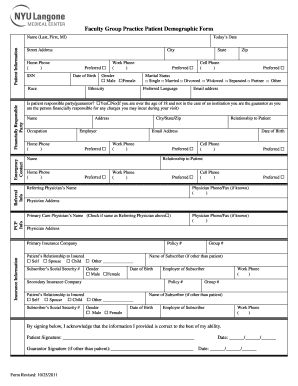
Patient demographic forms
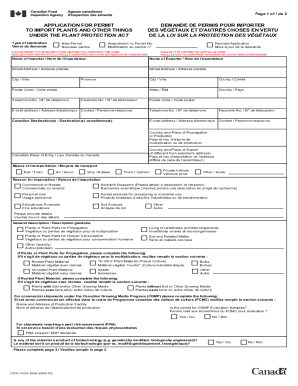
Application import plants other things
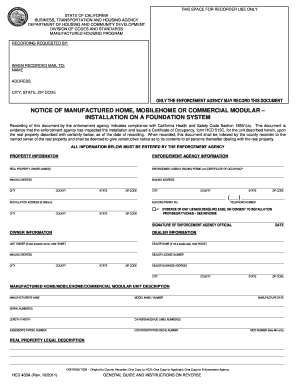
Hcd 433a form
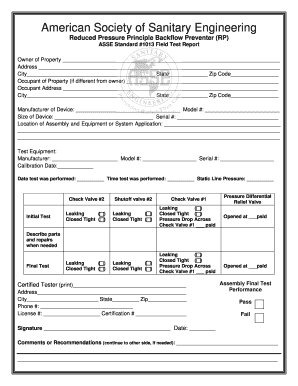
Asse backflow test form
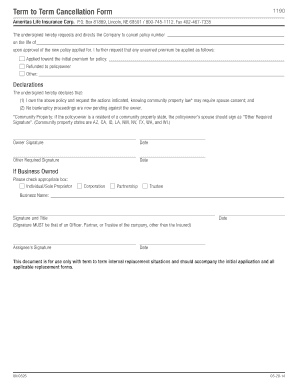
How to cancel ameritas dental insurance
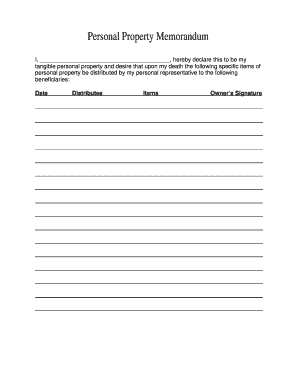
Personal property memorandum template
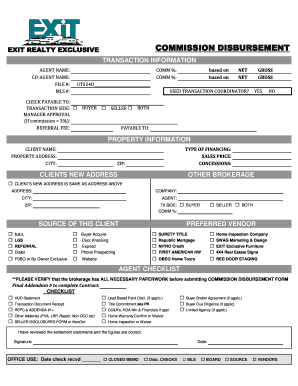
Exit commission disbursement
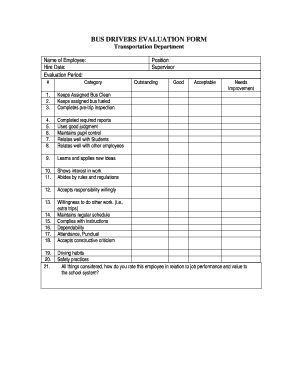
School bus driver evaluation form

Gc 355
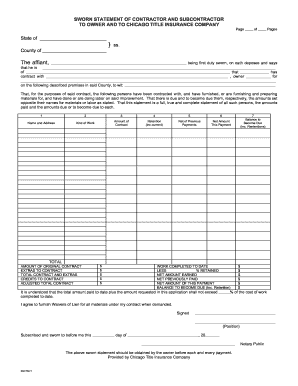
Sworn statement contractor subcontractor
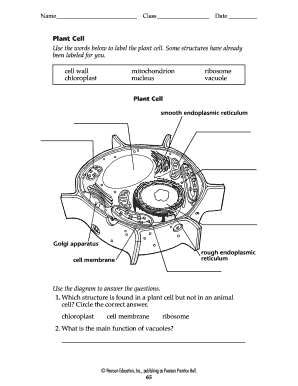
Blank plant cell diagram to label pdf

Medication destruction form

Car inventory excel sheet

Georgia perimeter transcript order form

Walmartmoneycard com
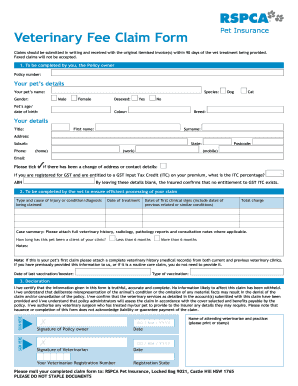
Rspca claim form

Valic login
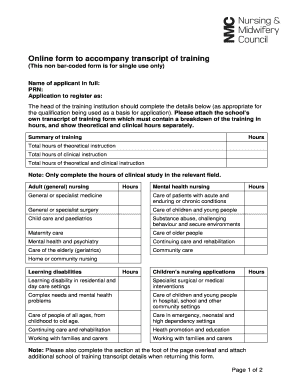
Transcript of training
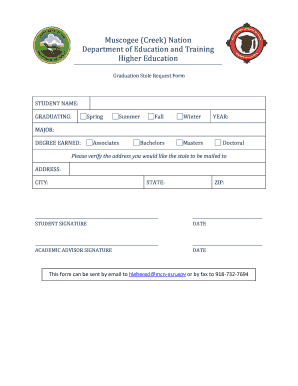
Muscogee creek nation citizenship application

Airtel sim swap online
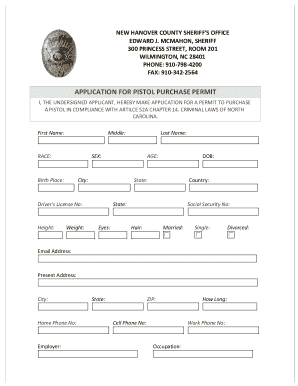
New hanover county pistol permit
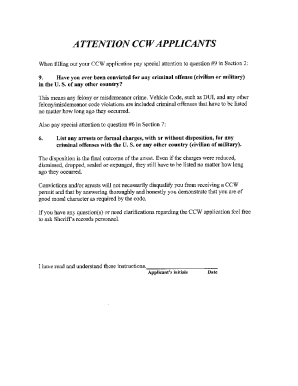
San bernardino ccw online application
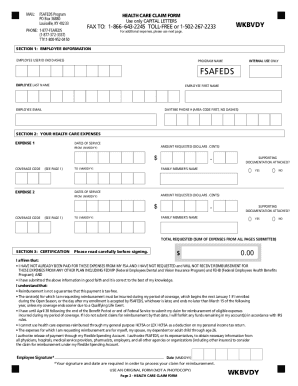
Fsafeds
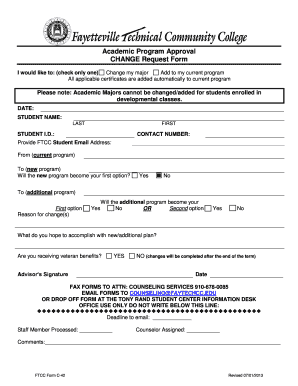
Change major at ftcc in web advisor

Dr 41c
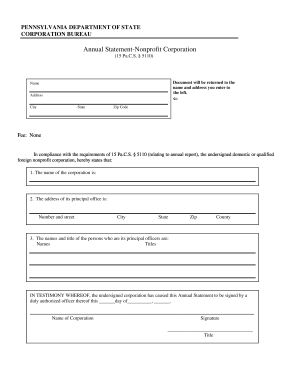
Pennsylvania annual statement
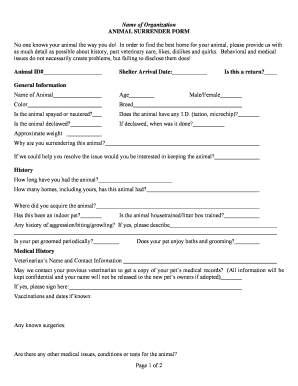
Animal surrender form template
Benefit from the DocHub online library of fillable PDF forms
Searching the PDF forms doesn't have to be a tedious and time-consuming process. With the DocHub online library, it has become easier to find the fillable PDF forms and modify them in your browser. The service allows you to adjust the document to your needs using powerful editing tools.
You can use online document editing features to modify almost any type of document with ease. You just need to find the template of your choice, open it in the editor, and use the toolbar to make the necessary corrections.
Follow this guide to get your document done with DocHub:
- Find the PDF template you need.
- Click the Get Form button to open the file in the editor.
- Use the toolbar to fill out and edit the document.
- Easily add and highlight text, insert images, checkmarks, and symbols.
- Drop new fillable fields, and rearrange or delete pages from your file.
- Save changes and download your record.
DocHub empowers everyone to streamline document editing, signing, and distribution, and form completion. Create an account and benefit from our well-organized PDF Forms library and comprehensive editor.