




01. Edit your commission disbursement authorization template online
Type text, add images, blackout confidential details, add comments, highlights and more.

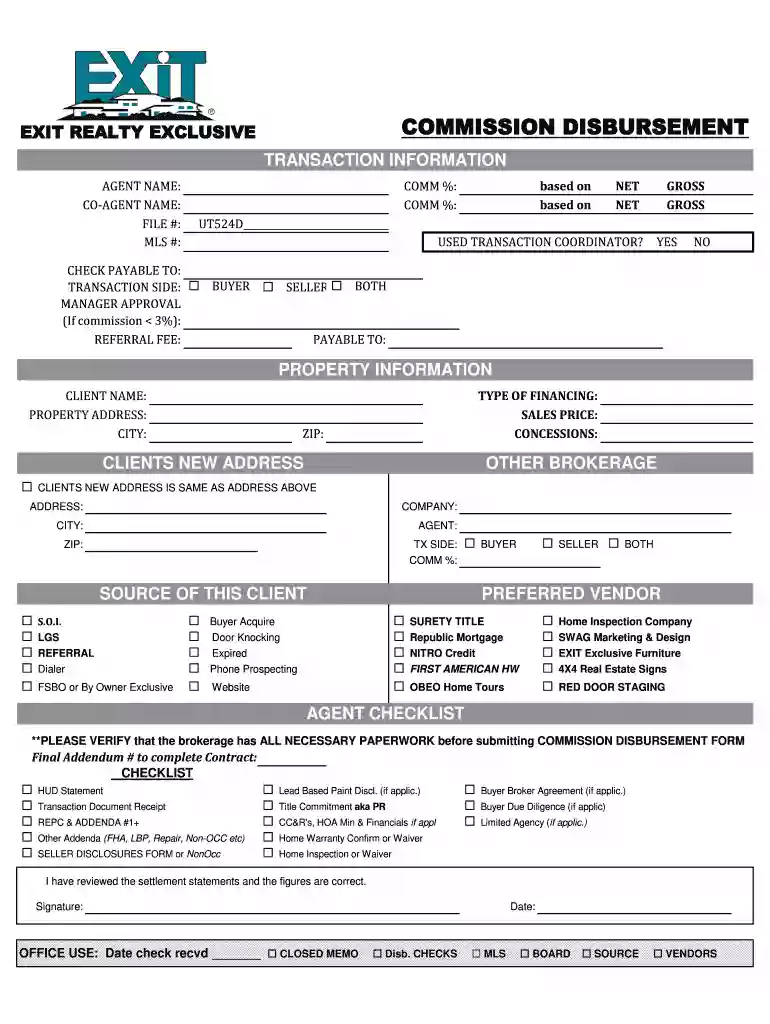
Type text, add images, blackout confidential details, add comments, highlights and more.

Draw your signature, type it, upload its image, or use your mobile device as a signature pad.

Send commission disbursement authorization form florida via email, link, or fax. You can also download it, export it or print it out.

Start using our platform today to streamline your exit commission disbursement process for free!
At DocHub, your data security is our priority. We follow HIPAA, SOC2, GDPR, and other standards, so you can work on your documents with confidence.
The committee must keep a record of each disbursement, including: Amount;; Date;; Name and address of payee; and; Purpose (a brief but specific descriptionRead more
disbursement is made during the period beginning on July 1 of one year and ending on June 30 of the following year. Each loan you receive over the course of
Unwise Idea Pay out 20 Research per Unwise Idea but they can only be exchanged collectively with a menace cost of +1CP per idea; or can be written down forRead more


