




01. Edit your aeronautical assessment form online
Type text, add images, blackout confidential details, add comments, highlights and more.

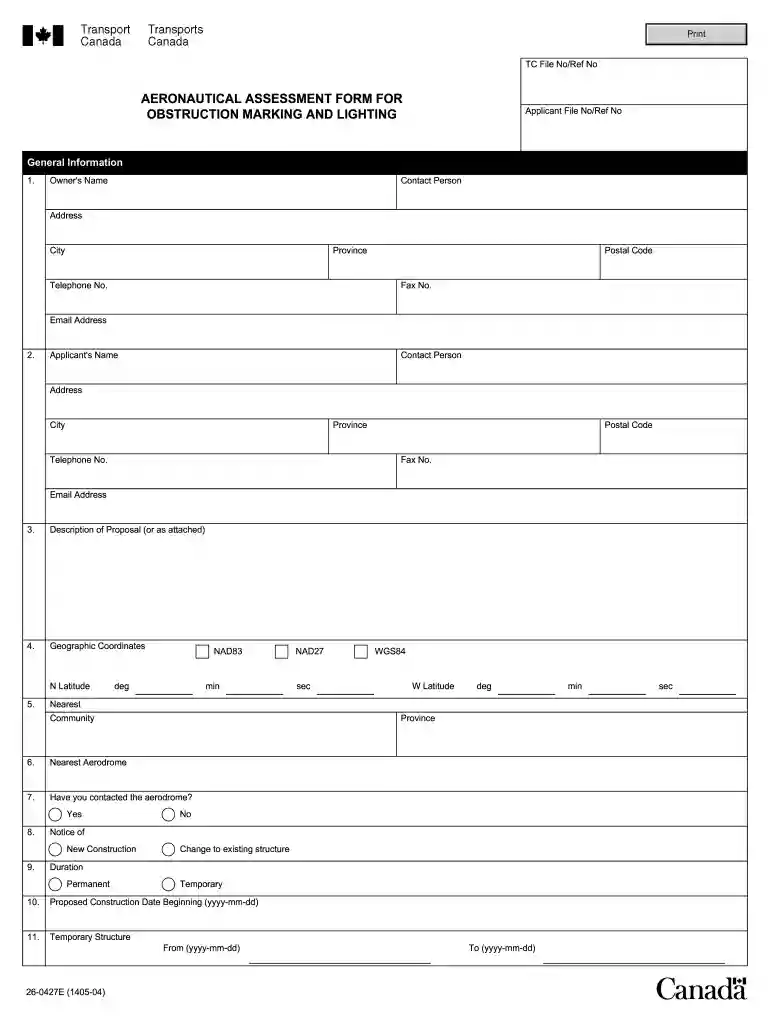
Type text, add images, blackout confidential details, add comments, highlights and more.

Draw your signature, type it, upload its image, or use your mobile device as a signature pad.

Send transport canada aeronautical assessment form via email, link, or fax. You can also download it, export it or print it out.

Start using our platform today to streamline your document editing and ensure a smooth submission process!
We've got more versions of the aeronautical assessment form form. Select the right aeronautical assessment form version from the list and start editing it straight away!
A lot of software applications are available out there for document editing and signing. DocHub is one of the most widely used online solutions that comply with all security and compliance standards and guarantees your eSigned paperwork is legally enforceable. All you need to try it out is to create an account, upload your transport canada bird strike report form, fill out the requested information, and click Sign. Create your eSignature by typing, drawing it, uploading its picture to your form, or scanning a unique QR code.
In addition to an extensive toolset for editing PDFs on mobile phones, DocHub allows you to sign your transport canada aeronautical assessment form along the way. Open our editor in your internet browser, make changes using DocHub’s toolset, and finish your editing by eSigning the finished form.
At DocHub, your data security is our priority. We follow HIPAA, SOC2, GDPR, and other standards, so you can work on your documents with confidence.
by R Fowler 2021 Cited by 20 The Transport Safety Board of Canada could not determine why the student pilot of C-. FGOI climbed above the altitude restriction of 1,100 feet.Read more
Oct 22, 2009 Transport, Canada. Please contact the Civil Aviation. Communications Centre at 1 800 305-2059 (EST) for assistance. The information in thisRead more
Jul 10, 2020 2 To increase ACAS effectiveness and minimize the risk of a mid-air collision between unknown/uncontrolled VFR traffic and controlled commercialRead more


