
Get any PDF form from the DocHub library of ready-made templates - Page 1999
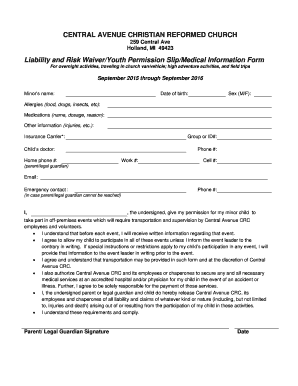
CENTRAL AVENUE CHRISTIAN REFORMED CHURCH
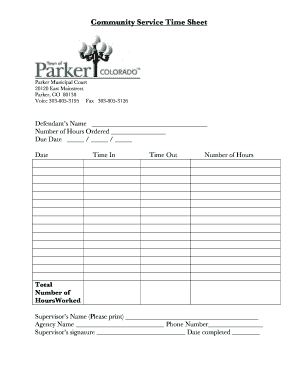
Community Service Time Sheet Parker Municipal Court 20120 East Mainstreet Parker, CO 80138 Voice 3038053195 Fax 3038053126 Defendants Name Number of Hours Ordered Due Date / / Date Time In Time Out Number of Hours Total Number of
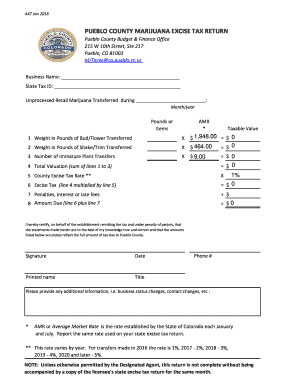
PUEBLO COUNTY MARIJUANA EXCISE TAX RETURN - county pueblo

Rollover out icma rc
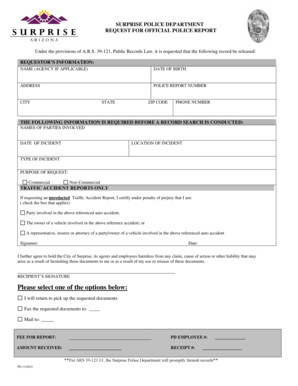
SURPRISE POLICE DEPARTMENT REQUEST FOR OFFICIAL POLICE REPORT
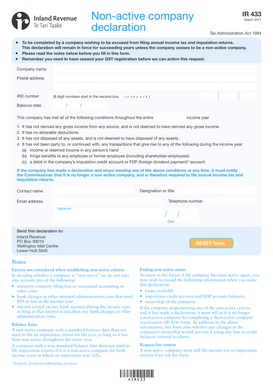
Ir433 form

Ps3 waterproofing form
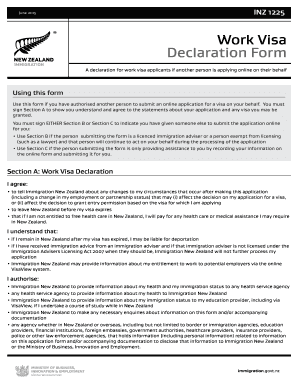
Work Visa Declaration Form - Immigration New Zealand
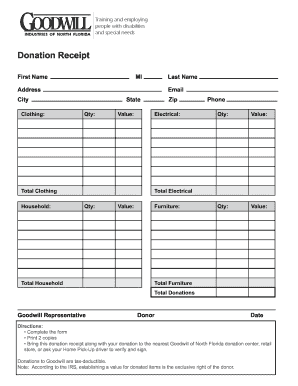
Donation goodwilljax org
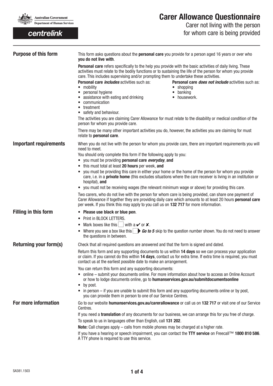
Sa381 form
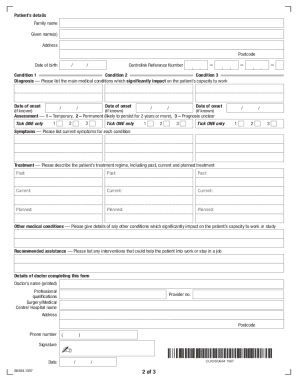
Verification of medical conditions
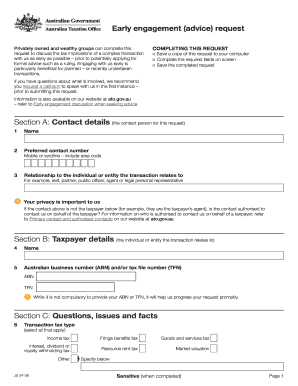
Ato early engagement
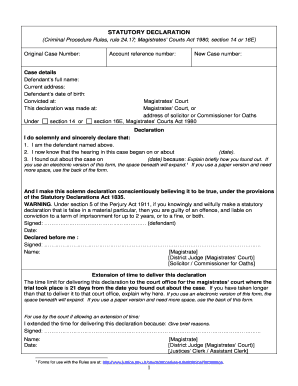
Criminal procedure rules
Amtryke therapeutic
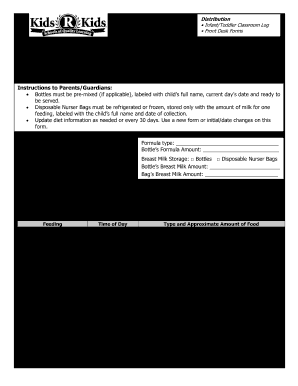
Month Infant Feeding Plan - Learning Academy
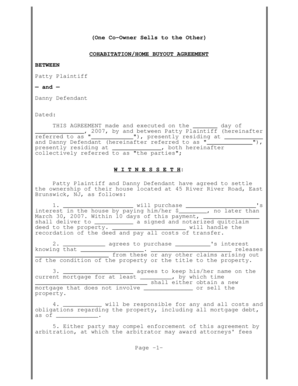
Divorce buyout agreement form
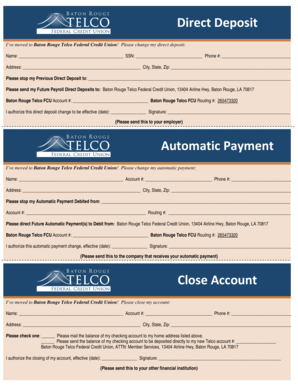
Telco direct deposit form
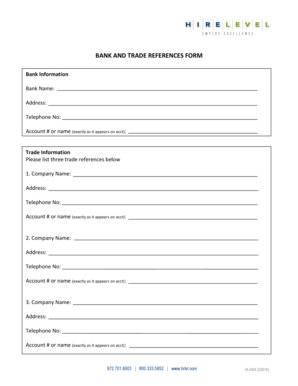
Trade references
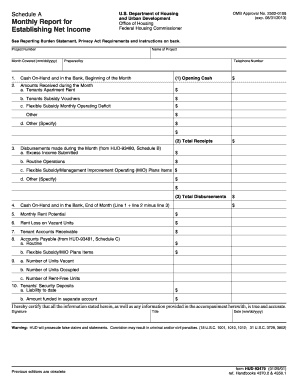
Schedule A US Department of Housing Monthly Report for
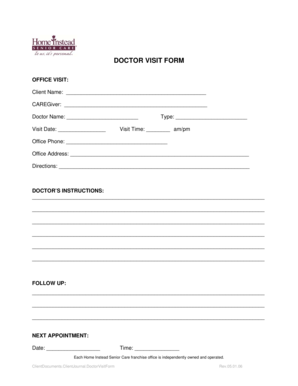
Emr downtime office visit form
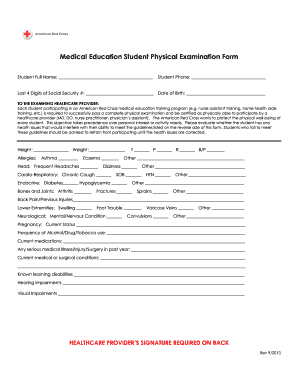
Red cross physical form

Edward jones beneficiary designation form
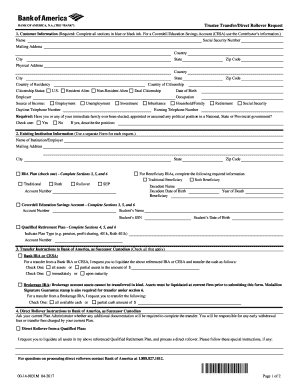
Trustee transfer form

Lymphedema intake

Client Intake Form l Massage Therapy - burkeorg

Novant health doctors note template

Vein form fillable
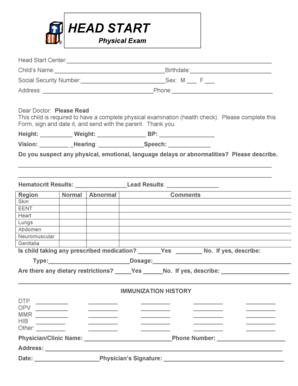
HeadStartPhysicalExam.doc - chw

Wyoming apportioned plates
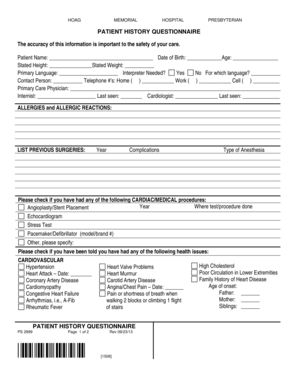
. PS 2999-PILOT Patient History Questionnaire 100109 - hoag
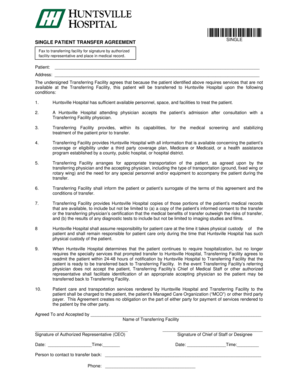
SINGLE PATIENT TRANSFER AGREEMENT - Huntsville Hospital System - huntsvillehospital
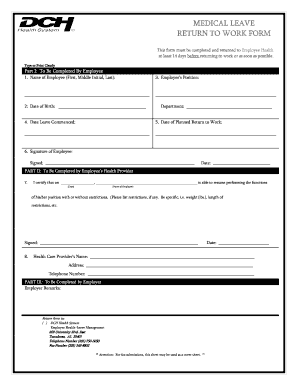
MEDICAL LEAVE RETURN TO WORK FORM - DCH Health System
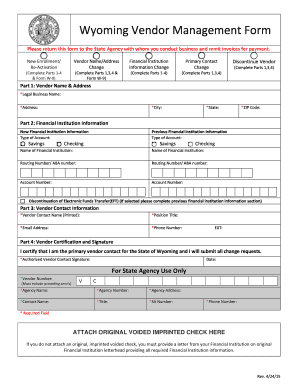
Wyoming Vendor Management Form - wyospcrstatewyus - wyospcr state wy
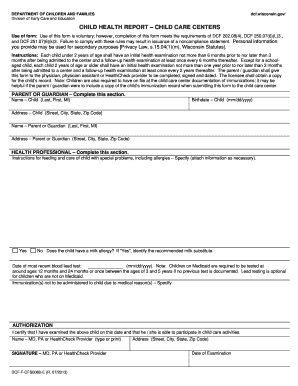
Wi health report dcf
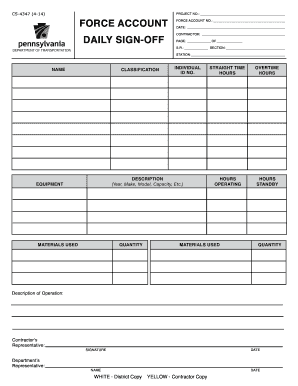
CS-4347 4-14 force account daily sign-off - PennDOT Home
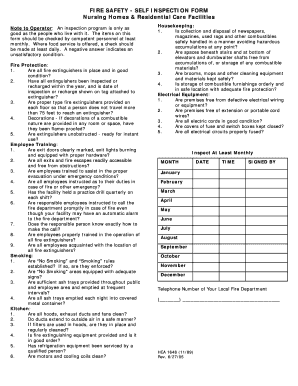
Fire safety self inspection form
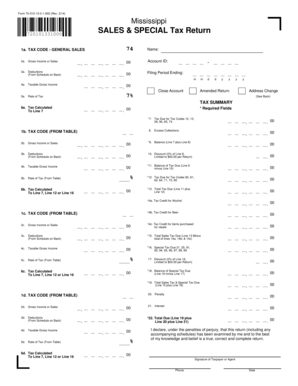
Ms sales tax forms printable
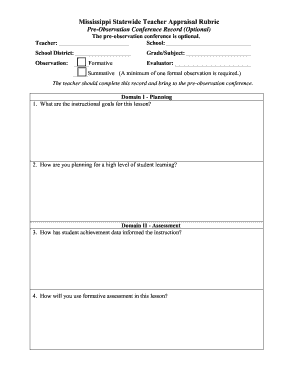
Ms statewide teacher pre observation conference record sample
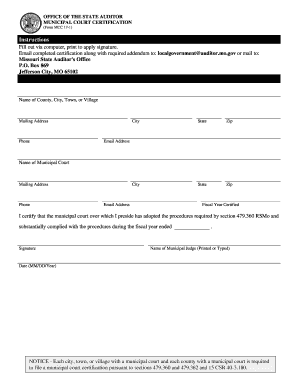
Form a 15 1

Ms child abuse n registry

Idaho corner perpetuation filing
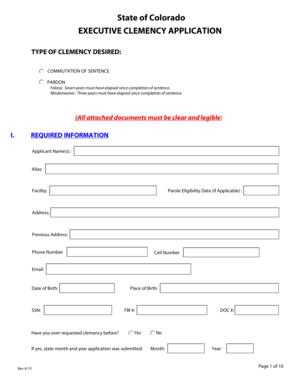
Clemency colorado
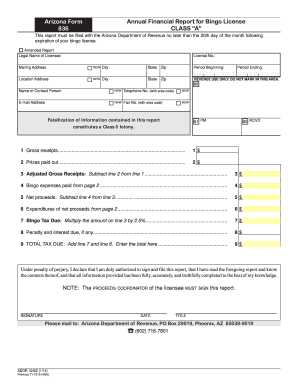
Arizona 836
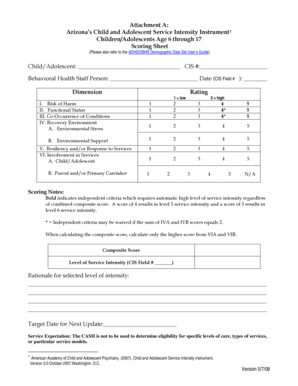
Locus worksheet pdf 2021
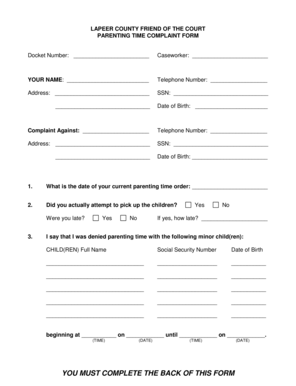
Lapeer foc
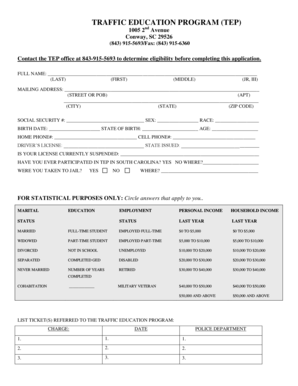
Traffic education program conway sc
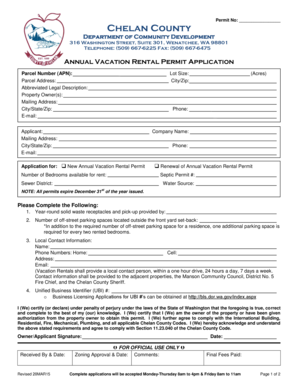
Chelan county short term rental application
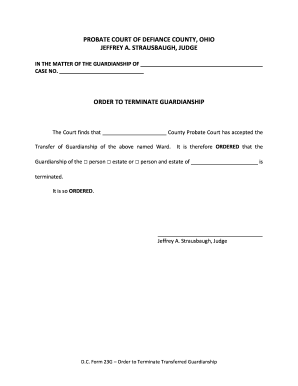
D c form 23g

COMAL COUNTY CLERK BOBBIE KOEPP
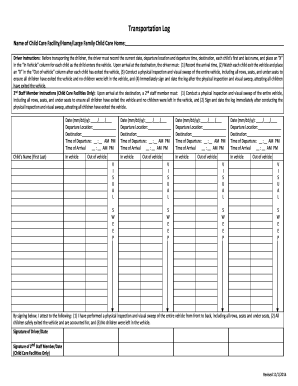
Dcf transportation log
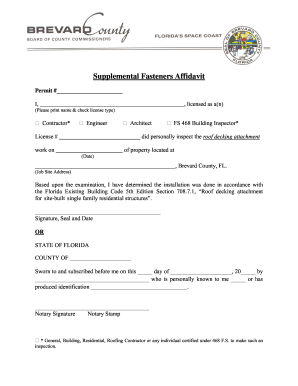
Brevard county building department supplemental fastener affidavit
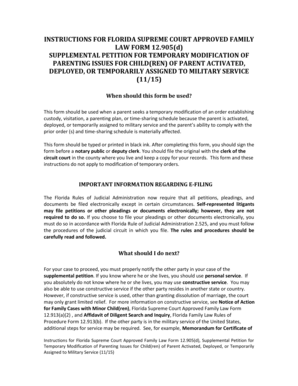
Application for unemployment for the state of florida

Petition florida 2015 form

Mcd 356 form pdf
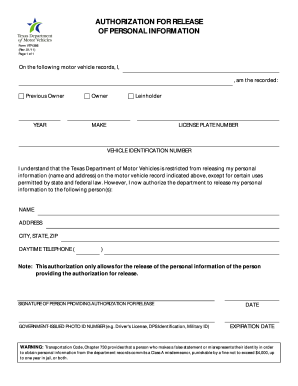
AUTHORIZATION FOR RELEASE OF PERSONAL INFORMATION - TxDMVGOV - txdmv
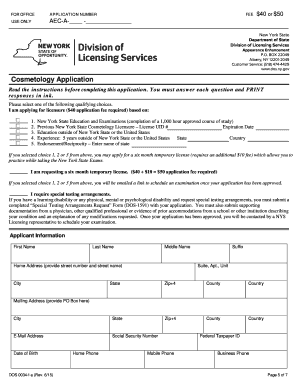
New york state services

AnnualGuardianReport.doc - courts oregon
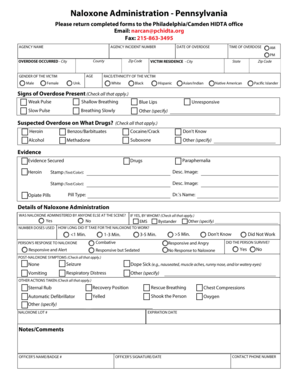
Deployment Reporting Form - PA draft 1-2015pdf
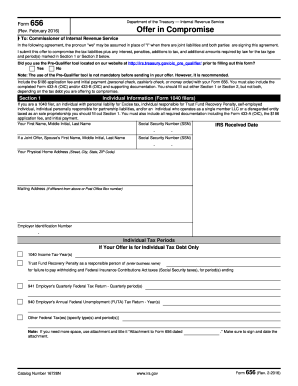
WARNING!!! - IRS.gov
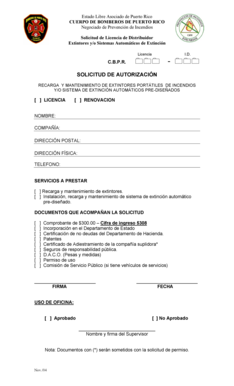
Permiso de bomberos pdf
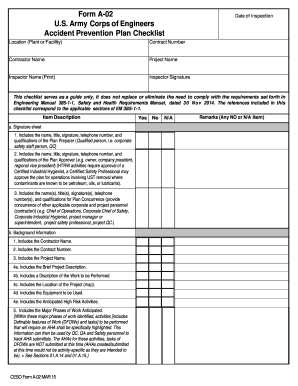
Form a 02
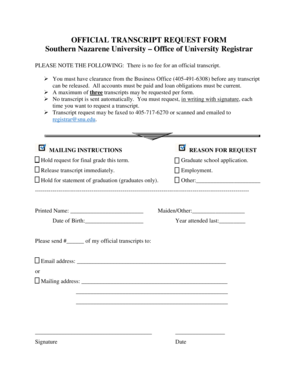
Transcript request snu

Santander schadensmeldung

Fatca crs declaration form filled sample
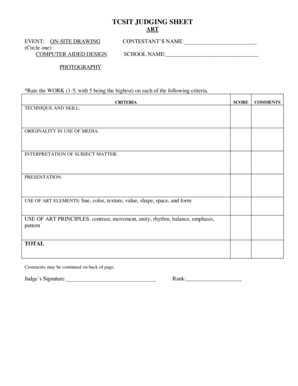
Judgement sheet for poster making competition
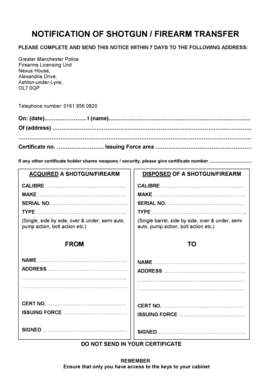
Gmp firearms transfer form
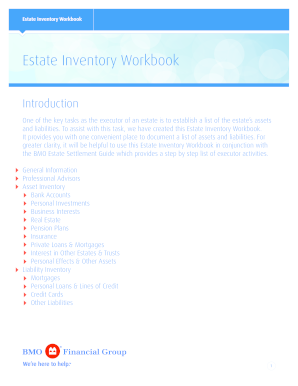
Estate planning inventory form
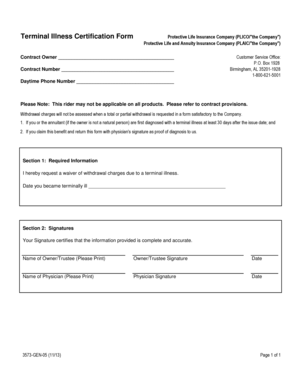
Certificate of terminal illness template
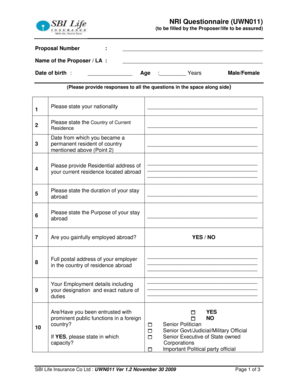
Nri questionnaire
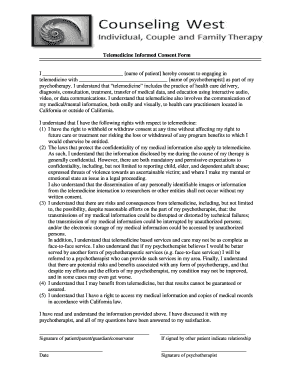
Telemedicine informed form
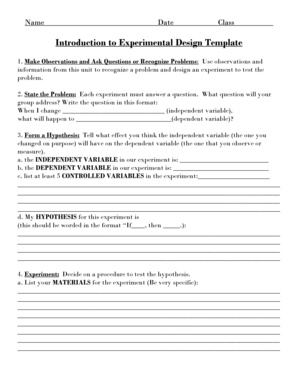
Experiment design template

Clearwater Christian College Transcript Request Form - cedarville
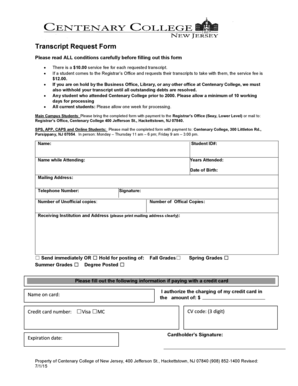
Centenary university transcript request
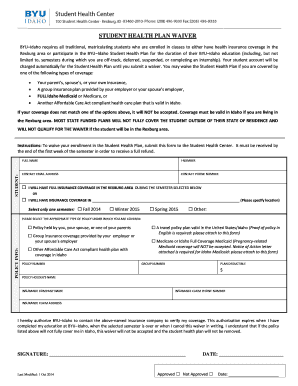
Byui health insurance
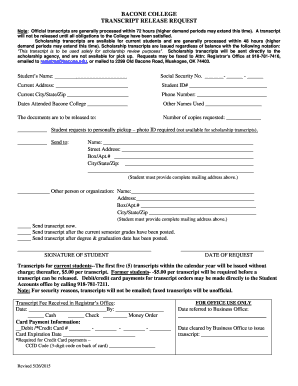
Bacone college transcript request
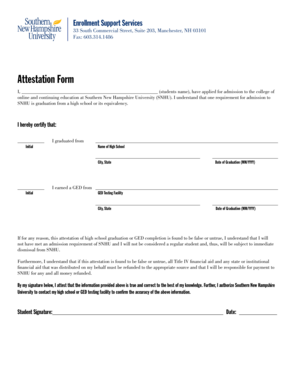
Snhu attestation
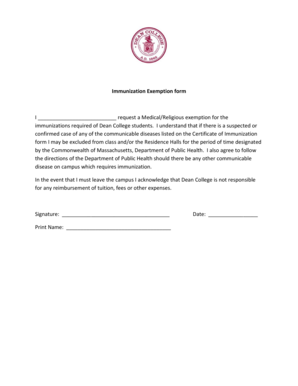
Sample religious exemption letter for vaccines massachusetts

Cobra form net
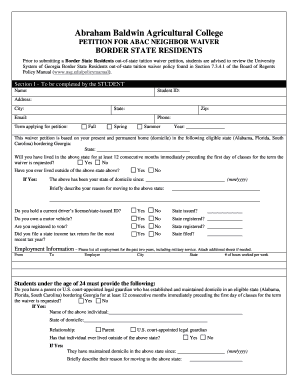
Neighbor waiver
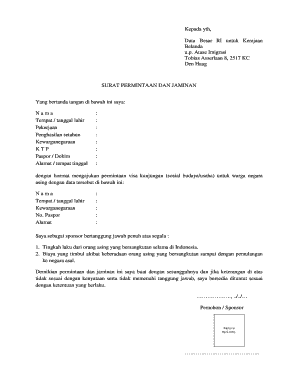
Surat permintaan form

Molecular portfolio
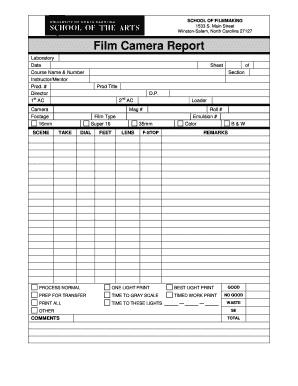
Camera report template
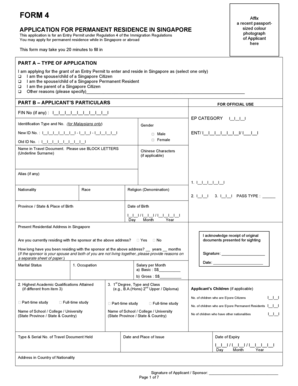
Pr iras consent form
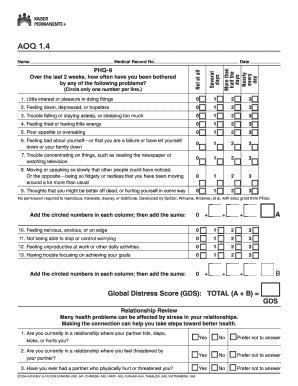
Kaiser aoq form
Summit workbook

FL-800 Joint Petition for Summary Dissolution. Fillable Editable and Saveable California Judicial Council Forms
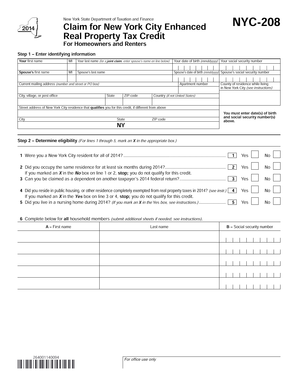
Nyc 208 form 2019 pdf

Eaedc form
Nwcg task books evaluation requirements
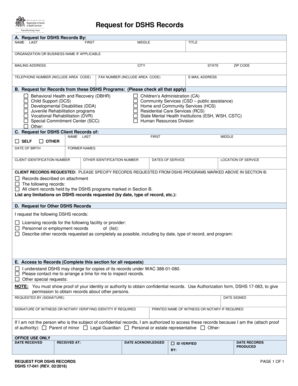
Request for dshs

Form 36b
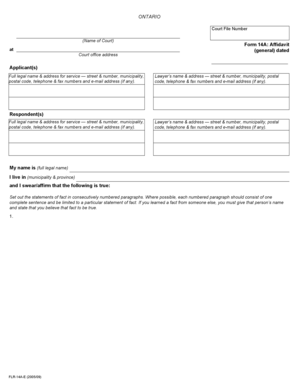
Ontario affidavit form
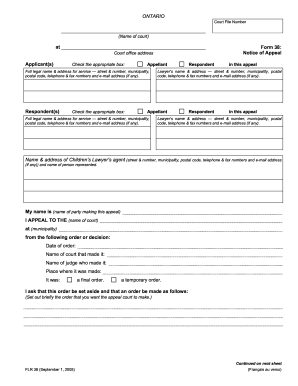
Appeal ontario ontariocourtforms

Camp slo liability release form
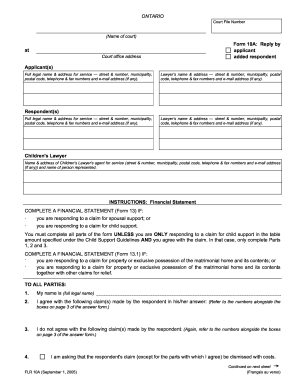
Form 10a reply
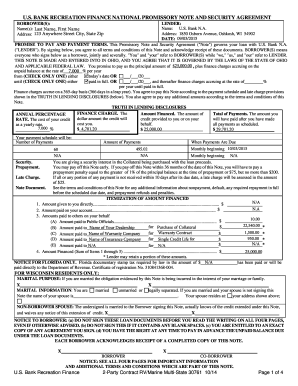
PROMISSORY NOTE AND SECURITY AGREEMENT
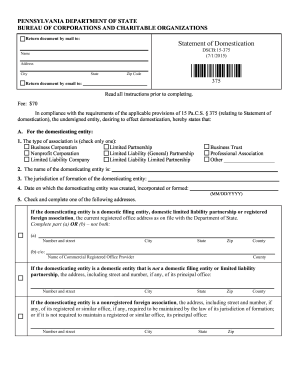
Dscb 15 statement domestication form
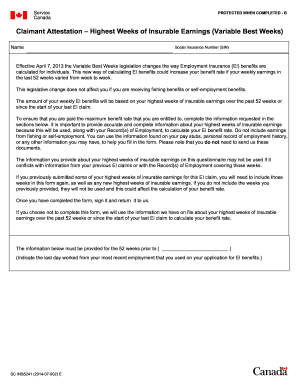
Sc ins5421
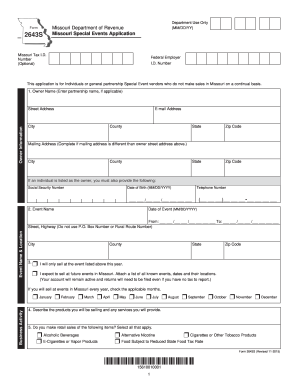
2643s

2016-2019 Form Canada IMM 5866 E Fill Online, Printable, Fillable...
Benefit from the DocHub online library of fillable PDF forms
Searching the PDF forms doesn't have to be a tedious and time-consuming process. With the DocHub online library, it has become easier to find the fillable PDF forms and modify them in your browser. The service allows you to adjust the document to your needs using powerful editing tools.
You can use online document editing features to modify almost any type of document with ease. You just need to find the template of your choice, open it in the editor, and use the toolbar to make the necessary corrections.
Follow this guide to get your document done with DocHub:
- Find the PDF template you need.
- Click the Get Form button to open the file in the editor.
- Use the toolbar to fill out and edit the document.
- Easily add and highlight text, insert images, checkmarks, and symbols.
- Drop new fillable fields, and rearrange or delete pages from your file.
- Save changes and download your record.
DocHub empowers everyone to streamline document editing, signing, and distribution, and form completion. Create an account and benefit from our well-organized PDF Forms library and comprehensive editor.