
Get any PDF form from the DocHub library of ready-made templates - Page 2001
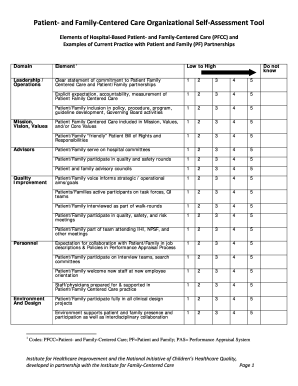
Creative self care ideas for teachers

Missouri statenon profit dissolution pdf
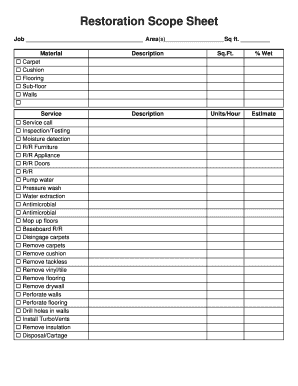
Water damage restoration scope sheet
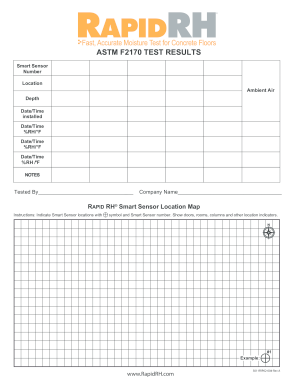
Astm f2170 pdf
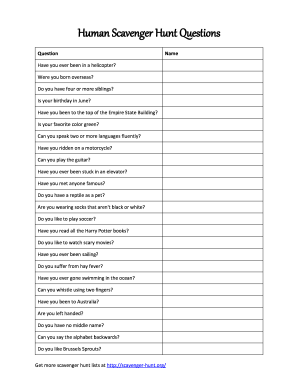
Human scavenger hunt questions
Nv energy bill pdf
Oregon number

Equipment inspection form
Health examination form
Ohio i grid

Ky drivers log

K 5 worksheets

Child support guidelines worksheet iowa
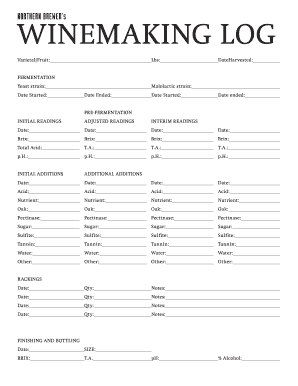
Northern winemaking log

Abp 1676 1
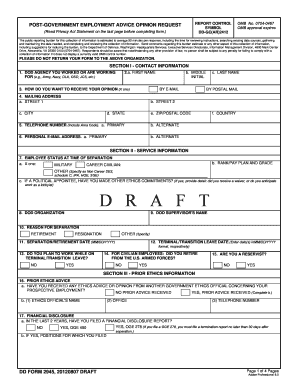
Dd 2945
Bovegas form

Income-Driven Repayment Plan Request - StudentLoans.gov

2014 TX Form 4122
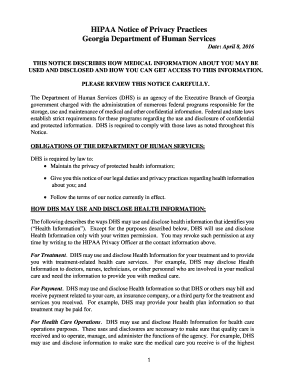
Hipaadhs dhs ga gov
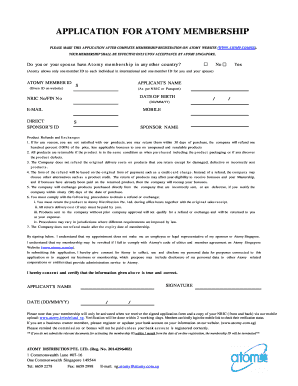
Atomy kr
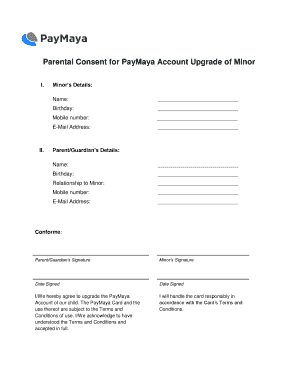
Paymaya parental consent
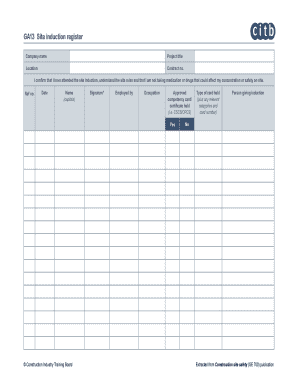
GA13 Site induction register

Id proofing nysoh

Myhse arizona web portal
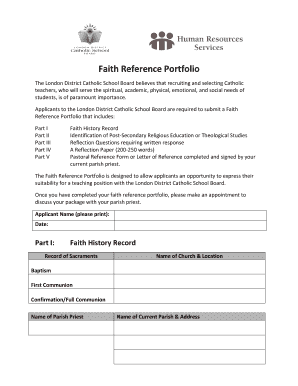
Faith reference portfolio examples
Peer review feedback form

Demolition invoice
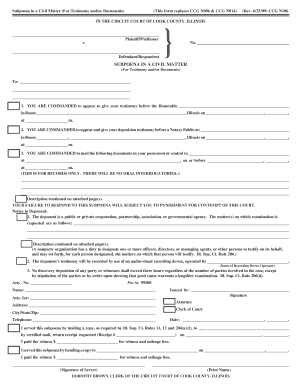
Ccg n106
Dtf information tax return form

Attestation and agreement to notify employer

O Box 670747
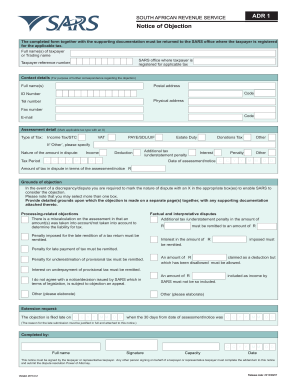
Sars forms pdf

Movement form

32a challan form in excel
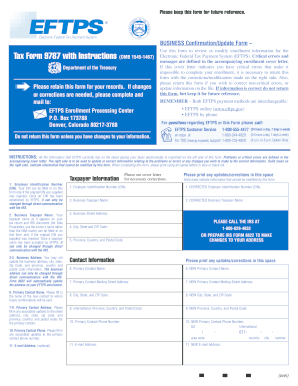
Eftps form online

Oregon self employment verification
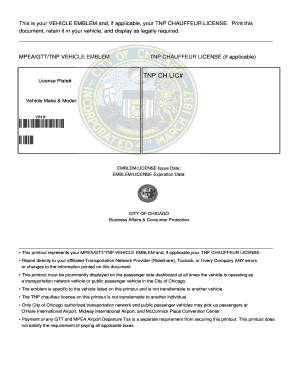
Mpea emblem
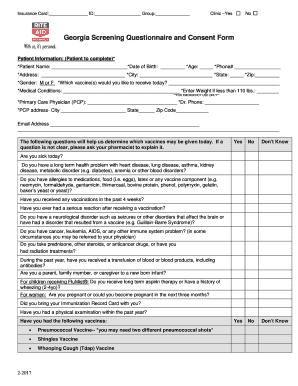
Rite aid vaccine form
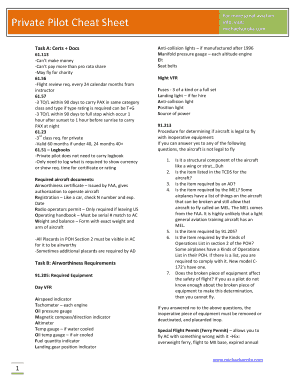
Private pilot acs cheat sheet
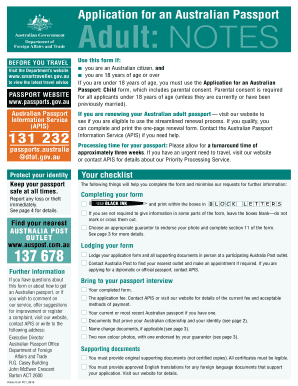
Australian passport application

Arizona divorce packet form
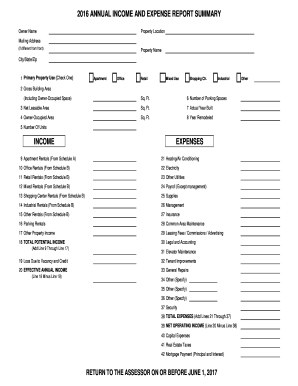
Excel expense report template
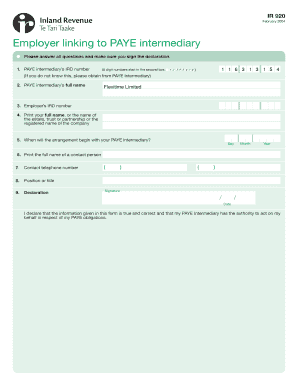
Ir920
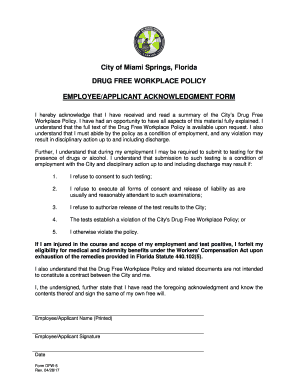
Acknowledgment Form for the Drug Free Workplace Policy

Cooling log
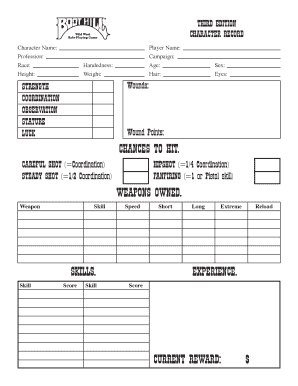
Hill character sheet
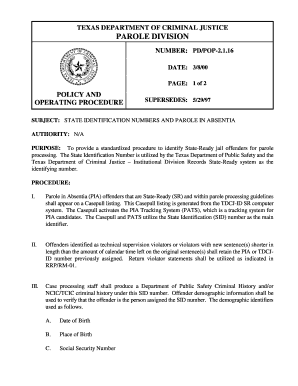
Texas absentia

Affidavit of criminal history
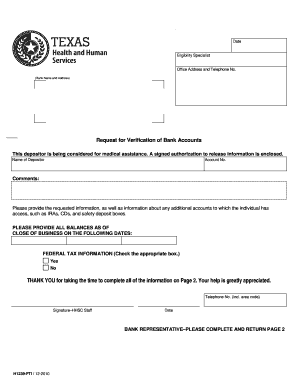
Hhsc form 1239
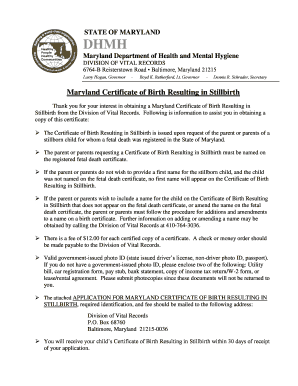
Stillbirth Certificate Instructions and Application - dhmh maryland

NY-Sun INCENTIVE PROGRAM ADDENDUM to AGREEMENT

DVS - 40 rev 1-17 - calvet ca
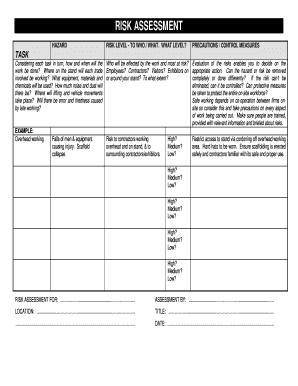
Risk assessment form pdf
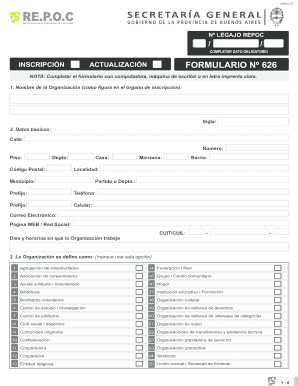
Formulario 626

Personal characteristics list

Controlled medication utilization log

Adjectives worksheets for grade 3
Document Cover Sheet (Generic) - riverside courts ca
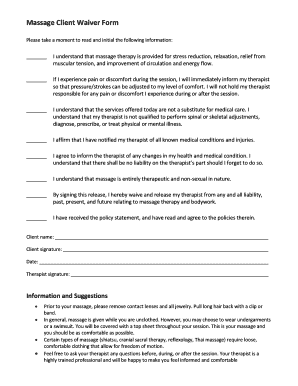
Printable massage waiver forms
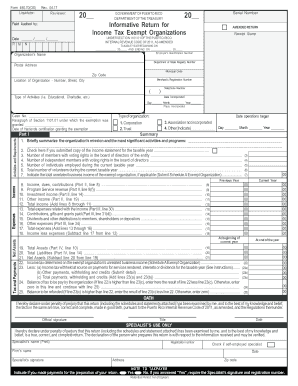
Pr form 480 70
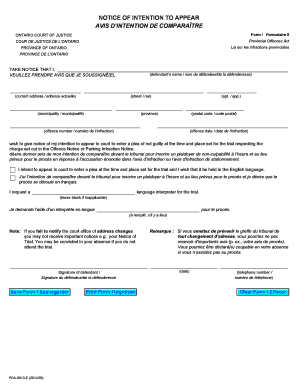
Notice of intention to appear fillable form
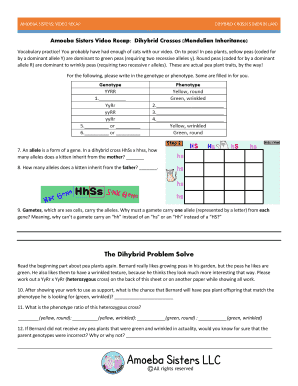
Amoeba sisters video recap dihybrid crosses mendelian inheritance answer key

Cursive writing sentences worksheets pdf

Medical office registration form. The Capital Dermatology Medical Group
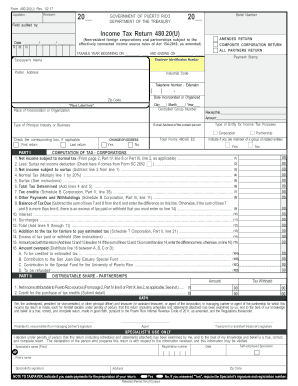
Form 480 20
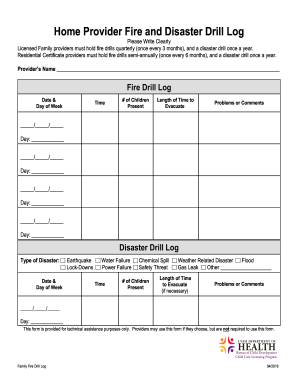
Fire drill log
Lamudi contrato arrendamiento
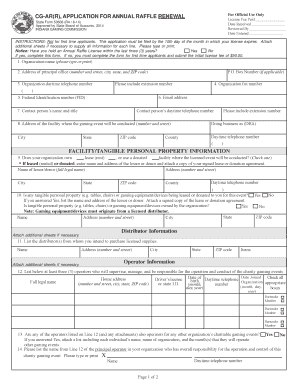
In gaming fillable for cg ar r
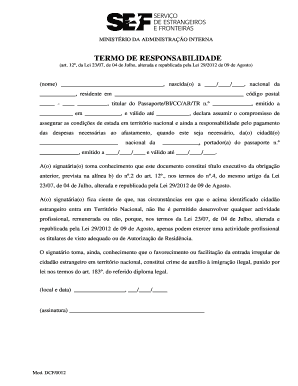
Termo de responsabilidade sef
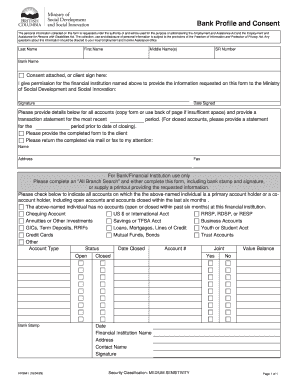
What is a bank profile
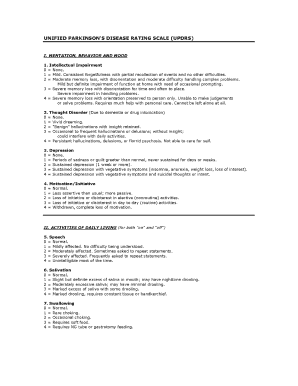
Updrs pdf download

LLC Annual Meeting Minutes - Northwest Registered Agent, LLC
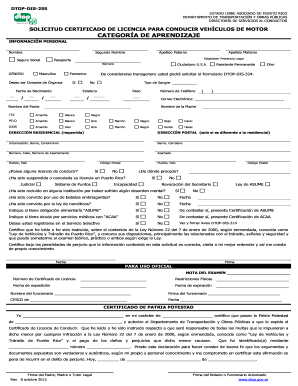
Dtop dis 255

Form ad 1048
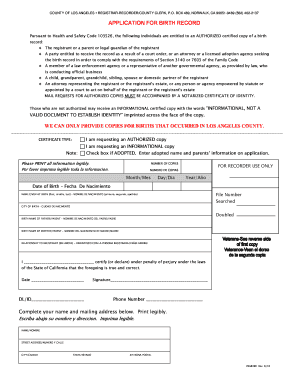
76a639b rev 6 19 fillable
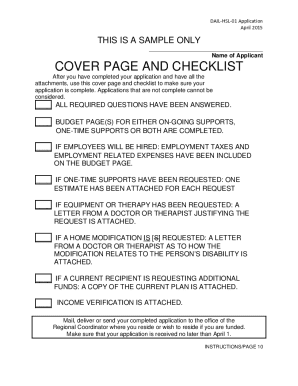
Hart supported living grant

RMA return komenda

Ramsey worksheet
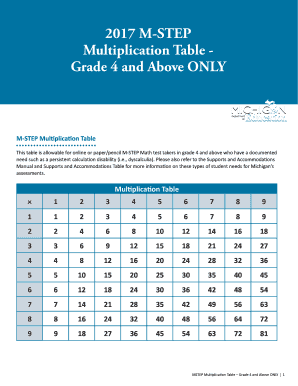
Oeaa multiplication table

Brendon burchard planner pdf
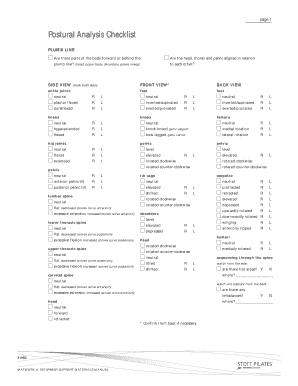
Postural assessment checklist
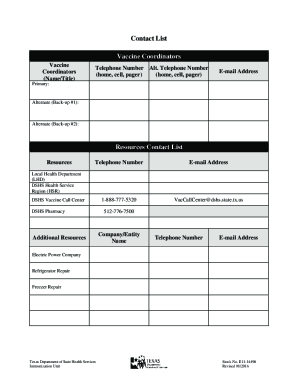
TVFC Vaccine Management Plan Templates. Contains contact list for vaccine coordinators, routine vaccine storage and handling plan, and emergency vaccine storage and handling plan. - dshs texas
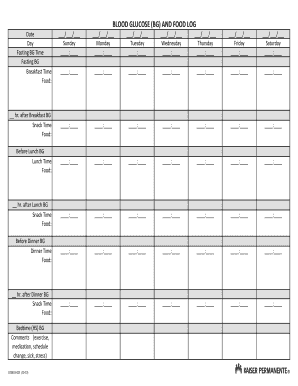
Weekly blood sugar log sheet
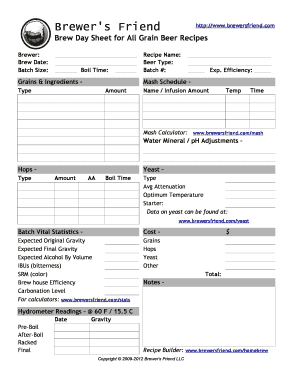
Brew day sheet excel
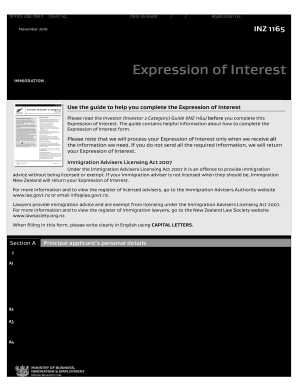
2 category expression pdf

Preparatory phase checklist

I 134 forms
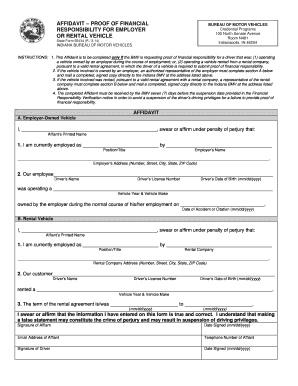
Proof of financial responsibility
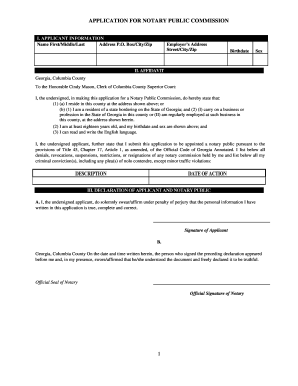
Georgia notary application pdf

Form N-311, Rev. 2016, Refundable Food/Excist Tax Credit

Character reference lthc sample

Ss231 form
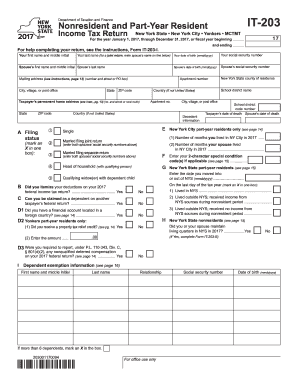
For the year January 1, 2017, through December 31, 2017, or fiscal year beginning - tax ny
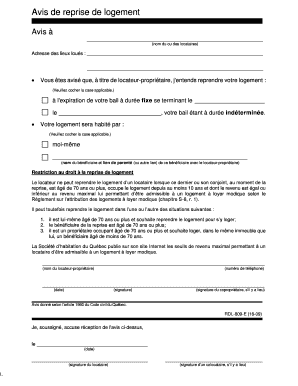
Formulaire avis de reprise de logement
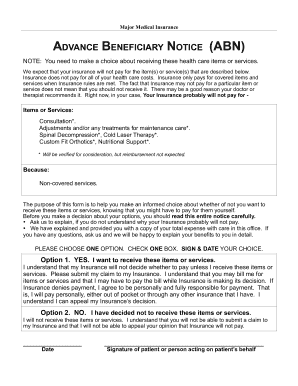
Advanced beneficiary notice abn non-medicare.pages

Adjectives worksheets for grade 2 with answers pdf
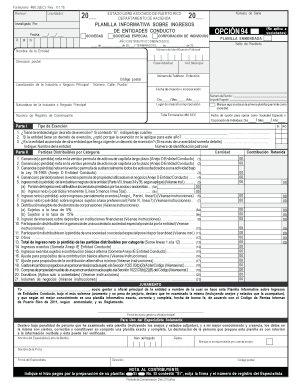
Formulario 480 2 ec
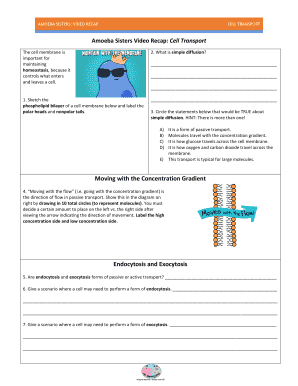
Amoeba sisters video recap cell transport answer key
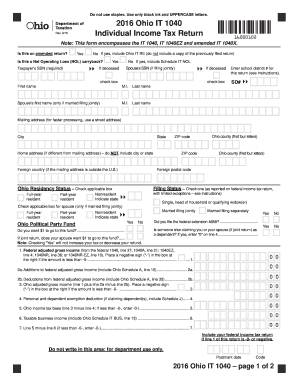
Ohio form 2016
Benefit from the DocHub online library of fillable PDF forms
Searching the PDF forms doesn't have to be a tedious and time-consuming process. With the DocHub online library, it has become easier to find the fillable PDF forms and modify them in your browser. The service allows you to adjust the document to your needs using powerful editing tools.
You can use online document editing features to modify almost any type of document with ease. You just need to find the template of your choice, open it in the editor, and use the toolbar to make the necessary corrections.
Follow this guide to get your document done with DocHub:
- Find the PDF template you need.
- Click the Get Form button to open the file in the editor.
- Use the toolbar to fill out and edit the document.
- Easily add and highlight text, insert images, checkmarks, and symbols.
- Drop new fillable fields, and rearrange or delete pages from your file.
- Save changes and download your record.
DocHub empowers everyone to streamline document editing, signing, and distribution, and form completion. Create an account and benefit from our well-organized PDF Forms library and comprehensive editor.