




01. Edit your form online
Type text, add images, blackout confidential details, add comments, highlights and more.

Type text, add images, blackout confidential details, add comments, highlights and more.

Draw your signature, type it, upload its image, or use your mobile device as a signature pad.

Send it via email, link, or fax. You can also download it, export it or print it out.

Start using our platform today for free to streamline your document editing and signing process!
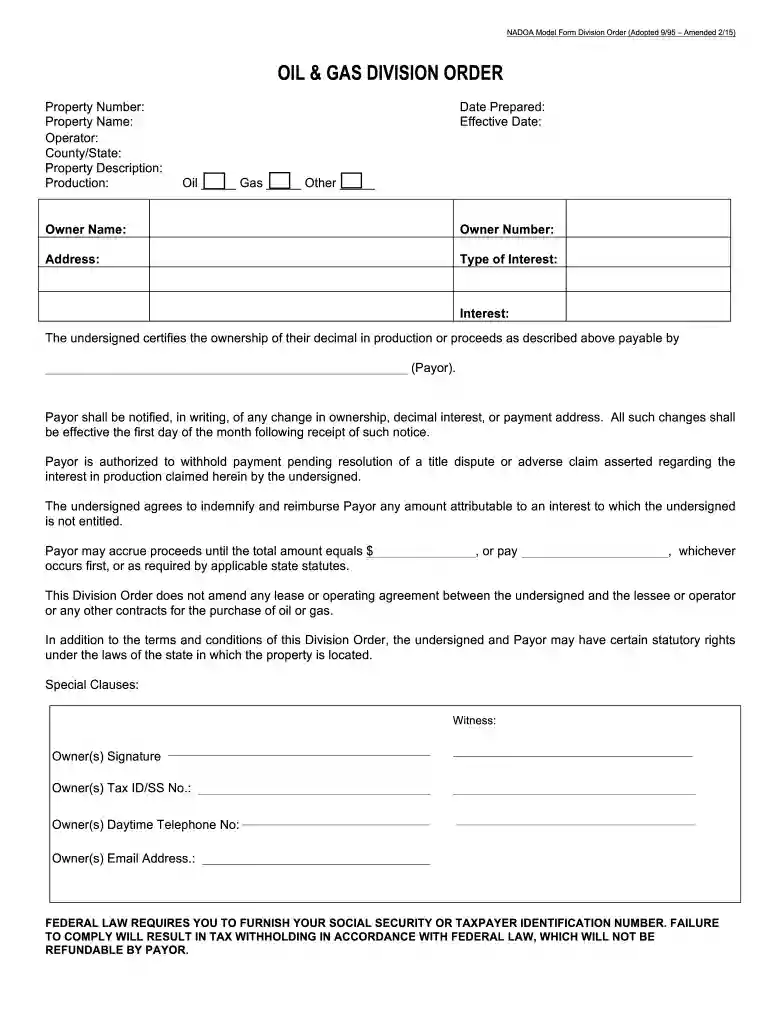
We've got more versions of the Division Order Model Blank Form 2015 - nadoa form. Select the right Division Order Model Blank Form 2015 - nadoa version from the list and start editing it straight away!
Electronic document approval requires a software solution that works in compliance with data protection and eSignature standards. DocHub is an excellent tool for that, because it meets all the previously mentioned requirements. Whatever method you like to sign your Division Order Model Blank Form 2015 - nadoa in DocHub, your eSignature will be legally binding and court-admissible.
You need only an internet connection and a browser to complete your Division Order Model Blank Form 2015 - nadoa on an iOS phone. Open the DocHub website and authenticate. Then, add your file or select it from the list in your dashboard. Then use our editing instruments to complete your form and save all your adjustments. You can also send it to a dedicated recipient immediately.
At DocHub, your data security is our priority. We follow HIPAA, SOC2, GDPR, and other standards, so you can work on your documents with confidence.
by E Nicholls 2019 The purpose of this MBA report is to analyze and evaluate the added-value of additive manufacturing laboratories (AMLs) installed on seagoing vessels and toRead more
This should be written in the form of Chosen Name (ne Birth Name). If history isnt sure which name that person earnestly preferred, write it in the form ofRead more
by AN Rahman 2017 Cited by 17 Background: The physician orders for life-sustaining treatment (POLST) form allows seriously ill individuals to express their preferences for end-of-life


