



01. Edit your fraser health business license online
Type text, add images, blackout confidential details, add comments, highlights and more.

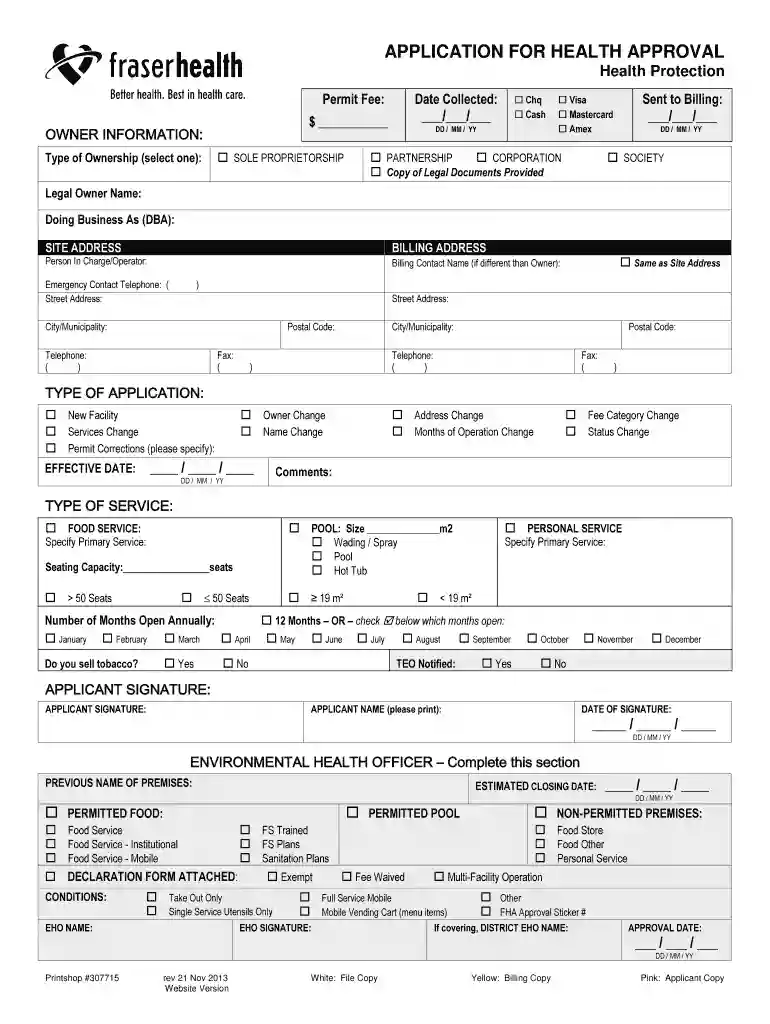
Type text, add images, blackout confidential details, add comments, highlights and more.

Draw your signature, type it, upload its image, or use your mobile device as a signature pad.

Send fraser health food permit via email, link, or fax. You can also download it, export it or print it out.

Start using our platform today to easily complete your Health Approval Application for free!
We've got more versions of the fraser health business license form. Select the right fraser health business license version from the list and start editing it straight away!
With DocHub, you can quickly approve your Health Approval Application - Fraser Health Authority or any other paperwork on iOS, even without installing extra applications. You can access your DocHub account from any web-connected browser and fill out and sign your document in any preferred method with just a couple of clicks.
If you are using Chrome, there are two simple ways to edit your Health Approval Application - Fraser Health Authority online. First, go to the DocHub website, add your document, and edit it using our toolbar. You can also install our Chrome extension and edit any document by dragging and dropping it in your web browser window.
At DocHub, your data security is our priority. We follow HIPAA, SOC2, GDPR, and other standards, so you can work on your documents with confidence.
The internship applications should be submitted by the last Friday of classes in the semester immediately preceding the internship semester. Students willRead more
Oct 5, 2025 This matches with the points discussed in our conversation with Dr. Nasir Zaidi, Ph.D, who is a Spiritual Health Practitioner at Fraser health,Read more
by T Patterson 2018 Cited by 17 With Health Canadas approval, SafePoint in Surrey opened for supervised injection on June 8, 2017 and received an exemption to allow oral and intranasalRead more


