




Here's how it works
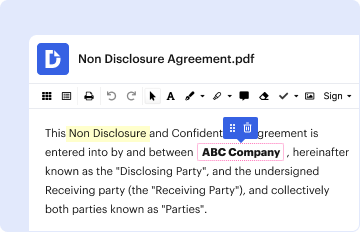
01. Edit your srg senior living yardi elearning login online
Type text, add images, blackout confidential details, add comments, highlights and more.
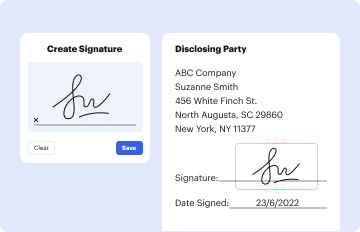
02. Sign it in a few clicks
Draw your signature, type it, upload its image, or use your mobile device as a signature pad.
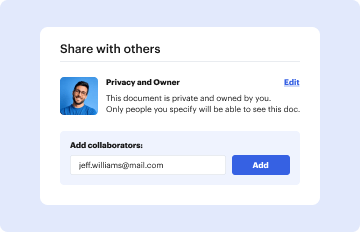
03. Share your form with others
Send srg senior living yardi elearning via email, link, or fax. You can also download it, export it or print it out.
How to use or fill out Yardi Form Records Sample with Our Platform

- Click ‘Get Form’ to open the Yardi Form Records Sample in the editor.
- Begin by filling in the property name and state where you applied for an apartment or employment. This information is crucial for identifying your application.
- Next, provide the approximate date of your application. This helps in tracking your records accurately.
- In the 'Your Name and Contact Information' section, enter your prefix, first name, middle name, last name, and suffix if applicable. Ensure all names are spelled correctly.
- Fill out your current address details including street number, street name, city, state, and ZIP code. Repeat this for your former address as well.
- To verify your identification, input your Social Security Number and birth date accurately.
- Sign and date the form at the bottom. Remember to attach a clear photocopy of a state-issued ID and any supporting documentation for your dispute.
Start using our platform today to streamline your document editing and form completion process for free!
Fill out yardi form records sample online
It's free
It's free
Security and compliance
At DocHub, your data security is our priority. We follow HIPAA, SOC2, GDPR, and other standards, so you can work on your documents with confidence.
Learn more


