



Icici bank rtgs form download in excel 2026

Get Form
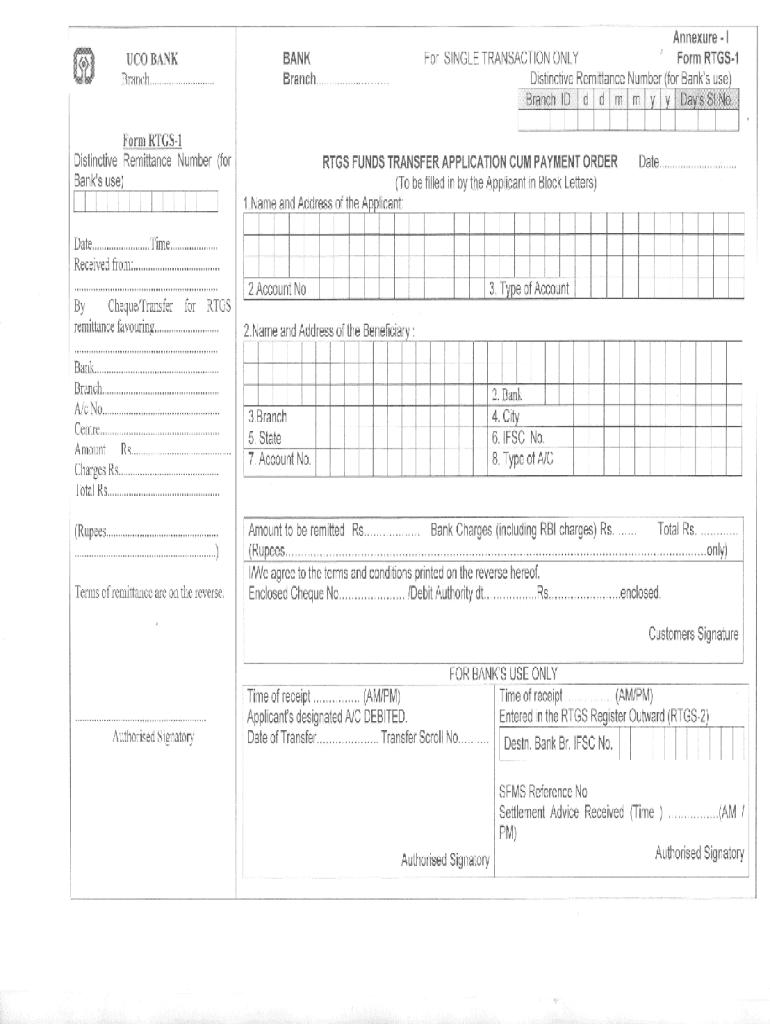
icici bank rtgs form download in excel Preview on Page 1

Here's how it works

01. Edit your icici bank rtgs form download in excel online
Type text, add images, blackout confidential details, add comments, highlights and more.

02. Sign it in a few clicks
Draw your signature, type it, upload its image, or use your mobile device as a signature pad.

03. Share your form with others
Send icici bank neft form download via email, link, or fax. You can also download it, export it or print it out.

How to use or fill out icici bank rtgs form download in excel with our platform

Form edit decoration
9.5
Ease of Setup
DocHub User Ratings on G2
9.0
Ease of Use
DocHub User Ratings on G2
  1. Click ‘Get Form’ to open the ICICI Bank RTGS form in our editor.
  2. Begin by entering your personal details in the designated fields, including your name, address, and contact information. Ensure accuracy for a smooth transaction.
  3. Next, fill in the beneficiary's account details. This includes their name, account number, and IFSC code. Double-check these entries to avoid any errors.
  4. Specify the amount you wish to transfer and select the purpose of the transaction from the dropdown menu if available.
  5. Review all entered information carefully. Use our platform’s editing tools to make any necessary adjustments before finalizing your form.
  6. Once satisfied with your entries, save the document and proceed to print or share it as needed for submission.

Start using our platform today for free to streamline your ICICI Bank RTGS form completion!

be ready to get more

Complete this form in 5 minutes or less

Get form

Got questions?

We have answers to the most popular questions from our customers. If you can't find an answer to your question, please contact us.
Contact us
Option 1: Using Excels Built-In Tool Excel has a feature to import PDF files essentially exporting the financial statement PDF into Excel. Here are the steps you can take: Click the Data tab on the ribbon. Fetch the PDF data by clicking Get Data From File From PDF.
Step 1: Obtain the NEFT/RTGS Form PDF Step 2: Fill in Your Personal Information. Name: Write your full name as it appears on your bank account. Step 3: Beneficiary Details. Step 4: Transaction Details. Step 5: Charges. Step 6: Declaration. Step 7: Verification. Step 8: Submission. Step 9: Acknowledgment.
Statement Download Through the Net Banking Portal Go to the net banking portal and select Personal at the top of the page. Click on Login Log in with your User ID and password or mobile number and OTP. Go to Accounts Click on View Detailed Statement Select a statement period. Click on Proceed
Log in to ICICI Bank internet banking: Use your credentials to access your account. Navigate to credit cards: Select your credit card account to view recent transactions. Statement download: Choose the statement period you wish to view and download the statement in your preferred format (PDF, Excel).
How does it work? Log in to Internet Banking or the iMobile app. Add a beneficiary using account number and IFSC. Choose RTGS as the transfer mode. Enter amount and confirm with Grid Card Authentication (GCA). Funds are credited in real time (within 30 minutes)

Security and compliance

At DocHub, your data security is our priority. We follow HIPAA, SOC2, GDPR, and other standards, so you can work on your documents with confidence.

Learn more
ccpa2
pci-dss
gdpr-compliance
hipaa
soc-compliance
be ready to get more

Complete this form in 5 minutes or less

Get form

People also ask

To convert a bank statement to a CSV file, youll generally need to download it as a PDF first, then use an online converter or PDF editor to convert it to Excel format, and finally save it as a CSV file. Even better, you can automate this process with Klippa DocHorizon!

icici bank rtgs form in excel format download