




01. Edit your namp 4790 2d pdf online
Type text, add images, blackout confidential details, add comments, highlights and more.

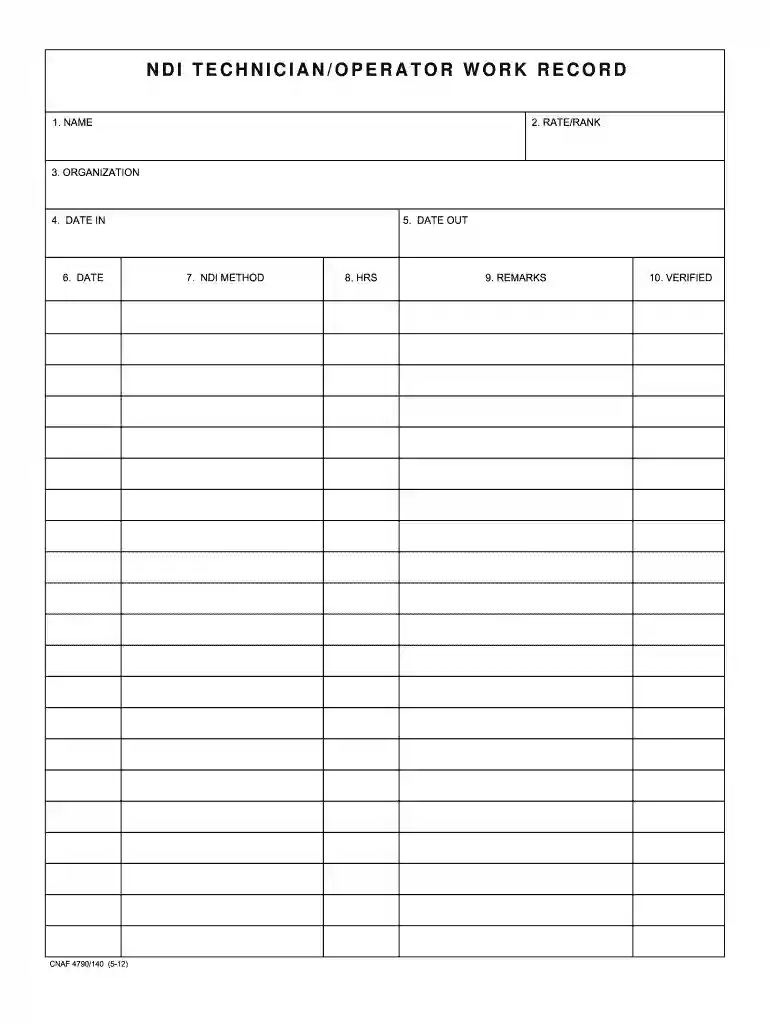
Type text, add images, blackout confidential details, add comments, highlights and more.

Draw your signature, type it, upload its image, or use your mobile device as a signature pad.

Send opnav 4790 52 pdf via email, link, or fax. You can also download it, export it or print it out.

Start using our platform today for free to streamline your document editing and completion process!
We've got more versions of the namp 4790 2d pdf form. Select the right namp 4790 2d pdf version from the list and start editing it straight away!
| Versions | Form popularity | Fillable & printable |
|---|---|---|
| 2012 | 4.8 Satisfied (164 Votes) |
Managing your paperwork with DocHub this way is extremely simple after you have downloaded its extension for Google Chrome. Go to the Chrome Web Store and set up DocHub - Sign PDF from Gmail to obtain it. Give our tool access to your Google account, and then open an email containing opnav 4790 52 as an attachment and point to the file with your cursor - the DocHub extension button will automatically show up there. Click on it to open your file in our editor. Make any necessary adjustments, complete the blanks, and click Sign to create your legally-binding electronic signature.
As a comprehensive document editing service, DocHub is available on smart phones. Open DocHub in your choice of mobile internet browser and use our intelligent mobile-friendly toolset to fill out your comnavairforinst 4790 2.
At DocHub, your data security is our priority. We follow HIPAA, SOC2, GDPR, and other standards, so you can work on your documents with confidence.
Contracts and Support Agreements. REDCOMs may not obtain support from another Navy command, Department of Defense agency, federal, state or local government
Jan 29, 2014 The purpose of this revised Consumer-Level. Supply Policy Manual is to provide updated guidance and policy that will lead to improved andRead more


