
Get any PDF form from the DocHub library of ready-made templates - Page 1803

Opm form 1647 c 2009

Omb 3206 0131

DONXML Schema Checklist - XML Cover Pages - xml coverpages
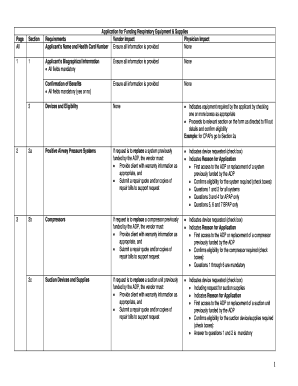
Adp respiratory form
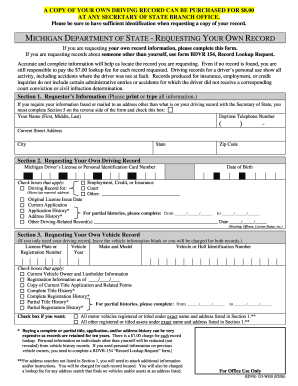
Form bdvr 153 webDocHubcom 2008
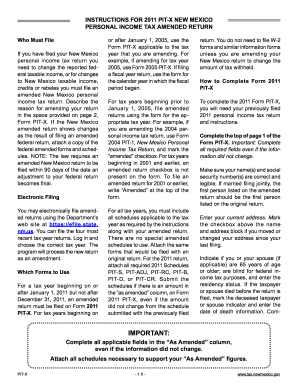
2011 pit x amended state of nm form

India grant pio card
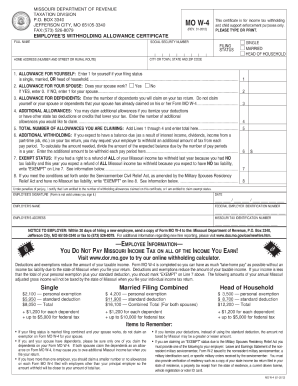
2012 missouri form w 4

JV-435 Findings and Orders After 12-Month ... - California Courts - courts ca
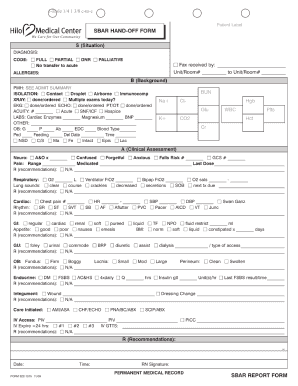
Pdf handoff report blank form
Ca 40 form
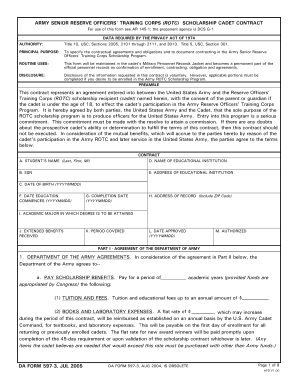
Da form 597 3
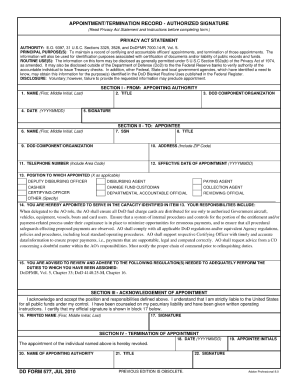
2010 dd 577 form

Form wh 1605 sc withholding quarterly tax return

Dd 2535 2000 form

Da form 4713 fillable 2003
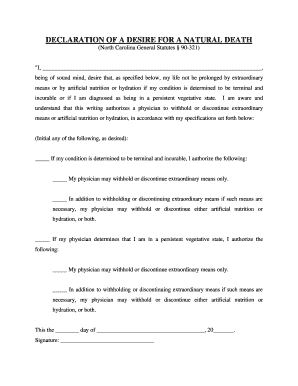
Nc living will pdf
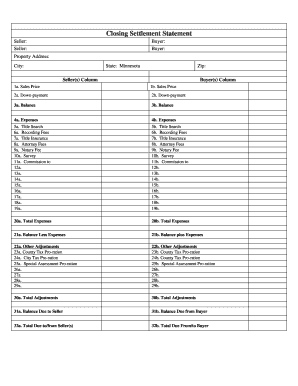
Minnesota Closing Statement

Sample of a will pdf
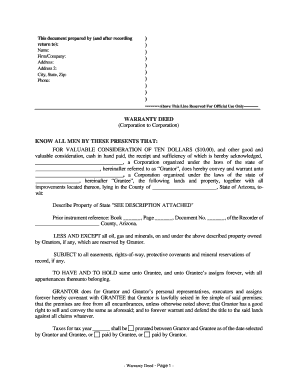
Arizona Warranty Deed from Corporation to Corporation

Arkansas warranty deed

Bill of sales washington dc

Georgia Warranty Deed from Individual to LLC
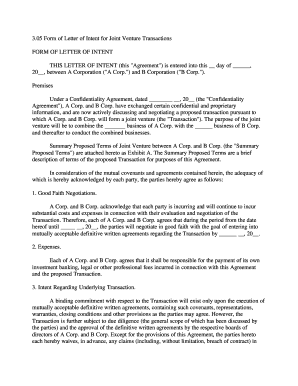
Letter of intent for joint venture pdf
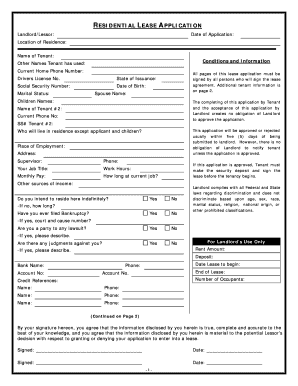
Tennessee rental application
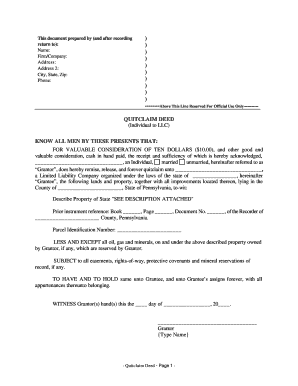
Pennsylvania Quitclaim Deed from Individual to LLC
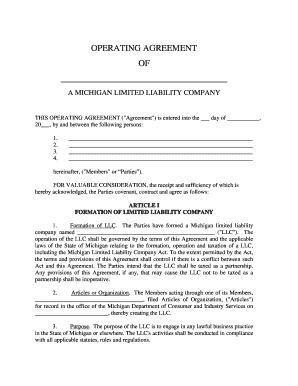
Operating agreement michigan
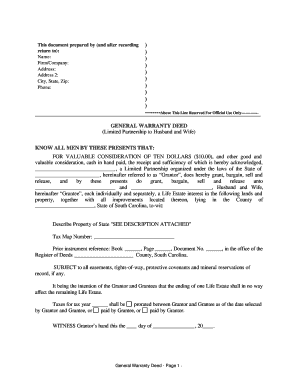
Template for a warranty deed

Michigan Quitclaim Deed from Husband and Wife to Three Individuals as Joint Tenants with the Right of Survivorship
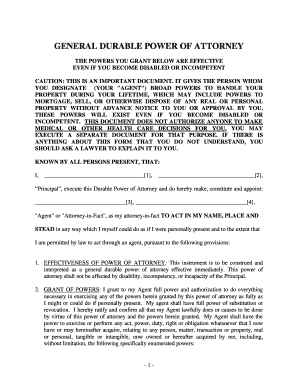
Massachusetts General Durable Power of Attorney for Property and Finances or Financial Effective Immediately

Illinois life estate deed form
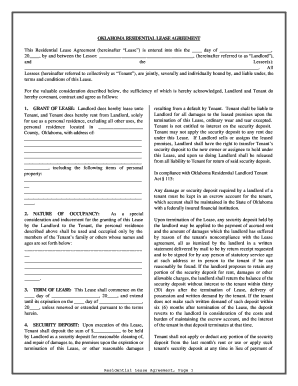
Ok
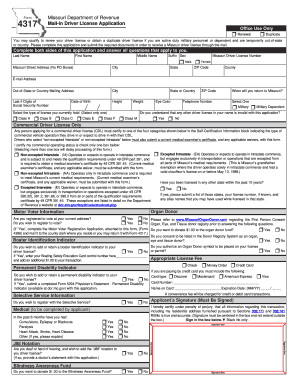
Form 4317 2014

Inz1176 2011 form
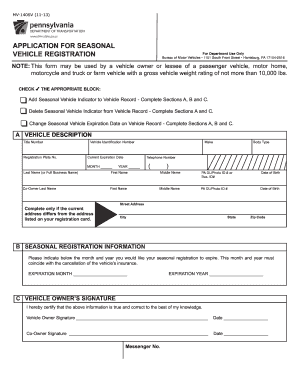
Mv 140sv 2009 form
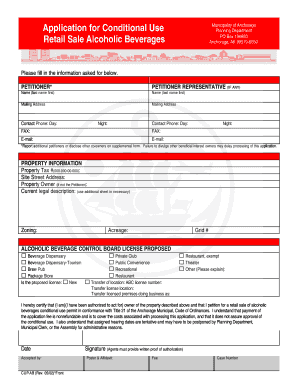
Alaska conditional beverages
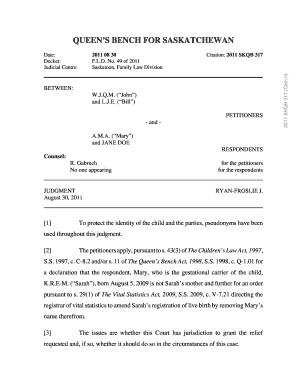
Court of queen's bench forms saskatchewan
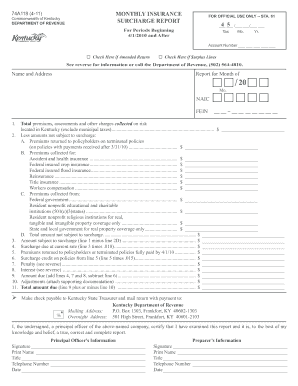
Kentucky annual surcharge report 2011 form
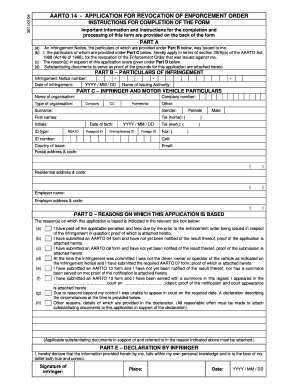
Aarto 14 form download

Undertaking a literature review a step by step approach

Fcc form854

Fcc form 605 fillable
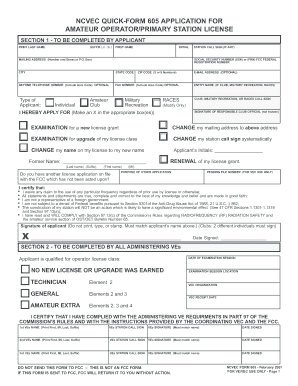
Fcc form 605
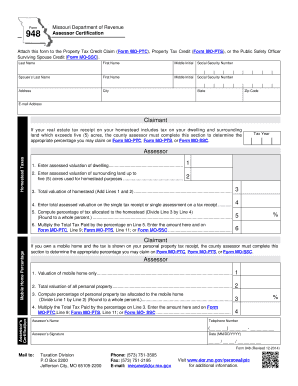
Mo form 948
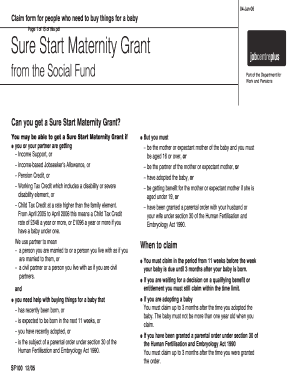
Maternity grant form apply online

Renovate right pamphlet 2020

Ga epd 7530 form 2005

Epa form 3540
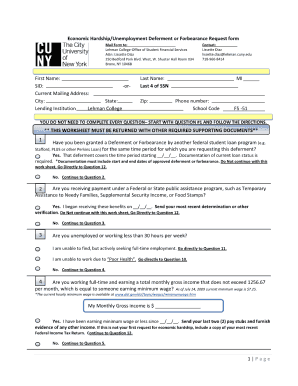
Ecsi economic hardship form
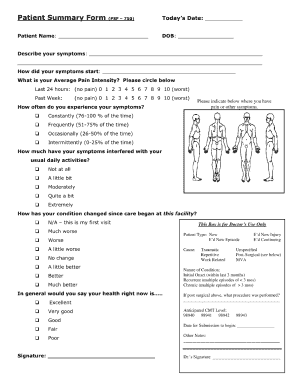
Uhc patient summary form
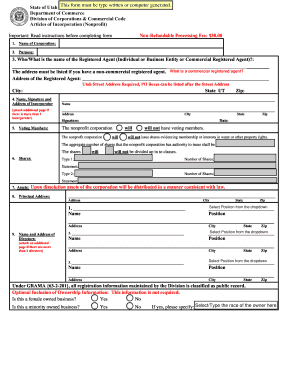
Ut articles incorporation form
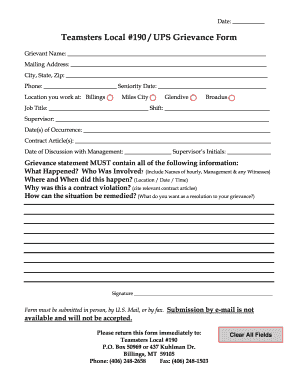
Ups grievance examples
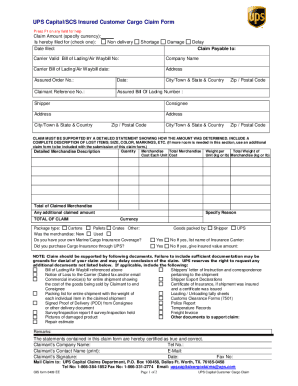
Ups waybill form pdf
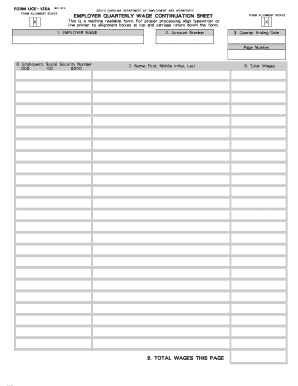
Uce 120 blank form
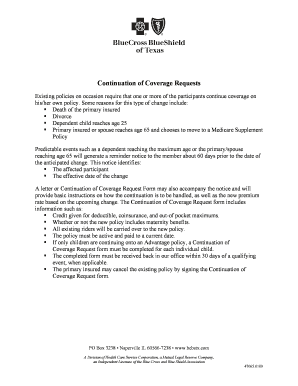
Bcbs nc state continuation
Fair credit reporting act disclosure statement pdf
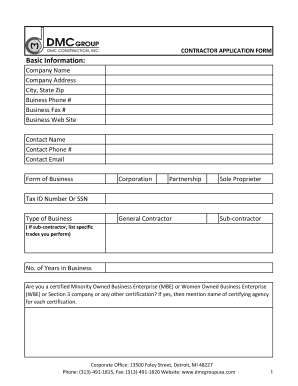
Subcontractor application form
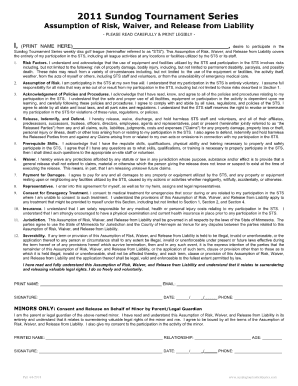
Standard disc golf course liability waiver form

Abduction request

10 114 form

Xp permit
Sba 7a loan application fillable form
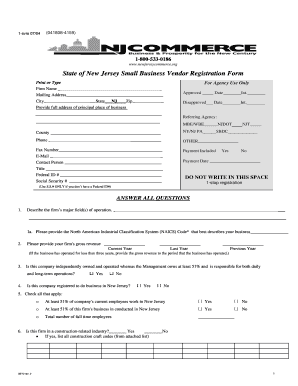
State of new jersey small business vendor registration form
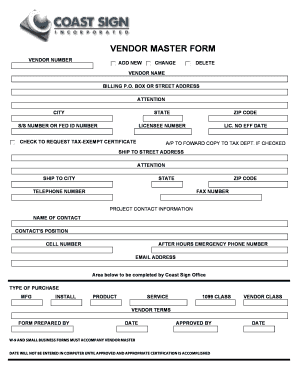
Vendor creation form
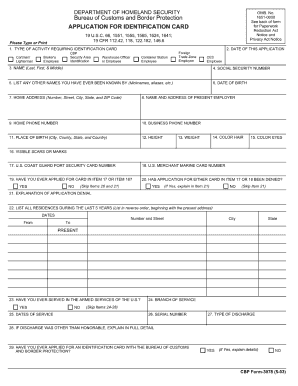
Cbp form 3078 application for identification card 2003
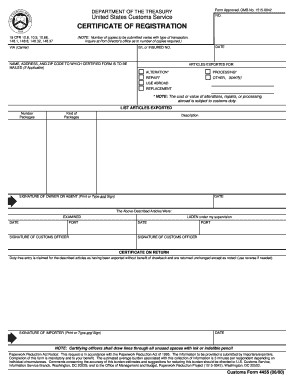
Form 4455 2000
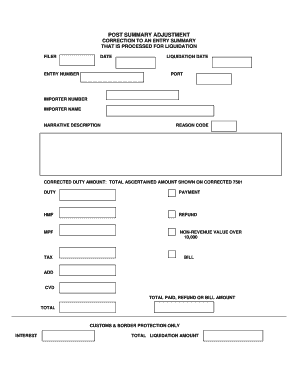
Summary peasil template

Cbp form 823s sentri application 2005

Cbp form 3078
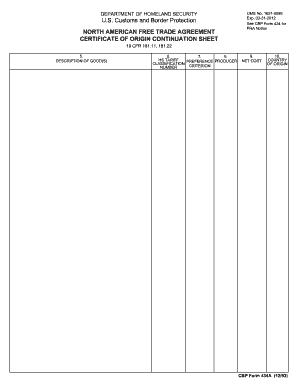
Cbp form 434 fillable 1993
Cbp form 259
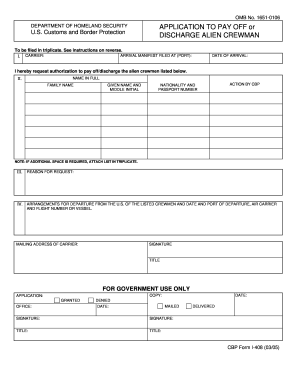
408 form

Cf 5106

Usa crewlist i 418 form 2009

City of pittsburgh party wall program sharon taylor form

Tenoroc shooting range

Ej 160 claim of exemption on line fillable form

Cp16 bindt 2012 form
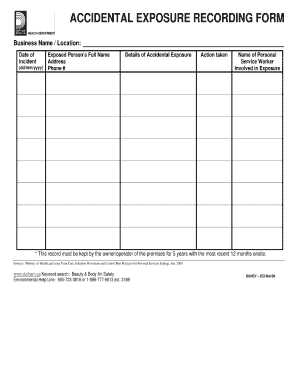
Autoclave spore test log sheet
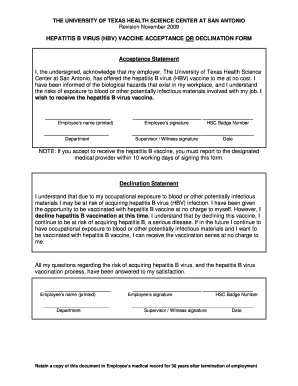
Hepatitis b vaccine documentation form
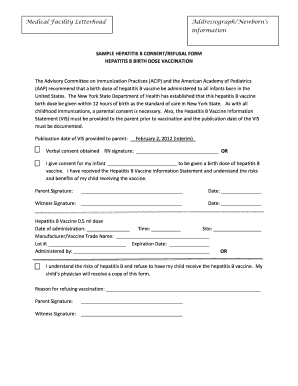
Hepatitis b vaccine documentation form
Vng j about

Online bio data form 2013
Should you mail the state of michigan demand for possesion non payment 2010 form
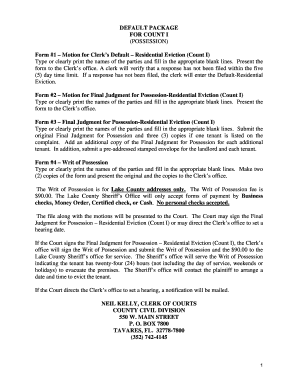
Miami dade eviction package pdf
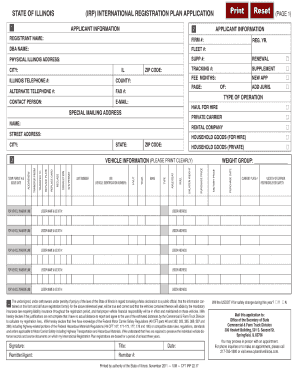
Illinois irp 2011 form
Illinois irp application
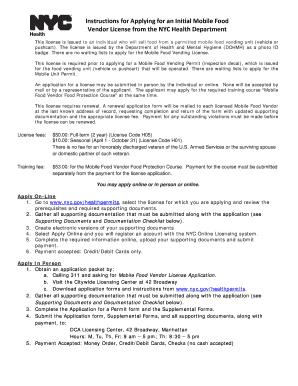
License nycgovgreencarts ny

Ws records central unit wsrecordscentraldepnycgov or fax to 718 595 5781 form

Get rule floridadep
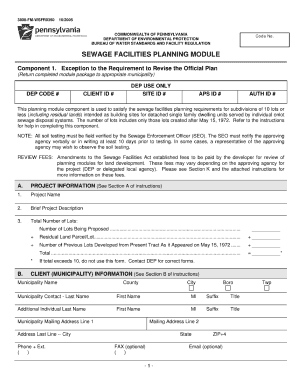
3800 fm dept form
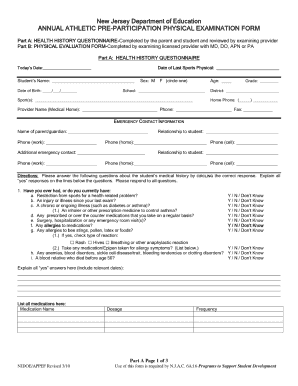
Physical exam blank form
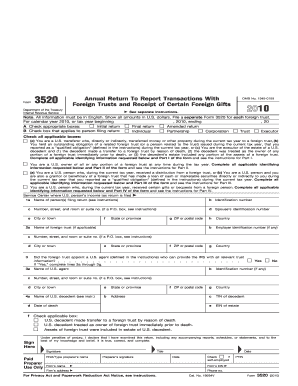
2010 form 3520
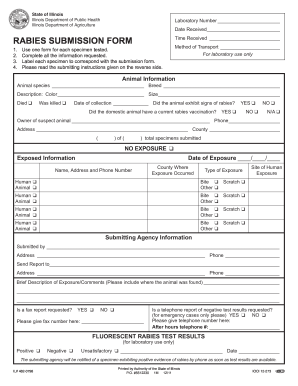
Rabies submission
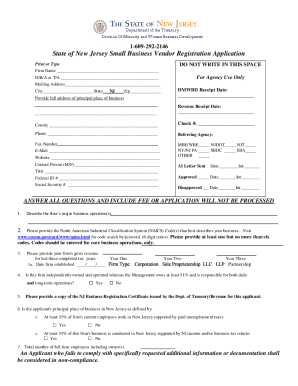
Typeable form nj state small business vendor registration

Medicaid eob online for providers
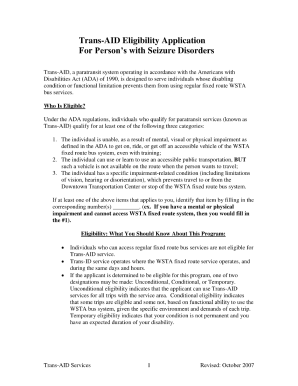
Trans aid application
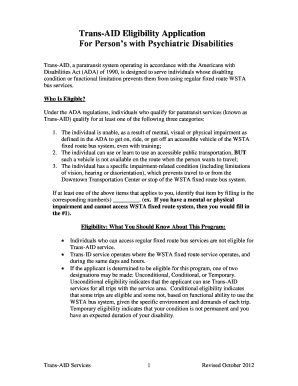
Trans aid winston salem nc

Printablepitch location chart

Electronic cacfp meal benefit income eligibility form
Benefit from the DocHub online library of fillable PDF forms
Searching the PDF forms doesn't have to be a tedious and time-consuming process. With the DocHub online library, it has become easier to find the fillable PDF forms and modify them in your browser. The service allows you to adjust the document to your needs using powerful editing tools.
You can use online document editing features to modify almost any type of document with ease. You just need to find the template of your choice, open it in the editor, and use the toolbar to make the necessary corrections.
Follow this guide to get your document done with DocHub:
- Find the PDF template you need.
- Click the Get Form button to open the file in the editor.
- Use the toolbar to fill out and edit the document.
- Easily add and highlight text, insert images, checkmarks, and symbols.
- Drop new fillable fields, and rearrange or delete pages from your file.
- Save changes and download your record.
DocHub empowers everyone to streamline document editing, signing, and distribution, and form completion. Create an account and benefit from our well-organized PDF Forms library and comprehensive editor.