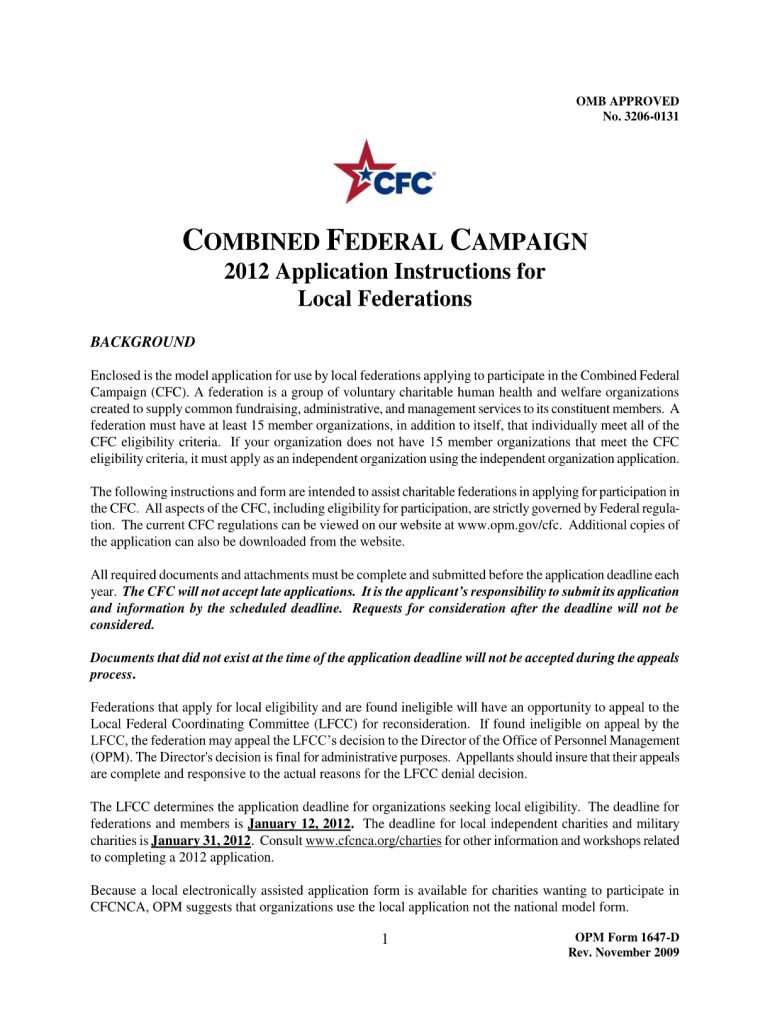
Omb 3206 0131-2026

Get Form
omb 3206 0131 Preview on Page 1

Here's how it works

01. Edit your form online
Type text, add images, blackout confidential details, add comments, highlights and more.
02. Sign it in a few clicks
Draw your signature, type it, upload its image, or use your mobile device as a signature pad.
03. Share your form with others
Send it via email, link, or fax. You can also download it, export it or print it out.

How to use or fill out omb 3206 0131 with our platform

Form edit decoration
9.5
Ease of Setup
DocHub User Ratings on G2
9.0
Ease of Use
DocHub User Ratings on G2
  1. Click ‘Get Form’ to open the omb 3206 0131 in the editor.
  2. Begin by entering your personal information in the designated fields, including your name, address, and contact details. Ensure accuracy for effective communication.
  3. Proceed to the employment section where you will provide details about your current job position and employer. This information is crucial for processing your request.
  4. Next, navigate to the certification area. Here, you will need to read through the statements carefully and check the appropriate boxes to confirm your understanding and agreement.
  5. Finally, review all entered information for completeness and accuracy before signing. Use our platform’s signature feature to add your signature electronically.

Start using our platform today for free to streamline your form completion process!

See more omb 3206 0131 versions

We've got more versions of the omb 3206 0131 form. Select the right omb 3206 0131 version from the list and start editing it straight away!
Versions Form popularity Fillable & printable
2009 4.9 Satisfied (44 Votes)
be ready to get more

Complete this form in 5 minutes or less

Get form

Got questions?

We have answers to the most popular questions from our customers. If you can't find an answer to your question, please contact us.
Contact us

With DocHub, it’s pretty simple. The editor offers users an add-on called DocHub for Gmail, which you can find in the Google Workspace Marketplace free of charge. Set it up and grant it access to your Google account. Open your email with your omb 3206 0131 attached and click on the add-on button in the right-side panel. Log in to your DocHub account, and upload the file to our editor, where you can complete it and sign.

Apart from a comprehensive toolset for editing PDFs on mobile devices, DocHub allows you to sign your omb 3206 0131 along the way. Open our editor in your web browser, make modifications using DocHub’s toolset, and finish your editing by eSigning the finished form.

Security and compliance

At DocHub, your data security is our priority. We follow HIPAA, SOC2, GDPR, and other standards, so you can work on your documents with confidence.

Learn more
ccpa2
pci-dss
gdpr-compliance
hipaa
soc-compliance
be ready to get more

Complete this form in 5 minutes or less

Get form