
Get any PDF form from the DocHub library of ready-made templates - Page 1802

Ldeq hw 1
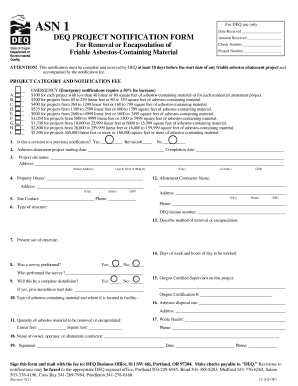
ASN 1 DEQ project notification form

GEORGIA PROJECT NOTIFICATION FORM FOR ASBESTOS RENOVATION, ENCAPSULATION, OR DEMOLITION ARE YOU SUBMITTING AN ADVANCE NOTIFICATION

Form psychiatry

Imf fund grant

Rs6370
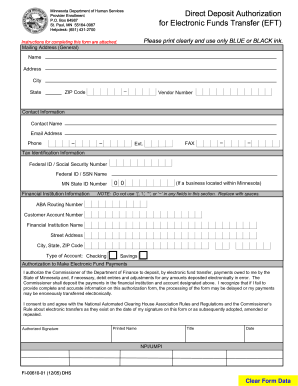
Mn form deposit

Fms form 1200
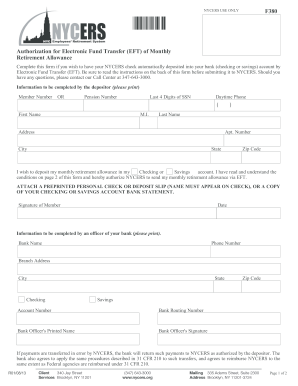
F380 Authorization for Electronic Fund Transfer (EFT) of Monthly ...
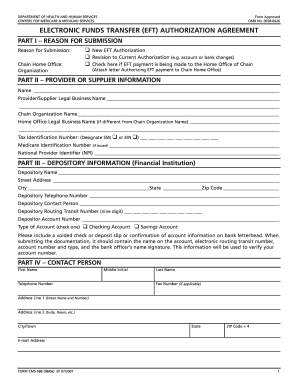
Cms 588 2006 form

Thumbprint Form - oregon
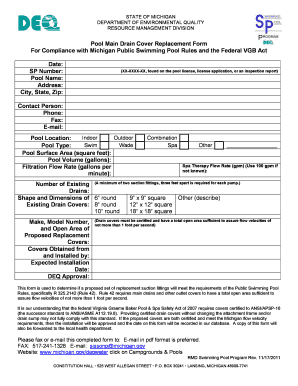
Drain cover form
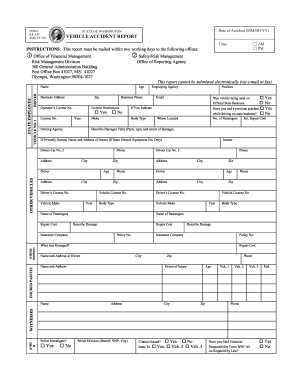
Collision report form wsp 161
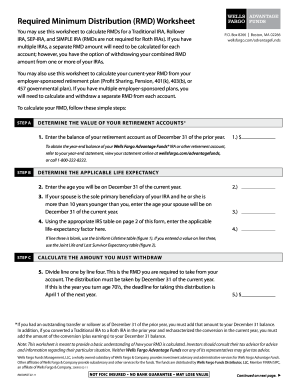
Wells fargo ira distribution form
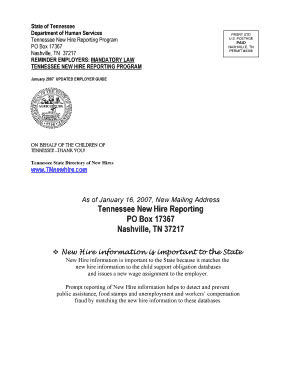
Tn new hire fileable pdf
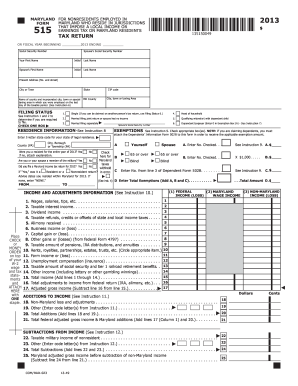
Social Security Number (SSN) and Tax forms - Montgomery College
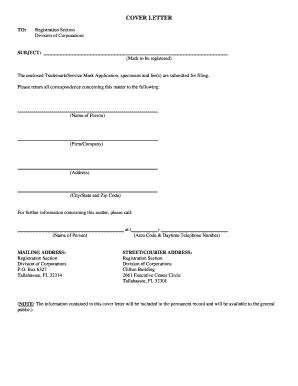
Sunbiz trademark search

Specific Requirements For Submission Of Form IR56E In ... - ird gov
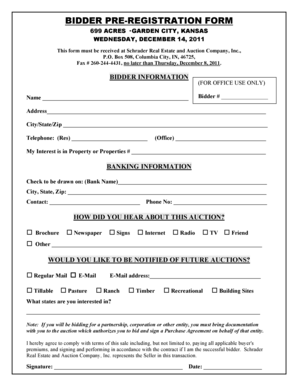
Fred wilson auction service llc

Form pllc 02

Form juvederm
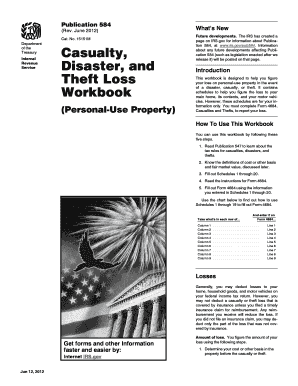
Publication 584
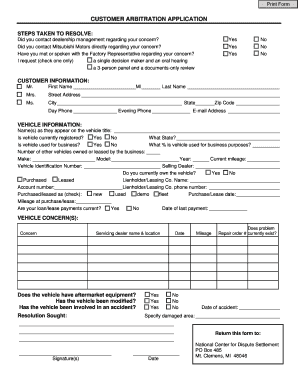
Ncdsusa org
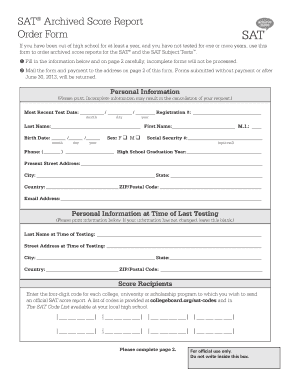
Sat student id form

Ny employeeapplication title

Report to determine status application for employer number - TN.gov - tn
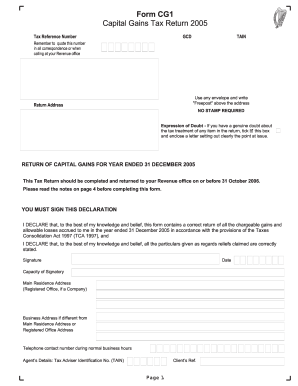
Form CG1 2005 - Capital Gains Tax Return for 2005 - revenue

REQUEST TO REISSUE UNITED STATES ... - Treasury Direct - treasurydirect

Js 511g application form
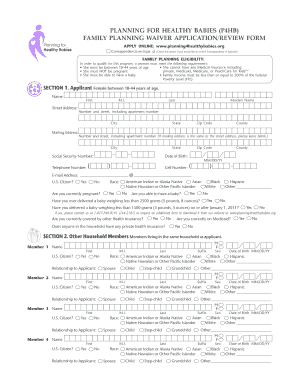
Planning 4 healthy babies
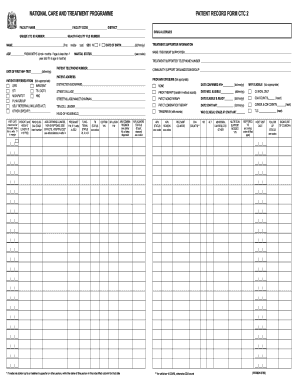
Ctc 2 card
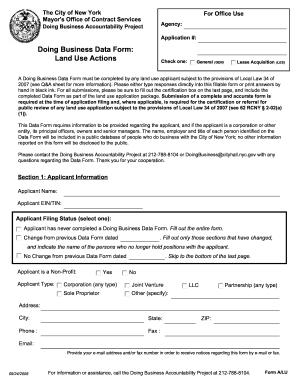
Form lu doing
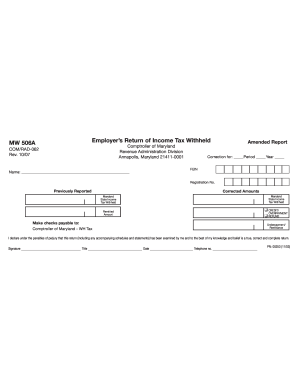
2007 Mw506a form

Pbo 086

Sfn 51386 2010 form

H3 form
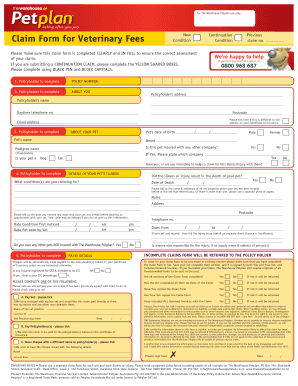
Petplan claim form nz
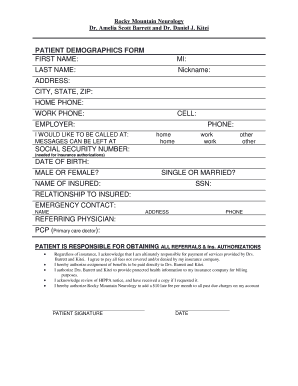
Request form for patient demographics
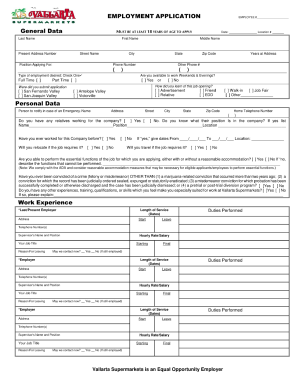
Apply for vallarta supermarkets 2009 form
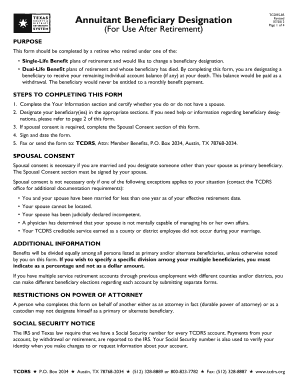
Annuitant Beneficiary Designation - TCDRS Home - tcdrs

Aplication forms for rural metro
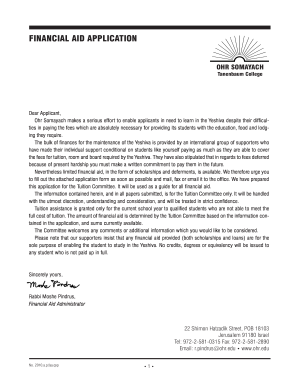
Somayach aid app online
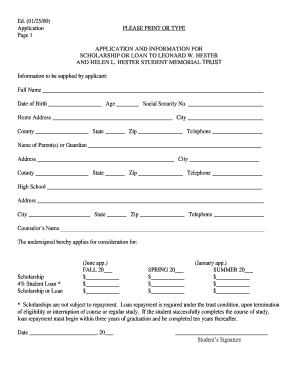
Leonard w and helen hester scholarship

Nafc national forensic reference online

Children impacted crime scholarship

Bl exempt opearate games download
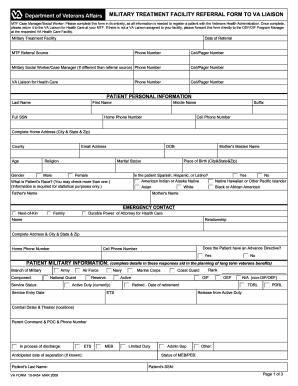
Va form referral
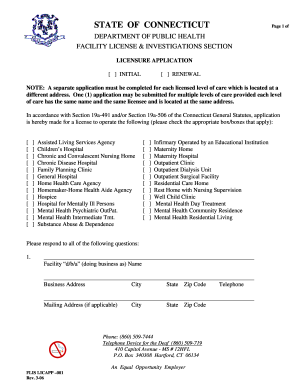
Ct flis
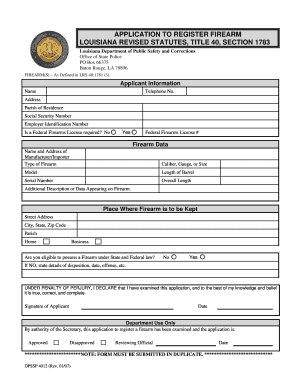
DocHub lsp

What is health care power of attorney north carolina
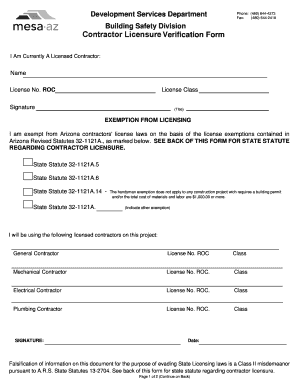
City of mesa contractor verification form
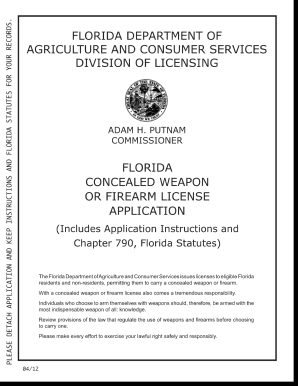
Dacs 16036 form
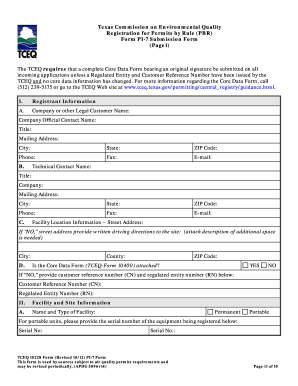
Tceq pi 7 instructions 2012 form
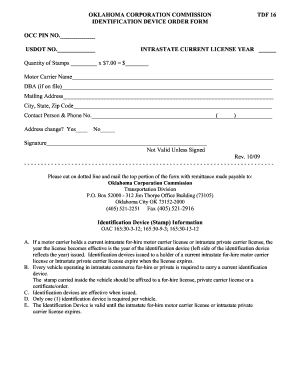
Oklahoma corporation commission device order form
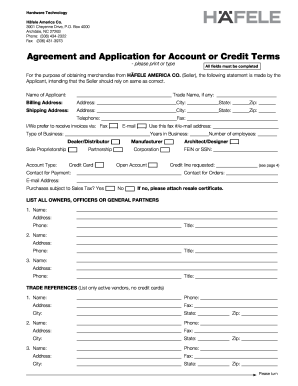
Agreement and Application for Account or Credit Terms
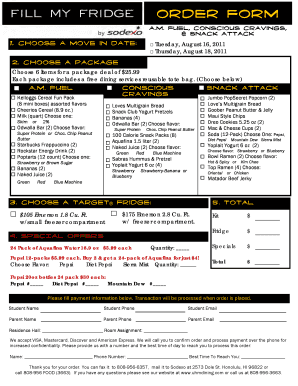
FMF order form Final .pub
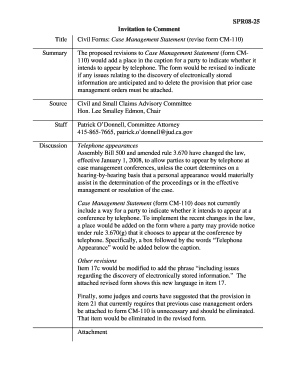
Cm 110 pdf
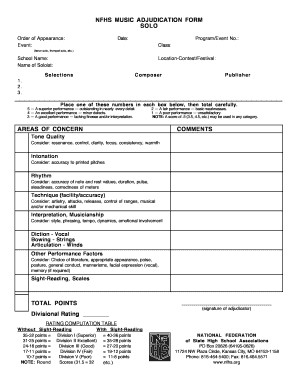
Adjudication form

Nj ayf shore
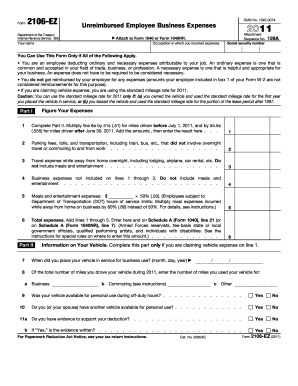
2011 2106 ez form

Rull 1166 soil monitoring form editable
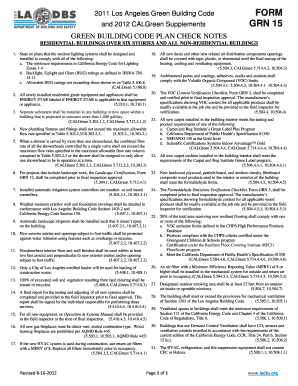
FORM GRN 15 - ladbs
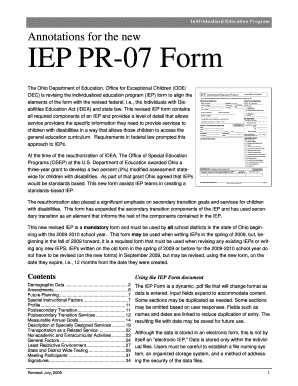
Oho iep
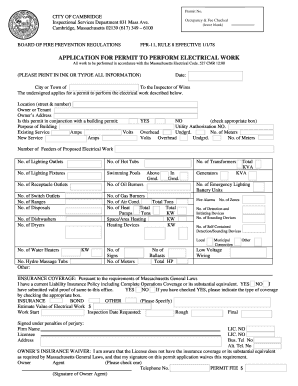
Application permit electrical
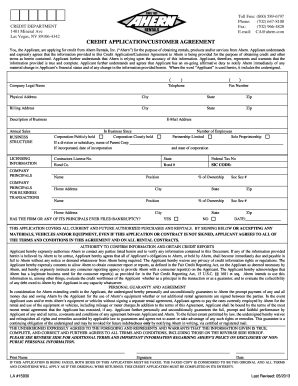
Ahern rentals credit application form

Florida form 12903a 2010

Fw003

Ohio identifiers form
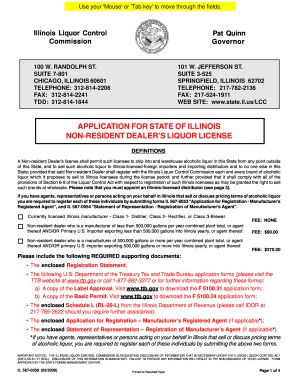
State of illinois liquor license renewal application

Ufo report form
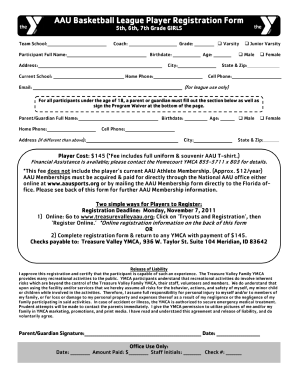
Youth basketball registration form

Chula vista wisconsin dells vacation classic form

Bid opening form

Pto office action summary where pdf form
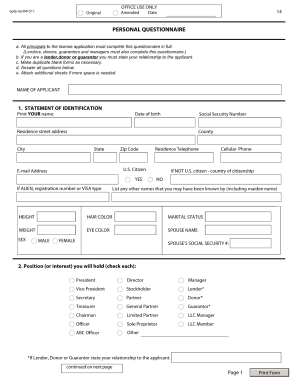
Sla forms
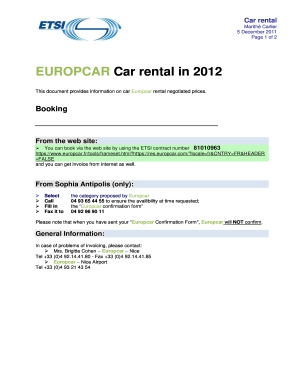
EUROPCAR Car rental In 2012 - ETSI - etsi
Enduring power of attorney form qld
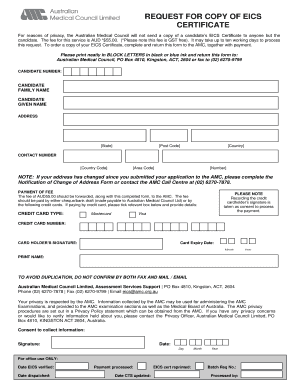
Eics verification form

Murk form

Worksafebc form 3a

Return to work doctors note
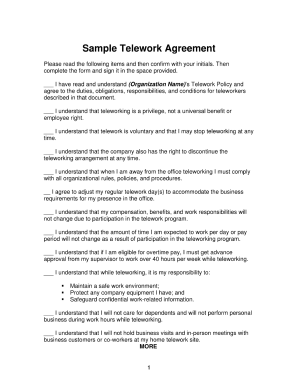
Sample telework agreement
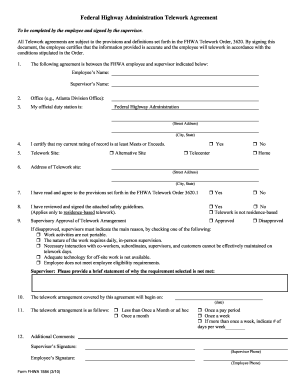
Fhwa telework agreement form 1584

Ngb application fy06 annex b form
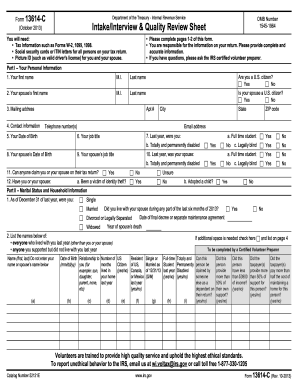
2011 13614 c form
2011 1040ez instructions form
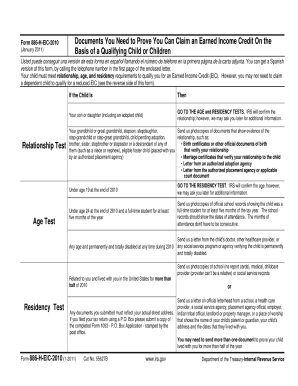
886
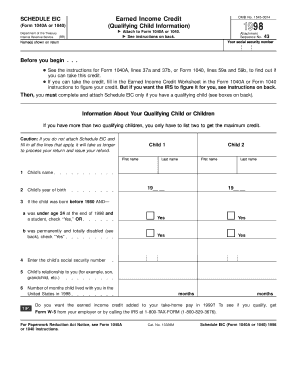
1998 schedule eic form
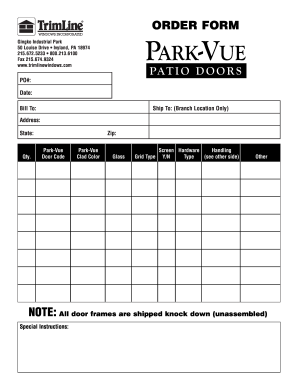
Trimline park vue form
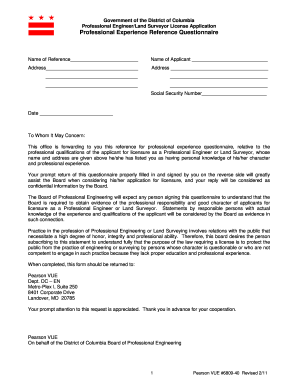
Board experience questionnaire
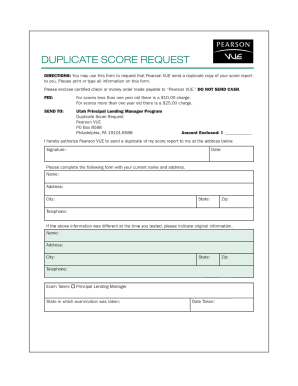
Pearson vue duplicate
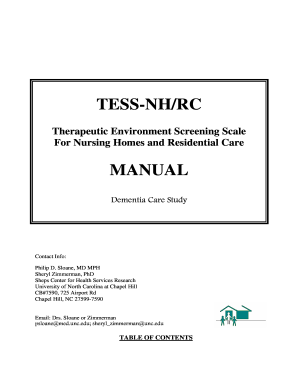
Tess nhrc form
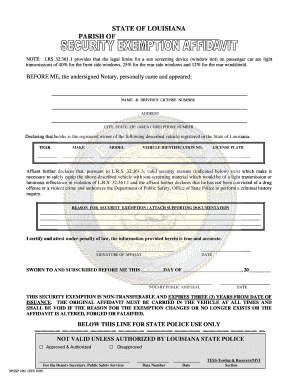
Authorization form for medical window tint exemption louisiana

Irs 3498 a

Consent to search form
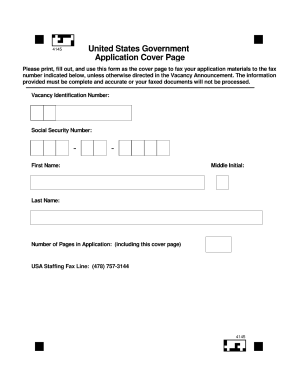
Page cover

Availability formc

Opm 3206 0190 2002 form

Opm630b 2001 form

Request for leave or approved absence form
Benefit from the DocHub online library of fillable PDF forms
Searching the PDF forms doesn't have to be a tedious and time-consuming process. With the DocHub online library, it has become easier to find the fillable PDF forms and modify them in your browser. The service allows you to adjust the document to your needs using powerful editing tools.
You can use online document editing features to modify almost any type of document with ease. You just need to find the template of your choice, open it in the editor, and use the toolbar to make the necessary corrections.
Follow this guide to get your document done with DocHub:
- Find the PDF template you need.
- Click the Get Form button to open the file in the editor.
- Use the toolbar to fill out and edit the document.
- Easily add and highlight text, insert images, checkmarks, and symbols.
- Drop new fillable fields, and rearrange or delete pages from your file.
- Save changes and download your record.
DocHub empowers everyone to streamline document editing, signing, and distribution, and form completion. Create an account and benefit from our well-organized PDF Forms library and comprehensive editor.