
Get any PDF form from the DocHub library of ready-made templates - Page 1763
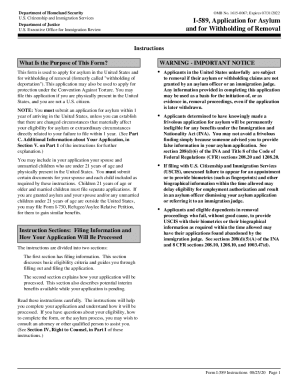
Asylum form 1

Pay request
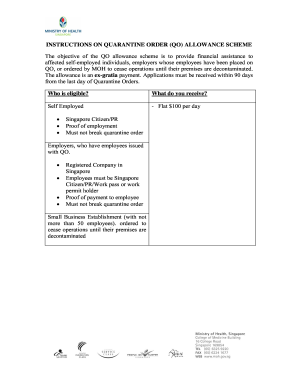
Quarantine allowance claim form

Disabled form uk
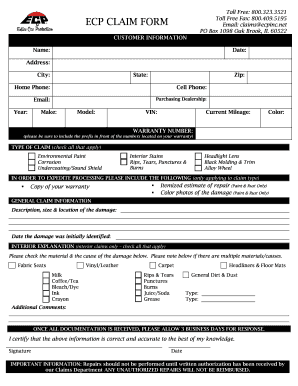
Ecp claims

Networks answer key
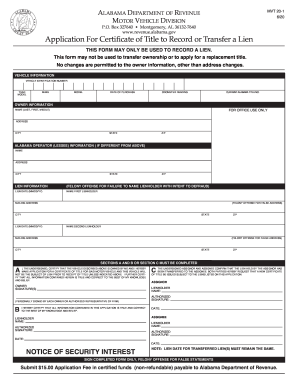
Alabama mvt

College business application
Guam gross tax
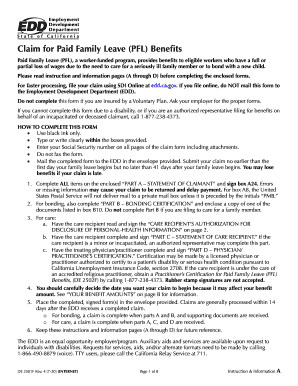
California paid family leave application

FS Form 5444 (Revised June 2020)

Pennsylvania birth certificate form

WEST VIRGINIA ABILITY TO REPAY WORKSHEET

WKC-7, Hearing Application - Wisconsin Department of ...
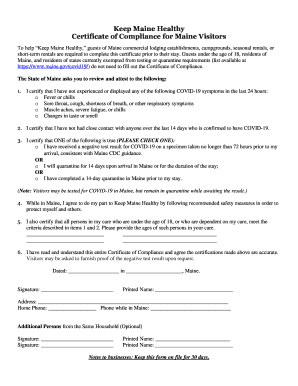
Keep maine healthy certificate of compliance
Application for a Residence document Withdrawal Agreement for UK nationals and their family members (566)
Form R-3P 12
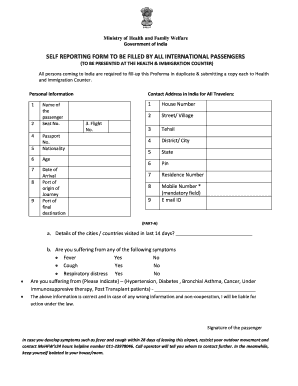
Self reporting form india pdf 2020
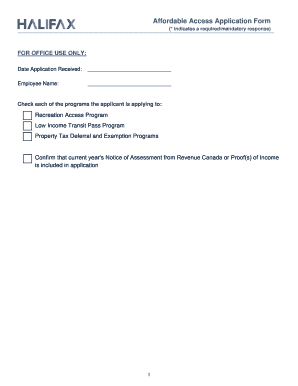
Affordable Access Application Form - Halifax Regional ...

Young form health
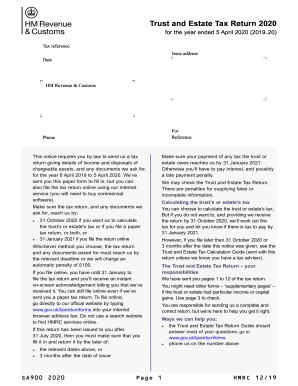
Uk hm revenue customs trust online
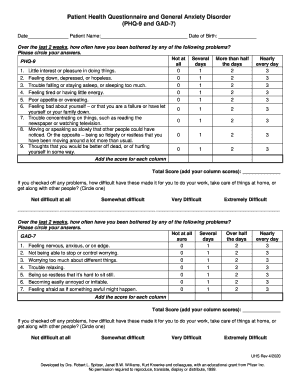
Phq 9 gad 7 word document

Academic grade grievance appeal form - FAMU.edu
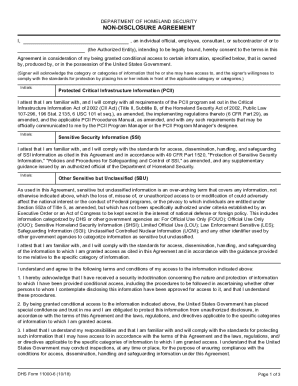
Dhs form 11000 6

Wire ach form
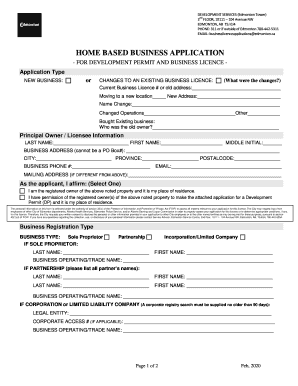
Home application edmonton development
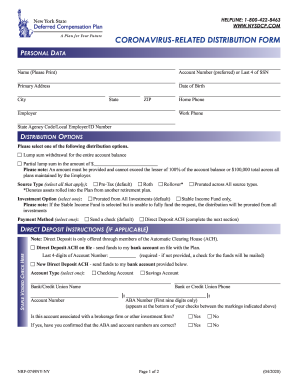
CARES Act Self Certification and COVID Distribution Form

Lic42
Amazon
Additional Resources - Forms - Treatment Court Summary Sheet and Weekly Task Log.docx
Phi legal form
Member authorization
Dsa 609: disability access inspection certifcate order form
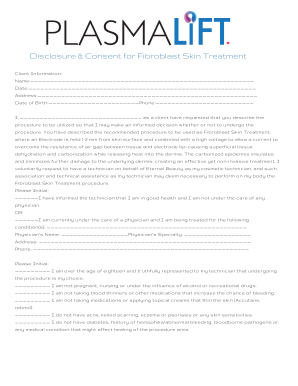
Fibroblast consent form

First Amendment - Dominion Voting Systems, Inc. Agreement

Cp55d - Fill Online, Printable, Fillable, BlankDocHub
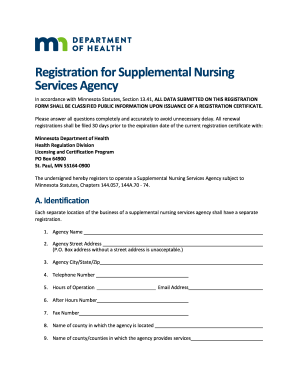
Registration for Supplemental Nursing Services Agency. SNSA registration form

W 3pr w3pr pdf

4419

Continuing disability review report ssa 454 bk
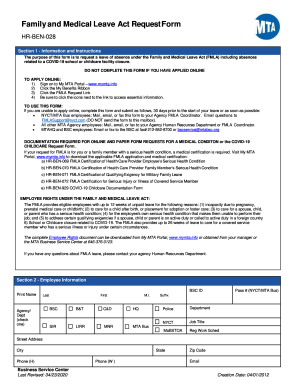
Ben leave application
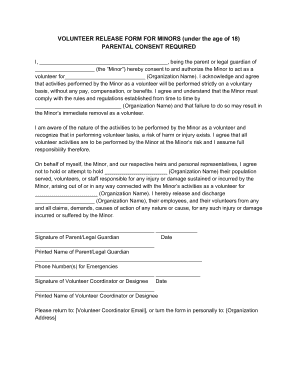
Volunteer release form for minors template
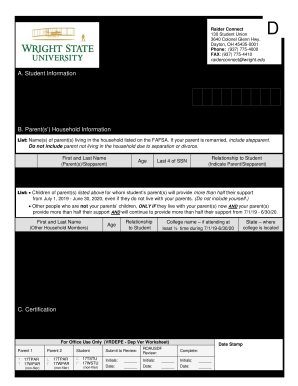
2019-2020 Dependent Verification Worksheet - Wright State ...
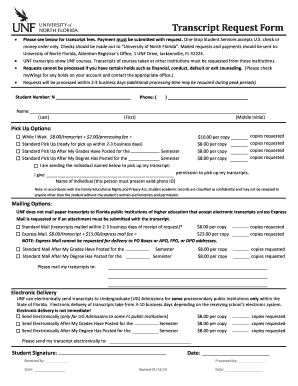
Unf transcript request
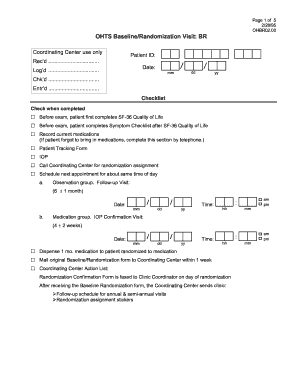
Fillable covid test results template
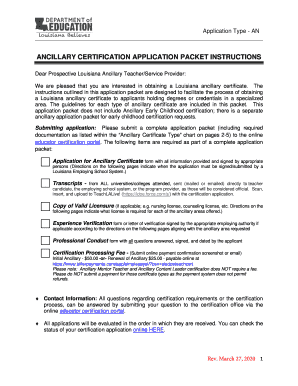
Louisiana ancillary

Form 8990
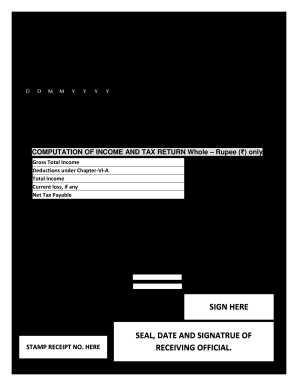
Itr 4 acknowledgement 2019 20 pdf
Smc igetc

Virology: COVID-19 Testing
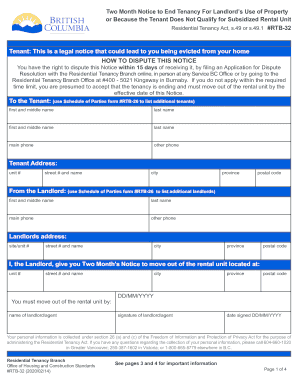
Rtb32
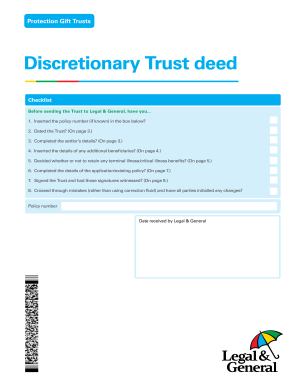
Trust deed legal sample
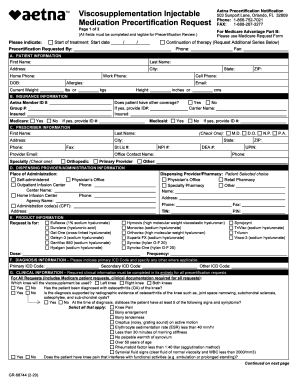
Aetna viscosupplementation form

Protocols for office worksites appendix d
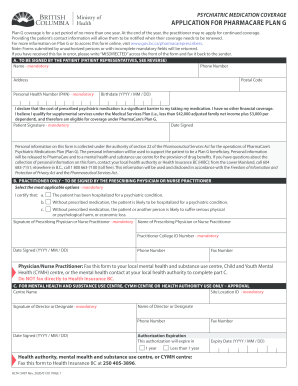
Plan g form
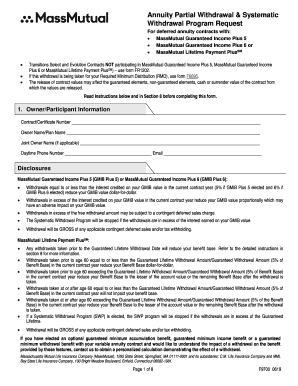
Partial mutual massmutual

Northside financial assistance application
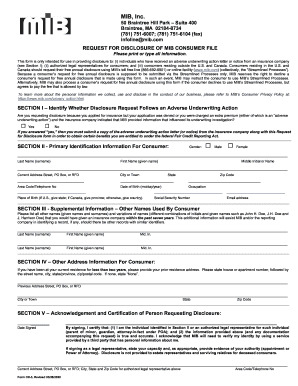
Mib disclosure
Rightfax edd
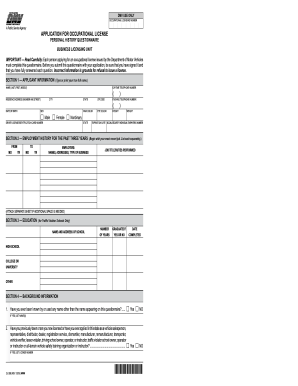
Ol 29b

Humana waiver of liability form
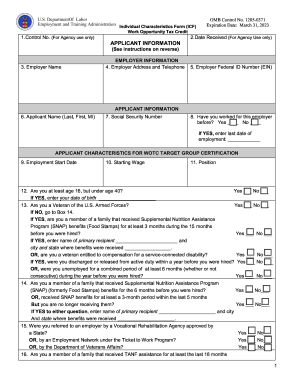
Form 9061

Tohono o'odham enrollment

Geisinger health initial

California inv dmv form
UNIVERSITY OF CALIFORNIA SAN DIEGO, MOUSE HISTOLOGY ...

Peninsula dog fanciers club, inc 2020 - American Kennel Club

MIB, Inc

Upper Extremity Functional Scale - MN Spine and Sport
1326cd
City of phoenix sewer fee adjustment form
M8453

Training campus dps ohio
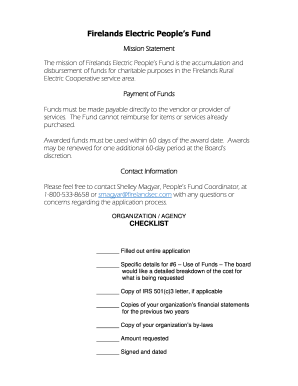
Firelands Electric People's Fund - Firelands Electric Cooperative
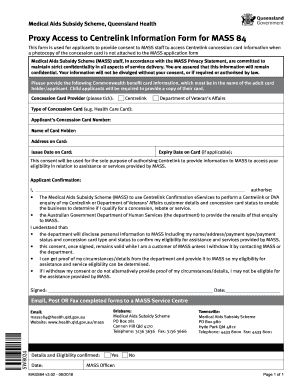
Centrelink proxy form
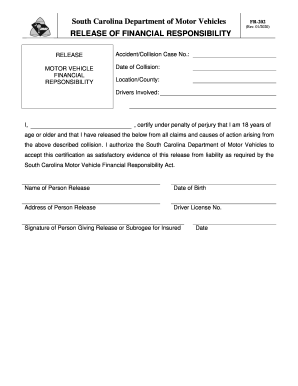
FR-202
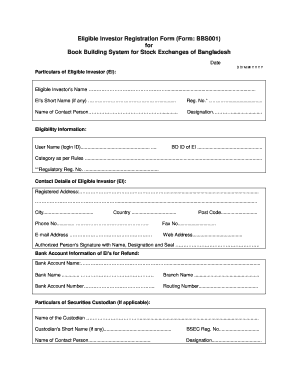
Eligible Investor Registration Form (Form: BBS001)
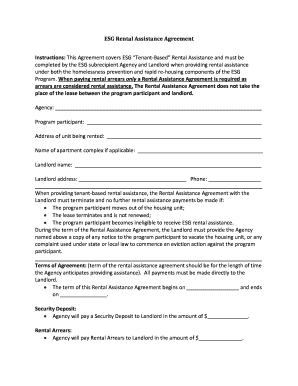
Esg rental assistance agreement
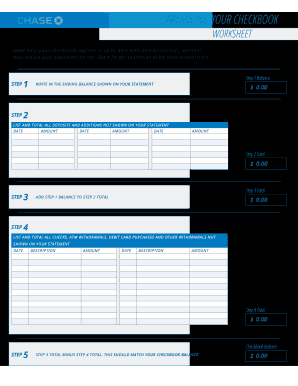
Chase bank statement editable
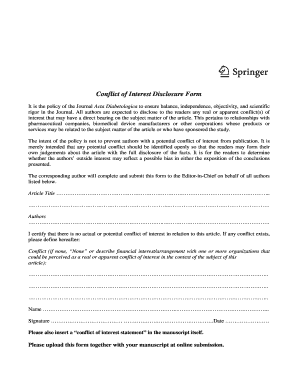
It is the policy of the Journal Acta Diabetologica to ensure balance, independence, objectivity, and scientific
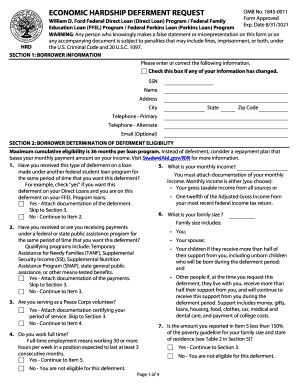
Hardship request
Douglass hanly moir pathology supplies order form

Mr206

OIC-10.04.01 GOBIERNO DE PUERTO RICO ... - Servicios.Adsef
Volunteer medical release form
Goodwill Job Application Form Careers - FreeDownloads.net
Life insurance request online
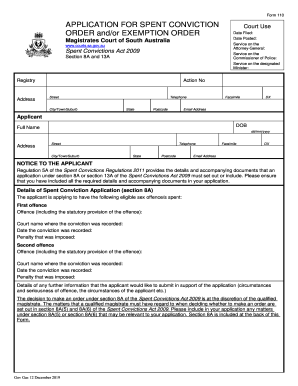
Form 110 spent conviction
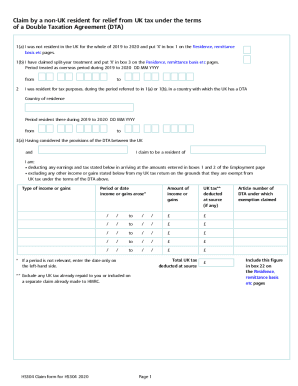
Hs304
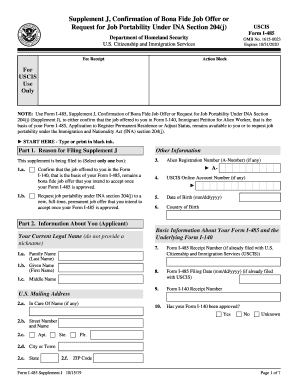
Form I-485 Supplement J. Supplement J, Confirmation of Bona Fide Job Offer orRequest for Job Portability Under INA Section 204(j)
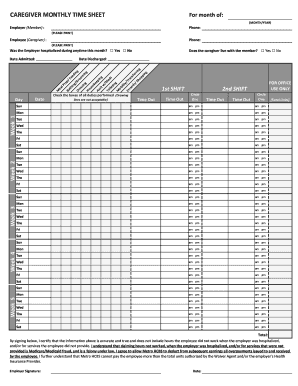
CAREGIVER MONTHLY TIME SHEET For month of
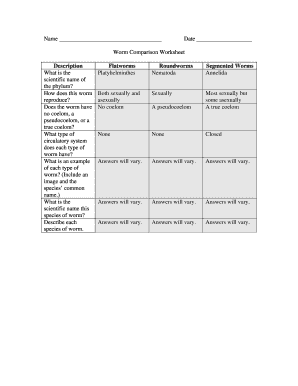
Worm comparison worksheet
PHH Mortgage Services
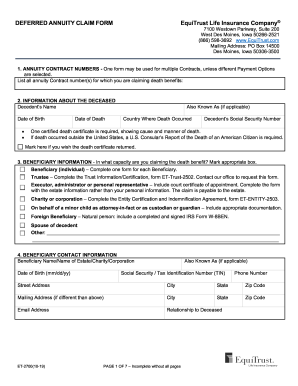
DEFERRED ANNUITY CLAIM FORM EquiTrust Life Insurance ...
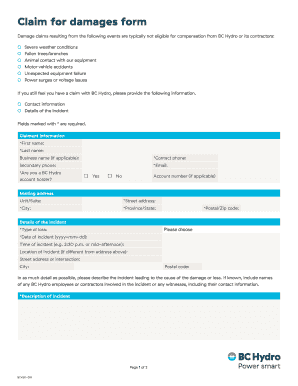
Bc hydro claims

2020-2021 V1 Verification Worksheet - Young Harris College
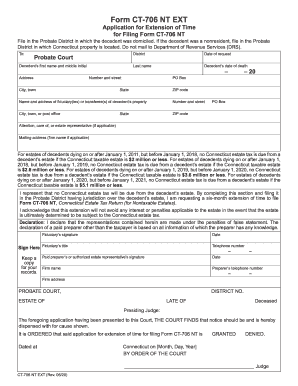
Ct 706 nt fillable

Uhv consortium

Physician License - Arkansas State Medical Board

Sissy contract
Benefit from the DocHub online library of fillable PDF forms
Searching the PDF forms doesn't have to be a tedious and time-consuming process. With the DocHub online library, it has become easier to find the fillable PDF forms and modify them in your browser. The service allows you to adjust the document to your needs using powerful editing tools.
You can use online document editing features to modify almost any type of document with ease. You just need to find the template of your choice, open it in the editor, and use the toolbar to make the necessary corrections.
Follow this guide to get your document done with DocHub:
- Find the PDF template you need.
- Click the Get Form button to open the file in the editor.
- Use the toolbar to fill out and edit the document.
- Easily add and highlight text, insert images, checkmarks, and symbols.
- Drop new fillable fields, and rearrange or delete pages from your file.
- Save changes and download your record.
DocHub empowers everyone to streamline document editing, signing, and distribution, and form completion. Create an account and benefit from our well-organized PDF Forms library and comprehensive editor.