
Get any PDF form from the DocHub library of ready-made templates - Page 1762

W2 w 2
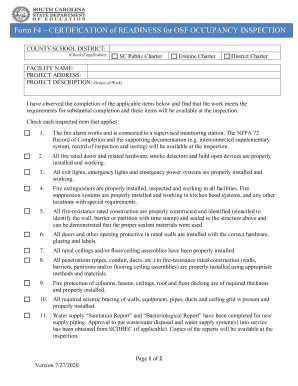
OSF - Form F4. OSF - Form F4

Broad causeway toll

Tertiary practicum student application form
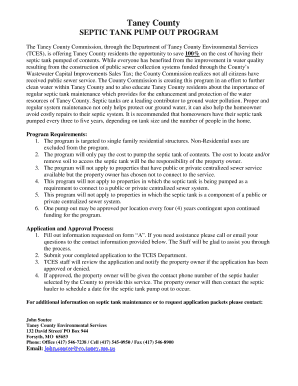
County provides free septic tank pump-out for residents ...

OFFICE OF CHRIS HOLLINS
New york permit application
Bsn micro i application form

Illinois authentication form
Il 25 request standing form

Oklahoma form 13 9

St. Tammany Parish Communications District 9-1-1 Addressing ...

Wheelchair Scooter Stroller Seating Assessment Form - Fill ...

Delaware title form

Annexure d for passport

Sommaire des retenues et des cotisations de l'employeur RLZ ...

Authorization Form - Saint Agnes Medical Center

Irs gov extension

Mutation application form
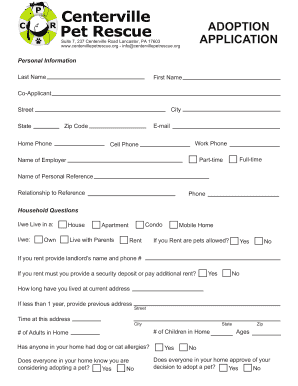
Centerville pet rescue
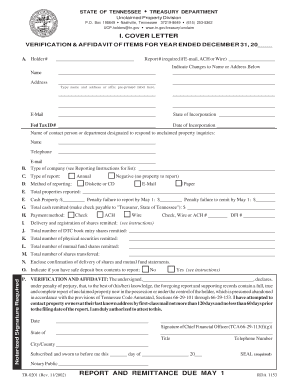
Claim form for unclaimed property
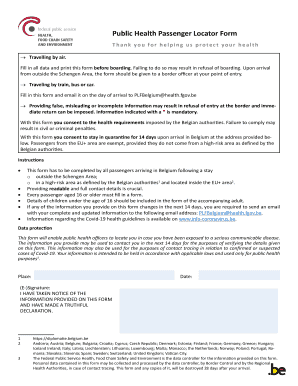
Public Health Passenger Locator Form - Info-coronavirus.be
Gsis mpl loan form
DISTRICT COUNCIL 37 AFSCME ANNUITY FUND
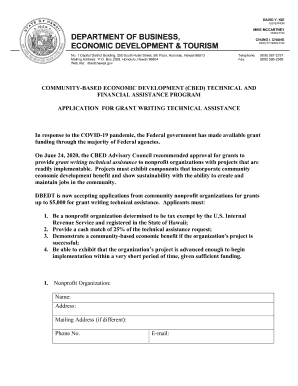
Community-Based Economic Development (CBED) Technical and Financial Assistance Program. Application for Grant Writing Technical Assistance

General power of attorney form uk

Arkansas activities association covid clearance form
Dr 7511
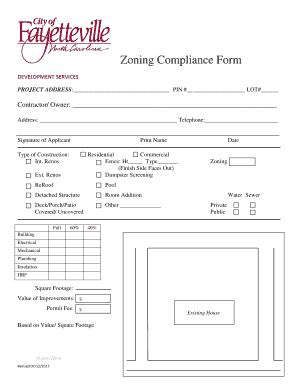
Zoning Compliance Form - Fayetteville, NC
Registration:8:30-9:00am
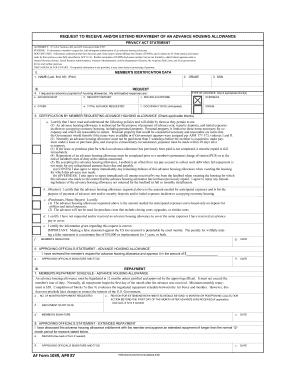
Af form 1039
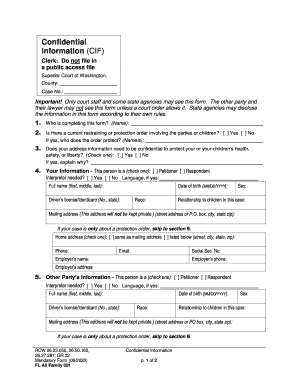
Confidential Information (CIF) - Washington State Courts ...

New jersey

Doj

Cit 1
PDF Civil Action Cover Sheet - Clerk of the Circuit Court of Cook County

Drivers license template pdf
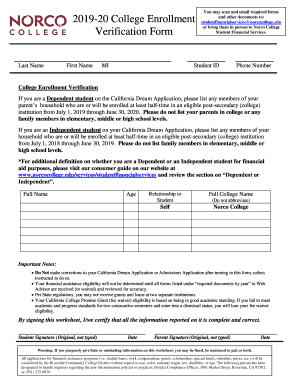
Student Financial Services - Norco College
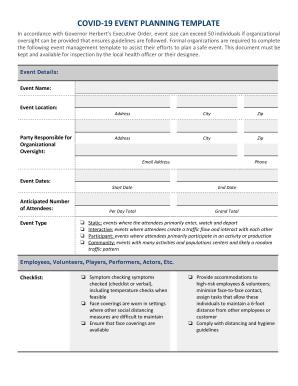
State of Utah COVID-19 Event Planning Template

Form 14095

DEPARTMENT OF HUMAN RESOURCES/CHILDCARE MANAGEMENT AGENCY

Criminal Rights Form for Peoria Municipal Court - City of Peoria
Month income
Irs publication 505 form
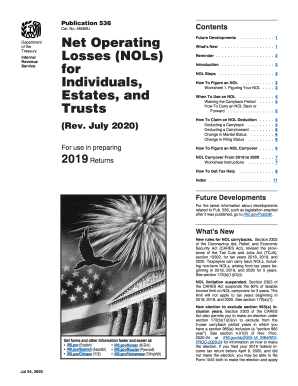
536
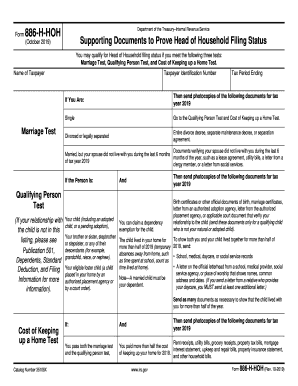
886hhoh
3461
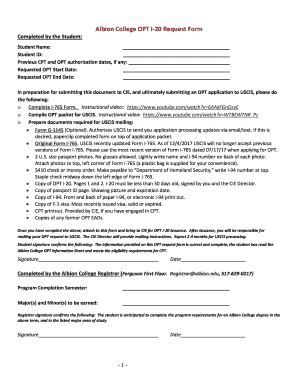
EMail Opt-In Form Template JotForm
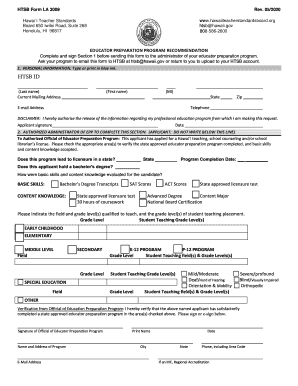
HTSB Form LA 3009
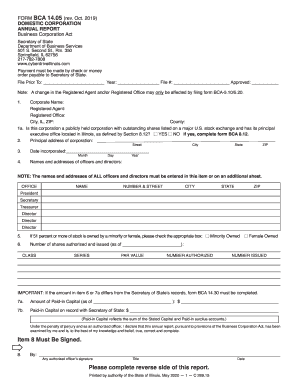
Illinois bca1405
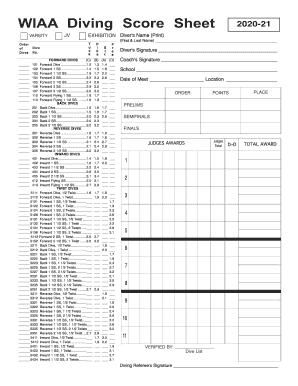
Diving sheet
Opl entry
Cash withdrawal form
Rp 425 application star
Nsw travel permit form

Form 72068
BOAT 178, Certification of Lien Sale for Vessel or Vessels with Trailers Valued Over $1500. index-ready This form is completed by the lienholder to report the completion of a lien sale of a vessel or vessel/trailer combination valued over $1,500.
RECURRING TRANSFERS Domestic Wire Transfer Request ...
TOPS FORM 3285 (92-8)
Ivy tech transcripts
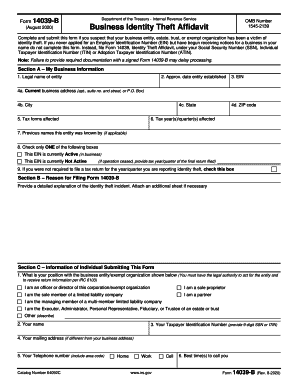
Irs 14039 b
Data Protection Impact Assessment (DPIA) template
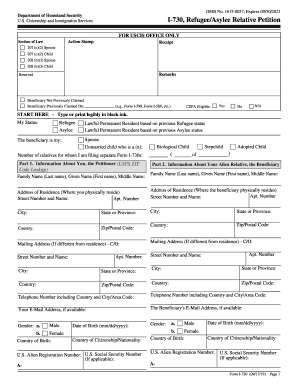
I 730

Range of Motion Exercises - 3 Types ExplainedMovement ...
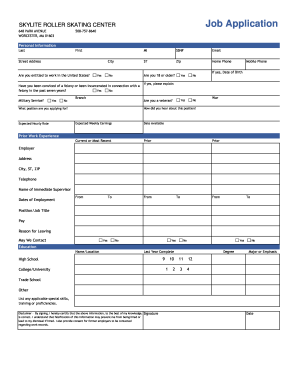
SKYLITE ROLLER SKATING CENTER Job Application
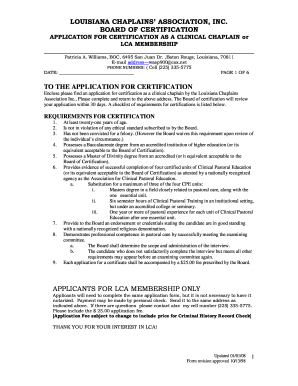
LOUISIANA CHAPLAINS ASSOCIATION, INC
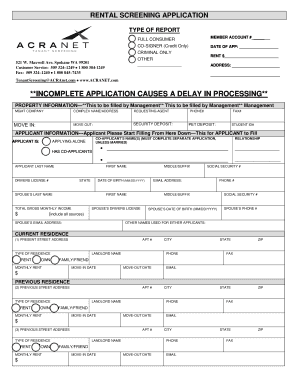
PDF Rental application - Credit Service Company
Certified copy of a marriage license request form - Teton County, WY
Mn eviction form
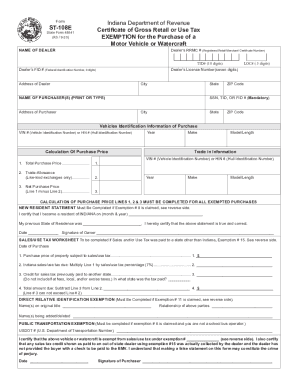
St108e
Philhealth cf1 form
BLM Form 4710-25. Electronic form created
MAIL IN REBATE FORM - IBgard
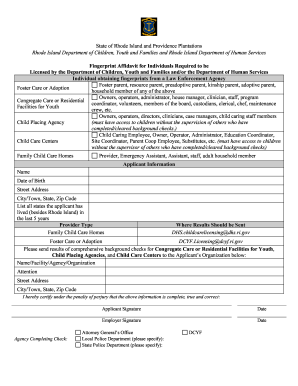
Fingerprint Affidavit - RI DCYF

Fire risk assessment self

Utah form utah
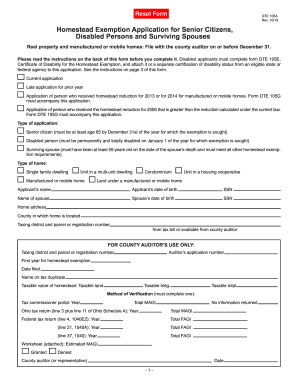
Dte 105a
Akc claim form
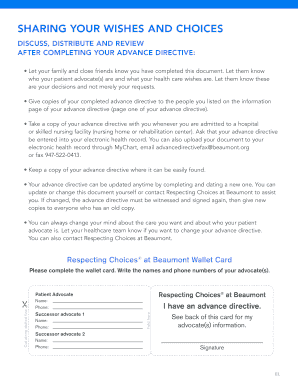
Advance directive respecting
Cheap as chips application form
Confifax
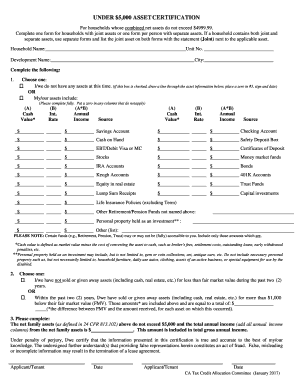
Asset certification form

32 a form for land registration
Form k 905 2403

2021 w 4p form
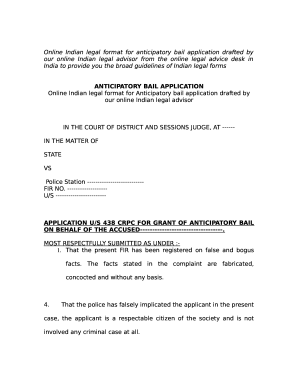
Bail application format pdf

Ny medicaid form
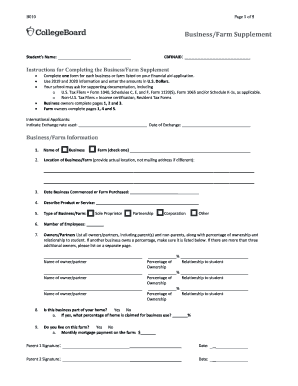
Business farm supplement 2021 22
Non driver id application form ba 207
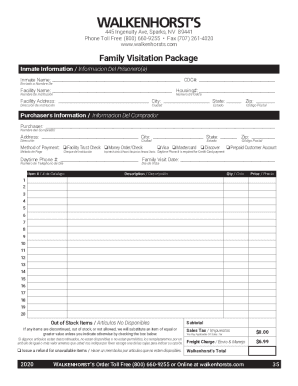
Walkenhorst family package
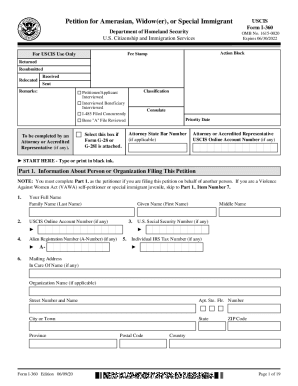
Name s form
INFECTIOUS DISEASE WAIVER - Ohio South Youth Soccer
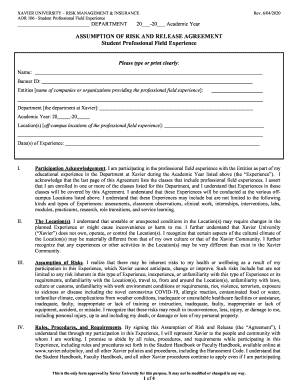
Assumption of Risk (AOR) Form - Xavier University

Tutorial on how to Request PUA Payments
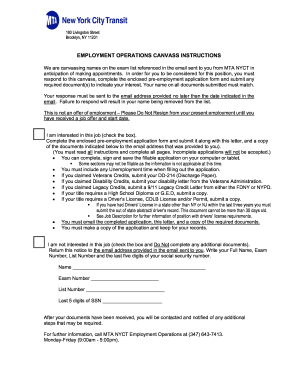
Mta pre employment process
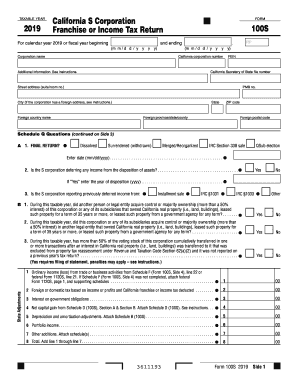
Ca franchise tax board form

2020 Trail Ride Registration Form FINAL.pages
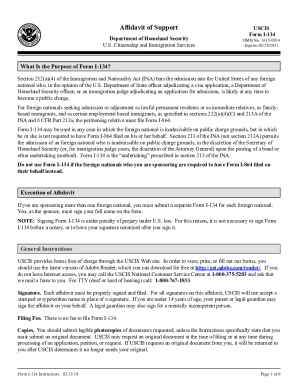
I 134 instructions form pdf

AFFIDAVIT INSPECTION REPORT

Pgcps publicity release form
Benefit from the DocHub online library of fillable PDF forms
Searching the PDF forms doesn't have to be a tedious and time-consuming process. With the DocHub online library, it has become easier to find the fillable PDF forms and modify them in your browser. The service allows you to adjust the document to your needs using powerful editing tools.
You can use online document editing features to modify almost any type of document with ease. You just need to find the template of your choice, open it in the editor, and use the toolbar to make the necessary corrections.
Follow this guide to get your document done with DocHub:
- Find the PDF template you need.
- Click the Get Form button to open the file in the editor.
- Use the toolbar to fill out and edit the document.
- Easily add and highlight text, insert images, checkmarks, and symbols.
- Drop new fillable fields, and rearrange or delete pages from your file.
- Save changes and download your record.
DocHub empowers everyone to streamline document editing, signing, and distribution, and form completion. Create an account and benefit from our well-organized PDF Forms library and comprehensive editor.