
Get any PDF form from the DocHub library of ready-made templates - Page 1761
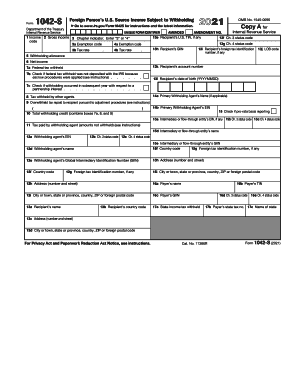
1042 s form
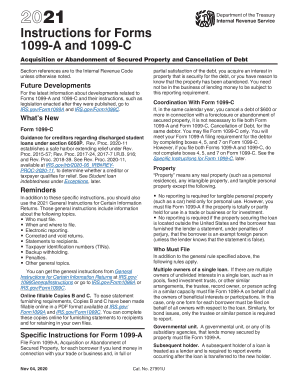
What is a 1099 c
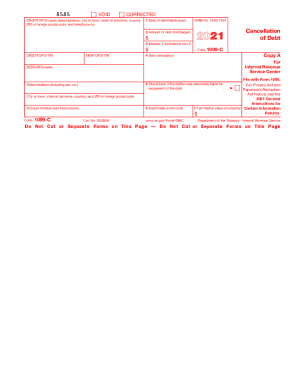
1099 c form 2021
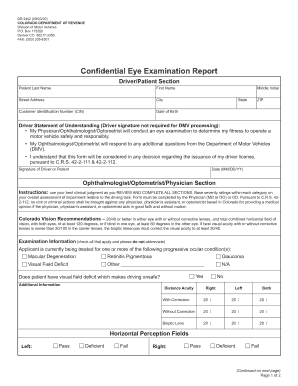
Dr2402

Respondent's Civil Case Information Statement - Kirby ...
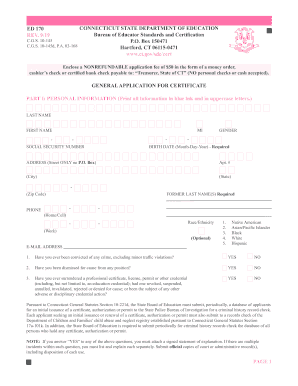
Ed170

Rule 24 application for services (PDF) - Hennepin County ...
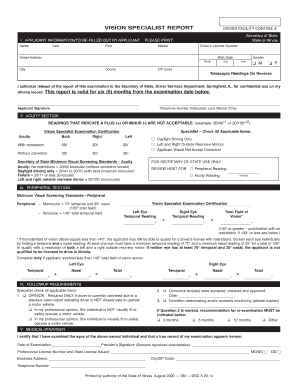
Il vision form
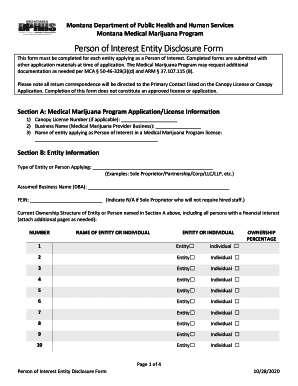
Person of Interest Entity Disclosure Form
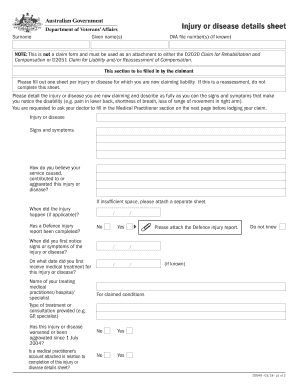
D2049

Schedule 12 form

Imm5562f
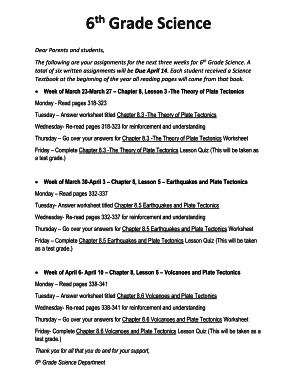
Grade 6 Learning Packets - Tucson Unified School District

Vehicle Addendum .pdf - EZ Self Storage

Crs fatca individual form barclays

Select material to view - UNUM Forms Management System ...
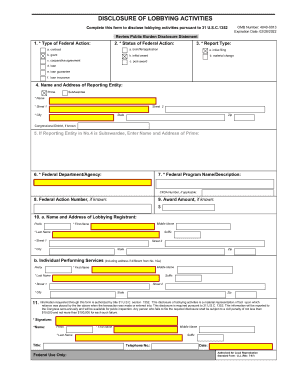
Activities form lll

Good standing certificate pmc online

Property solutions place
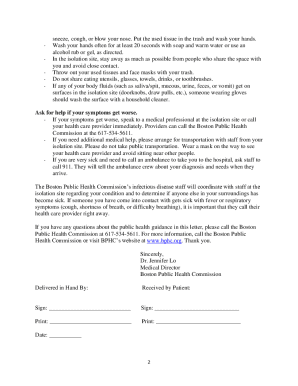
Fillable negative covid test
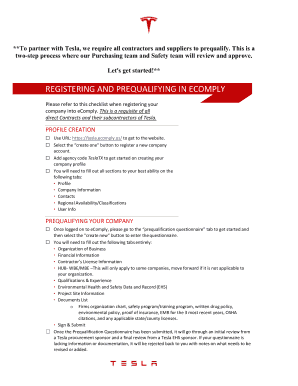
Teslamotors inclassnow sign up

Nyc employee benefits leapfile com
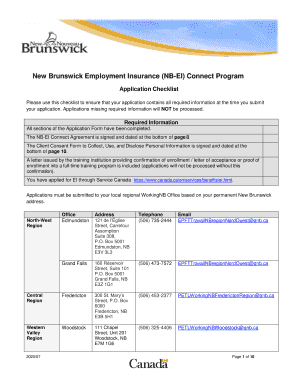
Nb ei connect

Angle pairs created by parallel lines cut by a transversal
Dallas county deed transfer form

CC 377, Petition for Personal Protection Order (Nondomestic)

WFD Physical Agility Test Release Form and Physician Authorization Form. WFD Physical Agility Test Release Form and Physician Authorization Form

Naacp membership summary report
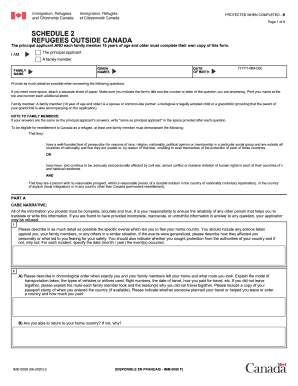
Imm 0008 schedule 2
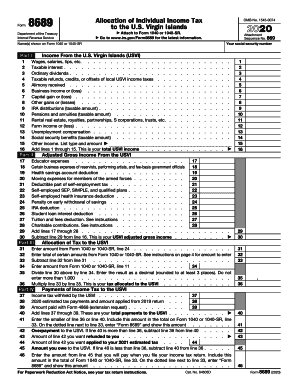
Irs 8689

8814 form 2020
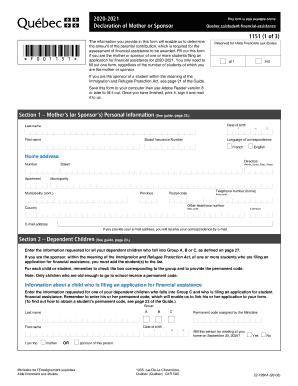
Declaration form canada

Exterior Wall Cladding Materials - Rocky View County
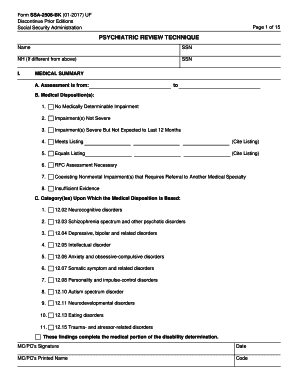
Ssa 2506 bk

Bsnl fiber new connection form

Form 2838, Miscellaneous Entities Request for Exemption ...
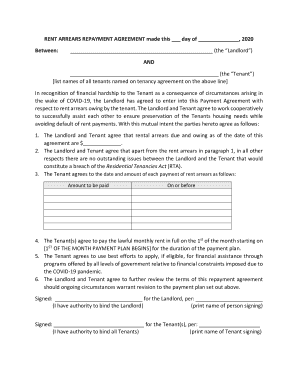
RENT ARREARS REPAYMENT AGREEMENT made this day of , 2020
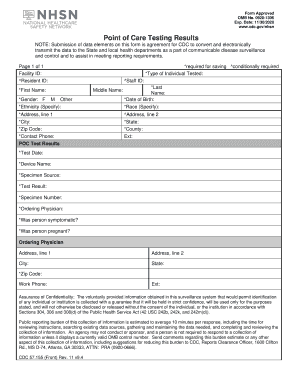
Nhsn point of care testing results form
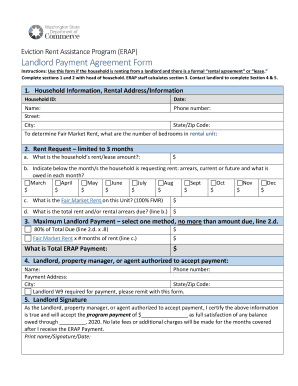
Eviction Rent Assistance Program (ERAP)
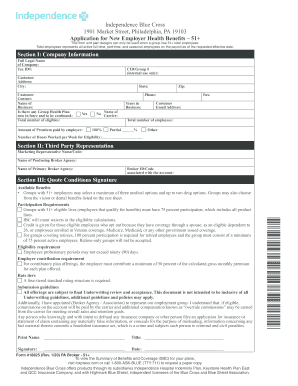
Application for New Employer Health Benefits51+. Application for New Employer Health Benefits51+
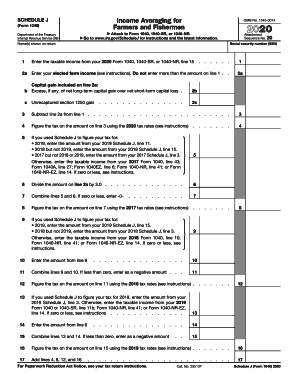
Irs 1040 fishermen create
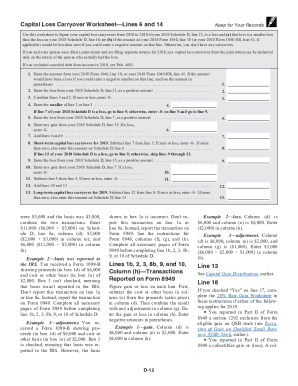
Irs 1040 schedule instructions
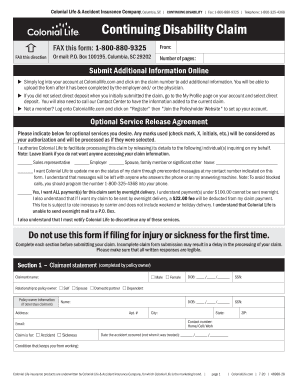
Continuing disability claim form
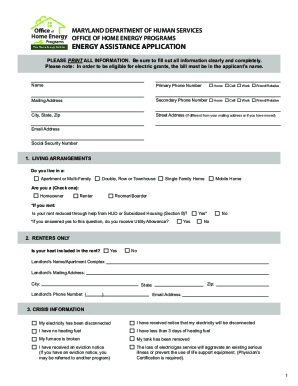
OHEPuniversal-application.pdf - Community Action Council of ...
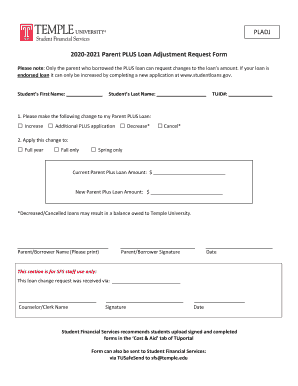
2020-2021 Parent PLUS Loan Adjustment Request Form
Sbi account opening form non individuals pdf
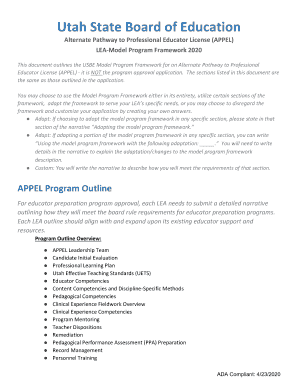
Appel program utah
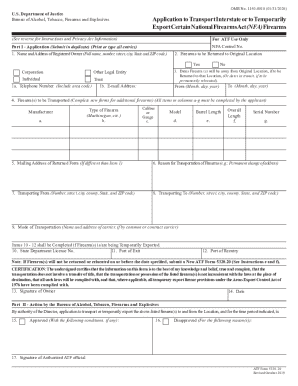
Form 5320 20
Ghana embassy passport renewal application form

New WBA Player Agreement Form 2016

Mediation Data Sheet

California unclaimed
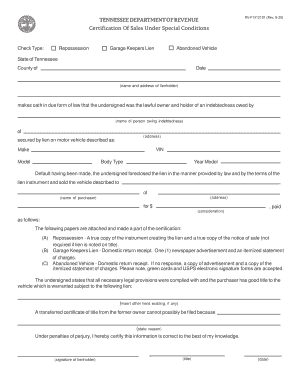
Rv f1312101
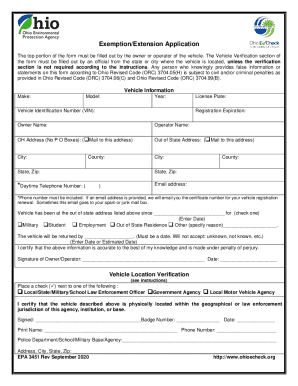
Ohio exemption application
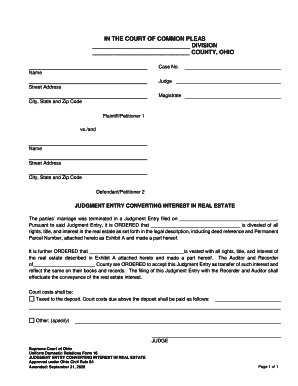
Ohio uniform domestic supreme court form
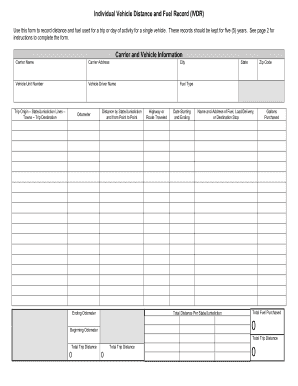
Distance fuel report

Inlivian
Va form 20 10208

Form esa download
Financial health claim
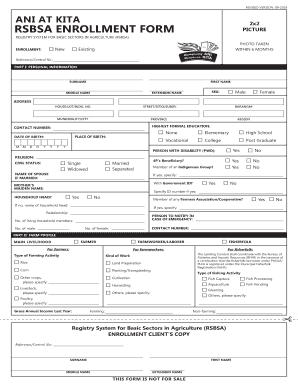
Ani at kita rsbsa enrollment form
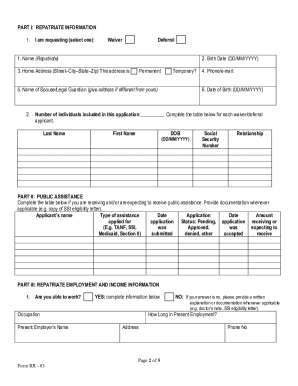
Repatriation loan waiver
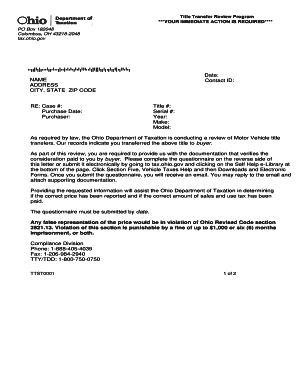
Title transfer review program
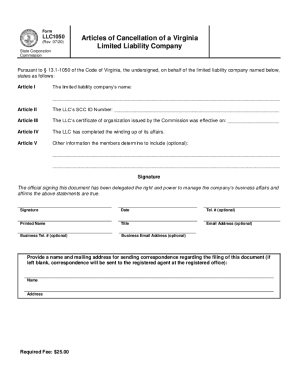
Virginia cancellation

Embalmer Intern Transfer of Sponsorship Application
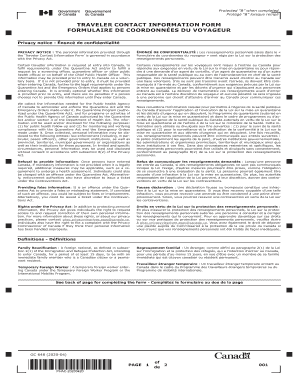
Traveler contact information form
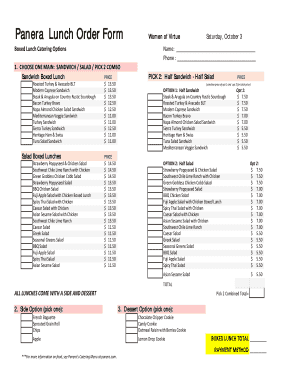
Panera catering menu pdf
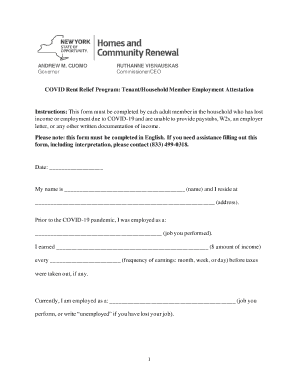
Rent relief attestation form

Mv24 form
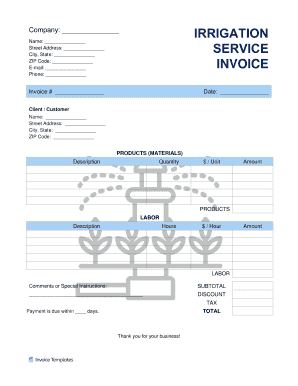
Irrigation invoice
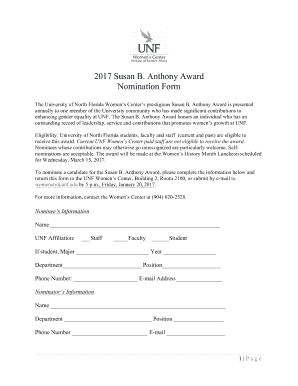
Award nomination template

Iht403 form
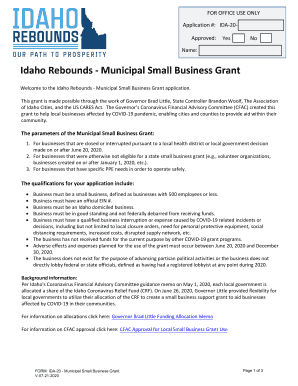
Ida 20 form

Level 2 Establishment License
Mille lacs band housing
Specimen signature form pag ibig 2022
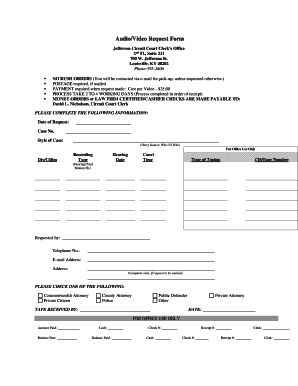
Fillable Online courts ky AudioVideo Request Form - courts ky Fax ...
Waterproofing compliance certificate template nsw
1099 for
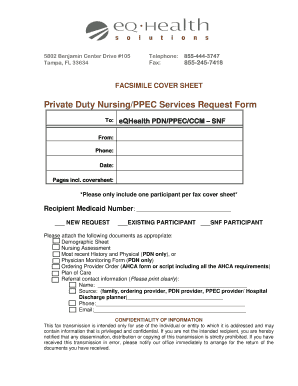
Eqhealth
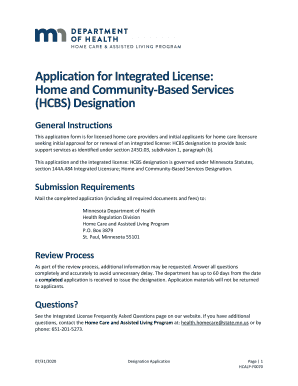
Application for Integrated License: Home and Community-Based ...
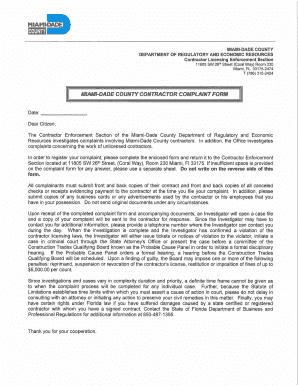
Miami-Dade Contractor Complaint Form.pdf
ESRD Incident Report Form with Instructions - 05.10.19.doc

PRODUCT APPROVAL INFORMATION SHEET (PAIS)
Navajo nation veterans hardship
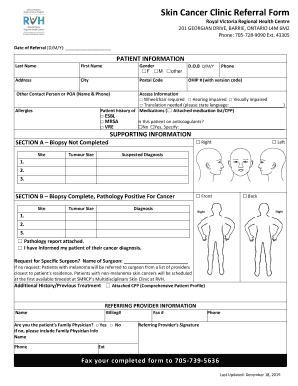
Canada health centre
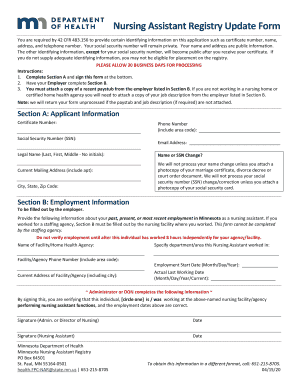
Nursing assistant registry update form
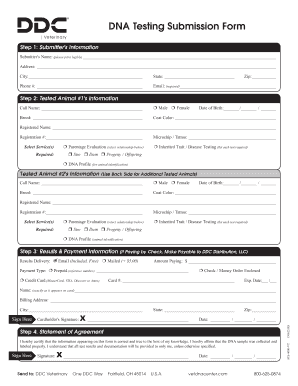
PDF DNA Testing Submission Form - DNA Diagnostics Center
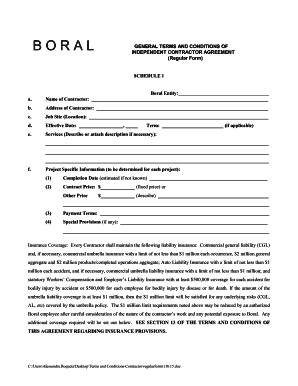
Nolo contractor agreement
Nf902
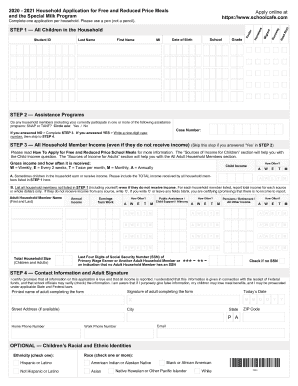
2020 - 2021 Household Application for Free and Reduced Price Meals

Dhs 7307
Paycheck Protection Program Loan Forgiveness Application Form 3508EZ
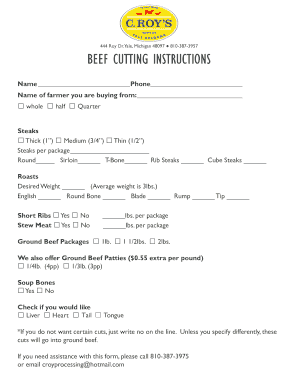
Fillable Online 444 Roy Dr Yale Michigan 48097 BEEF CUTTING ...
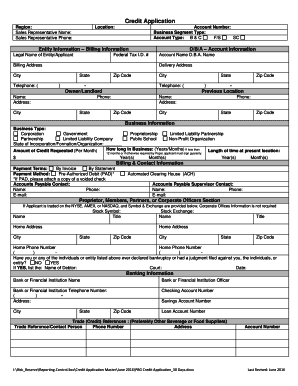
PBG Credit Application30 Days.docx
Adp garnishment fax number

Cdtfa 531 a2

Af fsq 2021
General services

BEE Award Nomination Form. The BEE Award for Excellence in Nursing
Benefit from the DocHub online library of fillable PDF forms
Searching the PDF forms doesn't have to be a tedious and time-consuming process. With the DocHub online library, it has become easier to find the fillable PDF forms and modify them in your browser. The service allows you to adjust the document to your needs using powerful editing tools.
You can use online document editing features to modify almost any type of document with ease. You just need to find the template of your choice, open it in the editor, and use the toolbar to make the necessary corrections.
Follow this guide to get your document done with DocHub:
- Find the PDF template you need.
- Click the Get Form button to open the file in the editor.
- Use the toolbar to fill out and edit the document.
- Easily add and highlight text, insert images, checkmarks, and symbols.
- Drop new fillable fields, and rearrange or delete pages from your file.
- Save changes and download your record.
DocHub empowers everyone to streamline document editing, signing, and distribution, and form completion. Create an account and benefit from our well-organized PDF Forms library and comprehensive editor.