
Get any PDF form from the DocHub library of ready-made templates - Page 1764
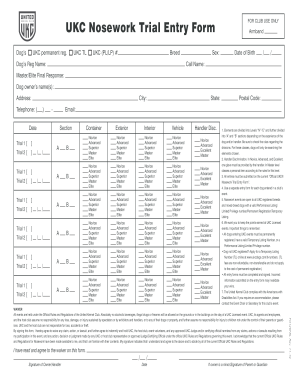
Trial entry form

Eunice high school application forms 2023
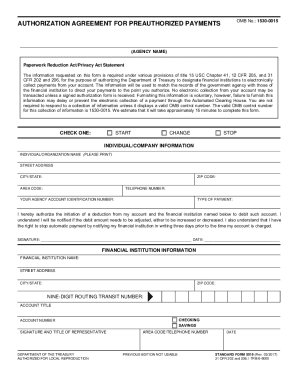
Clear spring health pay online
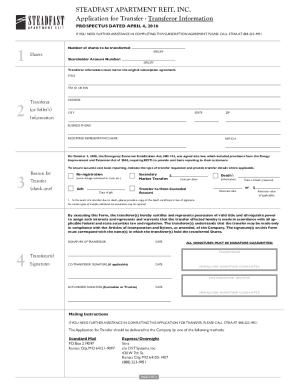
Steadfast apartment reit forms
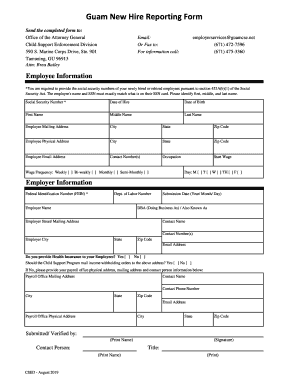
Guam New Hire Reporting Form

Priest SETax Reimbursement Form - Archdiocese of Chicago
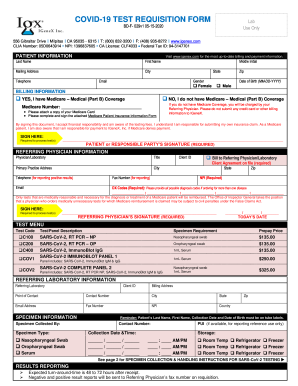
COVID-19 TEST REQUISITION FORM

Ocps emergency student information form

2020-2021 PARENT HOUSEHOLD STATEMENT
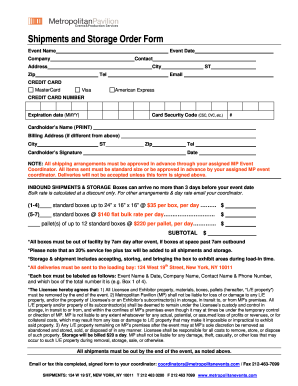
Credit Card Security Code: What Is CVV, Where To Find It ...

REIKI CONSENT FORM copy
Dshs consent form
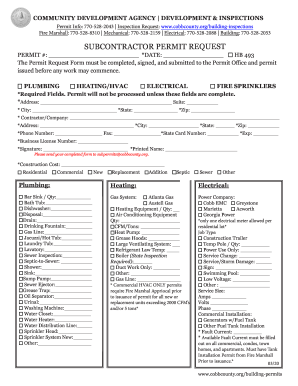
Cobb county subcontractor affidavit
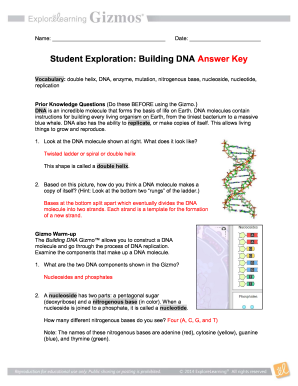
Building dna gizmo answers
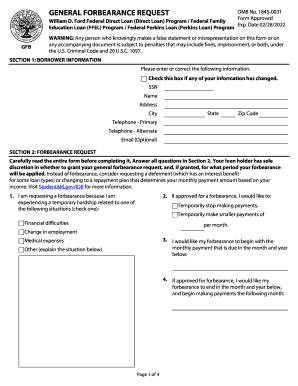
Forbearance form forbearance
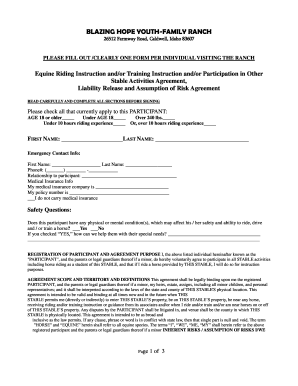
BLAZING HOPE YOUTH-FAMILY RANCH

Uk gmdss revalidation
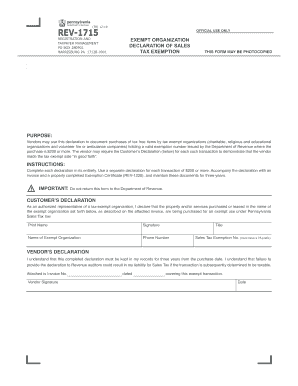
Rev1715
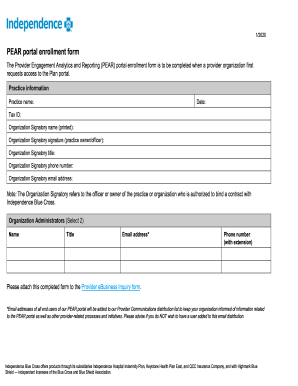
Pears portal login
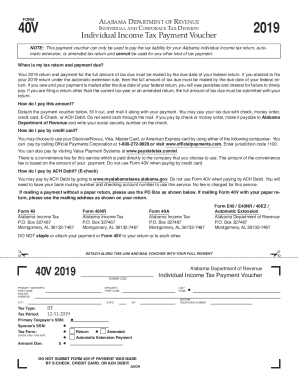
Alabama form voucher
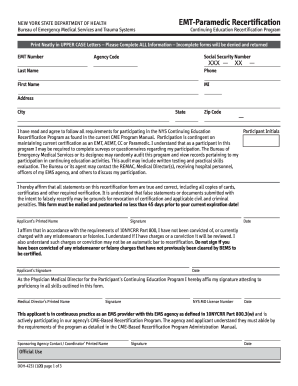
Nys doh recertification
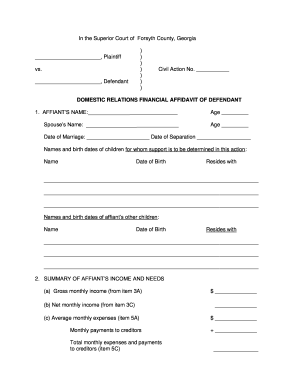
In the Superior Court of Forsyth County, Georgia
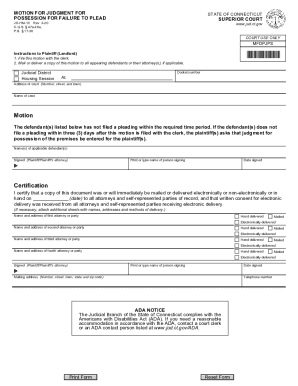
Ct motion possession
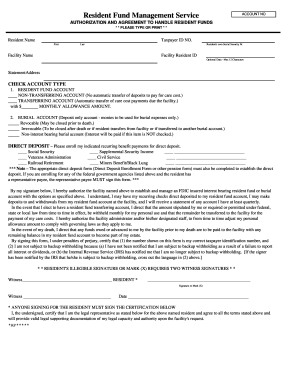
RFMS Authorization Agreement.xls
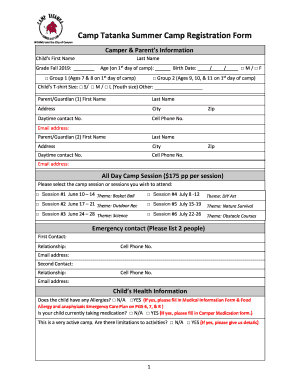
Tatanka form
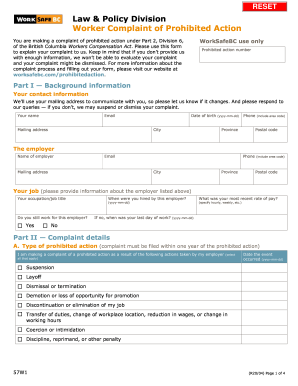
Worksafe form 57w1 complaint

Mid cares
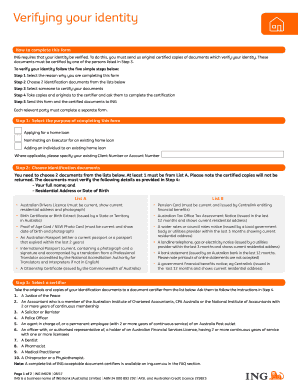
Creditkarma reg document verify
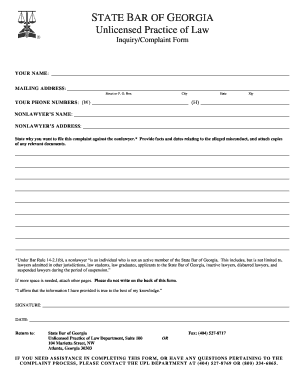
State Bar Complaint Form Ga - Fill Online, Printable, Fillable ...
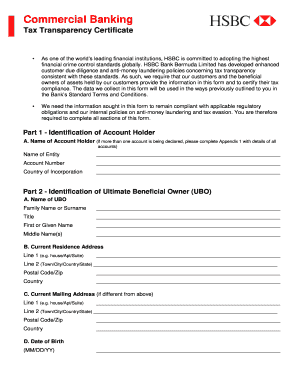
Tax transparency certificate

IMM 5943 E

INSTRUCTIONS FOR COMPLETING FORM MOTION 5-801
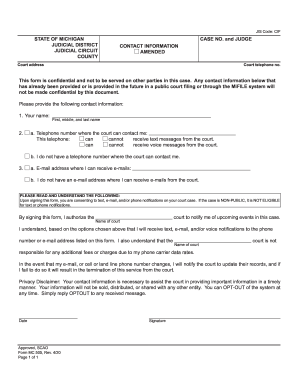
Mc 505 form

Form pa

First credit union wire transfer

IEP Process CVF
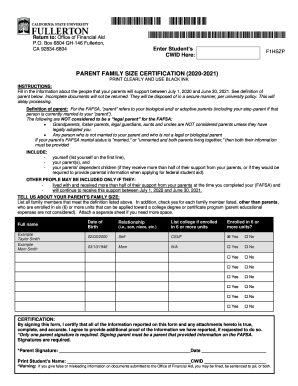
Box 6804 GH-146 Fullerton,

Texas department of insurance aplication templates

Ups hrsc
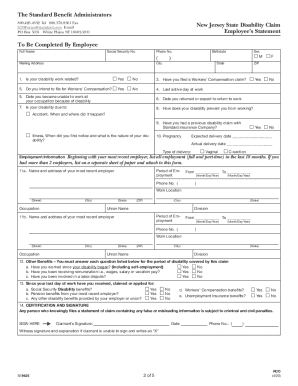
New jersey form claim benefit
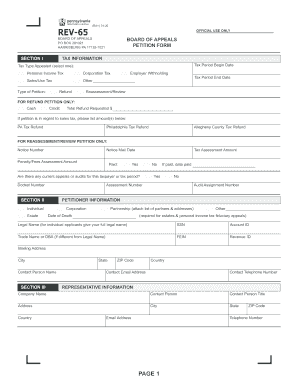
Rev 65

Affidavit of relinquishment of parental rights
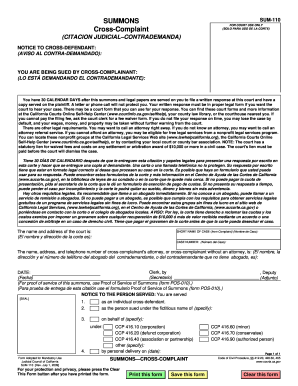
Sum 110
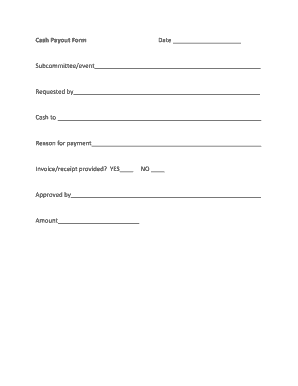
Cash payout form
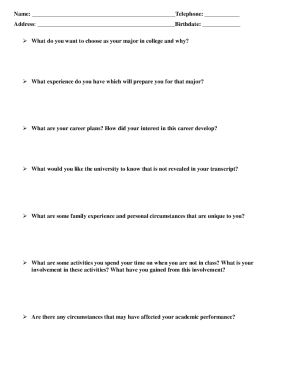
Brag sheet template google docs

Algebra Review Notes - Solving Quadratic Equations. SMART Board Interactive Whiteboard Notes
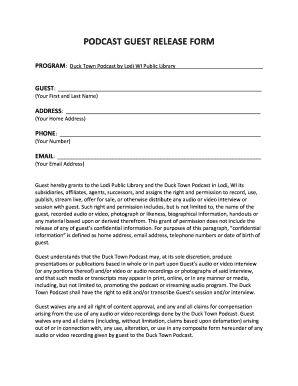
Podcast guest release form - Lodi Public Library

WSIB Order Form 0688A
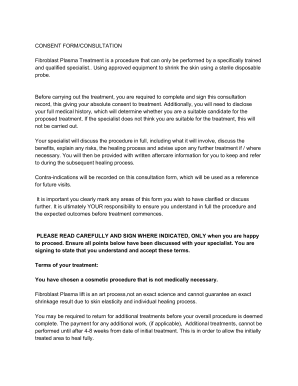
Karl auleciems
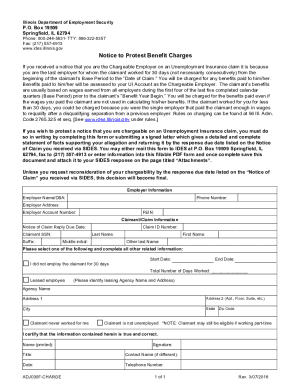
Notice to Protest Benefit Charges. Chargeable Employers

Ffcra leave request form - M3 Insurance

FORM PSC-1813. Reference Request for Applicants to the Commissioned Corps of the U.S. Public Health Service

Request change major form

Get the ionic foot detox instructions form - DocHub
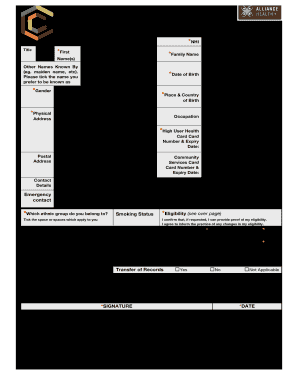
Cavendish doctors

Credit authorization vegas form

Tunica humane society
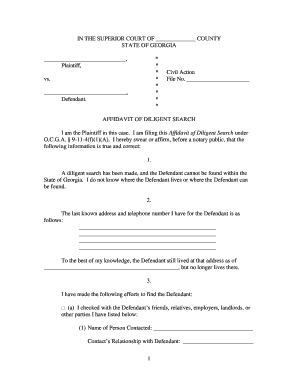
Affidavit diligent

Physical Medicine Progress Report (F245-453-000). Physical Medicine Progress Report (F245-453-000)

Railroad Track Maintenance Tax Credit
Doh application form for renewal of license to operate 2022
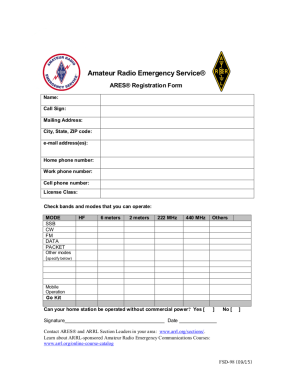
Ares form
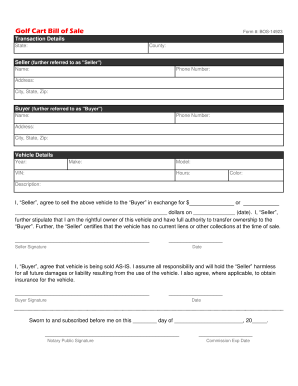
Golf Cart Bill of Sale - Selling Docs
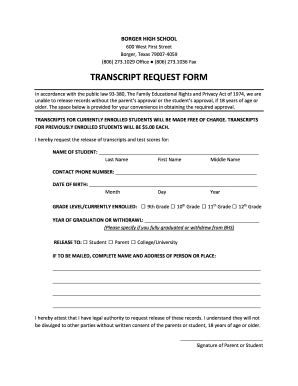
Borger high school transcript
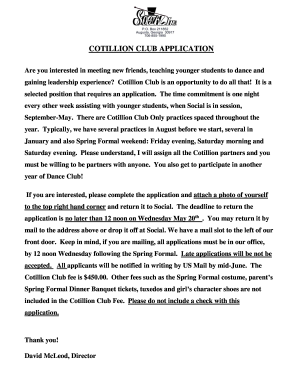
Cotillion club application - Social Inc

Shaded areas to be completed by WHEAP agency
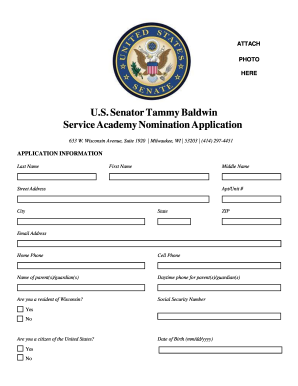
U.S. SENATOR TAMMY BALDWIN SERVICE ACADEMY NOMINATION ...
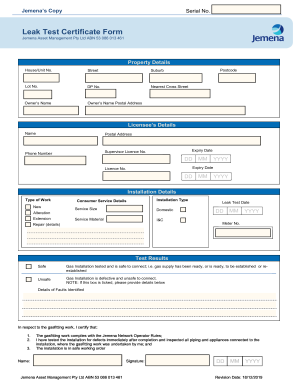
Leak test certificate
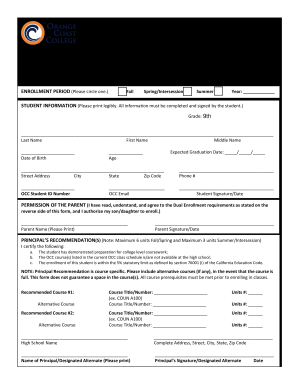
ORANGE COAST COLLEGE DUAL ENROLLMENT FORM
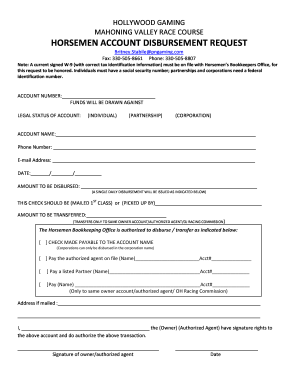
Horsemen account disbursement request - Hollywood Gaming
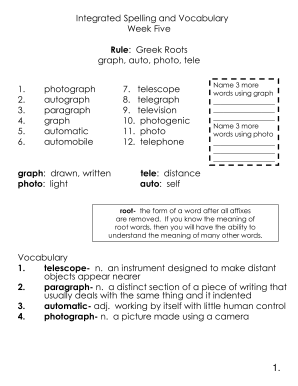
Integrated spelling and vocabulary

INCIDENT MANAGEMENT CONTINGENCY FORM M M D D Y ... - Amazon S3

Rc7 divorce form pdf
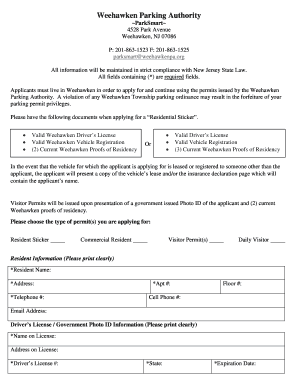
Weehawken parking application

Msde verification of experience form
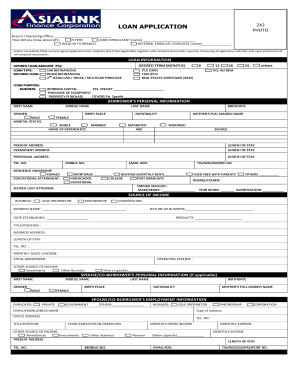
Asialink loan application form
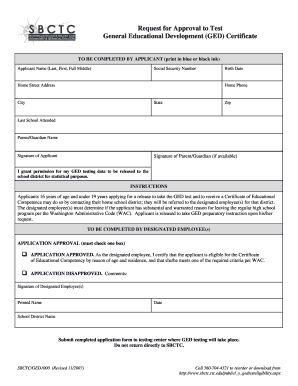
Request for approval to test ged washington
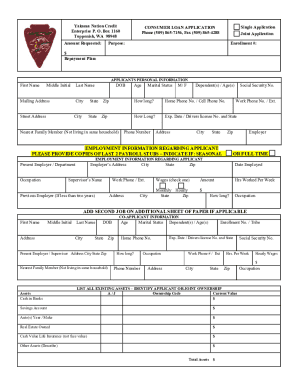
Yakama nation credit

137011
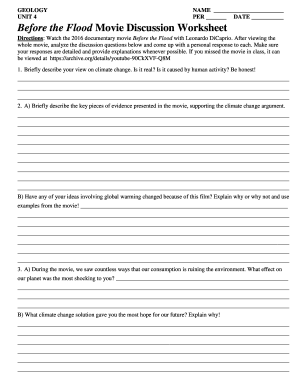
Before the flood movie discussion worksheet answers pdf
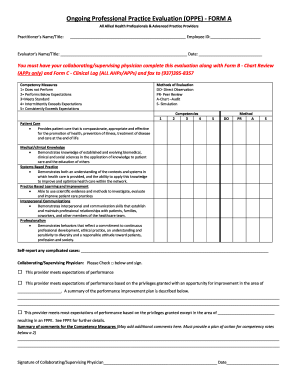
Ongoing professional practice evaluation form
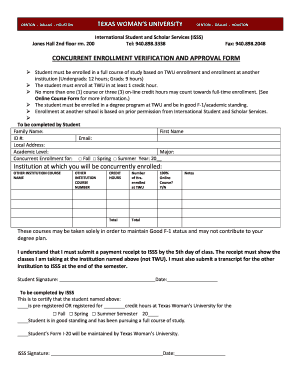
TWU Concurrent Enrollment Verification and Approval Form 2020

Weekly claim form for unemployment

2019 US Army Applicant Checklist (Merit Promotion)

Health district clearance form
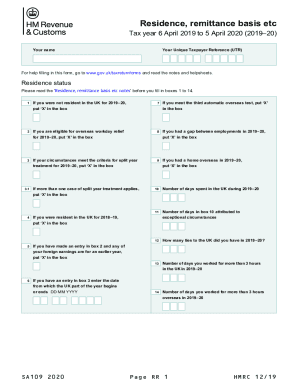
Sa109
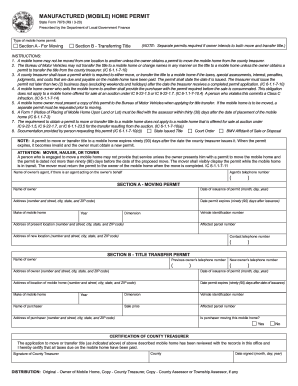
Form 7878
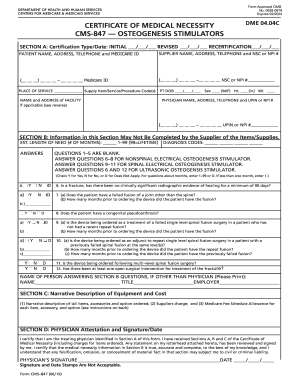
Form 847

Form 457 application
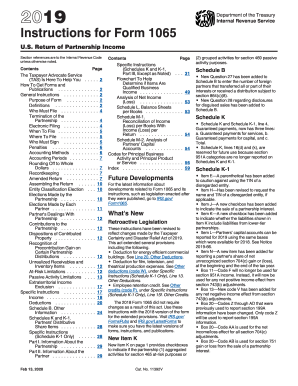
Form 1065 instructions
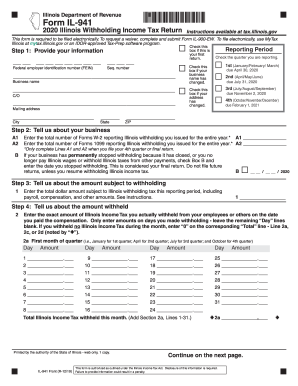
Form il 2020
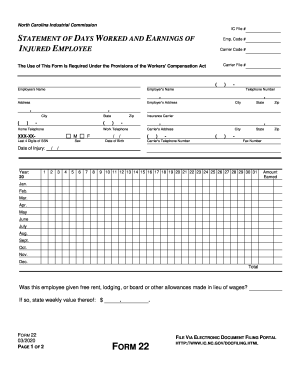
Form 22
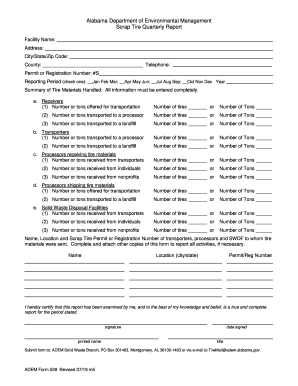
Adem form 539
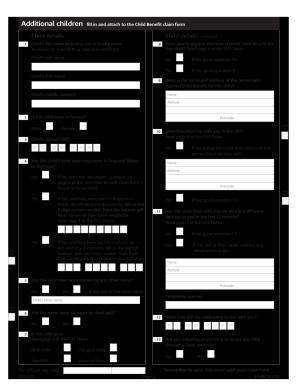
United kingdom cs child benefit claim online
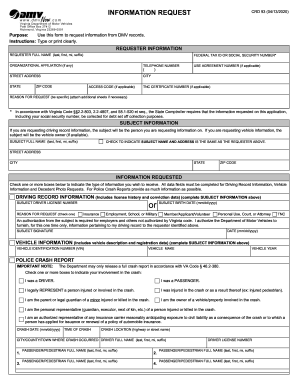
Virginia crd93 dmv

Lifesecure insurance company greenville sc
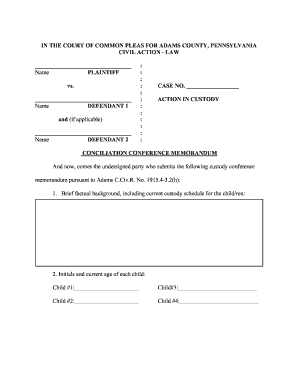
Conciliation Conference Memorandum
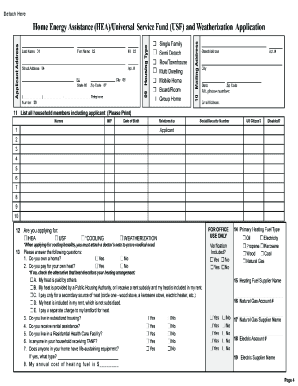
Home energy assistance universal service fund

SOLICITUD DE MENAJE DE CASA
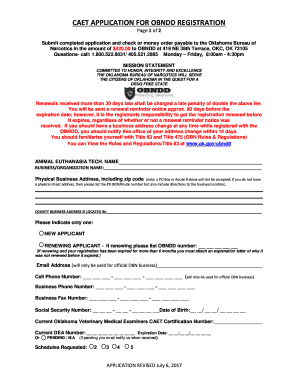
Obndd
Benefit from the DocHub online library of fillable PDF forms
Searching the PDF forms doesn't have to be a tedious and time-consuming process. With the DocHub online library, it has become easier to find the fillable PDF forms and modify them in your browser. The service allows you to adjust the document to your needs using powerful editing tools.
You can use online document editing features to modify almost any type of document with ease. You just need to find the template of your choice, open it in the editor, and use the toolbar to make the necessary corrections.
Follow this guide to get your document done with DocHub:
- Find the PDF template you need.
- Click the Get Form button to open the file in the editor.
- Use the toolbar to fill out and edit the document.
- Easily add and highlight text, insert images, checkmarks, and symbols.
- Drop new fillable fields, and rearrange or delete pages from your file.
- Save changes and download your record.
DocHub empowers everyone to streamline document editing, signing, and distribution, and form completion. Create an account and benefit from our well-organized PDF Forms library and comprehensive editor.