




Here's how it works



How to use or fill out 12 month ASQ SE with our platform

- Click ‘Get Form’ to open the 12 month ASQ SE in the editor.
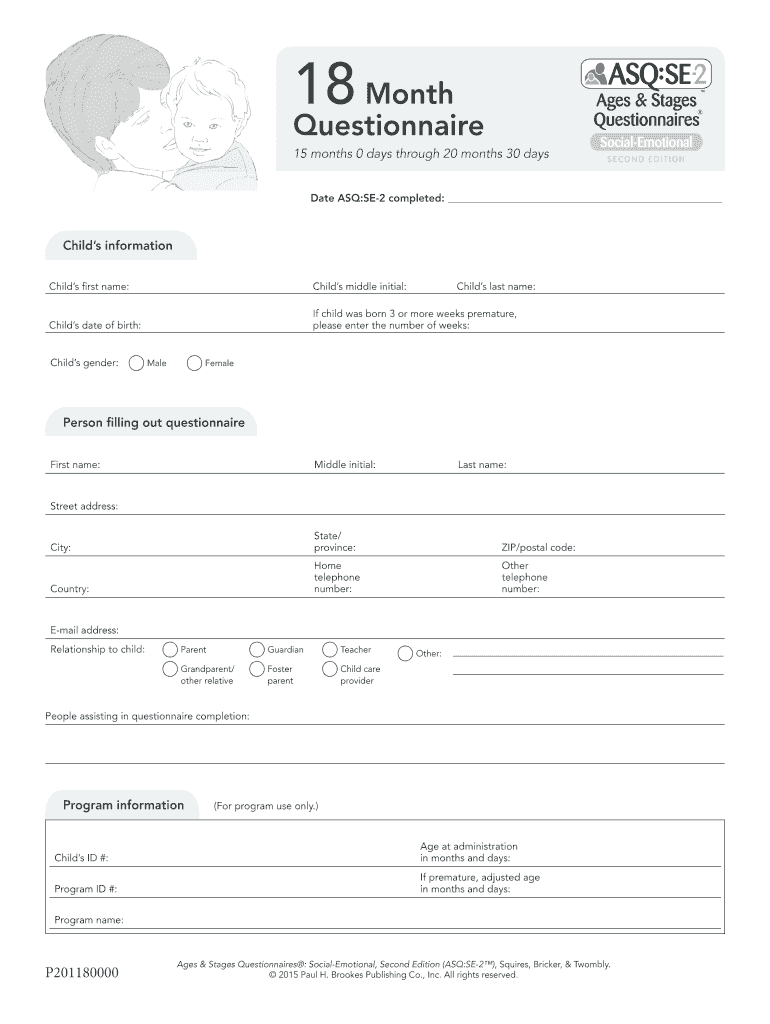
- Begin by entering your child's information, including their first name, last name, date of birth, and gender. If applicable, note any premature birth details.
- Fill in your details as the person completing the questionnaire. Include your name, address, contact numbers, email address, and relationship to the child.
- Review the program information section if relevant. This includes child ID and program details.
- Proceed to answer each behavior question by checking the box that best describes your child's behavior. Remember to indicate any concerns where necessary.
- Utilize the space provided for additional comments regarding your child's eating or sleeping behaviors and any other concerns you may have.
Start filling out your 12 month ASQ SE today for free using our platform!
It's free
Got questions?
How can I sign my asq 18 months on iOS?
With DocHub, you can quickly approve your asq 18 months or any other document on iOS, even without installing extra programs. You can access your DocHub account from any internet-connected browser and complete and sign your form in any preferred method with just a couple of clicks.
How do you edit 12 month questionnaire from Google Drive?
If you store your documents in Google Drive, there is no need to download your 12 month questionnaire on the computer and upload it back to our editor. A much easier way is to set up a browser extension created by DocHub to simplify this flow. The extension allows editing PDFs in your browser. Alternatively, you can integrate your DocHub and Gmail accounts for more efficient modifying.
How do you score ASQ se2?
What is the difference between ASQ SE and ASQ-3?
How accurate is ASQ?
Security and compliance
At DocHub, your data security is our priority. We follow HIPAA, SOC2, GDPR, and other standards, so you can work on your documents with confidence.
Learn more


