Type text, add images, blackout confidential details, add comments, highlights and more.

02. Sign it in a few clicks
Draw your signature, type it, upload its image, or use your mobile device as a signature pad.

03. Share your form with others
Send it via email, link, or fax. You can also download it, export it or print it out.

How to use or fill out deepwater horizon with our platform
Ease of Setup
DocHub User Ratings on G2
Ease of Use
DocHub User Ratings on G2
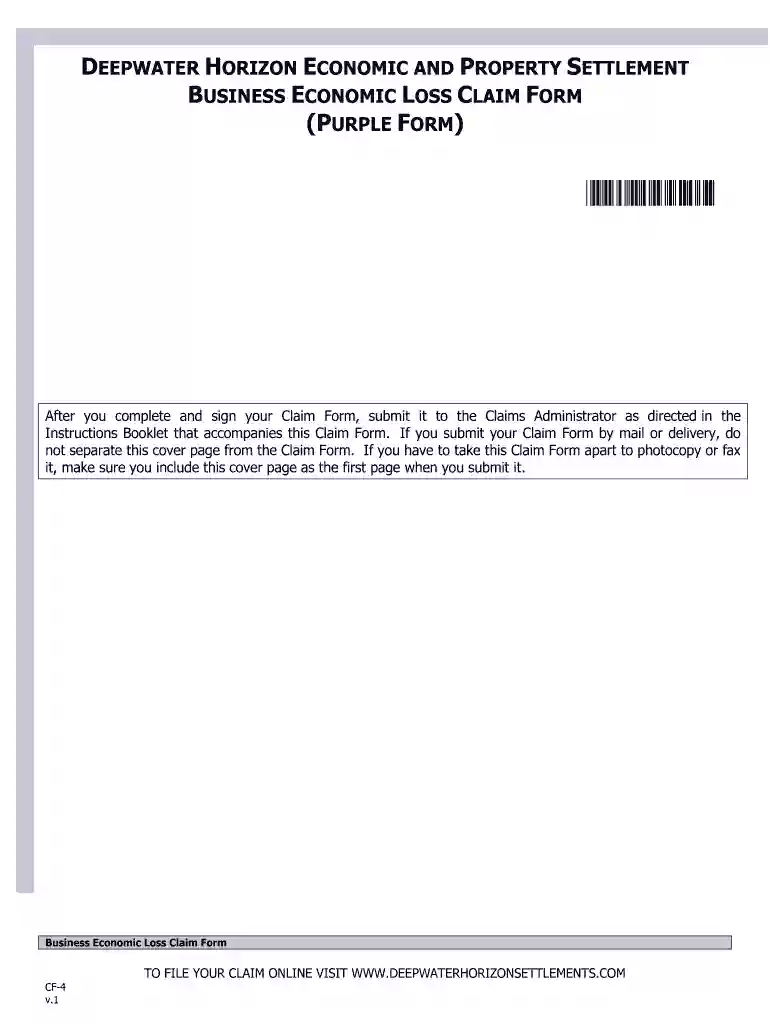
Click ‘Get Form’ to open the Business Economic Loss Claim Form in the editor.
Begin by filling out the Claimant Information section. Enter your business name, Social Security Number (SSN) or Employer Identification Number (EIN), and if applicable, your Claimant Number from previous claims.
Proceed to the Information Required for a Business Economic Loss Claim section. Carefully check any boxes that apply to your business type and answer questions regarding your business's operations during the specified period.
In Section C, select your Benchmark and Compensation Periods. Choose historical years that best represent your business’s financial performance and ensure you understand how these selections impact your claim.
Gather all necessary Supporting Documentation as outlined in Section D. Ensure you attach these documents when submitting your claim.
Finally, sign the form in Section F, certifying that all information is accurate before submitting it through our platform for a streamlined process.
Start using our platform today to efficiently complete your deepwater horizon claim!
On April 20, 2010, the oil drilling rig Deepwater Horizon, operating in the Macondo Prospect in the Gulf of America, exploded and sank resulting in the deathRead more
Cookie consent notice
This site uses cookies to enhance site navigation and personalize your experience.
By using this site you agree to our use of cookies as described in our Privacy Notice.
You can modify your selections by visiting our Cookie and Advertising Notice.