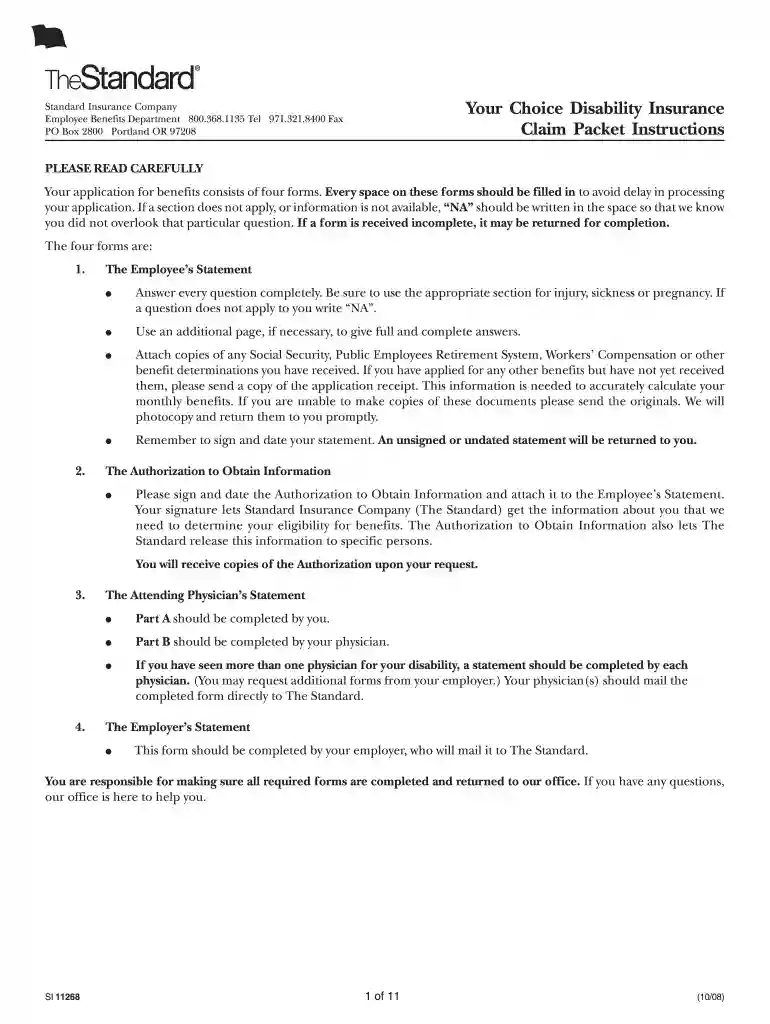
the standard your choiceeducator options disability benefits packet 2008 form Preview on Page 1

The standard your choiceeducator options disability benefits packet 2008 form-2026

Here's how it works

  • 01. Edit your form online

    Type text, add images, blackout confidential details, add comments, highlights and more.

  • 02. Sign it in a few clicks

    Draw your signature, type it, upload its image, or use your mobile device as a signature pad.

  • 03. Share your form with others

    Send it via email, link, or fax. You can also download it, export it or print it out.

How to use or fill out the standard your choiceeducator options disability benefits packet 2008 form with our platform

Form edit decoration
9.5
Ease of Setup
DocHub User Ratings on G2
9.0
Ease of Use
DocHub User Ratings on G2
  1. Click ‘Get Form’ to open it in the editor.
  2. Begin with the Employee’s Statement. Fill in your full name, Social Security number, address, and contact information. Ensure all fields are completed; if a question does not apply, write 'NA'.
  3. Proceed to the Employment section. Provide details about your employer, job title, and describe your duties. Indicate the last day you worked and the cause of your disability.
  4. In the Sickness/Injury section, describe your condition thoroughly. Include dates and any previous related illnesses.
  5. Complete the Attending Physician’s Statement by having your physician fill out Part B. Ensure they provide necessary medical details.
  6. Finally, review all sections for completeness before signing and dating your statement to avoid delays in processing.

Start using our platform today for free to streamline your form completion process!

See more the standard your choiceeducator options disability benefits packet 2008 form versions

We've got more versions of the the standard your choiceeducator options disability benefits packet 2008 form form. Select the right the standard your choiceeducator options disability benefits packet 2008 form version from the list and start editing it straight away!

VersionsForm popularityFillable & printable
20094.9 Satisfied (323 Votes)
20084.2 Satisfied (52 Votes)

be ready to get more

Complete this form in 5 minutes or less

Security and compliance

At DocHub, your data security is our priority. We follow HIPAA, SOC2, GDPR, and other standards, so you can work on your documents with confidence.

Related links

Qualitative Psychology In the Changing Academic Context

By learning as much about the disability as well as about their options, their childrens rights can be protected while at the same time they can gain moreRead more

Learn more
Arkansas Department of Education Special Education Unit

Apr 27, 2023 The OSE provides targeted technical assistance workshops for interpreters to assist them in DocHubing the qualification standard outlined in theRead more

Learn more
If you believe that this page should be taken down, please follow our DMCA take down process here