
Get any PDF form from the DocHub library of ready-made templates - Page 1595
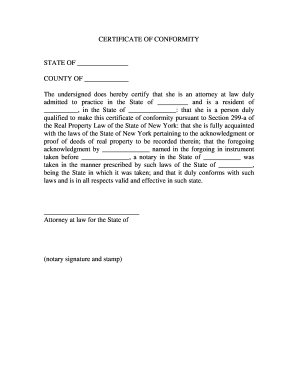
Certificate of conformity new york

Louisiana registry form

LETTER OF MEDICAL RECOMMENDATION If a letter of doctor's ...
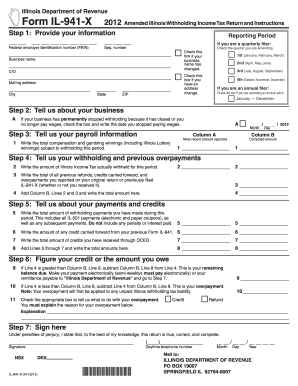
Illinois department of revenue 2012 941 x form
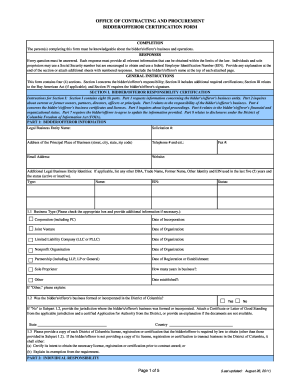
2011 dc bidder form
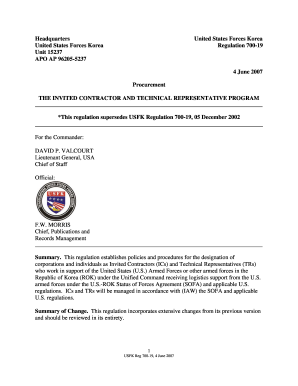
USFK Reg 700-19 The Invited Contractor and - Eighth Army - U.S. ...

Form 96 alabama

Living will form illinois pdf

Affidavit of surviving spouse gsis
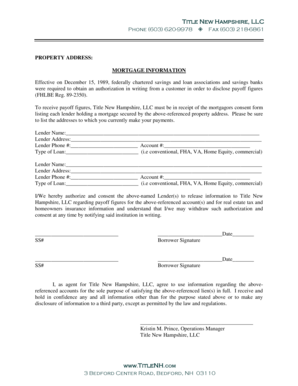
Mortgage payoff statement template word
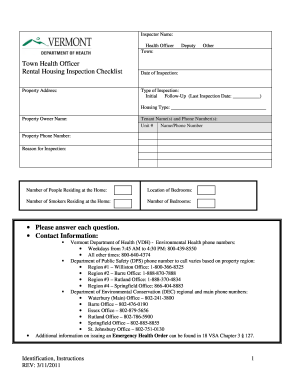
Vermont Town Health Officer Rental Housing Inspection Checklist - healthvermont
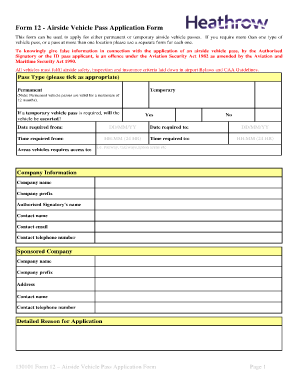
Form 12 - Airside Vehicle Pass Application Form - Heathrow Airport

Tx dps intrastate form

Florida f 1065n 2013 form
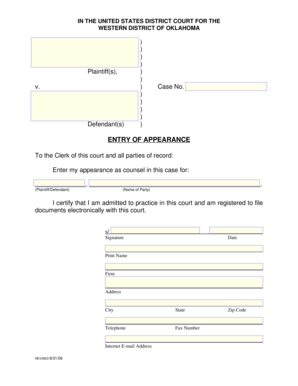
Entry of appearance form

Summons district form
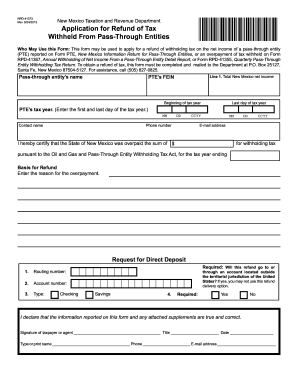
Rpd 41373 form

Texas divorce uncontested process
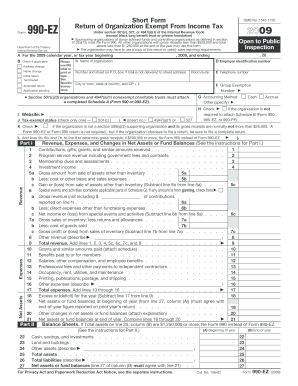
Form 990-EZ - Lions Clubs International

Form b 203

New york residential lease
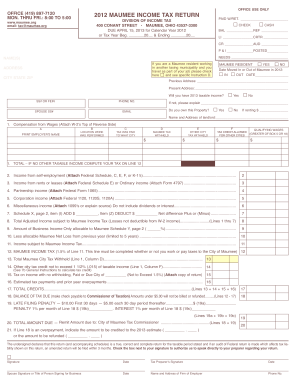
2012 maumee city tax form
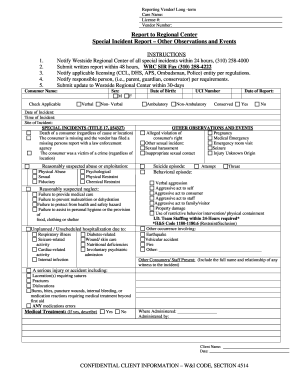
Report observations events

Cdcr 7385

Appointment of representative form mc 306 1997

Notice for breach of duty to landlord of rented premises form
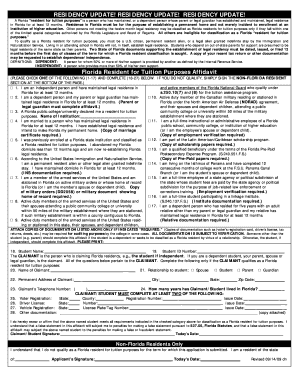
Broward college residency affidavit form

Virginia form 760py 2012
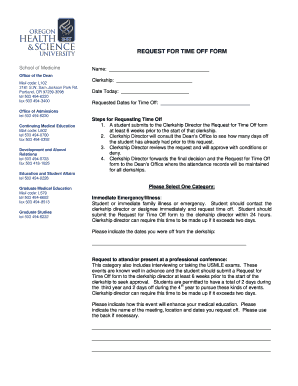
Request time off forms
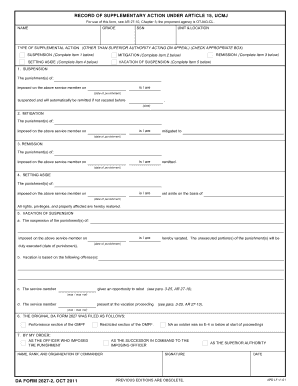
Supplementary duly suspension

Form 2790

Psrs 1238

Imm 5745
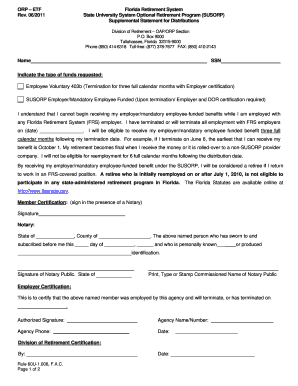
Fl supplemental statement
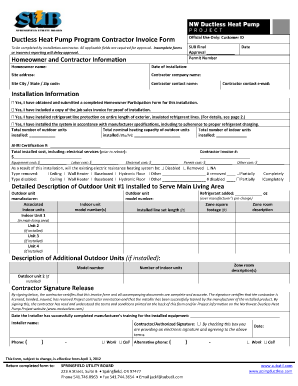
Fillable utility bill template

Mn eeo

2018 form at3 51

2012 NJ Form PTR-1
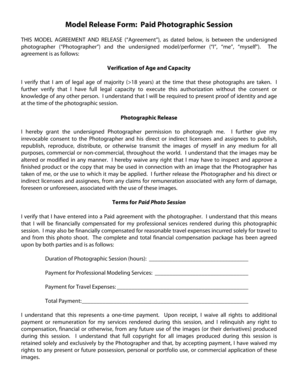
Nicholas marko
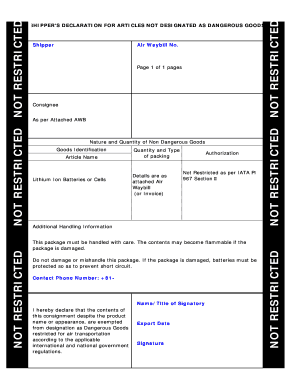
Iata non restricted

Nevada detr power
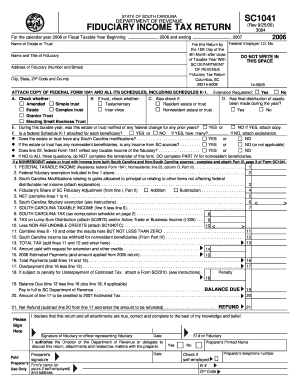
Sc1041 2006 form
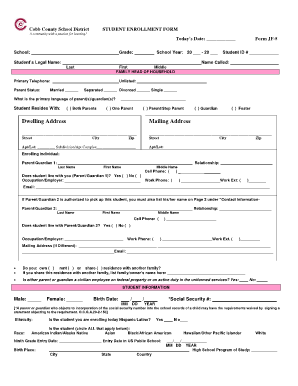
Enrollment Form - Cobb County School District - cobbk12
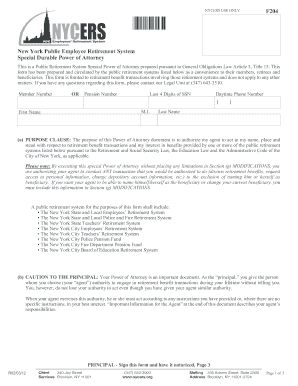
Nycers power of attorney 2012 form
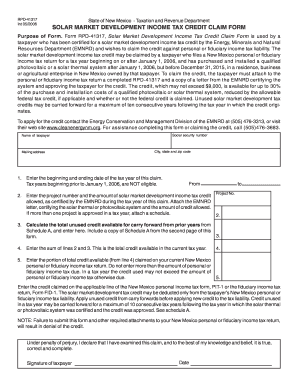
2006 new mexico income tax form
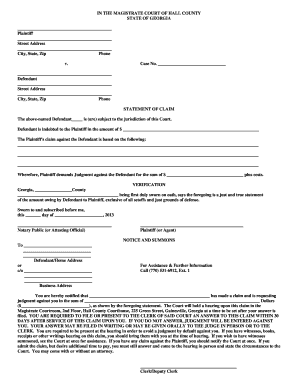
Magistrate court hall
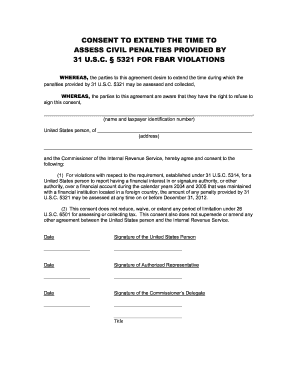
Extend time form
Transcript Requests - National Park Community College - npcc
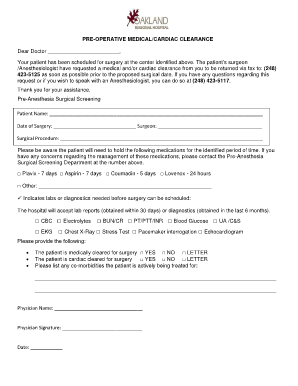
Pre-operative Medical/Cardiac Clearance - Oakland Regional Hospital
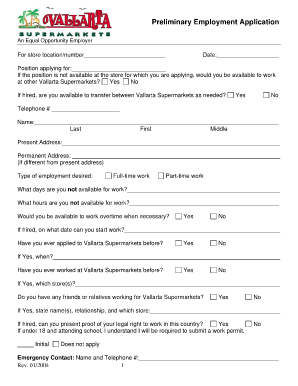
Shaw's application form
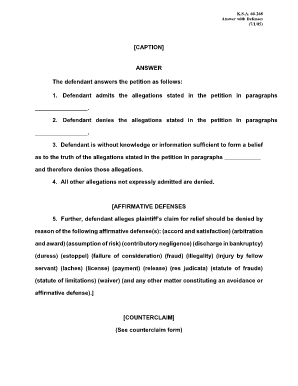
Kansas answer form

Texas dealer reassignment form pdf
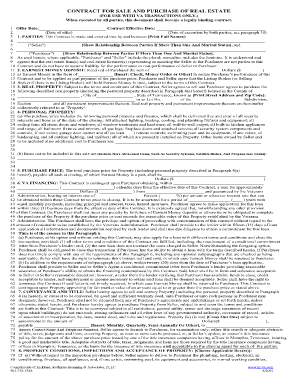
Purchase and Sale Agreement - The Realty Association

Student Fee Worksheet - Victor Valley College - vvc
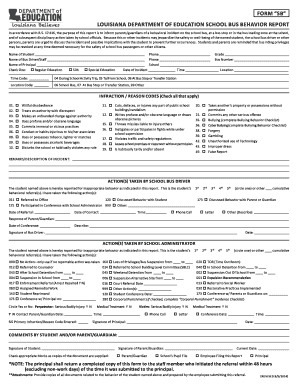
School bus incident report form

2013 form application
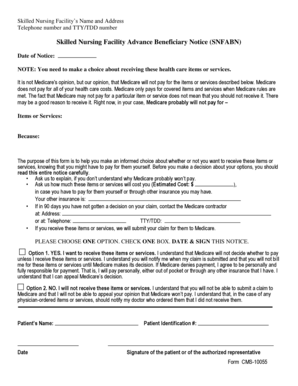
Cms 10055

Nyc 399z 2012 form
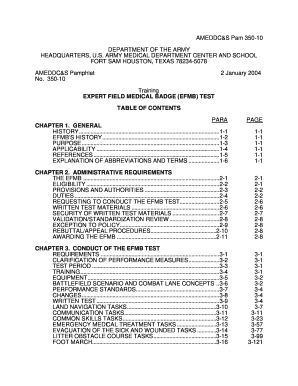
350 10
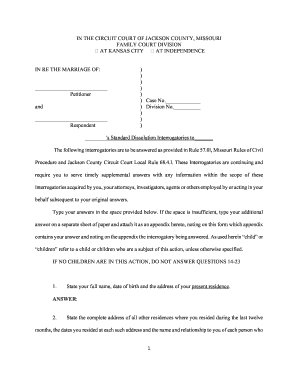
Interrogatories jackson county
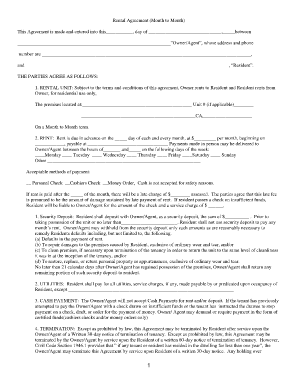
Rental Agreement ( Month to Month) - San Joaquin Fair Housing

Da form 5484

Sample of completed summons for middlesex superior court 2012 form
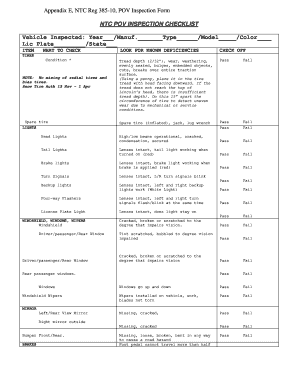
Army pov inspection
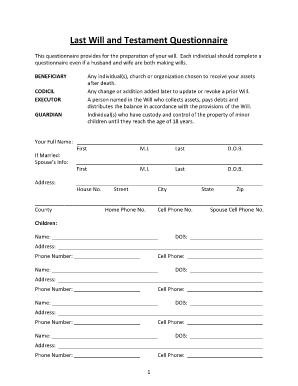
Blank last will and testament

State of illinois food service sanitation form
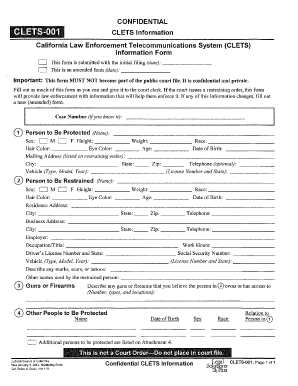
Clets 001 attachment 4
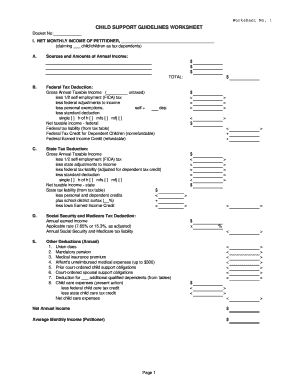
CHILD SUPPORT GUIDELINES WORKSHEET - Forms
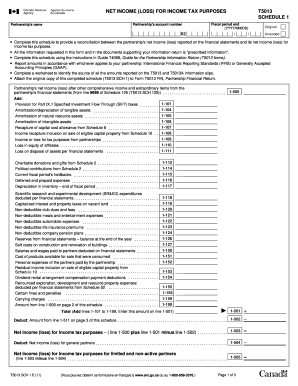
T5013 slip fillable

Contract Release and Earnest Money Disposition Request Form

Cg 5447
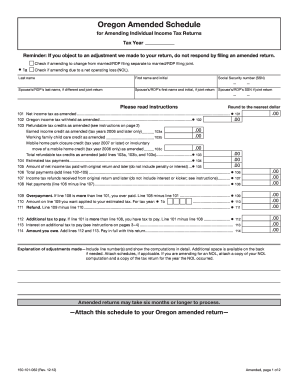
Oregon amended schedule 2012 form
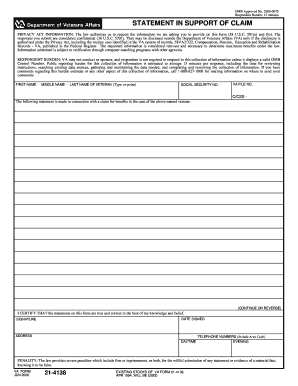
Anlin naus 2000 form
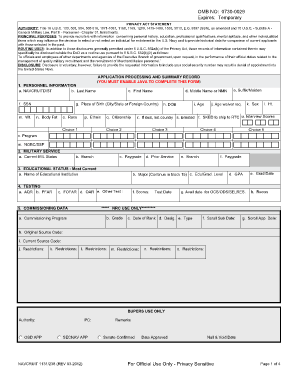
Navy motivational statement
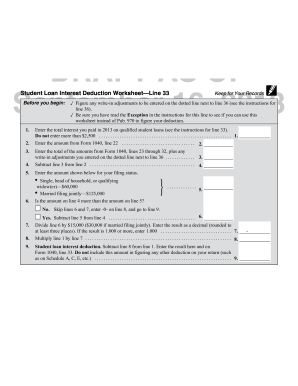
Tax and interest deduction worksheet
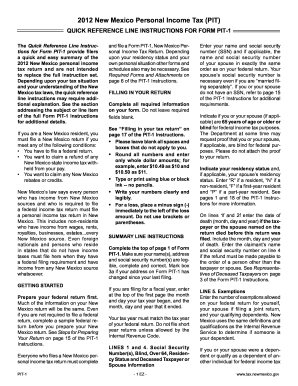
Pit 1 fillable 2012 form
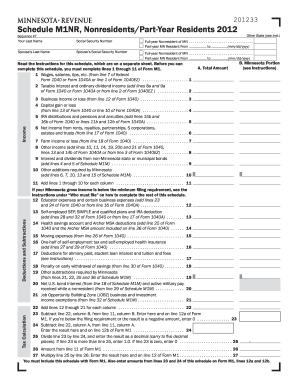
2012 m1nr form
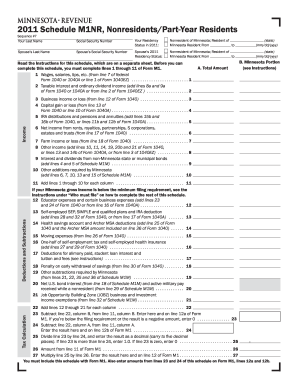
M1nr 2011 form

Refrigerationmedication template form

THE MED-MINDER WEEKLY MEDICATION SCHEDULE

Biweekly Payroll Time Sheet (revised 12/2006) - Auburn University - system tstc

Ftb 4803 2012 form
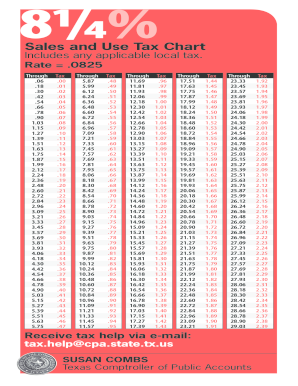
Sales tax rate sheet texas 2007 form
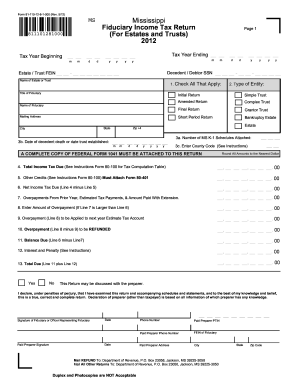
Fiduciary income tax return - Mississippi Department of Revenue
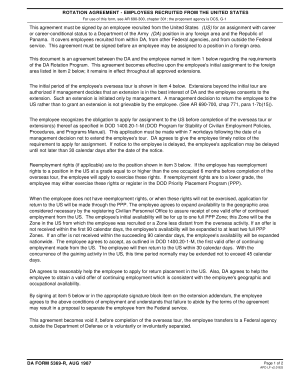
Da form 5369 r
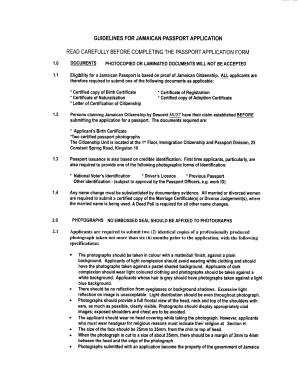
Jamaican Passport Application Form - Jamaican High Commission
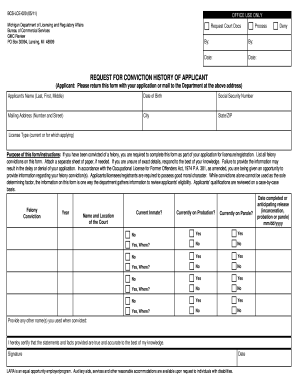
Conviction history form hsa
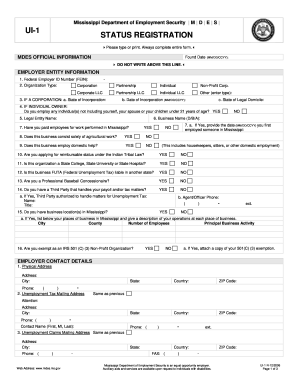
Ui1 form

Fire support execution matrix excel

U.S. Income Tax Return for an S Corporation - Internal Revenue ...

Proof of personal form ch 200 2012

Ds130 form

Blank purchase order
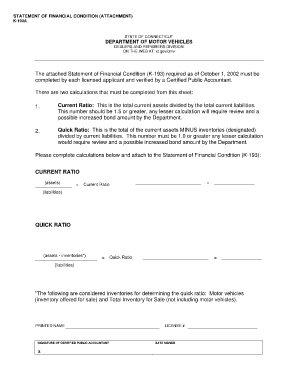
Ct statement condition
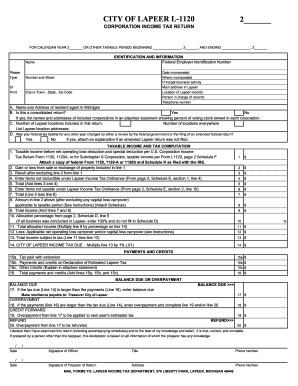
L 1120 corporation
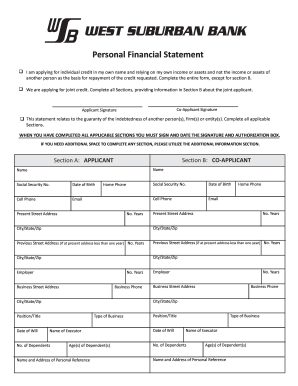
West bank personal financial statement
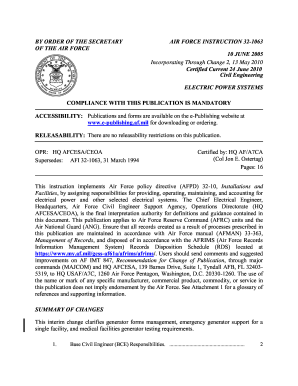
Afi 32 1063
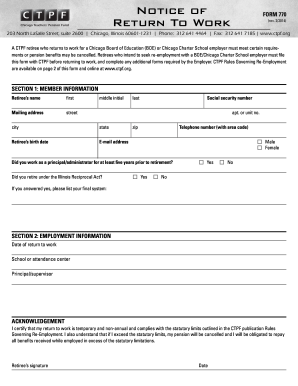
Ctpf forms 2014

State of louisina form da 5211
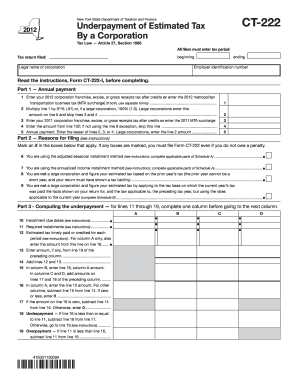
Ct 222 new york 2012 form
Benefit from the DocHub online library of fillable PDF forms
Searching the PDF forms doesn't have to be a tedious and time-consuming process. With the DocHub online library, it has become easier to find the fillable PDF forms and modify them in your browser. The service allows you to adjust the document to your needs using powerful editing tools.
You can use online document editing features to modify almost any type of document with ease. You just need to find the template of your choice, open it in the editor, and use the toolbar to make the necessary corrections.
Follow this guide to get your document done with DocHub:
- Find the PDF template you need.
- Click the Get Form button to open the file in the editor.
- Use the toolbar to fill out and edit the document.
- Easily add and highlight text, insert images, checkmarks, and symbols.
- Drop new fillable fields, and rearrange or delete pages from your file.
- Save changes and download your record.
DocHub empowers everyone to streamline document editing, signing, and distribution, and form completion. Create an account and benefit from our well-organized PDF Forms library and comprehensive editor.