
Get any PDF form from the DocHub library of ready-made templates - Page 1596
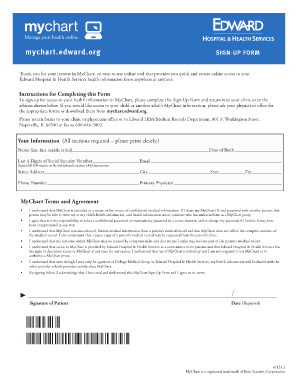
Mychart elmhurst edwards
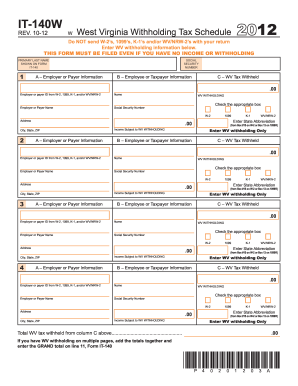
West virginia form it 140w 2012

Stae of california housing and community development power of attorney 2006 form
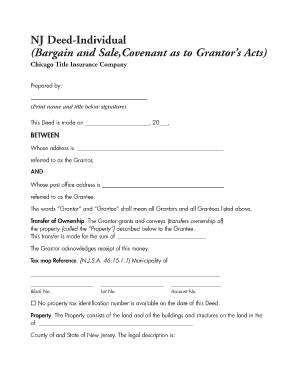
Bargain and sale deed

T776e

190 f 04 001
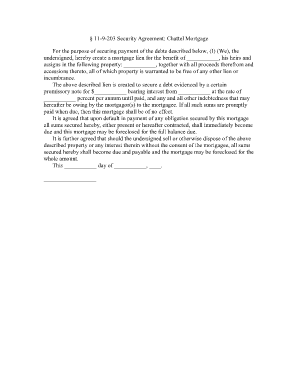
Chattel agreement form
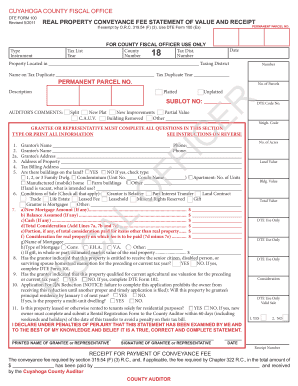
Cuyahoga county dte 100 2011 form
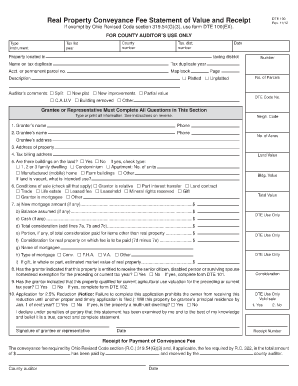
Stark county conveyance form

Larry goins forms

Nyc 579 gct
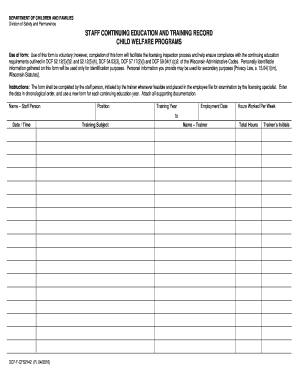
Wi continuing child

2011 540nr form

Ds1504 form

Kentucky form k1 2012
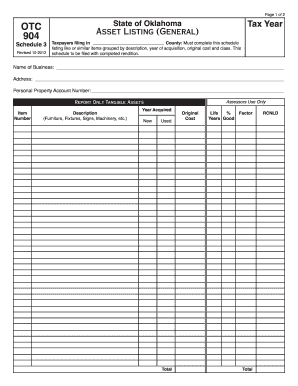
904 otc
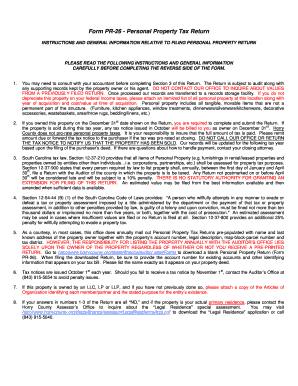
Horry county form pr 26 2013
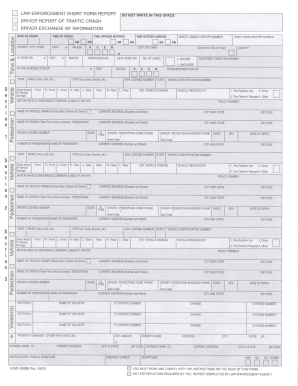
Hsmv 90006 form pdf
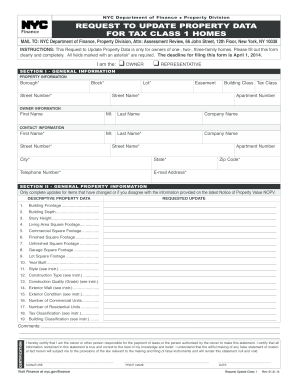
Request to Update Property Data for Tax Class - NYC.gov - nyc
Forensic Discrimination Potential of Blue, Black, Green, and Red...
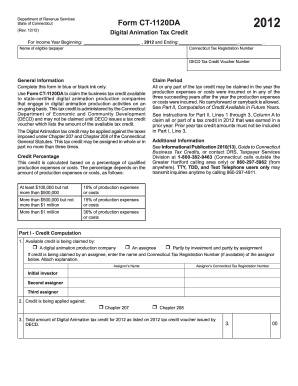
2012 ct 1120 da form

Iowa department of human services record check evaluation 2011 form

I325a pdf fillable form 2006
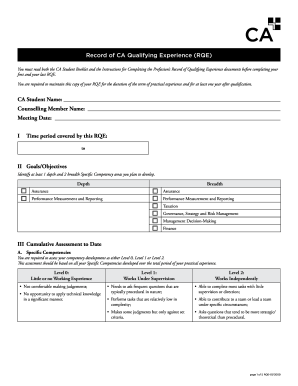
Rqe fillable 2009 form
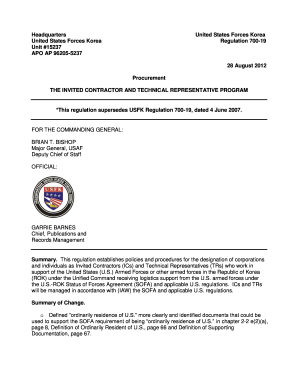
700 19
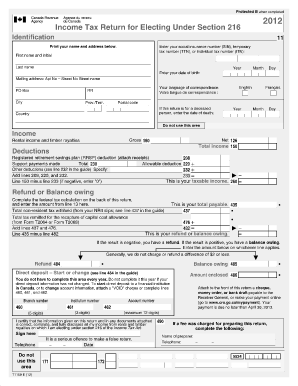
Blank roe form canada

Judgement for dissolution of marriage 2014 form
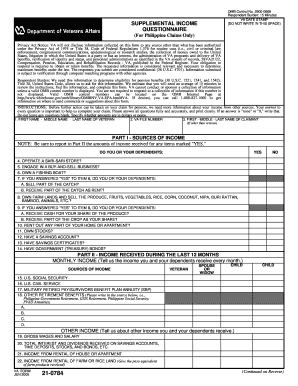
0784
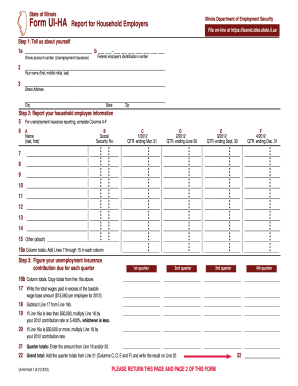
Ui ha 2021

St 100 att 2012 form

PSERS Retirement - State College Area School District
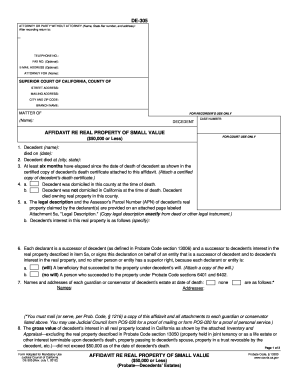
2012 california form affidavit small
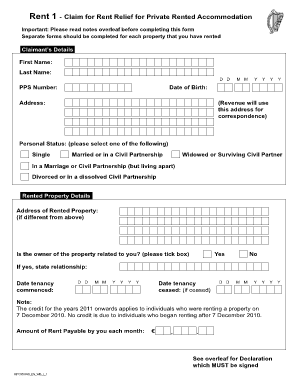
Rent relief application form
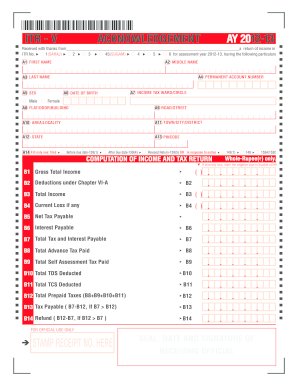
Writeable itr v form 2012

12vac 35 46
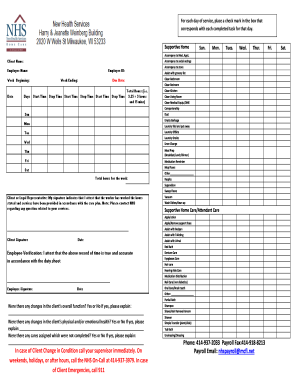
New Health Services Home Care Timesheet
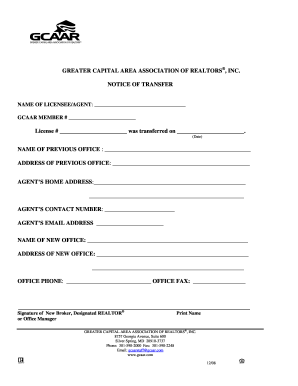
Financial information sheet 2005 the great capital area associatoin of realtors
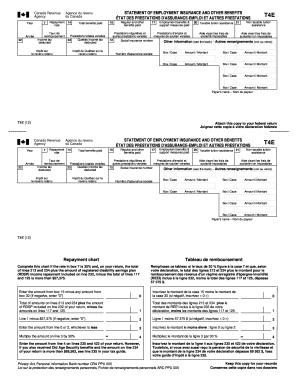
T4e slip sample
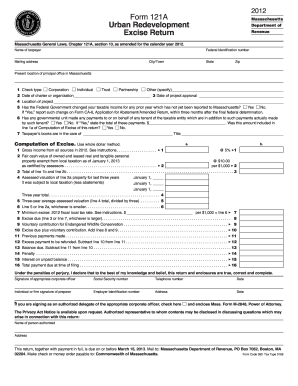
121a return 2012 form

Security elevation 26a form
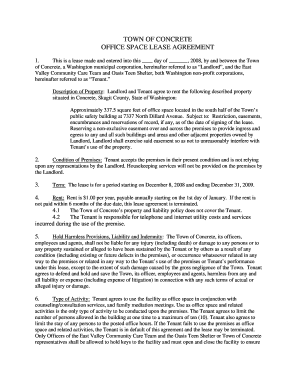
Office space rental contract template
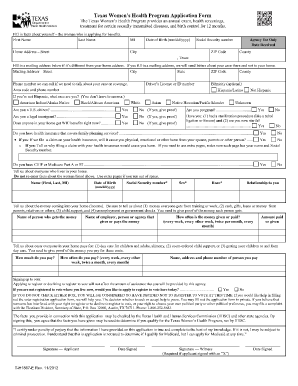
Printable florida medicaid application form
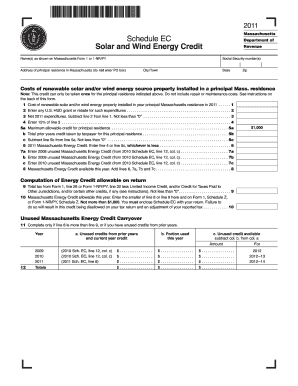
Massachusetts schedule ec 2011 form
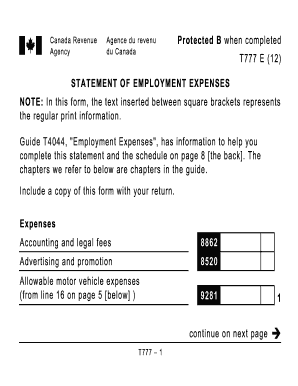
T777 form

Dme refund form
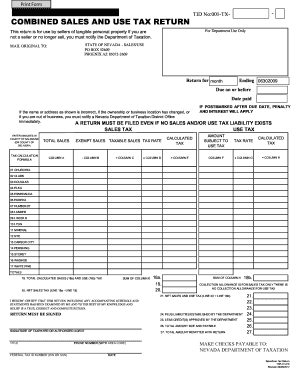
Nevada dept revenue
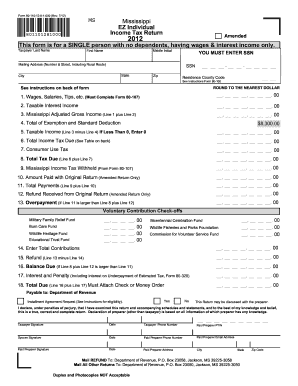
Ms state tax refund
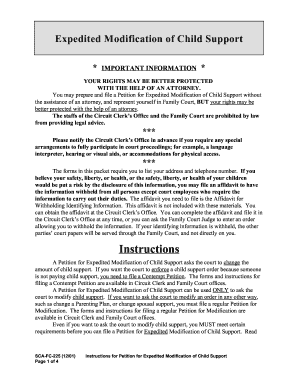
Kentucky child support modification forms
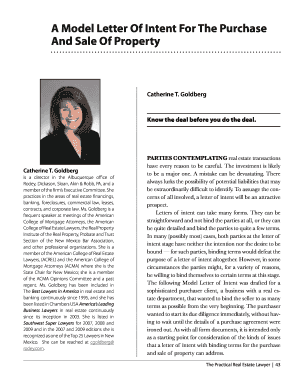
Letter intent property
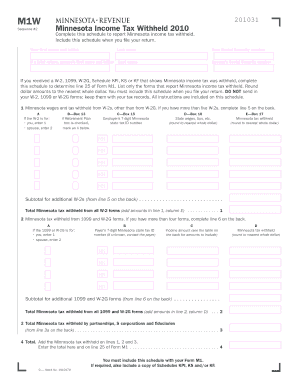
Mn revenue fill in form m 1w 2010
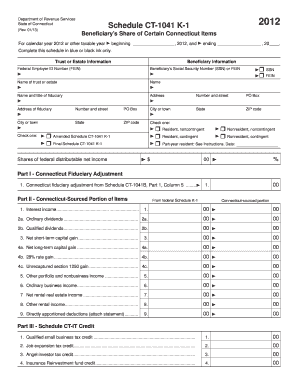
Form ct 1041 k 1t 2012
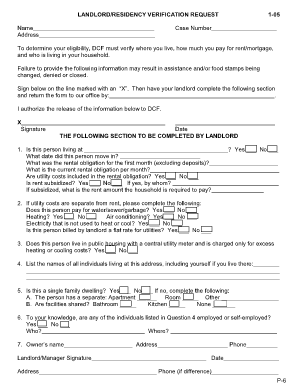
Form ldss 3668 pdf form
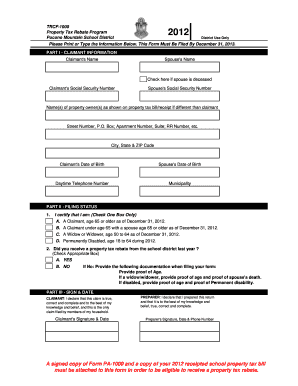
Trcf 1000 pocono mountain school district
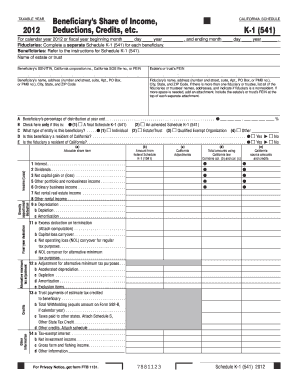
Sched k1 541 beneficiary instructions 2012 form

Treatment report
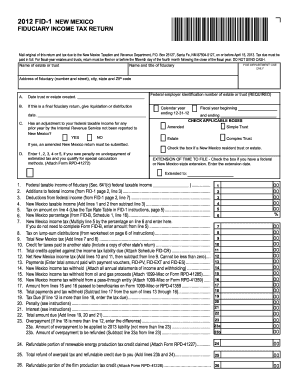
2012 new mexico fid 1 form
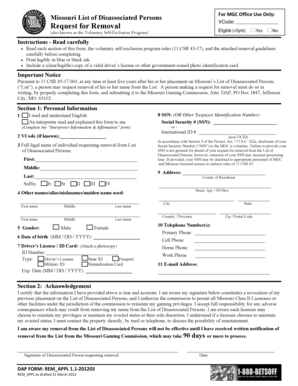
Mgc self exclusion removal form
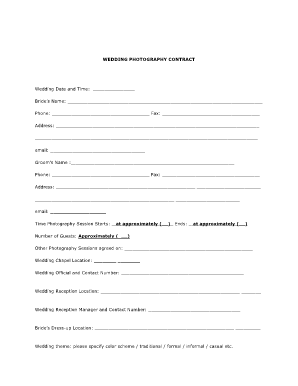
Wedding information form doc

Da form 3575
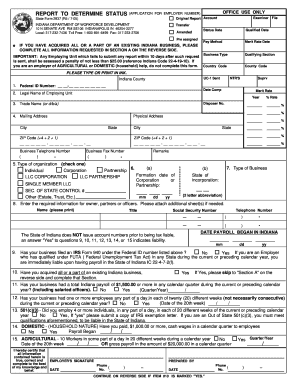
State form 2837 2005
Kentucky tax form 740 p how to fill out 2012
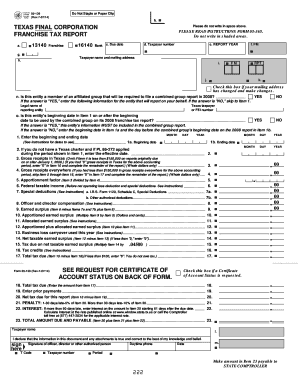
05-139 Final Corporation Franchise Tax Report - Texas Comptroller ... - window state tx

Itemization of amount financed sample
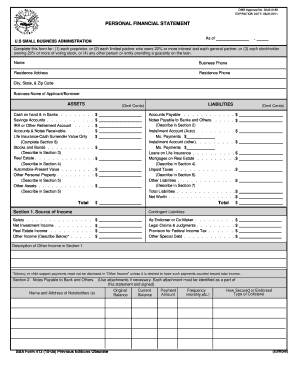
Omb personal financial statement instructions form

City of pittsburgh et 1 2013 form
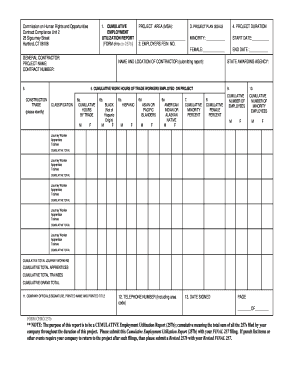
Cc 257b

Tc159
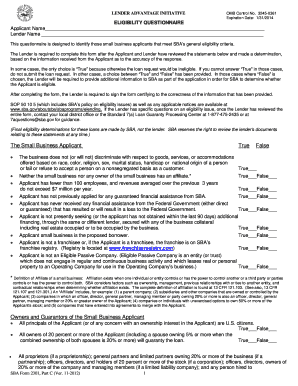
Sba loan necessity questionnaires
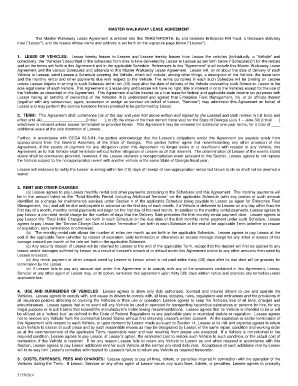
Commercial vehicle lease agreement pdf

Form 355-7004 Corporate Extension Worksheet - Mass.Gov
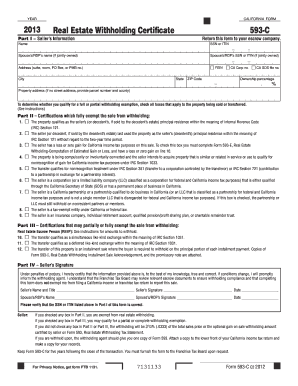
2013 Form 593-C -- Real Estate Withholding Certificate - ftb.ca.gov
California tariff

Canada revenue agency formsrc59 2008
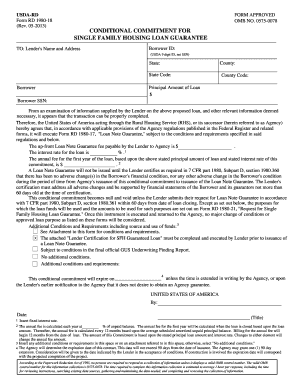
1980 18 usda form

Cslb lien release
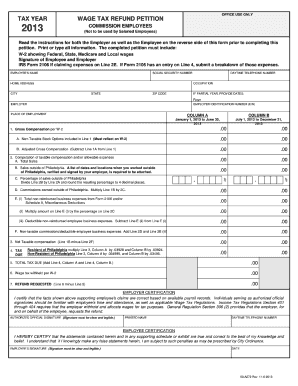
2013 wage tax form
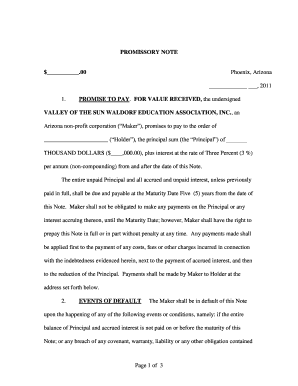
Promissory note secured by recreational vehicle

T1 ovp instructions
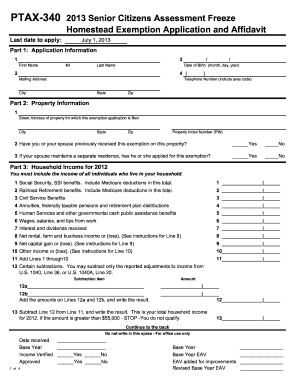
Ptax 340 2013 form

Similar right triangles worksheet answer key

Hud 9902 2006 form

Training schedule sample for managers 2011 form
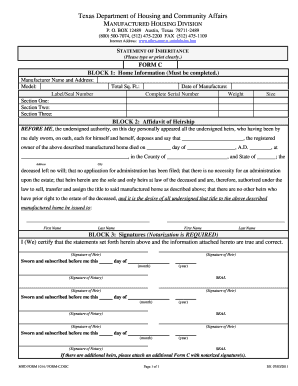
Statement of inheritance
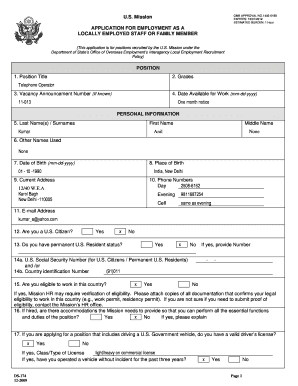
Example of a form filled
New jersey marital settlement agreement notary form
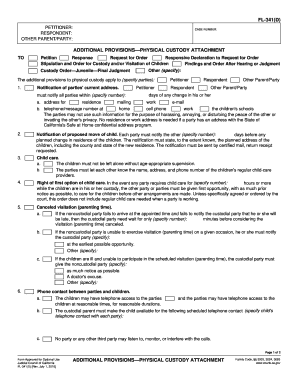
Alabama dhcd 2005 form
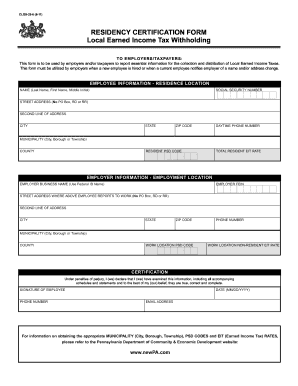
Form residency certification 2011
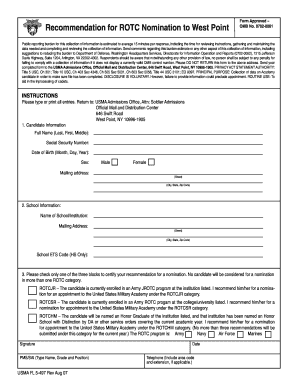
Nominations forms forms for usma
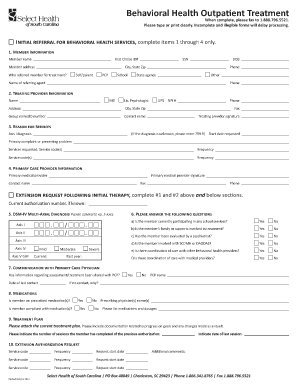
Outpatient therapy report form

Funeral wishes
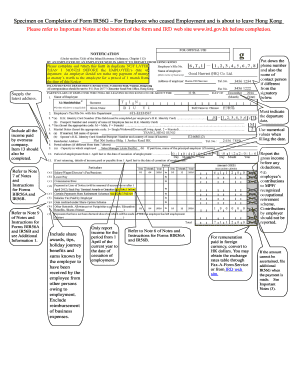
Ir56g
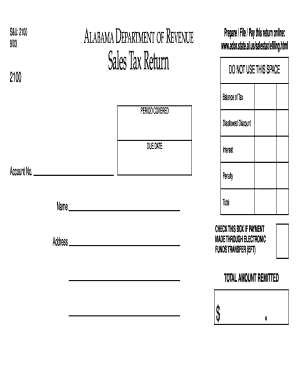
Alabama sales tax return 2003 form
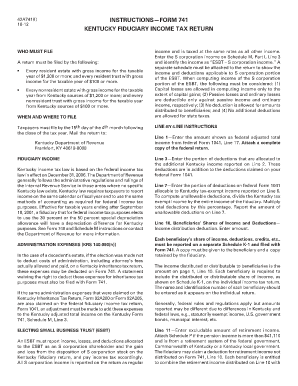
Jag form 741
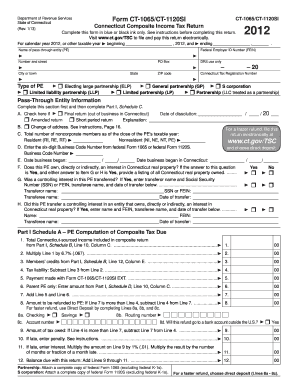
Ct 1065 2012 form

Workers comp waiver arkansas

Rhode island motion

Name change fairfax form

State of illinois power of attorney for health care fillable form

Addendum m 30 day notice
2012 ftb 540 form
Benefit from the DocHub online library of fillable PDF forms
Searching the PDF forms doesn't have to be a tedious and time-consuming process. With the DocHub online library, it has become easier to find the fillable PDF forms and modify them in your browser. The service allows you to adjust the document to your needs using powerful editing tools.
You can use online document editing features to modify almost any type of document with ease. You just need to find the template of your choice, open it in the editor, and use the toolbar to make the necessary corrections.
Follow this guide to get your document done with DocHub:
- Find the PDF template you need.
- Click the Get Form button to open the file in the editor.
- Use the toolbar to fill out and edit the document.
- Easily add and highlight text, insert images, checkmarks, and symbols.
- Drop new fillable fields, and rearrange or delete pages from your file.
- Save changes and download your record.
DocHub empowers everyone to streamline document editing, signing, and distribution, and form completion. Create an account and benefit from our well-organized PDF Forms library and comprehensive editor.