Report observations events 2026

Get Form
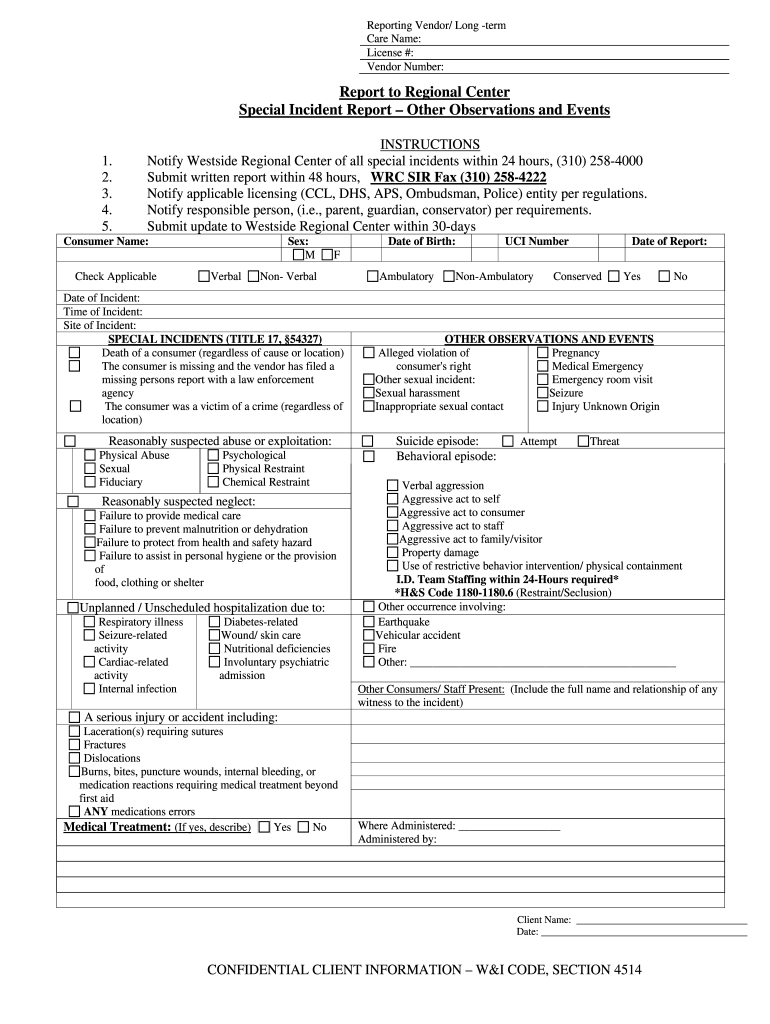
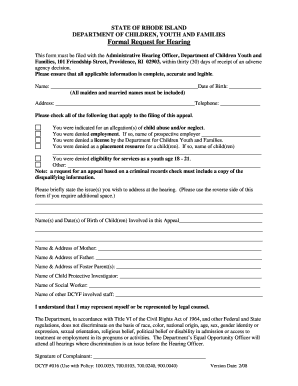
report observations events Preview on Page 1

Here's how it works

01. Edit your form online
Type text, add images, blackout confidential details, add comments, highlights and more.
02. Sign it in a few clicks
Draw your signature, type it, upload its image, or use your mobile device as a signature pad.
03. Share your form with others
Send it via email, link, or fax. You can also download it, export it or print it out.

How to use or fill out report observations events with our platform

Form edit decoration
9.5
Ease of Setup
DocHub User Ratings on G2
9.0
Ease of Use
DocHub User Ratings on G2
  1. Click ‘Get Form’ to open it in the editor.
  2. Begin by entering the Reporting Vendor and Long-term Care Name, along with the License # and Vendor Number at the top of the form.
  3. Fill in the Consumer Name and check the applicable boxes for Sex and Verbal/Non-Verbal status.
  4. Document the Date and Time of Incident, as well as the Site of Incident. Ensure all details are accurate.
  5. In the SPECIAL INCIDENTS section, select all relevant incidents that occurred. Be thorough in your selections to ensure compliance.
  6. Provide a detailed Description of Incident, including possible causes and actions taken by staff immediately after.
  7. Complete the Follow-Up Plan within 30-days section, detailing any preventive measures to avoid future occurrences.
  8. Finally, ensure that all required signatures are obtained before submitting your report through our platform.

Start using our platform today for free to streamline your reporting process!

be ready to get more

Complete this form in 5 minutes or less

Get form

Got questions?

We have answers to the most popular questions from our customers. If you can't find an answer to your question, please contact us.
Contact us
10 Steps to Creating a Successful Post Event Report Gather All of Your Event Data and Information. Write an Event Summary. Record Attendance and Registration. Review Feedback on Event Logistics. Share Sponsor and Exhibitor Insights. Include an Event Budget Breakdown. Summarize ROI. Include Helpful Statistics and Infographics.
Events in Classical Report in SAP ABAP: Initialization (INIT): This is the first step in a traditional report. At Selection-Screen (AT SELECTION-SCREEN): Start-of-Selection (START-OF-SELECTION): End-of-Selection (END-OF-SELECTION): Top-of-Page (TOP-OF-PAGE): End-of-Page (END-OF-PAGE):
Explain where and when the event happened If possible, include the number of people that attended the event Explain why the event was organised and what you hoped to achieve on the day. Main body (100 150 words): This section should focus on the outcomes of the event. What did you learn on the day?
Step-by-Step Guide to Writing a Post-Event Report Collect Comprehensive Data Immediately After the Event. Build a Strategic Framework for Your Report. Present a Concise Executive Summary. Assess the Events Effectiveness Against Objectives. Perform a Detailed Financial Analysis. Review Marketing Performance and OutdocHub.

Security and compliance

At DocHub, your data security is our priority. We follow HIPAA, SOC2, GDPR, and other standards, so you can work on your documents with confidence.

Learn more
ccpa2
pci-dss
gdpr-compliance
hipaa
soc-compliance
be ready to get more

Complete this form in 5 minutes or less

Get form