
Get any PDF form from the DocHub library of ready-made templates - Page 1580
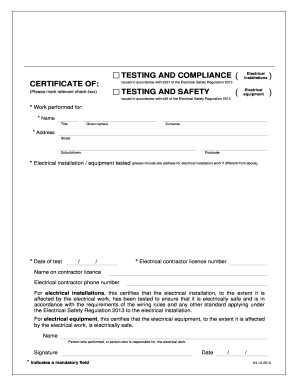
Certificate of testing and safety - justice qld gov
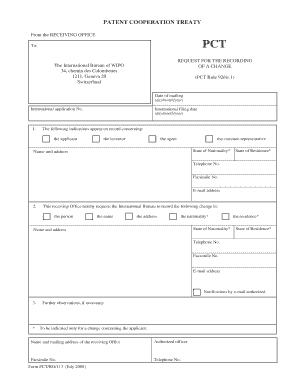
Request recording pct form
Vsra safety
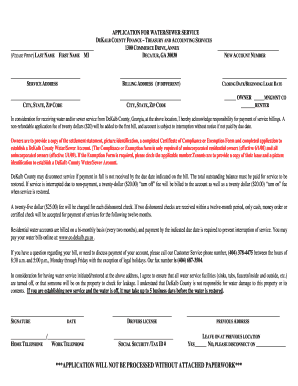
Application sewer dekalb
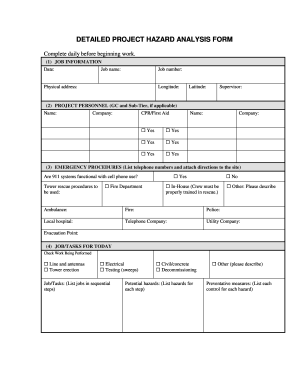
Job hazard analysis sheet

Outreach training program report general industry 2013 form
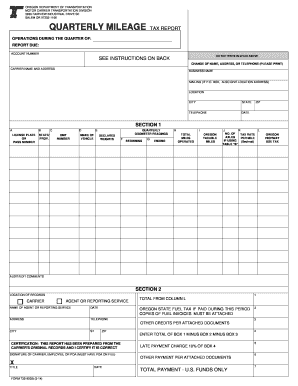
Oregon dmv forms735 9002

Wsib travel

Daily bi weekly record disinfecting

F tfsa tax sentry
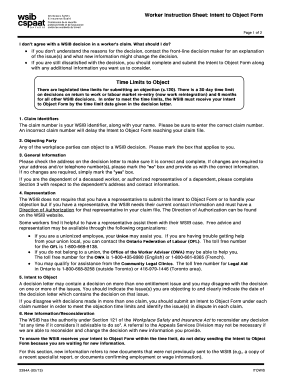
Wsib intent to object instruction sheet

Intent to object form wsib

SAMPLE CERTIFICATE OF INCORPORATION FORM ... - NYC.gov - nyc

One centre street 2002 form

NYC-4S Instr - NYC.gov

Nyc 204 ez instructions 2013 form

Instruction to Bidders-General Conditions 1991 Consolidate - nyc

Vr 203
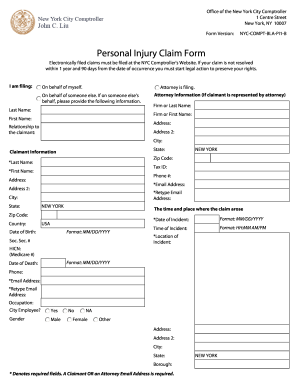
New york claim form
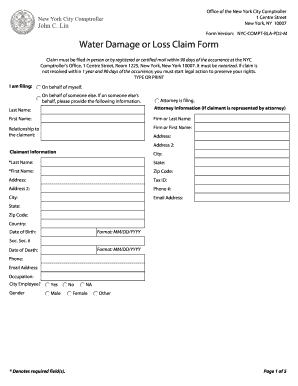
Nyc compt bla pd2 m

100 gold street section 8

Evr fid cover sheet
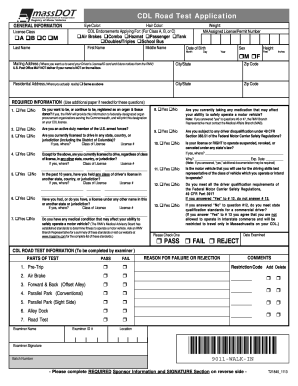
CDL Road Test Application - Registry of Motor Vehicles
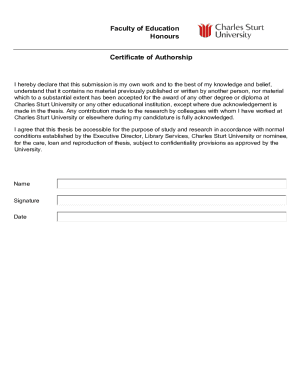
Certificate of authorship template
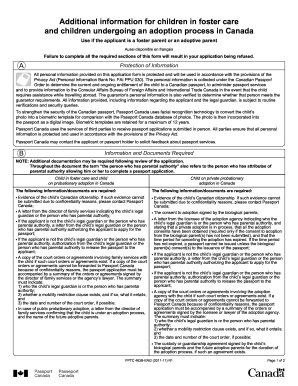
Pptc 463b
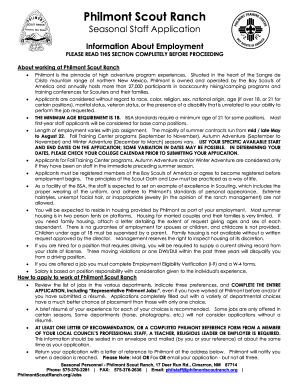
Philmont Staff Application - Boy Scouts of America - scouting
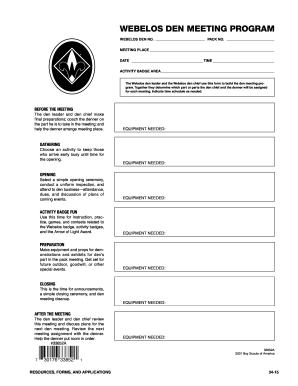
Webelos Den Meeting Program No 33852 - Boy Scouts of America - scouting

2014 boy scouts unit form

Data entry card for established party - Illinois State Board of Elections - elections il

Ny request scan form

Aama certification

Eor form
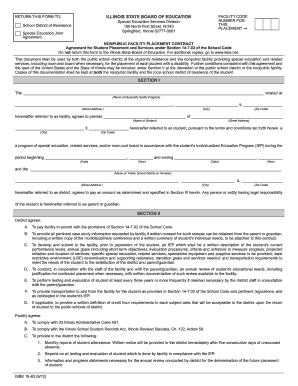
Nonpublic facility placement contract isbe 19 83

Annulment visa
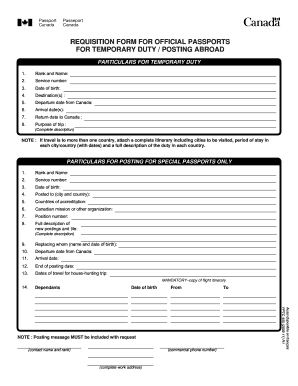
Paasport form
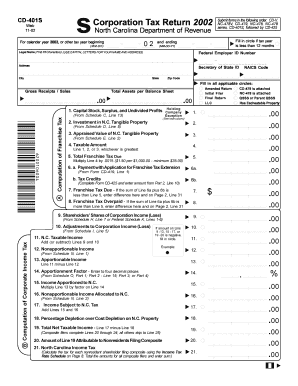
2002 NC DoR CD-401S
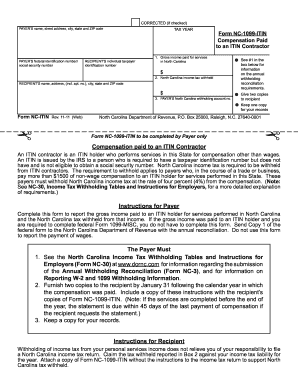
Form NC-1099-ITIN - NC Department of Revenue - dor state nc

Aadl assessment tool
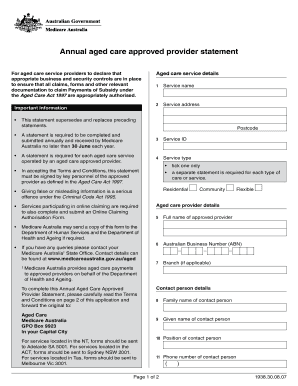
Annual Aged Care Approved Provider Statement. The Annual Aged Care Approved Provider Statement is a form for Aged Care service providers to declare that appropriate business and security controls are in place for submitting claims to - - - -

Conscientious objection form
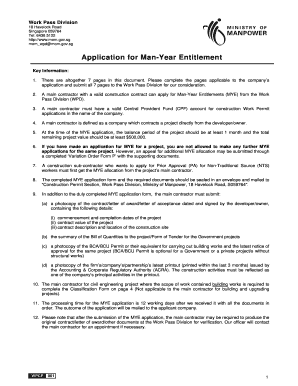
Mye application form

Dshs physical functional evaluation

Mv11 form

Mv 4st 2014 form

Mv351 2012 form
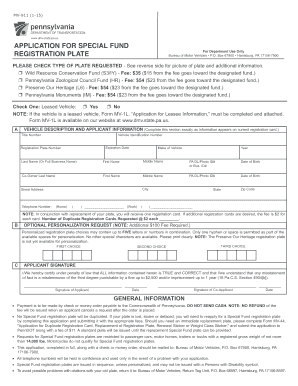
PennDOT Form MV-911 - dmv state pa
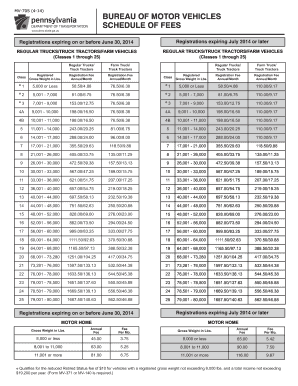
Mv70s
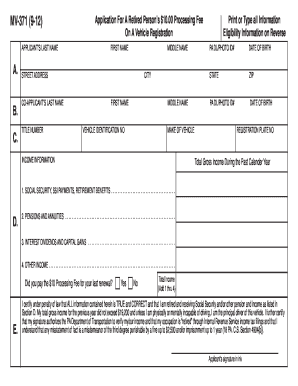
Pa motor vehicle mv 371 2012 form

Mv511b 2012 form
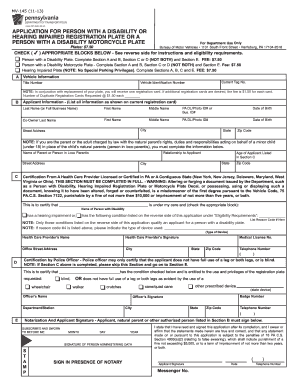
Mv145
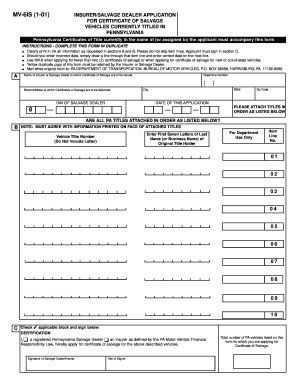
PennDOT - Insurer/Salvage Dealer Application for Certificate of ... - dmv state pa

Mobile home title

Penndot mv1 form

Casac t application

SOCIAL SECURITY ADMINISTRATION Office of Hearings and Appeals Form Approved OMB No - socialsecurity

Ssa statement of claimant
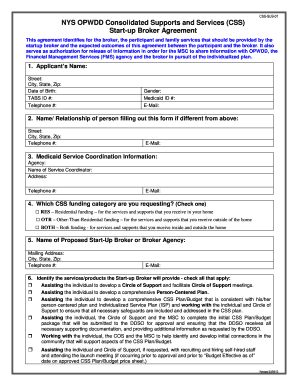
Opwdd self direction budget template
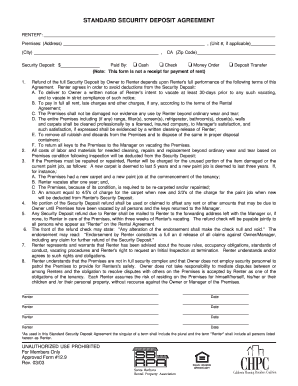
Standard security deposit agreement california
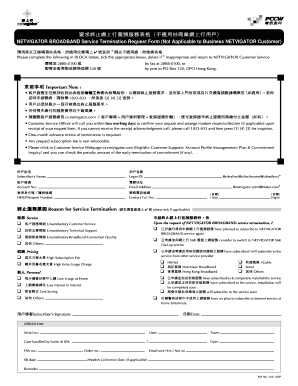
Netvigator termination form

Permission from parent to allow step parent involved in school
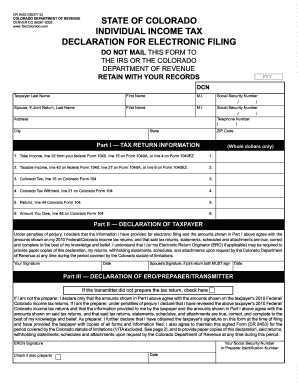
Dr 8453
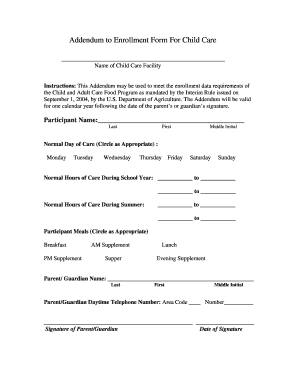
Addendum to Enrollment Form For Child Care - Van Buren County ...
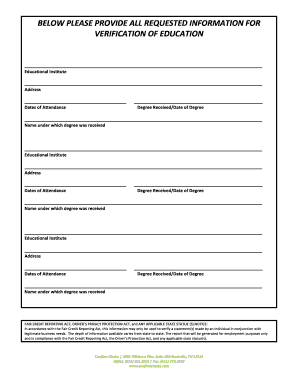
Education verification form

Gcic consent form

MOTION FOR WAIVER OF 90-DAY WAITING PERIOD IN THE ...
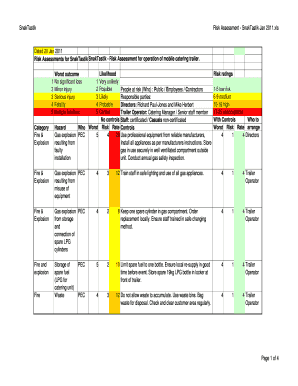
Mobile catering risk assessment example
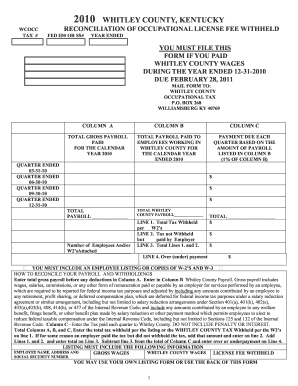
LAUREL COUNTY KENTUCKY NET PROFITS LICENSE FEE RETURN
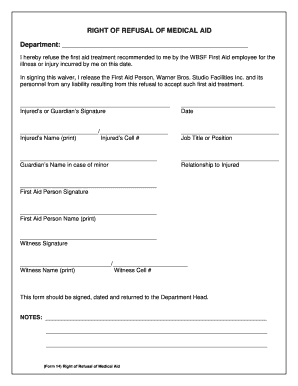
Aid medical form
Huntsville alabama police dept
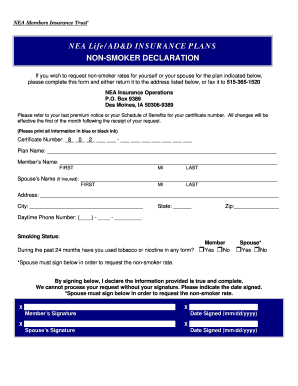
Nea insurance operations non smoker form
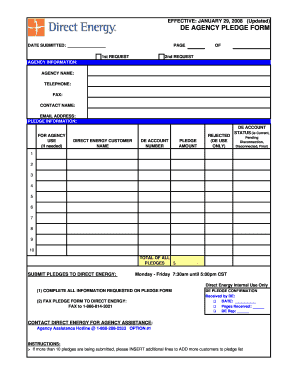
Direct energy bill sample
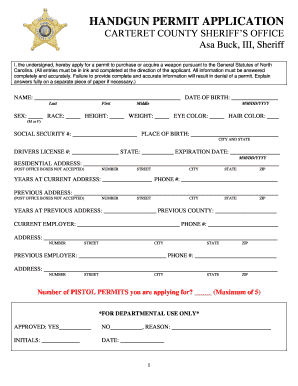
Carteret county pistol permit

F 6 verification form
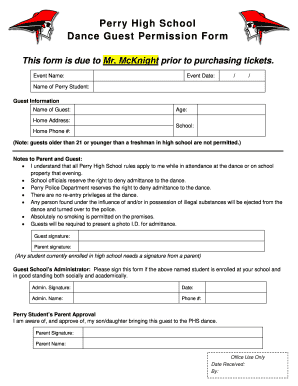
High school dance guest form
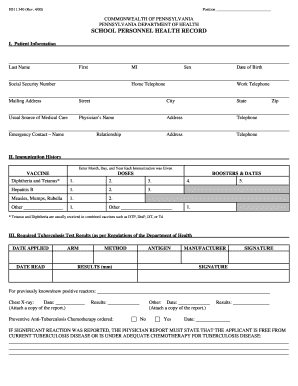
School personnel health record
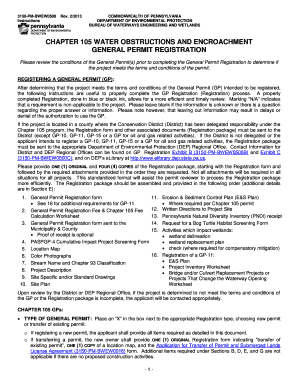
Form obstructions general online
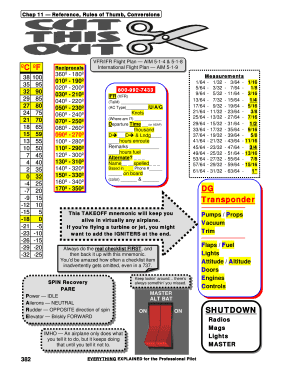
Everything explained for the professional pilot pdf download
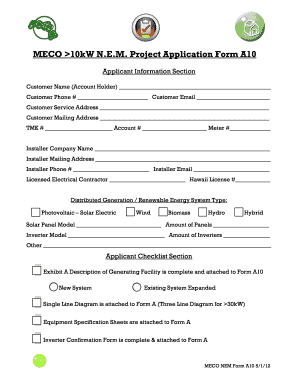
A10 form
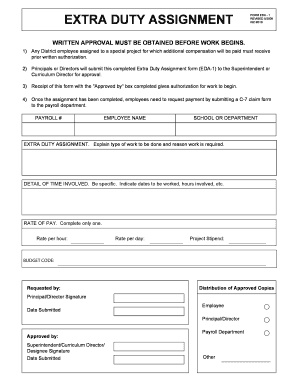
EXTRA DUTY ASSIGNMENT FORM EDA - 1 - rSchoolToday
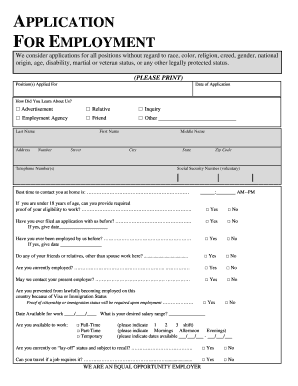
We consider applications for all positions without regard to race, color, religion, creed, gender, national
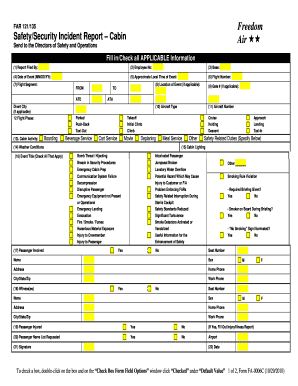
Safety/Security Incident Report Cabin - Freedom Air Guam
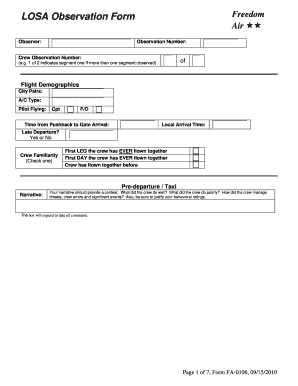
Safety observation form

Illinois health application
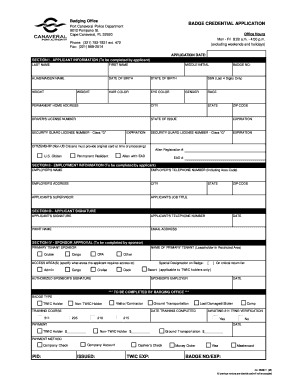
Cape canaveral air force station badging office form
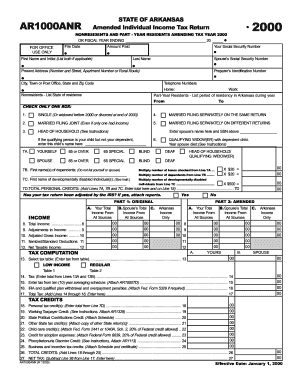
AR1000ANR
The Best Way To Install Ubuntu 18.04 with NVIDIA Drivers and any ...

Health Insurance Census Form
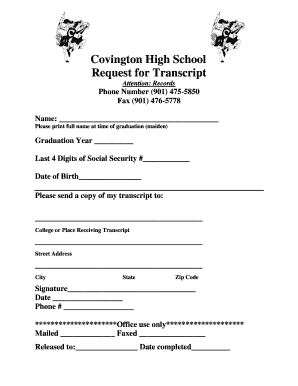
Transcript Request Form - Tipton County Schools, TN
Rdhlfymrj form
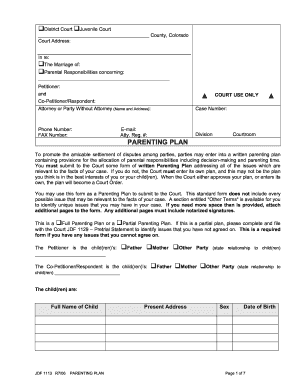
Jdf 1113
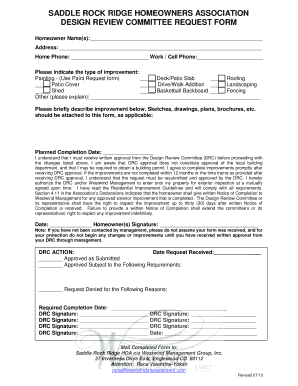
Design Review Committee Request Form - Westwind Clients
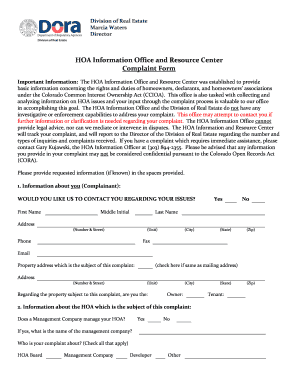
Colorado hoa complaint form

Fill product description sample

SLO Dental Practice Welcome - Website
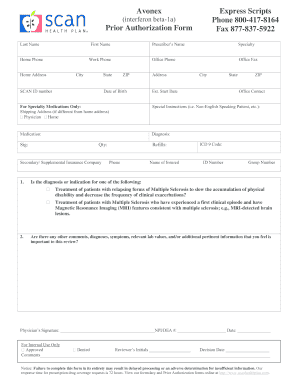
Express scripts and prior authorization form

New Distributor Credit Application - Lubrizol
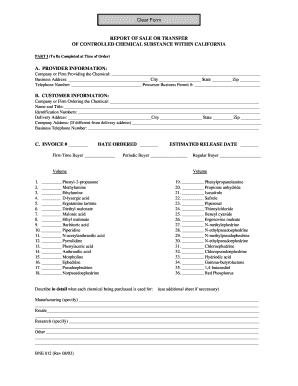
Bne 012
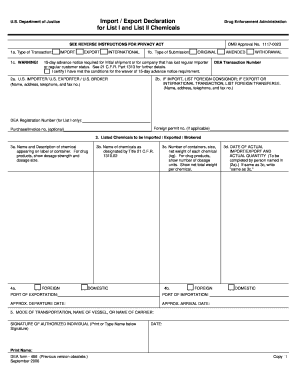
486 form 031808 2006

DocHub dumpster agreement
Cayman islands seaman's discharge book
Benefit from the DocHub online library of fillable PDF forms
Searching the PDF forms doesn't have to be a tedious and time-consuming process. With the DocHub online library, it has become easier to find the fillable PDF forms and modify them in your browser. The service allows you to adjust the document to your needs using powerful editing tools.
You can use online document editing features to modify almost any type of document with ease. You just need to find the template of your choice, open it in the editor, and use the toolbar to make the necessary corrections.
Follow this guide to get your document done with DocHub:
- Find the PDF template you need.
- Click the Get Form button to open the file in the editor.
- Use the toolbar to fill out and edit the document.
- Easily add and highlight text, insert images, checkmarks, and symbols.
- Drop new fillable fields, and rearrange or delete pages from your file.
- Save changes and download your record.
DocHub empowers everyone to streamline document editing, signing, and distribution, and form completion. Create an account and benefit from our well-organized PDF Forms library and comprehensive editor.