




01. Edit your mv 1 form pa online
Type text, add images, blackout confidential details, add comments, highlights and more.

Type text, add images, blackout confidential details, add comments, highlights and more.

Draw your signature, type it, upload its image, or use your mobile device as a signature pad.

Send mv1 form pa via email, link, or fax. You can also download it, export it or print it out.

Start filling out your penndot MV-1 form online for free today!
We've got more versions of the mv 1 form pa form. Select the right mv 1 form pa version from the list and start editing it straight away!
At DocHub, your data security is our priority. We follow HIPAA, SOC2, GDPR, and other standards, so you can work on your documents with confidence.
Daily Rental Vehicle - Complete Sections A, B and E. Leased Vehicle - Check the appropriate box below and complete sections indicated:.Read more
This form is used in conjunction with Forms MV-1, MV-4ST, MV-217A and an online processing Applicant Summary Statement. For Department Use Only. Bureau ofRead more
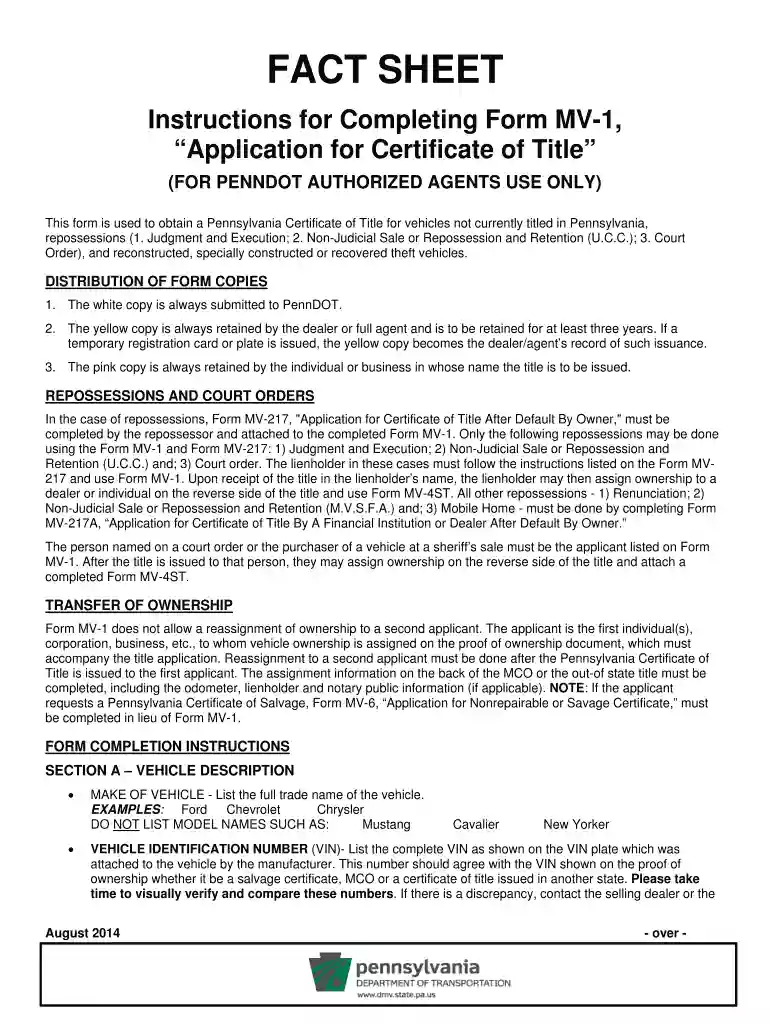
❖ The white copy is always submitted to PennDOT. ❖ The yellow copy is always retained by the dealer or full agent and is to be retained for at least three yearsRead more


