




01. Edit your form online
Type text, add images, blackout confidential details, add comments, highlights and more.

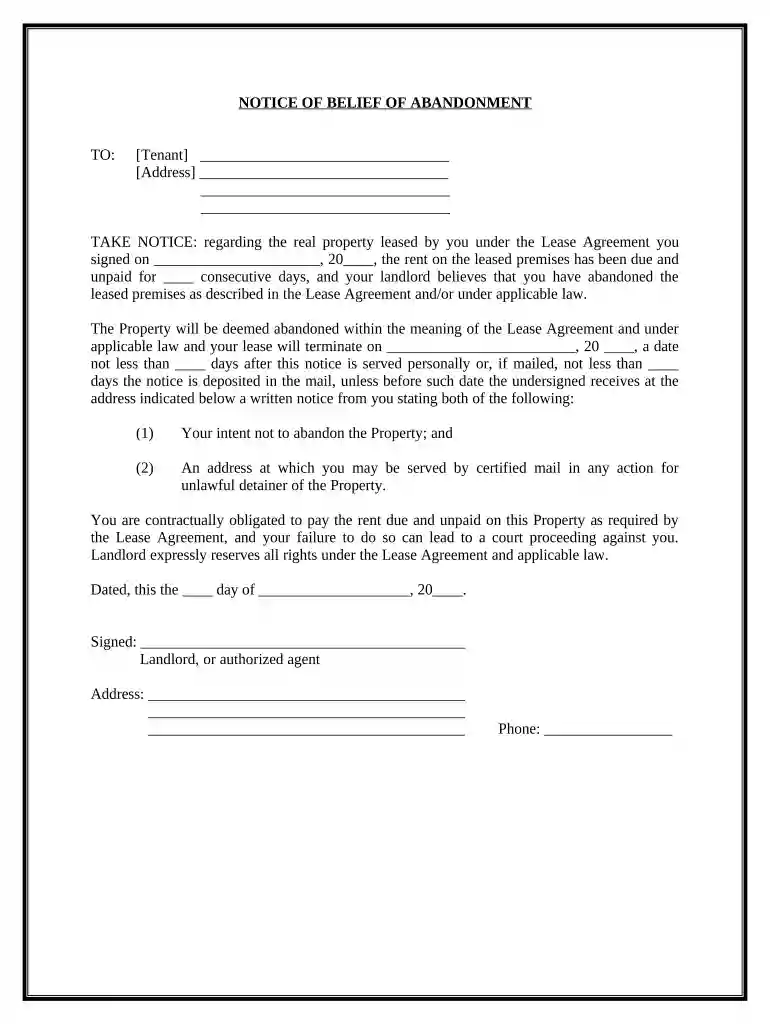
Type text, add images, blackout confidential details, add comments, highlights and more.

Draw your signature, type it, upload its image, or use your mobile device as a signature pad.

Send it via email, link, or fax. You can also download it, export it or print it out.

Start using our platform today to streamline your document editing and ensure a smooth process!
At DocHub, your data security is our priority. We follow HIPAA, SOC2, GDPR, and other standards, so you can work on your documents with confidence.




During any absence of the tenant in excess of seven days, the landlord may enter the dwelling unit at times reasonably necessary to protect his possessions andRead more
by G Sherr 1988 Cited by 3 New Approach to Adjudicating Tenants Abandonment of Premises. Authors. Geraldene Sherr, Benjamin N. Cardozo School of Law. Keywords. Property--Personal andRead more


