




Here's how it works



How to use or fill out education trust with our platform

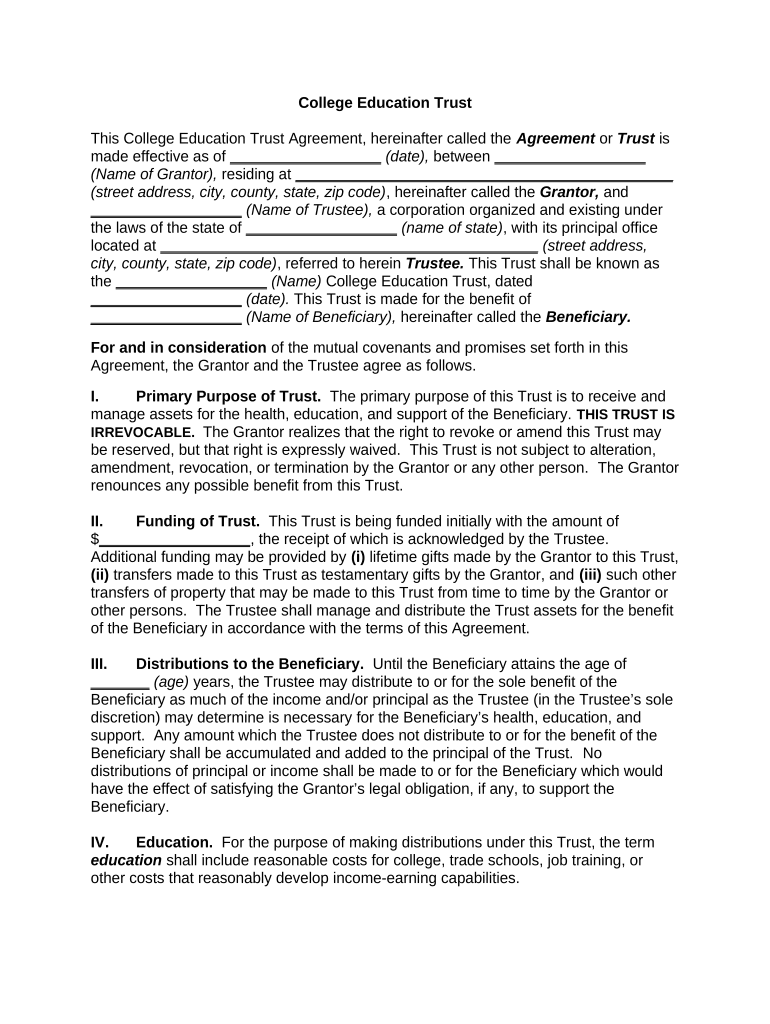
- Click ‘Get Form’ to open the College Education Trust Agreement in the editor.
- Begin by entering the effective date of the agreement in the designated field.
- Fill in the name and address of the Grantor, ensuring all details are accurate.
- Next, input the name of the Trustee and their corporate details as required.
- Specify the name of the College Education Trust and its date for clarity.
- Identify the Beneficiary by entering their name in the appropriate section.
- In Section I, outline the primary purpose of the trust, emphasizing that it is irrevocable.
- For funding details, enter initial funding amounts and any additional funding sources as outlined in Section II.
- Complete Sections III through X by detailing distribution terms, trustee powers, and limitations as applicable.
- Finally, ensure all signatures are completed at the end of the document before saving or sharing your trust agreement.
Start using our platform today to easily create and manage your College Education Trust for free!
It's free
Got questions?
Can I complete and sign my education trust online?
Sure, and it’s really easy! DocHub is an online PDF editor with advanced document management features that allow you promptly modify your forms, fill out empty fields and add new ones for other people to fill out, and create electronic signatures in several ways. Upload your education trust, provide information as requested, and select how you want to eSign your template - by typing your name, drawing your signature, uploading its picture, or using a QR code.
How do you edit education trust in Chrome?
If you use Chrome, there are two simple methods to edit your education trust online. First, go to the DocHub website, add your file, and edit it using our toolbar. You may also set up our Chrome extension and edit any document by dragging and dropping it in your browser tab.
Security and compliance
At DocHub, your data security is our priority. We follow HIPAA, SOC2, GDPR, and other standards, so you can work on your documents with confidence.
Learn more




