




01. Edit your form online
Type text, add images, blackout confidential details, add comments, highlights and more.

Type text, add images, blackout confidential details, add comments, highlights and more.

Draw your signature, type it, upload its image, or use your mobile device as a signature pad.

Send it via email, link, or fax. You can also download it, export it or print it out.

Start using our platform today to easily complete and manage your record release forms online for free!
At DocHub, your data security is our priority. We follow HIPAA, SOC2, GDPR, and other standards, so you can work on your documents with confidence.

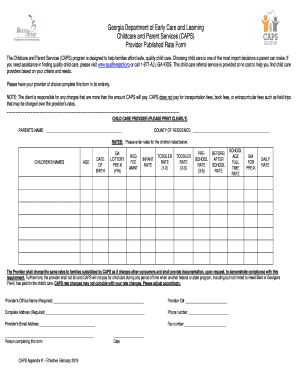
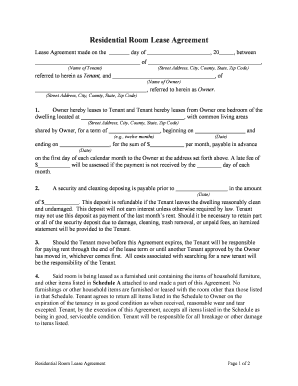
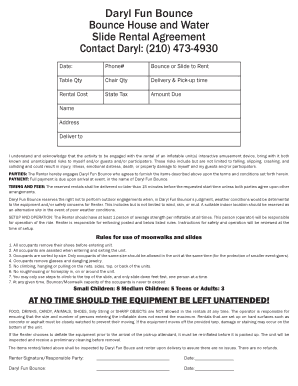

To request a record, you must submit a completed Request for Release of Information / Authorization HIPAA Form 3 DBH Privacy Officer.Read more
Introduction, Timing, Duty to segregate and release non-exempt information, Marking of withheld portions of records, Non-responsiveness not a proper basis.Read more
Use these forms to grant permission for others to access your protected health information or request a change to your health record.Read more


